Free trial
A 14-day free trial is offered on every plan, including Viz Pro and Viz Ultra. The trial starts from the Viz product site.
Learn moreDashboards built on the semantic layer you already govern

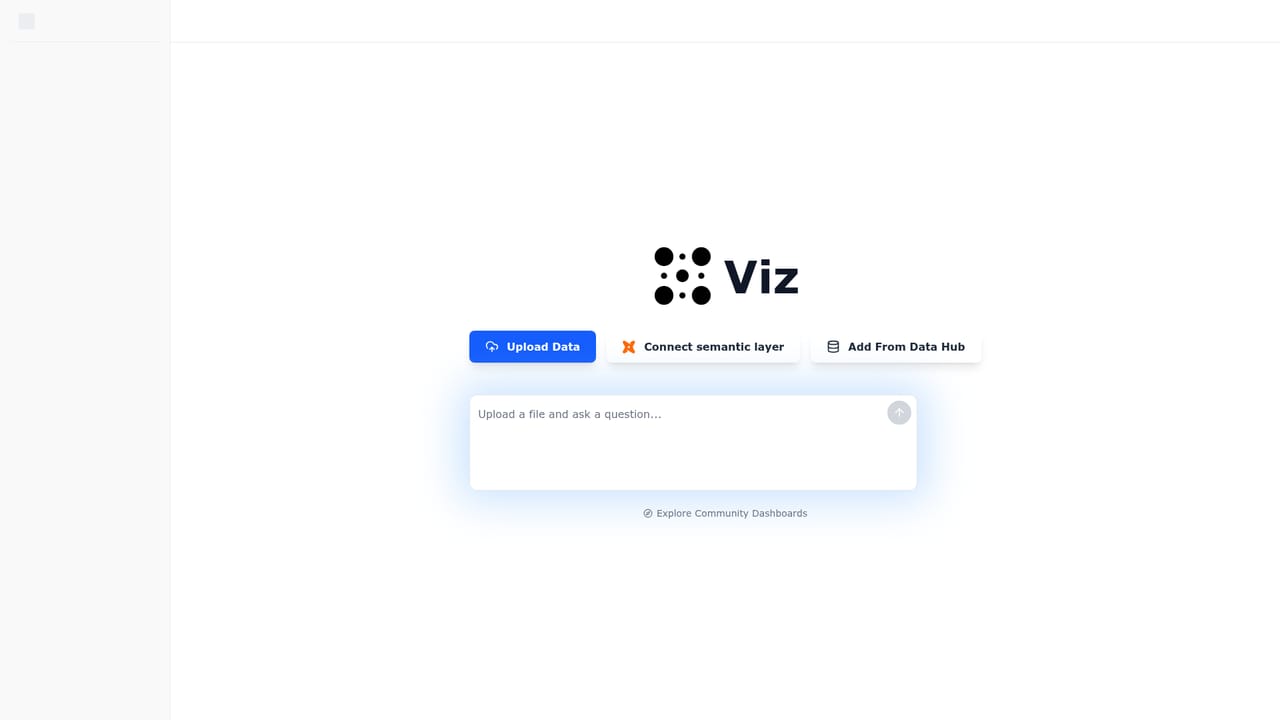
Exmergo Viz turns a governed dbt Semantic Layer into self-serve dashboards. Users ask questions in plain English, Viz resolves them against certified metrics and verified join paths, and every chart traces back to its definition and warehouse source.
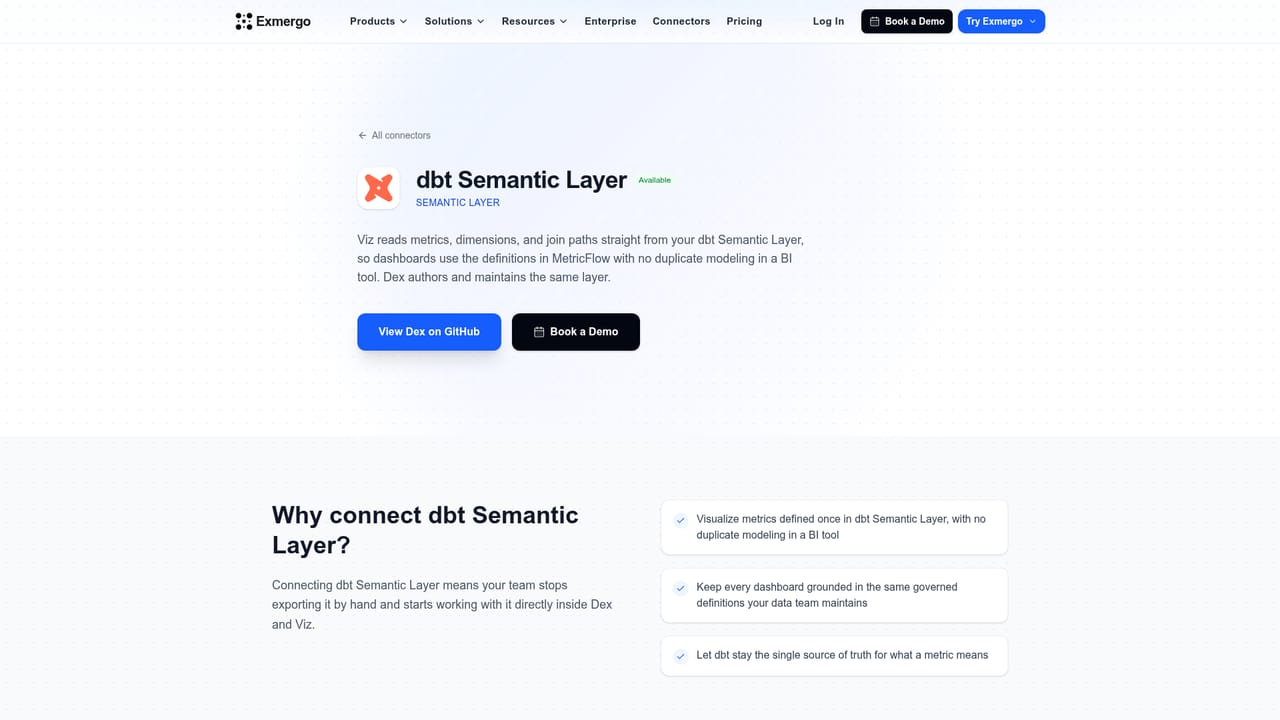
Exmergo Viz is a business intelligence front end for teams that already maintain a dbt Semantic Layer. Instead of redefining metrics inside a BI tool, Viz points at the layer the data team governs and inherits its metrics, dimensions, and verified join paths along with their real definitions. The result is a dashboard builder where the numbers match what the rest of the stack reports, because nothing is recalculated on the way in. For organizations still without a semantic layer, file uploads are supported as a starting point. The interface is conversational rather than drag and drop. A user types a question in plain English, and Viz resolves it against named metrics in the layer instead of guessing at joins. Each answer states which metric it used and which path it took to get there, so a business user can see that revenue means net_revenue and that it was joined to dim_region on a verified route. Charts are generated dynamically from the result, and follow-up questions can split the same metric by another dimension. Interactive dashboards come together in minutes, and lineage runs from the warehouse table through the definition to the chart. Governance is the core selling point, and it extends beyond definitions. On Exmergo Enterprise, role-based access control and workspace permissions decide who can query what, PII policy is enforced on every query, and audit trails record each step from prompt to chart. Permission-aware context means the layer, not the language model, decides what data is visible. Data sources listed for the broader platform include Snowflake, Databricks, BigQuery, Redshift, ClickHouse, PostgreSQL, DuckDB, and Exmergo Dex. Viz fits teams that have invested in dbt metrics and want self-serve reporting without a second modeling effort in a conventional BI tool. It is less suited to companies with no semantic layer and no plans to build one, where a traditional BI product will do more work out of the box. The audience is analysts who own definitions plus the business users who consume them.
A 14-day free trial is offered on every plan, including Viz Pro and Viz Ultra. The trial starts from the Viz product site.
Learn moreViz Pro and Viz Ultra are paid plans, and the homepage states that a 14-day free trial applies to every plan. Specific prices are not published on the page. Governance features such as audit trails and PII policy are associated with Exmergo Enterprise.
Learn moreThe primary integration is the dbt Semantic Layer for governed metrics. The broader Exmergo platform lists Snowflake, Databricks, BigQuery, Redshift, ClickHouse, PostgreSQL, DuckDB, and Exmergo Dex as data sources.
Learn morePlain English querying resolves against governed metrics instead of guessing joins. Every answer names the metric used and the path taken. Interactive dashboards can be built in minutes, with lineage from warehouse to definition to chart. Governance covers role-based access control, workspace permissions, PII policy enforcement, and audit trails from prompt to chart on Exmergo Enterprise. File uploads are supported for teams without a semantic layer.
 AI Angels400+ customizable AI girlfriends for NSFW chat, voice calls, and roleplay
 Candy AIExperience the future of companionship with AI friends who chat, role-play, and connect with you on a human level.
 ourdream.aiA vast AI roleplay platform with millions of characters for chat, images, video and voiceAI Angels400+ customizable AI girlfriends for NSFW chat, voice calls, and roleplayCandy AIExperience the future of companionship with AI friends who chat, role-play, and connect with you on a human level.ourdream.aiA vast AI roleplay platform with millions of characters for chat, images, video and voice


