Free trial
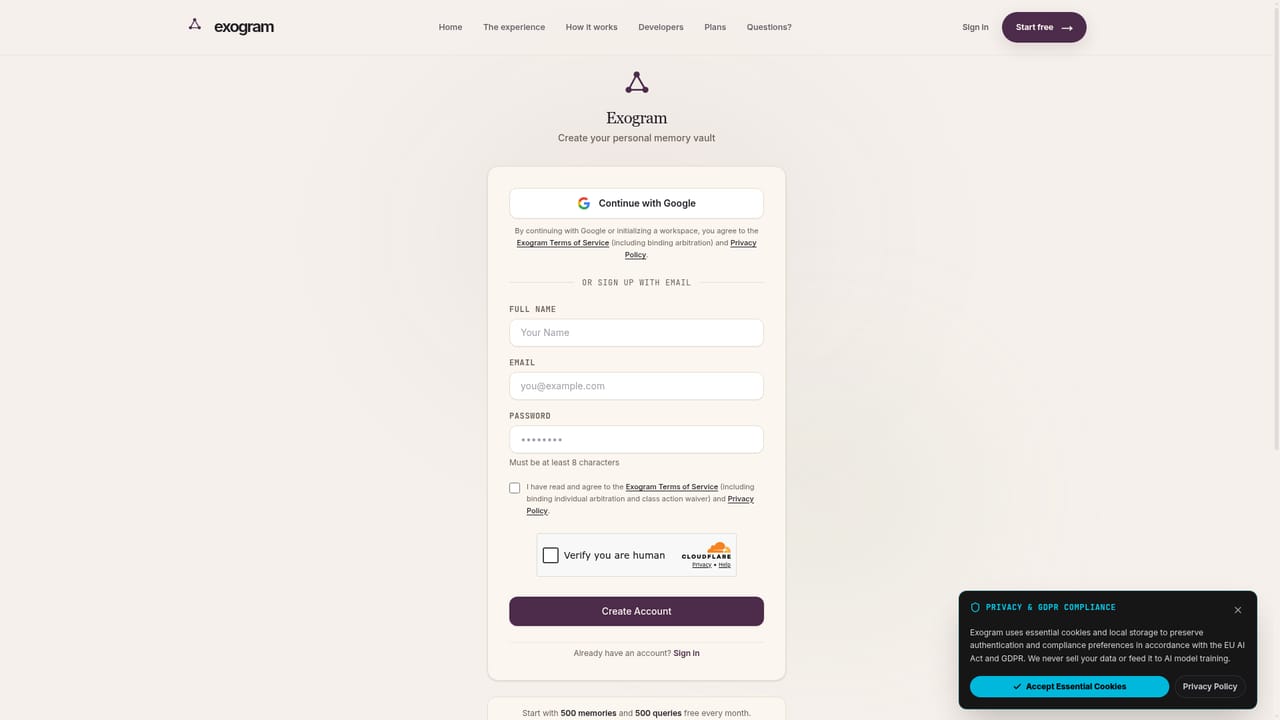
A free forever tier is advertised and is presented as the entry point. No time-limited trial terms or card requirements are stated on the homepage.
Learn moreA personal AI memory vault that keeps your context across chatbots.

Exogram is a personal AI workspace that stores your context in an encrypted neural graph and shares it across Claude, ChatGPT, Gemini, Perplexity and local models. A one-click memory porter imports existing chatbot history, and an MCP server lets compatible tools query the same vault.
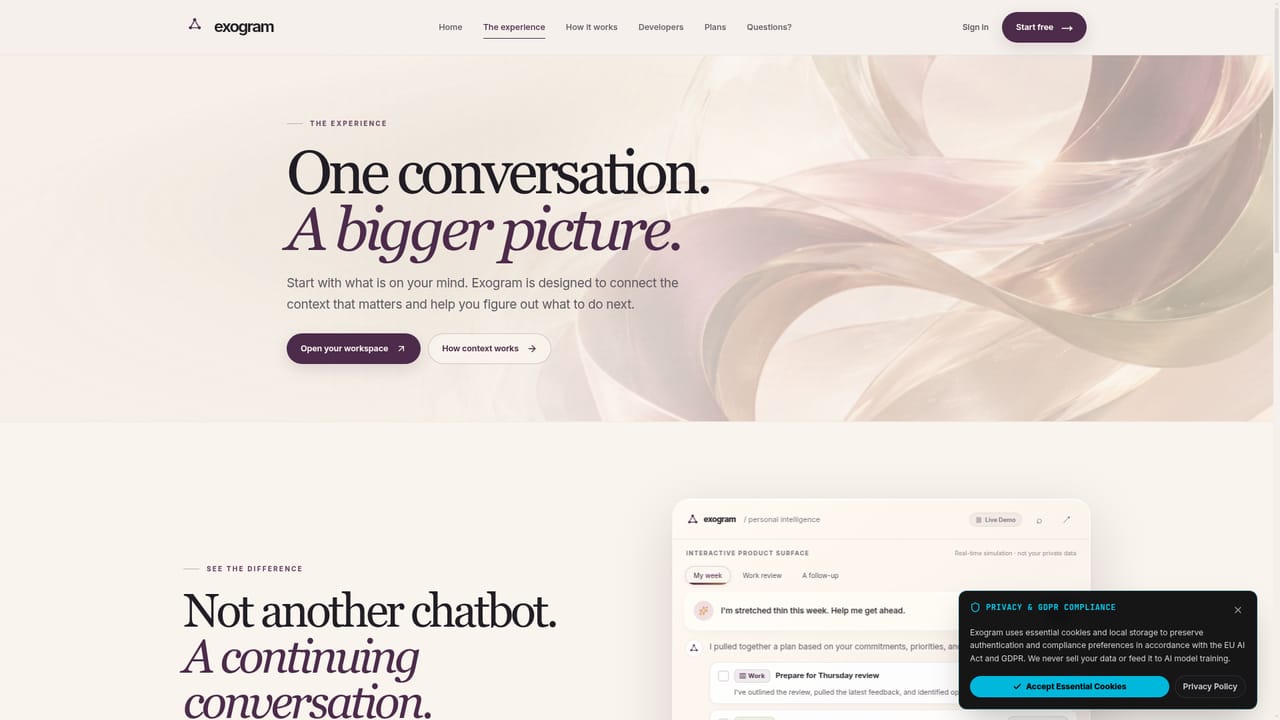
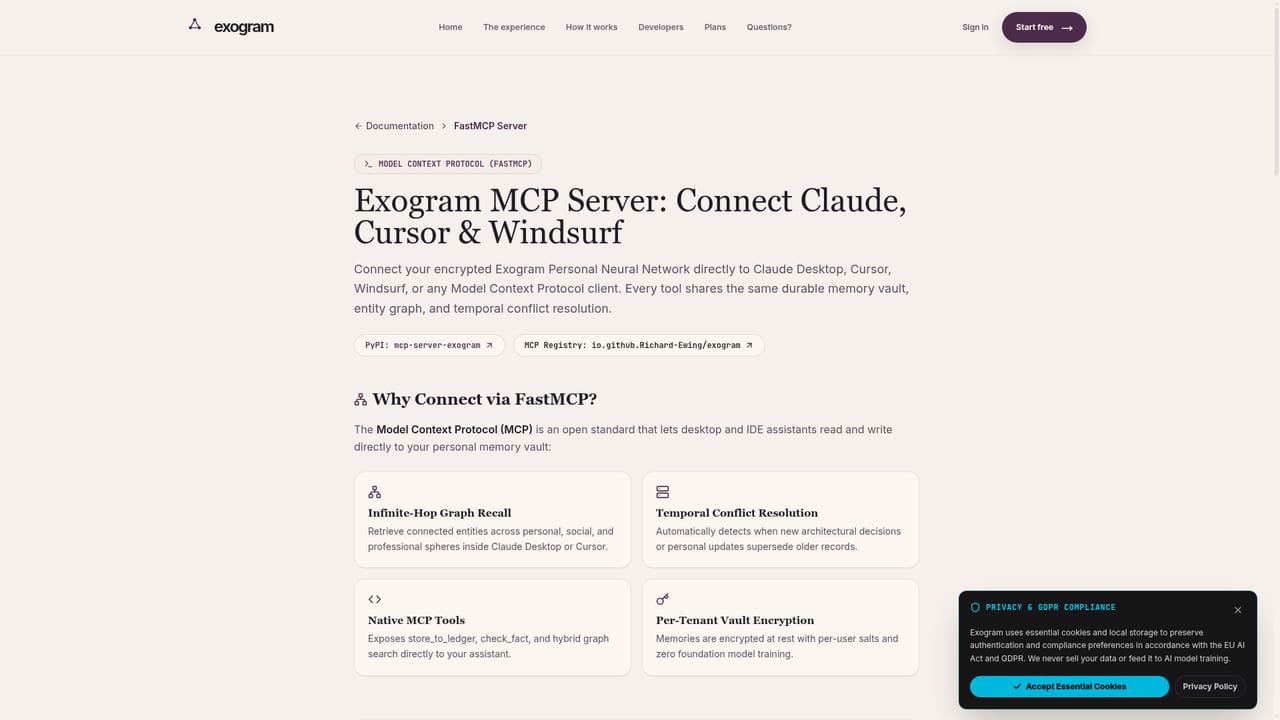
Exogram is a personal AI workspace built around a persistent memory layer. Rather than treating each chat as a blank slate, it maintains an encrypted Personal Neural Network: a living graph that stores facts, decisions, relationships and preferences drawn from three spheres the company calls Personal, Social and Professional. When you ask something, Exogram traverses that graph through associative hops to assemble relevant context before any model generates a response, then dispatches the work across whichever providers it has been configured to use. The multi-provider conductor is the second half of the pitch. Instead of locking you to one assistant, Exogram routes subtasks across Claude, ChatGPT, Gemini, Perplexity, Kimi, Llama, Hermes, OpenClaw and private local models running through Ollama. Results are assembled into Living Tiles, which the site describes as finished, staged outputs (a review brief, a follow-up note, a calendar hold) rather than raw chat replies. The stated latency target for tile generation is roughly 30ms, and the product is marketed around zero prompt engineering, meaning users should not have to re-explain background on every turn. Migration is handled by a Memory Porter: a downloadable markdown prompt that you paste into ChatGPT or Claude to extract your existing conversational context, then import into Exogram. Onboarding is therefore quick for anyone with a backlog of history in another assistant. A FastMCP server is also documented so agent frameworks and MCP-aware clients such as Claude Desktop and Cursor can query the same memory store. The site positions Exogram against both built-in chatbot memory and dedicated memory infrastructure like Mem0, Zep and Limitless, and it publishes side-by-side comparisons for each. Who it suits: freelancers, operators and knowledge workers who jump between several AI assistants and are tired of restating their situation, plus privacy-conscious users attracted by the encrypted vault and the no-training-on-your-data stance. It is less obviously a fit for teams wanting shared organisational memory, since the framing is squarely individual.

A free forever tier is advertised and is presented as the entry point. No time-limited trial terms or card requirements are stated on the homepage.
Learn moreThe site advertises a free forever starting tier alongside paid plans, but the homepage does not publish price points, tier limits or billing intervals. Check the signup flow for current numbers before budgeting.
Learn moreNamed model providers include Claude, ChatGPT, Gemini, Perplexity, Kimi, Llama, Hermes and OpenClaw, plus private local models via Ollama. A documented FastMCP server connects MCP clients such as Claude Desktop and Cursor.
Learn moreEncrypted Personal Neural Network spanning Personal, Social and Professional spheres, with automatic extraction of facts, decisions and preferences. Infinite-hop associative recall via spreading activation. A multi-provider conductor routes subtasks across Claude, ChatGPT, Gemini, Perplexity, Kimi, Llama, Hermes, OpenClaw and local Ollama models, returning staged Living Tiles. A 3D living graph visualises connections, and a FastMCP server exposes the memory store to agent tooling.
Learn more AI Angels400+ customizable AI girlfriends for NSFW chat, voice calls, and roleplay
 Candy AIExperience the future of companionship with AI friends who chat, role-play, and connect with you on a human level.
 ourdream.aiA vast AI roleplay platform with millions of characters for chat, images, video and voiceAI Angels400+ customizable AI girlfriends for NSFW chat, voice calls, and roleplayCandy AIExperience the future of companionship with AI friends who chat, role-play, and connect with you on a human level.ourdream.aiA vast AI roleplay platform with millions of characters for chat, images, video and voice


