Support
No dedicated support or help centre page is listed on the site pages provided; documentation access would need to be confirmed during evaluation.
AI-native business intelligence that mixes SQL, Python and no-code analysis

Fabi.ai is an AI spreadsheet generator tool. Fabi.ai combines an AI analyst agent, scheduled data workflows and AI-assisted Python notebooks over warehouses, spreadsheets and business apps, aimed at both marketing teams and data practitioners.
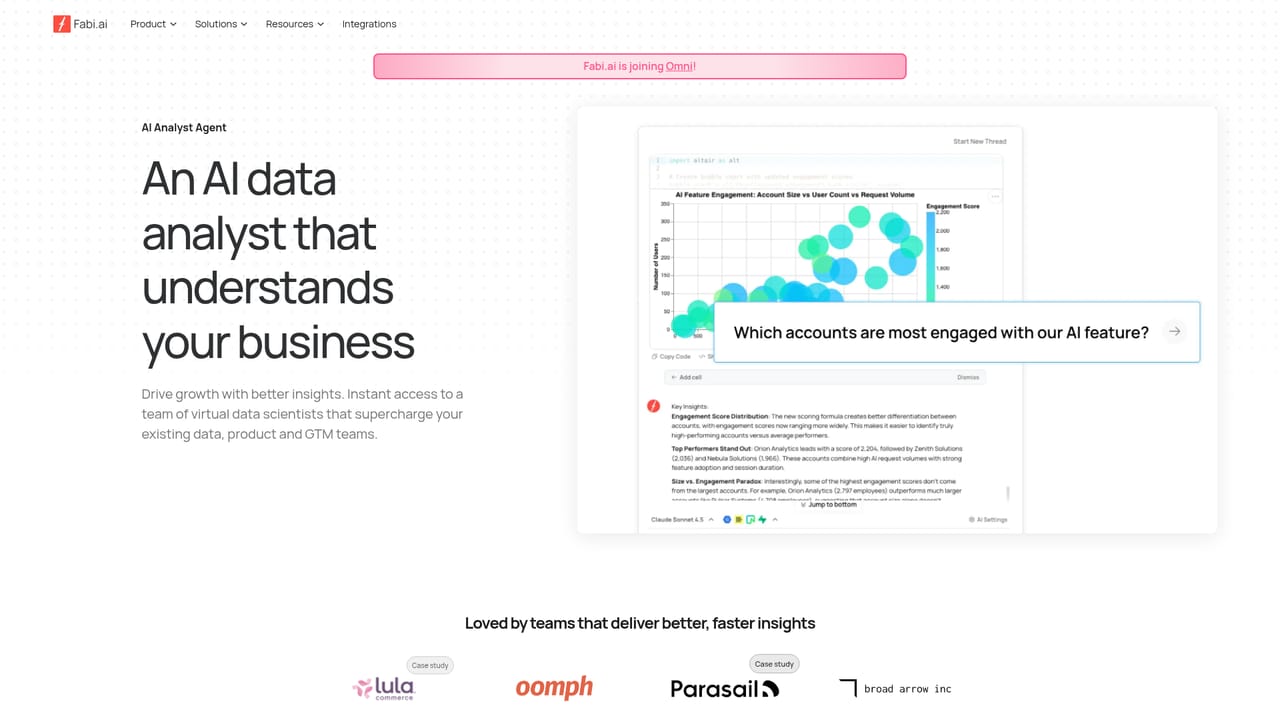
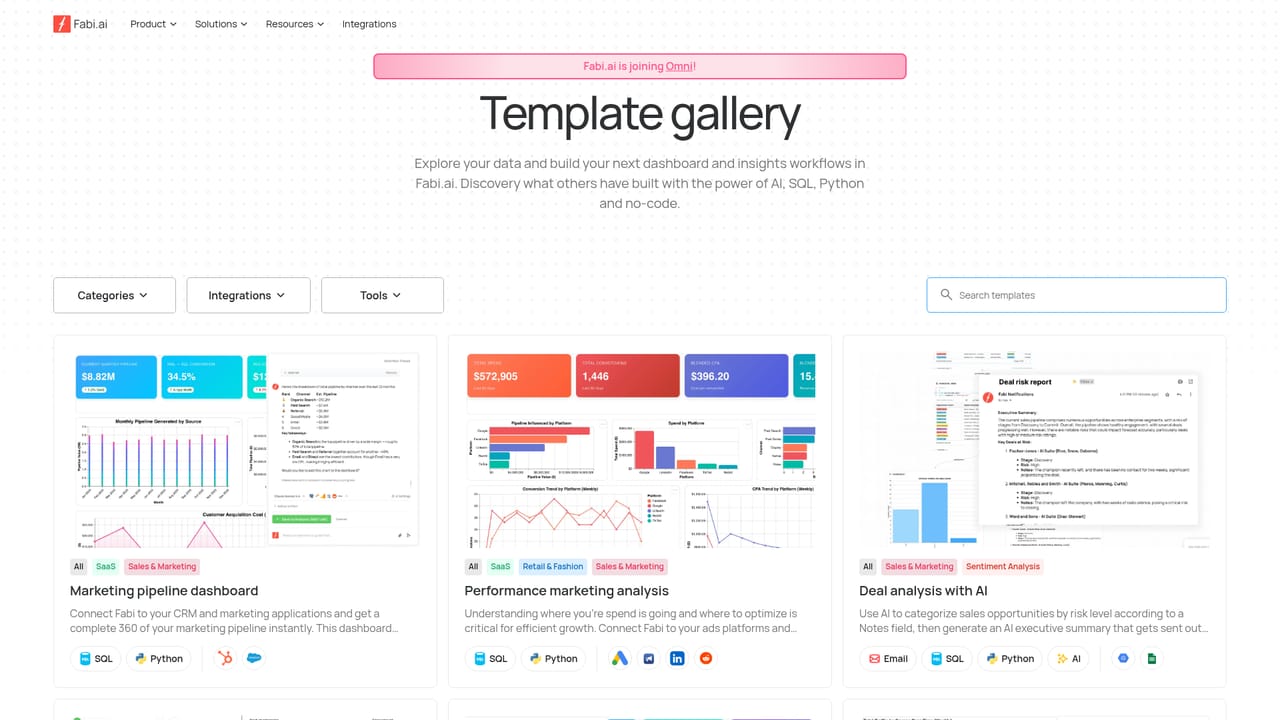
Fabi.ai is an AI-native business intelligence platform built around an analyst agent that answers questions about product and revenue data, assembles dashboards, and runs recurring data workflows. The pitch is breadth of technique: users can work in SQL, in Python notebooks, or through no-code interface elements, and combine those approaches inside a single analysis rather than exporting between tools. Everything sits on top of the data sources a company already uses, including warehouses, spreadsheets and business applications. The core surfaces are three. The AI Analyst Agent handles exploratory work, generating answers and chart-ready output from plain questions and building dashboards from a described layout. Workflows take that analysis and schedule it, pushing insights to Slack, email or spreadsheets on a cadence the business sets, with connectors reaching spreadsheets, warehouses and apps. Smartbooks cover the hands-on layer: AI-assisted Python notebooks with reactive cells, collaborative editing and version control through GitHub, so analytical work stays reviewable rather than trapped in a chat log. Practically, the tool serves two audiences at once. Marketing, growth and operations teams get self-service answers inside a governed environment and dashboards they can customise without writing code. Data analysts and analytics engineers get the notebook environment and dev conventions they expect, plus an MCP server that plugs a Fabi data analyst into a preferred LLM or chat interface. Published customer stories include ecommerce, fitness, hardware and SaaS companies, which matches the product-and-revenue framing on the homepage. Fabi.ai competes with traditional BI tools and with AI notebook products, positioning itself between them. Teams that want a single governed place for ad hoc questions, recurring reporting and collaborative notebook work are the clearest fit. Teams wanting only static dashboards, or only a conversational layer over one warehouse, will find more focused options.


No dedicated support or help centre page is listed on the site pages provided; documentation access would need to be confirmed during evaluation.
Connects to warehouses and databases (Snowflake, BigQuery, Redshift, PostgreSQL, Databricks, MotherDuck, Supabase), plus Stripe, HubSpot, PostHog, Google Ads, Google Analytics, Google Sheets, Airtable, Slack and GitHub for version control.
Learn moreAI Analyst Agent for exploratory questions and generated dashboards; scheduled data workflows with Slack, email and spreadsheet delivery; AI Python notebooks with reactive cells and collaboration; SQL and no-code analysis in the same workspace; GitHub version control; MCP server for LLM integration; self-service analytics in a governed environment.
Learn more AI Angels400+ customizable AI girlfriends for NSFW chat, voice calls, and roleplay
 Candy AIExperience the future of companionship with AI friends who chat, role-play, and connect with you on a human level.
 ourdream.aiA vast AI roleplay platform with millions of characters for chat, images, video and voiceAI Angels400+ customizable AI girlfriends for NSFW chat, voice calls, and roleplayCandy AIExperience the future of companionship with AI friends who chat, role-play, and connect with you on a human level.ourdream.aiA vast AI roleplay platform with millions of characters for chat, images, video and voice




