Free trial
The homepage states that the first video is free, so a new user can generate one clip before choosing a paid plan. No trial length or card requirement is specified.
Learn moreTurn a written prompt into a short faceless video built for YouTube and TikTok.
Own FacelessVideos.AI? Verify ownership to get a dofollow link

FacelessVideos.AI is a short videos tool that turns a written prompt into a short faceless video built for YouTube and TikTok. A prompt-to-video tool for faceless YouTube and TikTok short clips. You describe the video, the platform generates it, and you publish.
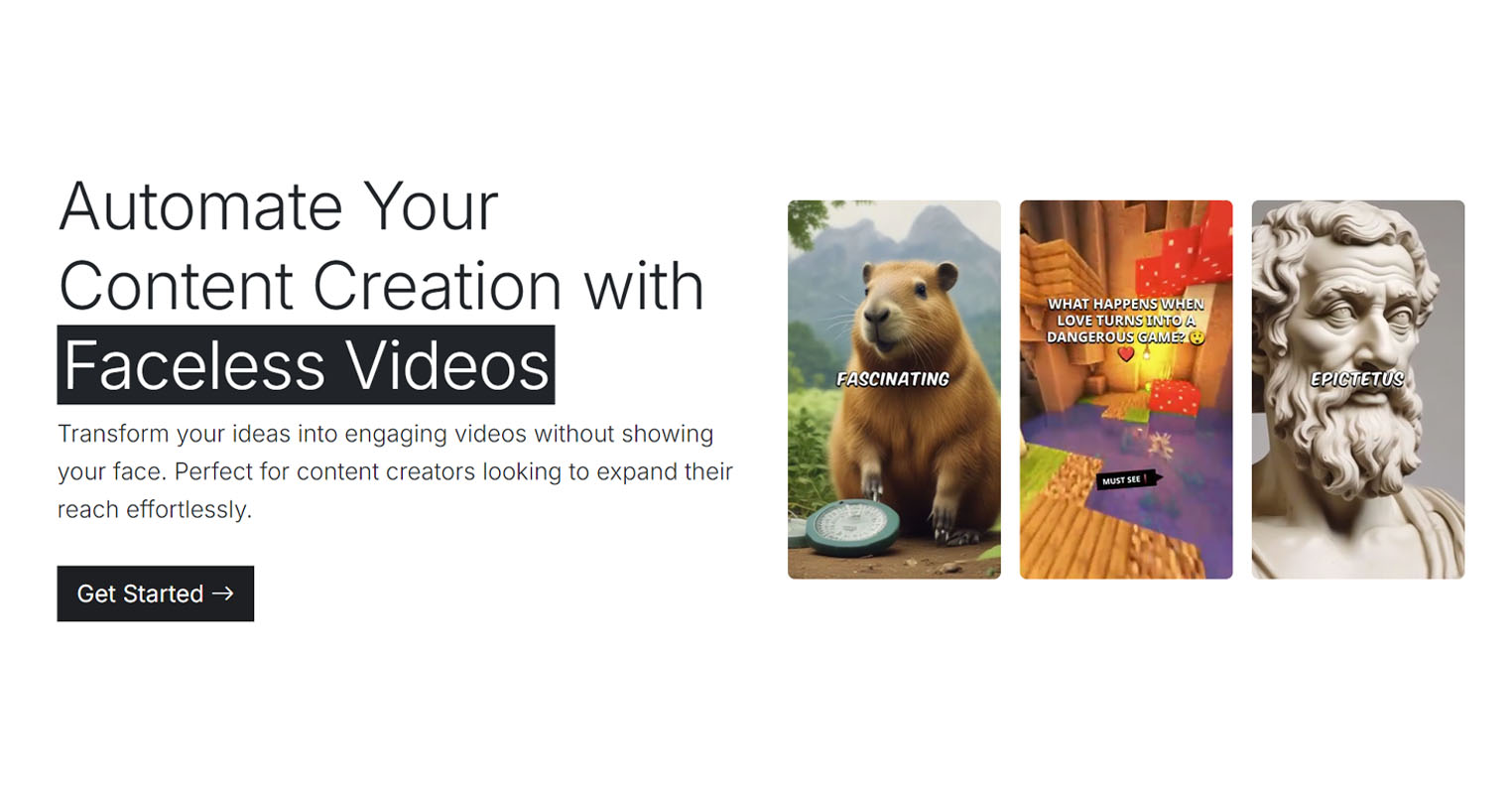
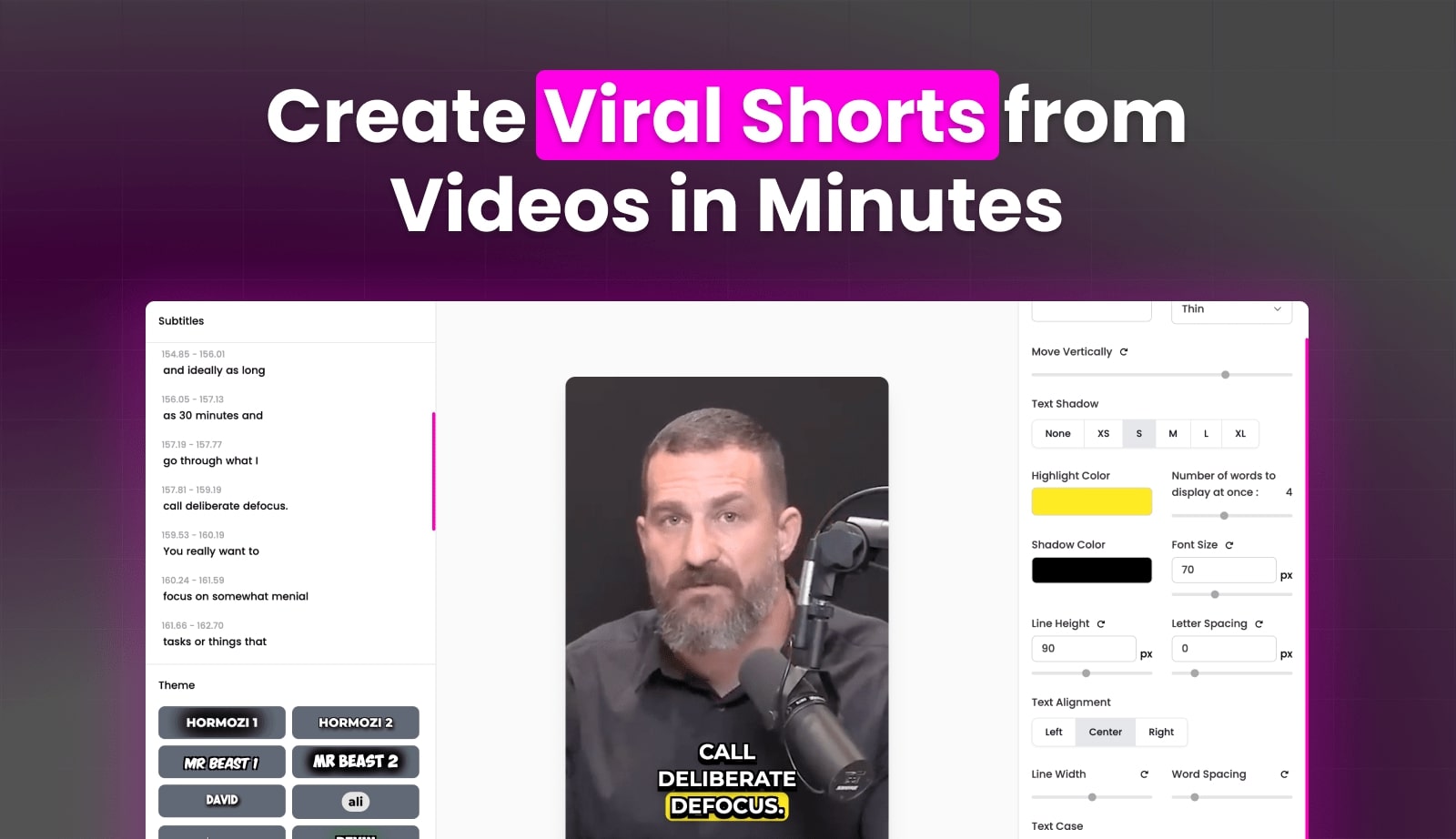
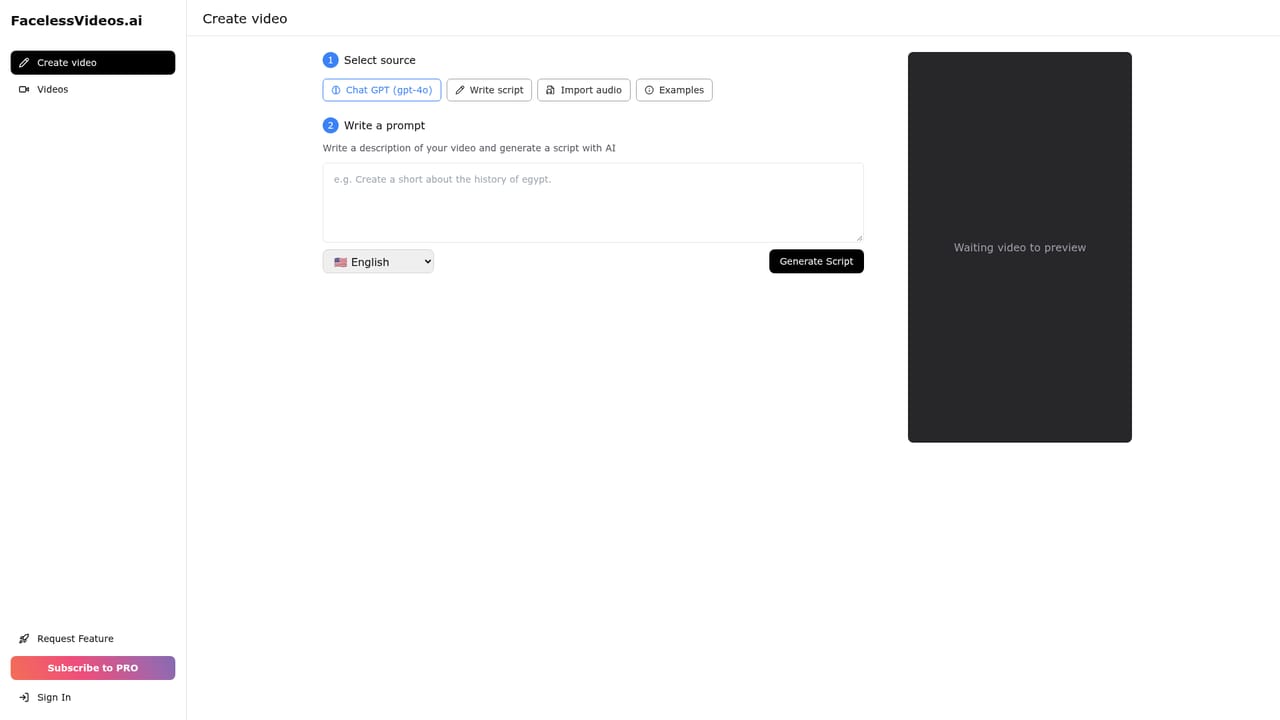
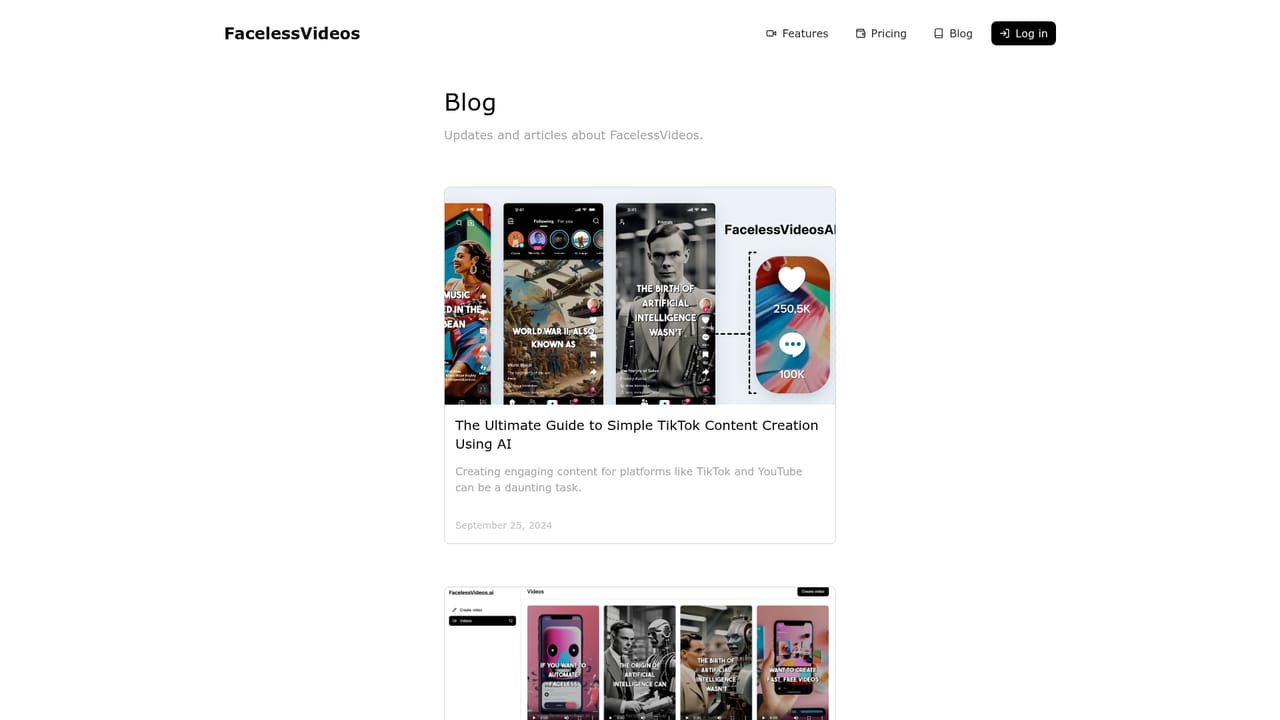
FacelessVideos.AI is a web tool that turns a short written prompt into a finished faceless short video aimed at YouTube and TikTok. The premise is deliberately narrow: the operator supplies a brief description of the clip they want, the system assembles the video, and the output can be published to the linked channel. There is no footage of a person, no camera and no presenting, which is the whole point for channels that publish at volume without a visible host. The workflow is three steps. You write the prompt, the platform generates the video, then you publish it. The site shows example outputs built around music history topics such as blues, salsa, and rock and roll, which suggests the intended sweet spot is short, topic-led explainer or list style content rather than long-form documentary. Because the brief is a text prompt, the quality of the result depends heavily on how specifically you describe subject, angle and pacing. Outputs are short clips by default, and publishing is described as a matter of seconds once the video exists. The pricing is credit-style: four monthly tiers from $19.99 to $99.99, each with a monthly video allowance (15, 30, 75, or 200 videos) and a per-second rate that falls as the plan rises, from $0.022 down to $0.008 per second. Unlimited storage is listed on every tier. The first video is free, which lets a new user test whether the visual style suits their niche before committing to a subscription. It fits alongside general text-to-video generators, but it is more constrained. Where those tools give you direct control over shots, motion and style, FacelessVideos.AI automates assembly from a prompt end to end. That trade is attractive for solo channel operators and social media managers running several faceless accounts, and less attractive for anyone who needs frame-level creative control, brand-specific assets, or formats beyond short faceless clips.

The homepage states that the first video is free, so a new user can generate one clip before choosing a paid plan. No trial length or card requirement is specified.
Learn moreFour monthly tiers: Starter at $19.99 for 15 videos per month ($0.022 per second), Daily at $29.99 for 30 videos ($0.016 per second), Pro at $49.99 for 75 videos ($0.011 per second), and Advance at $99.99 for 200 videos ($0.008 per second). Unlimited storage is included on every plan.
Learn moreA contact email is listed in the site footer. There is no help centre, documentation or chat support described on the homepage.
Prompt-driven video creation: supply a brief description and the platform generates a faceless short video. The site stresses speed, framing the output as ready to publish on TikTok and YouTube in seconds. Unlimited storage is included across plans, and example clips centre on topic-led content such as music history.
 AI Angels400+ customizable AI girlfriends for NSFW chat, voice calls, and roleplay
 Candy AIExperience the future of companionship with AI friends who chat, role-play, and connect with you on a human level.
 ourdream.aiA vast AI roleplay platform with millions of characters for chat, images, video and voiceAI Angels400+ customizable AI girlfriends for NSFW chat, voice calls, and roleplayCandy AIExperience the future of companionship with AI friends who chat, role-play, and connect with you on a human level.ourdream.aiA vast AI roleplay platform with millions of characters for chat, images, video and voice