Free trial
The homepage invites visitors to try Slick for free and states no credit card is required, though the length and limits of the trial are not specified.
Learn moreAI short form video editor built around captions and b-roll
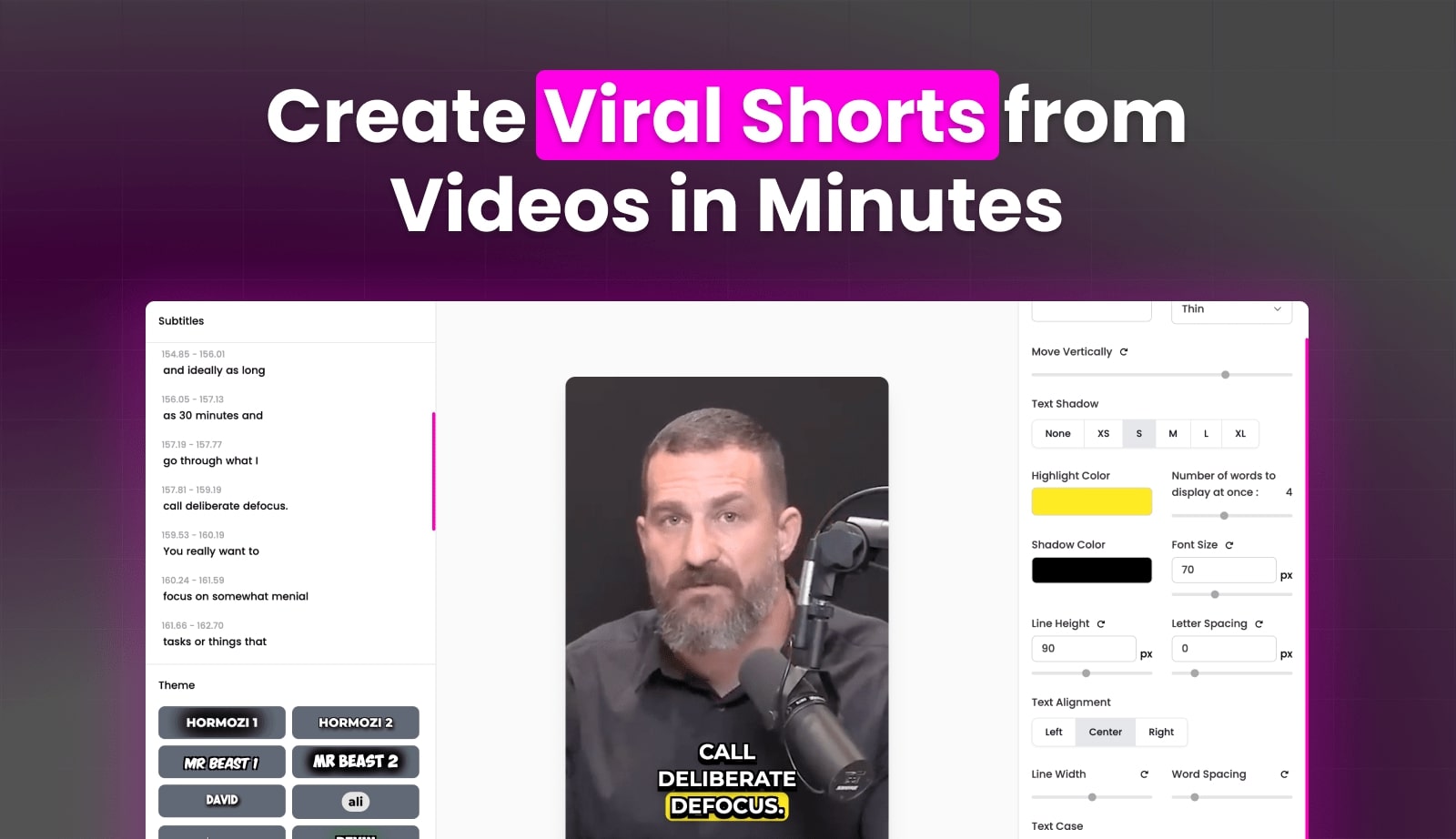
Slick.is is a make reels AI tool. Slick is an AI short form video editor that auto-generates customisable captions, strips filler words and silences, adds b-roll, music and zooms, and can turn a YouTube URL into ready shorts. It supports 106 languages, all aspect ratios up to 4k, and exports in a few steps.
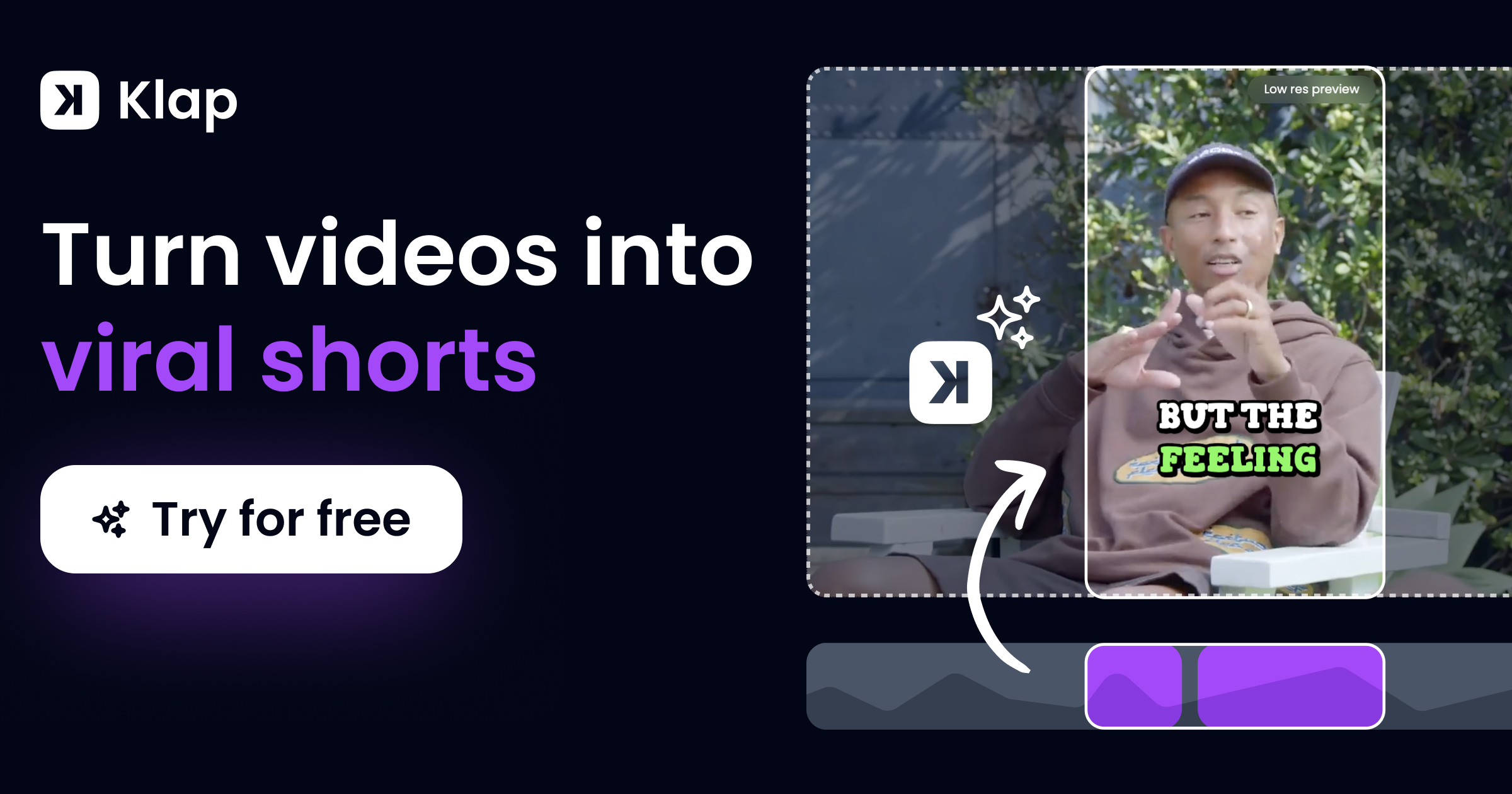
Slick is a browser based video editor built for one job: turning footage into publishable short form clips without the usual timeline grind. Its core trick is an AI subtitle engine that transcribes speech, then wraps the text in fully customisable caption styles, with new looks added every week. Text is the centrepiece, not an afterthought. The surrounding automation is aimed at the tedious parts of editing. A single click removes filler words and silence, cutting umms and dead air so the pacing stays tight. AI b-roll can be attached to specific lines with one action. Magic zooms, transitions and emojis are available as quick additions. Audio gets similar treatment: background music and sound effects can be layered in without a separate audio tool. For creators who already have a long recording, pasting a YouTube URL prompts Slick to pick out the most interesting segments and assemble shorts from them. Clips can be trimmed and extended, edited at any aspect ratio, and exported up to 4k. Transcription covers 106 languages, including English, French, Spanish, German and Hindi. In practice the workflow is three moves: upload a file or drop in a YouTube link, edit in the browser editor, export. That is the whole product. The natural audience is solo creators and small social teams who post vertical video to TikTok, Instagram and YouTube and would rather caption than keyframe. Reviewers on the site compare it favourably to Minvo on text effects and to CapCut on transcription accuracy, which frames it as a specialist captioner and clipper rather than a general NLE. Anyone needing colour grading, multicam or layered compositing will still reach for a conventional editor. The site lists over 3,230 creators and mentions an API plus a Team setting where a second person shares the account's monthly limits. Pricing tiers are not displayed on the homepage.
The homepage invites visitors to try Slick for free and states no credit card is required, though the length and limits of the trial are not specified.
Learn moreCaptions with weekly styles, filler word and silence removal, AI b-roll, YouTube to shorts conversion, background music and sound effects, magic zooms, trim and extend, 106 language transcription, all aspect ratios up to 4k, and multi variation export.
 AI Angels400+ customizable AI girlfriends for NSFW chat, voice calls, and roleplay
 Candy AIExperience the future of companionship with AI friends who chat, role-play, and connect with you on a human level.
 ourdream.aiA vast AI roleplay platform with millions of characters for chat, images, video and voiceAI Angels400+ customizable AI girlfriends for NSFW chat, voice calls, and roleplayCandy AIExperience the future of companionship with AI friends who chat, role-play, and connect with you on a human level.ourdream.aiA vast AI roleplay platform with millions of characters for chat, images, video and voice