Free trial
No formal trial is described. The free tier itself lets anyone test transcription without registering, which covers evaluation for most casual users.
Learn moreBrowser-based AI transcription in 50+ languages, no signup required.
Own FastlyConvert? Verify ownership to get a dofollow link

FastlyConvert turns audio and video files into editable text using Whisper Large-v3, with optional AI summaries and translation. It supports 50+ languages, exports TXT, SRT or VTT, needs no signup for basic use, and deletes uploads within 24 hours. Best suited to podcasts, lectures and short meetings rather than live call capture.
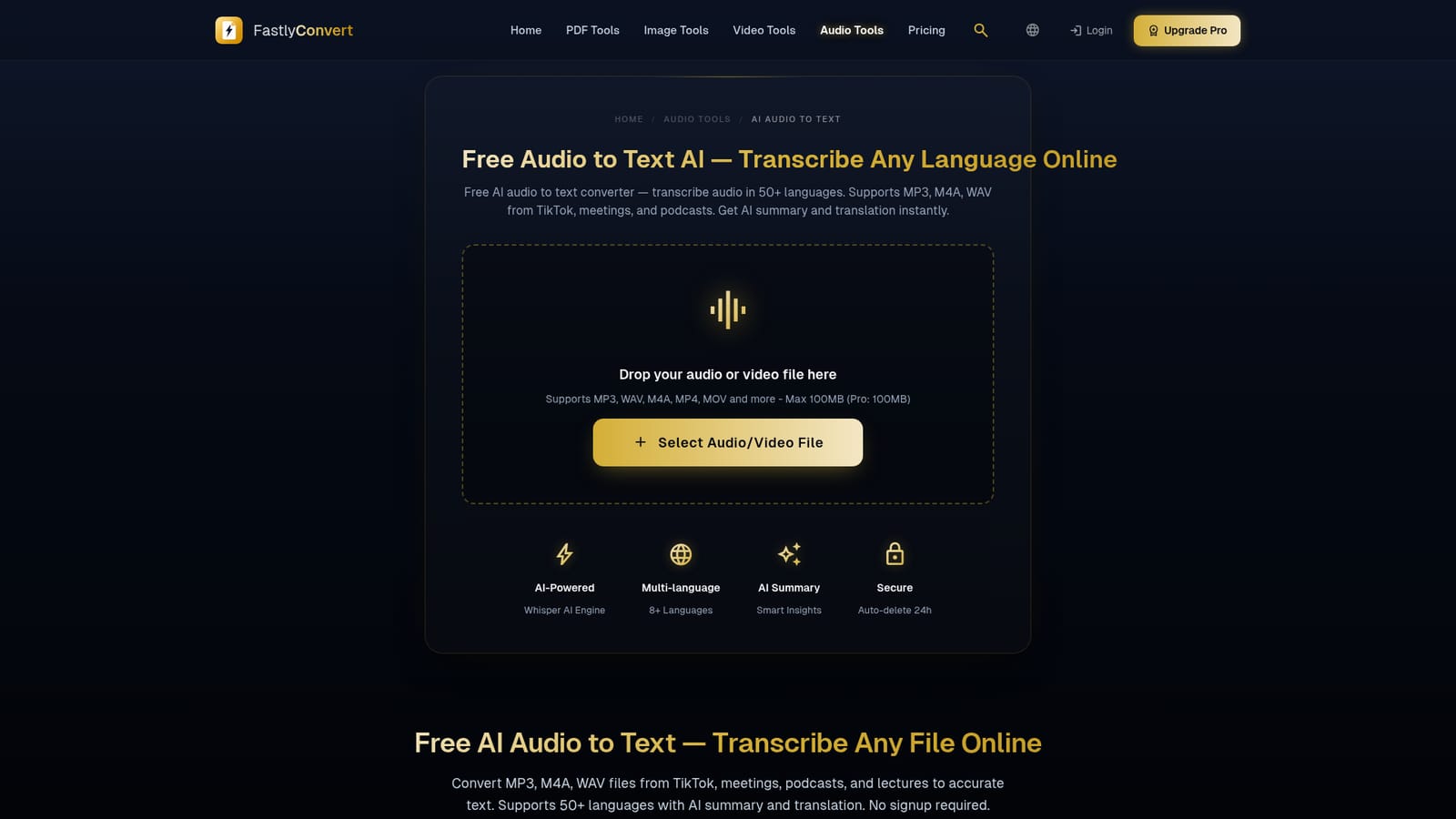
FastlyConvert's audio to text tool is a browser-based transcription utility built on the Whisper Large-v3 engine. Drop in an audio file such as MP3, M4A, WAV or AAC, or a video file such as MP4 or MOV, pick the spoken language (or let it auto-detect), and the service returns a written transcript you can edit directly in the page. Exports come as TXT, SRT or VTT, which makes the SRT and VTT paths useful for subtitle drafts rather than only plain text. The workflow extends past raw transcription. Two optional toggles sit alongside the language selector: one generates a short summary with bullet points covering key ideas and, when detected, action items; the other translates the finished transcript into another language, including rendering non-English audio into English. Those extras push the tool toward meeting notes and multilingual subtitle work, and FastlyConvert maintains dedicated pages for meeting transcription and meeting notes if that is the main job. Accuracy depends heavily on source quality. The site quotes 90 to 95 percent for clear recordings, while its marketing line claims 99 percent, so treat the lower figure as the realistic expectation. Background noise, overlapping speakers, music beds and heavy accents all degrade results, and the documentation suggests splitting long recordings into 10 to 20 minute chunks. Files cap at 100MB. Uploads travel over HTTPS and are deleted automatically within 24 hours, and basic use requires no account. This is a general-purpose converter rather than a specialized meeting assistant. It does not claim native Zoom, Teams or Google Meet integrations, live capture or team workspaces, so anyone needing real-time transcription during calls or persistent team libraries should look at dedicated meeting platforms. For podcasts, lectures, short interviews, voice memos and quick subtitle drafts, it competes with other freemium transcription services on convenience: no install, no signup for basic use, and PDF and audio conversion tools on the same site.
No formal trial is described. The free tier itself lets anyone test transcription without registering, which covers evaluation for most casual users.
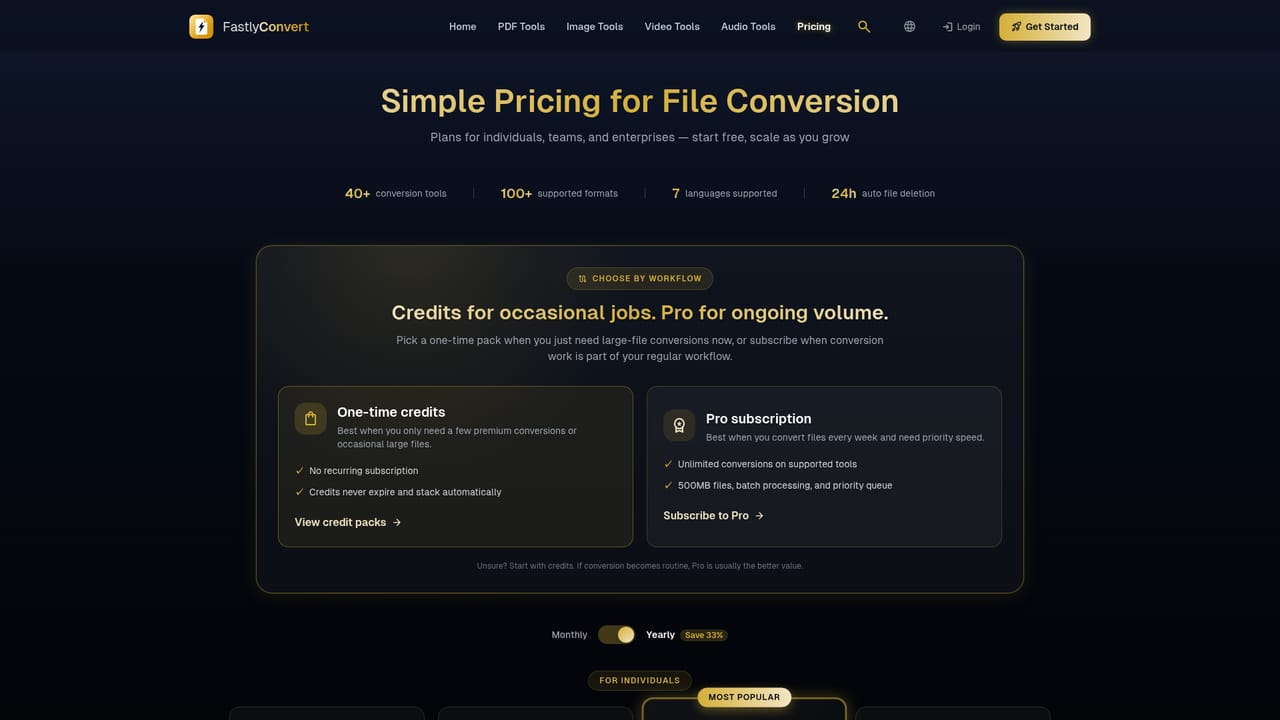
Learn moreA free tier is offered with no signup required for basic transcription. A Pro plan is referenced in the interface and a pricing page exists, but the homepage does not state Pro prices, file size increases or usage limits, so exact figures need checking on that page.
Learn moreSupport is handled by email at support@fastlyconvert.com, including requests for immediate file deletion. No live chat, phone line or help centre beyond the on-page FAQ and blog guides is described.
Whisper Large-v3 transcription of audio and video files, with auto-detect or manual language selection across 50+ languages. Optional AI summary with bullet points and action items, plus transcript translation into other languages. Transcripts are editable in the browser and export to TXT, SRT or VTT. Files are accepted up to 100MB and deleted within 24 hours.
 AI Angels400+ customizable AI girlfriends for NSFW chat, voice calls, and roleplay
 Candy AIExperience the future of companionship with AI friends who chat, role-play, and connect with you on a human level.
 ourdream.aiA vast AI roleplay platform with millions of characters for chat, images, video and voiceAI Angels400+ customizable AI girlfriends for NSFW chat, voice calls, and roleplayCandy AIExperience the future of companionship with AI friends who chat, role-play, and connect with you on a human level.ourdream.aiA vast AI roleplay platform with millions of characters for chat, images, video and voice


