Free trial
Ambiki offers a one month trial when you sign up, which covers access to the platform including Tenalog.
Learn moreSession recording that writes the therapy note for you

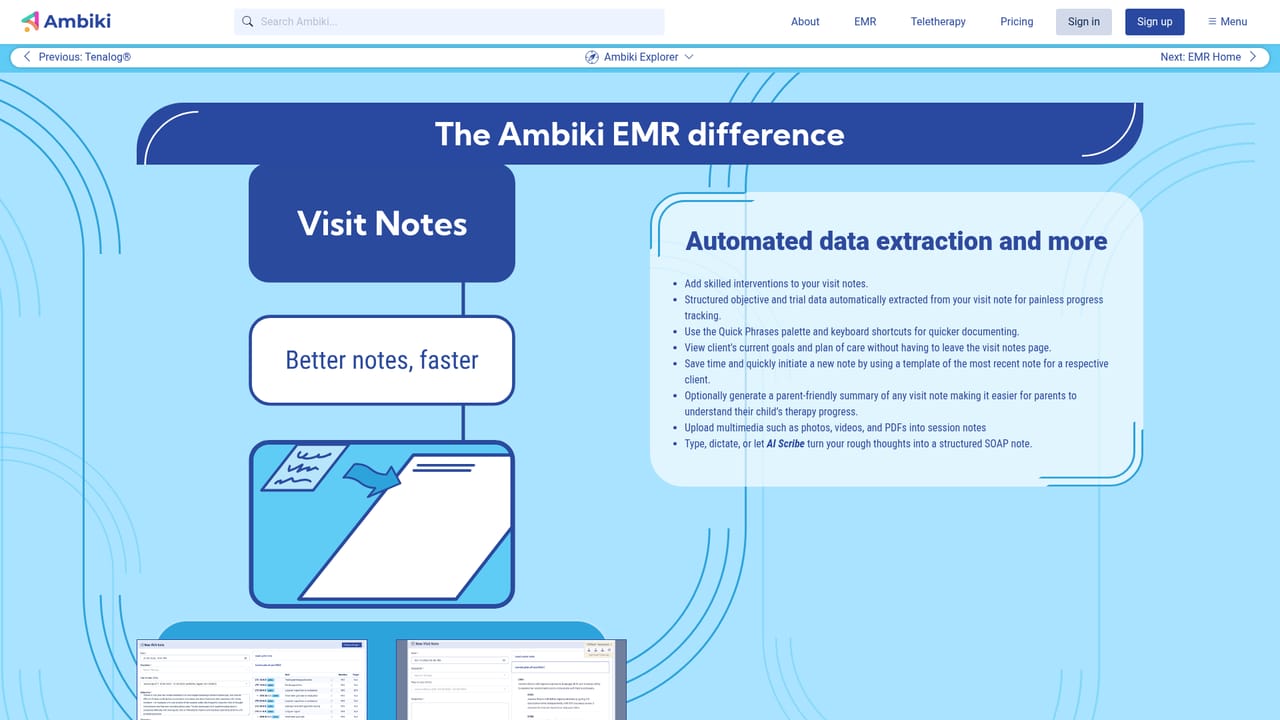
Tenalog is Ambiki's AI documentation feature for therapy practices. It records or accepts a session audio file, then generates a transcript, a SOAP note, phoneme level articulation scores, progress tracking data and a parent friendly summary, all stored within the Ambiki EMR.
Tenalog is the AI documentation engine built into the Ambiki EMR for speech, occupational and physical therapists. A session is recorded or uploaded, and the system returns a full transcript, a structured SOAP note, progress tracking data and a plain language summary written for parents. Ambiki positions it as a way to remove hours of paperwork from a clinician's week while capturing detail that hand written notes rarely include. The most distinctive piece is articulation analysis. Tenalog scores pronunciation at both the word or phrase level and the individual phoneme level, on a 0 to 100 scale where 70 and above reads as intelligible. Each patient can carry a different cutoff for what counts as a correct trial, so an early intervention case can be judged more leniently than a school aged one. For goals that are not about speech sounds, the tool pulls out the therapy activity and leaves trial counts for the therapist to enter. It also works out which goals a given session actually addressed, rather than assuming every goal was touched. In practice the workflow is deliberately forgiving about conditions. A clinician can record live through the browser recorder or capture audio on a local device and upload it later, which matters in schools and clinics with weak Wi Fi. No special microphone is required, and background noise filtering is handled by the service. Processing runs at roughly one and a half times the recording length once the file reaches the front of the queue, so a 20 minute session takes about 30 minutes. Everything is transcribed automatically on Ambiki's HIPAA compliant servers with no human reviewers. Tenalog sits inside a broader EMR that already holds scheduling, plans of care, evaluations and billing, so its output lands next to the patient record instead of in a separate tool. Ambiki frames it as an assistive layer for SLPs, OTs and PTs rather than a replacement, and the company is candid that accuracy has not been benchmarked against manually written notes. The current build handles English and one therapist with one patient, with group sessions listed as future work.
Ambiki offers a one month trial when you sign up, which covers access to the platform including Tenalog.
Learn moreAmbiki maintains a support page for the EMR, and a separate demo can be scheduled with the team before committing to a trial.
Learn moreAutomatic session transcription, SOAP note drafting, phoneme level articulation scoring on a 0 to 100 scale, per patient correct trial thresholds, goal aware progress tracking, parent friendly session summaries, and an editor for correcting transcripts, speaker labels and timestamps. Audio can be recorded live or uploaded later.
 AI Angels400+ customizable AI girlfriends for NSFW chat, voice calls, and roleplay
 Candy AIExperience the future of companionship with AI friends who chat, role-play, and connect with you on a human level.
 ourdream.aiA vast AI roleplay platform with millions of characters for chat, images, video and voiceAI Angels400+ customizable AI girlfriends for NSFW chat, voice calls, and roleplayCandy AIExperience the future of companionship with AI friends who chat, role-play, and connect with you on a human level.ourdream.aiA vast AI roleplay platform with millions of characters for chat, images, video and voice


