Free trial
Fathom is described as free forever for individuals rather than as a time-limited trial. The homepage does not specify trial length or conditions for team plans.
Learn moreAI notetaker that records, transcribes and summarizes your calls

Fathom records, transcribes and summarizes Zoom, Google Meet and Microsoft Teams calls, with bot-free capture, searchable meeting history, Ask Fathom queries and automatic sync to CRM and project tools. Free for individuals, with team plans that add shared visibility, customizable summaries and AI Scorecards.
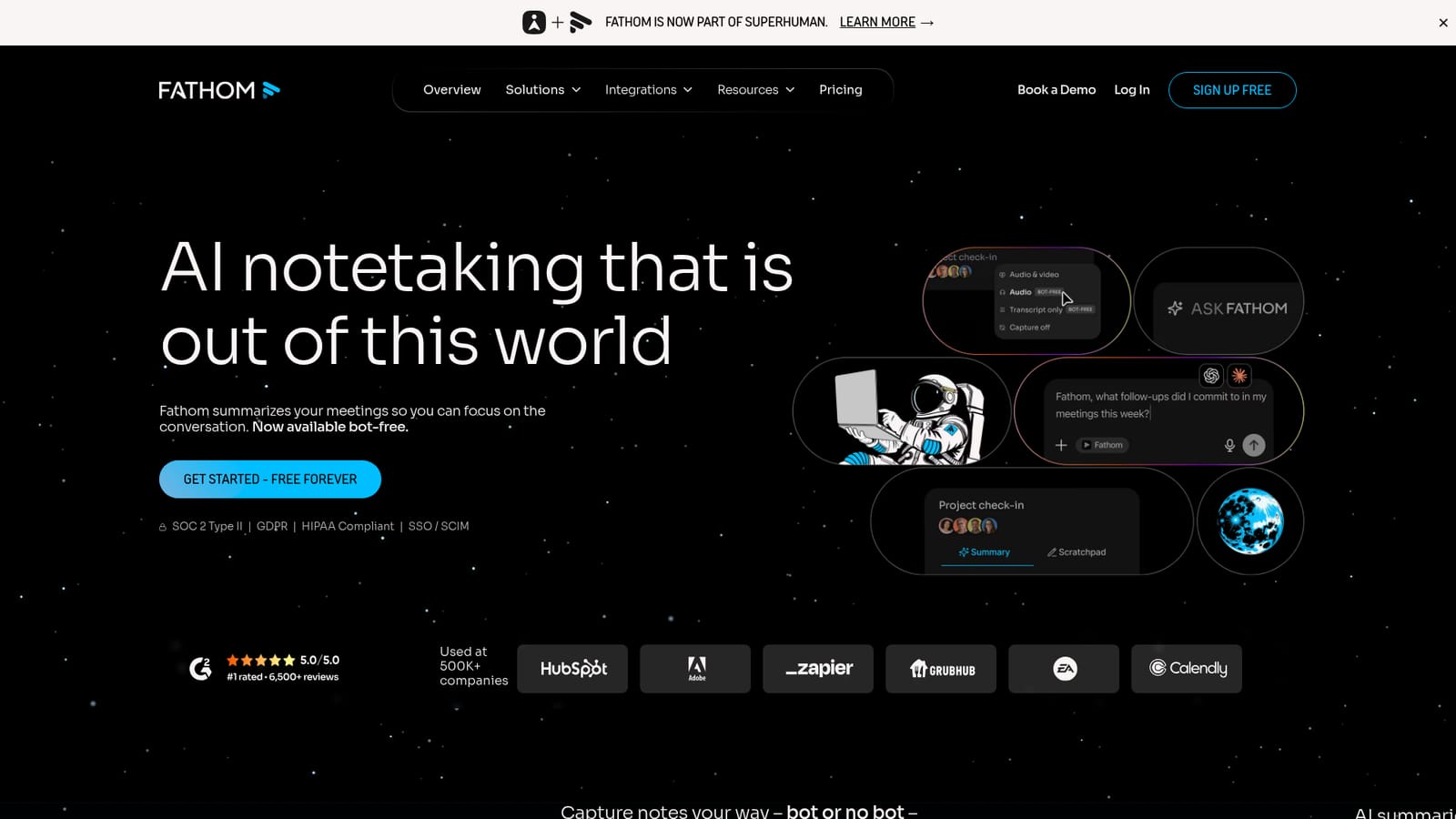
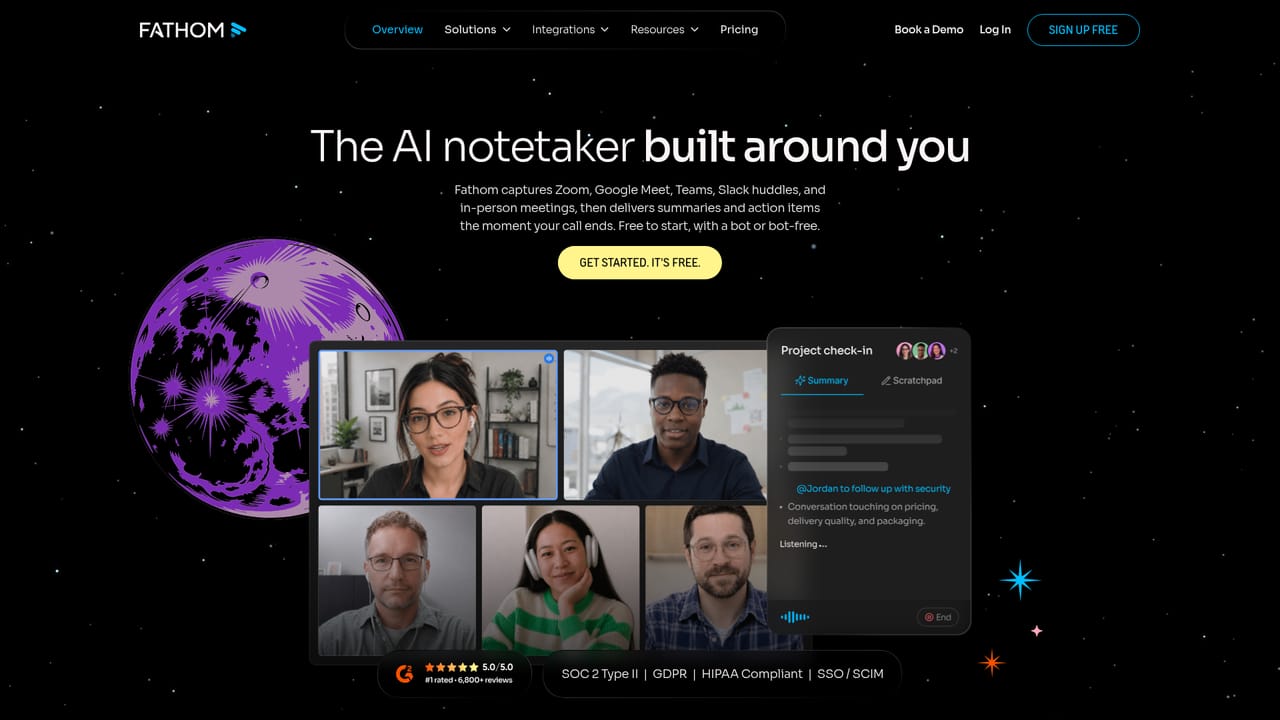
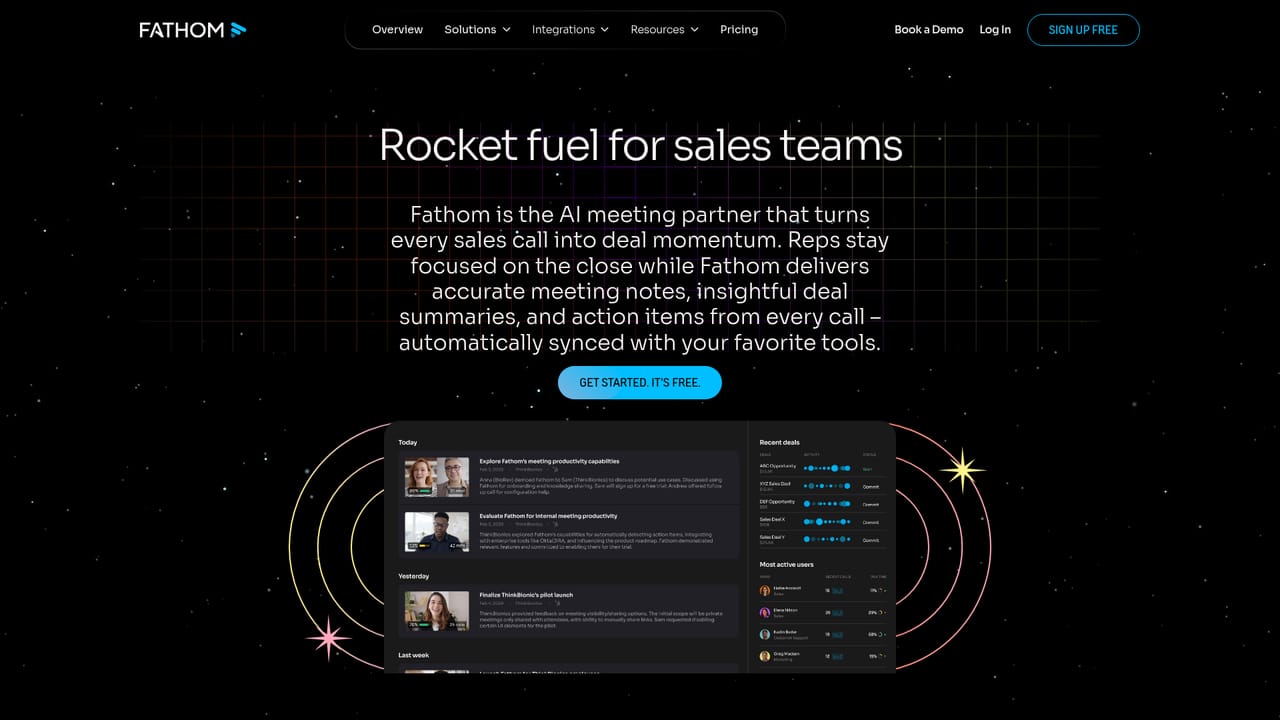
Fathom is an AI notetaker built around a single promise: stop writing things down during calls and pay attention to the people in front of you instead. It joins Zoom, Google Meet and Microsoft Teams meetings, records the session, produces a transcript, and generates a summary with action items. A bot-free capture mode is also offered, so a visible recorder does not have to sit in the participant list on every call. After a call ends, the summary is available almost immediately and can be mailed to your inbox. Recordings and transcripts stay searchable, and the built-in Ask Fathom feature lets you query past conversations instead of scrolling back through video. Users can define follow-up topics that Fathom monitors across meetings, which is how it surfaces recurring objections, commitments or risks rather than leaving them buried in individual recordings. Summaries are customizable, so teams can shape the output around their own workflow and priorities. The product splits into two audiences. Individuals get a lightweight personal note-taking layer with clear summaries and instant follow-ups. Teams get a shared source of truth: conversations become visible across the organization, and notes, insights and action items sync into Slack, Salesforce, HubSpot, Notion, Asana and other tools. AI Scorecards add follow-up metrics and coaching signals on top of individual calls, which is where the sales, customer success and marketing use cases on the site come in. Competitively, Fathom sits in a crowded field of meeting assistants. Its differentiators are the bot-free option, the free-forever entry point for individuals, and compliance claims (SOC 2 Type II, GDPR, HIPAA, plus SSO and SCIM) that make it easier to defend in a procurement conversation. Fathom is now part of Superhuman, which matters for anyone evaluating long-term roadmap stability. The company reports usage across more than 500K companies.
Fathom is described as free forever for individuals rather than as a time-limited trial. The homepage does not specify trial length or conditions for team plans.
Learn moreThe homepage states Fathom is free forever for individuals and directs teams to a separate pricing page for team plans. It does not publish specific plan prices or per-seat rates on the homepage, so exact costs have to be confirmed on the pricing page.
Learn moreThe homepage names Slack, Salesforce, HubSpot, Notion and Asana as destinations where meeting notes, insights and action items sync automatically, and mentions that Fathom data can be used inside ChatGPT, Claude and similar assistants.
Learn moreCore features include recording and transcription for Zoom, Google Meet and Microsoft Teams calls, AI summaries and action items delivered to your inbox, a bot-free capture mode, searchable meeting history, Ask Fathom queries across past conversations, topic monitoring for key moments, customizable summaries, team-wide shared visibility and AI Scorecards for call coaching.
Learn more AI Angels400+ customizable AI girlfriends for NSFW chat, voice calls, and roleplay
 Candy AIExperience the future of companionship with AI friends who chat, role-play, and connect with you on a human level.
 ourdream.aiA vast AI roleplay platform with millions of characters for chat, images, video and voiceAI Angels400+ customizable AI girlfriends for NSFW chat, voice calls, and roleplayCandy AIExperience the future of companionship with AI friends who chat, role-play, and connect with you on a human level.ourdream.aiA vast AI roleplay platform with millions of characters for chat, images, video and voice


