Fellow

Governed AI meeting notes for security-conscious and regulated teams

Beginner API
Screenshot of Fellow, Governed AI meeting notes for security-conscious and regulated teams

What is Fellow?

Fellow records, transcribes and summarizes meetings across Zoom, Teams, Google Meet and in-person sessions, with centralized recording policies, configurable retention, MNPI redaction and an exportable audit trail. It targets regulated finance and security-conscious enterprises, and states that customer meeting data is never used to train AI models.

Fellow is an AI meeting assistant that records, transcribes and summarizes conversations on Zoom, Microsoft Teams, Google Meet and in person. What separates it from the crowded field of generic notetakers is the governance layer wrapped around the capture: administrators set organization-wide policies for who may record, how long transcripts and summaries are kept, and which people or teams can reach sensitive content. Recordings can be produced by a meeting bot, captured botless, or taken from an in-person conversation, and every session yields a transcript, audio, video and an AI summary. The product is aimed at organizations where meeting records are a compliance matter rather than a convenience: private equity, hedge funds, investment banking, asset management, fintech, RIAs and broker-dealers subject to SEC recordkeeping and FINRA supervision, plus any company with strict data handling requirements. Fellow states that meeting data is never used to train its own models or those of its AI providers, and it advertises SOC 2 Type II, HIPAA, GDPR and CCPA readiness with a BAA available. Consent capture notifies participants before recording starts, and password-protected recaps add a further access barrier. In daily use, the assistant surfaces context-aware summaries and automatically identified action items, and teams can query past conversations through Ask Fellow or push meeting intelligence into external AI tools such as Claude and ChatGPT over MCP. Context also syncs to CRMs and business systems. Retention windows are configurable independently for recordings and transcripts versus AI summaries, with zero-day retention possible, and material nonpublic information can be redacted from transcripts, summaries and audio regardless of the window chosen. Deletions and access events land in an exportable audit trail through the Compliance Portal and Super Admin API. The trade-off is positioning. Teams that simply want cheap automatic notes will find the compliance machinery and sales-led onboarding heavier than necessary, and the governance features matter most to organizations large enough to have an administrator managing policies. Compared with mainstream notetakers, Fellow sells one governed capture standard across every meeting platform rather than a lightweight add-on to a single video tool.

How do you use Fellow?

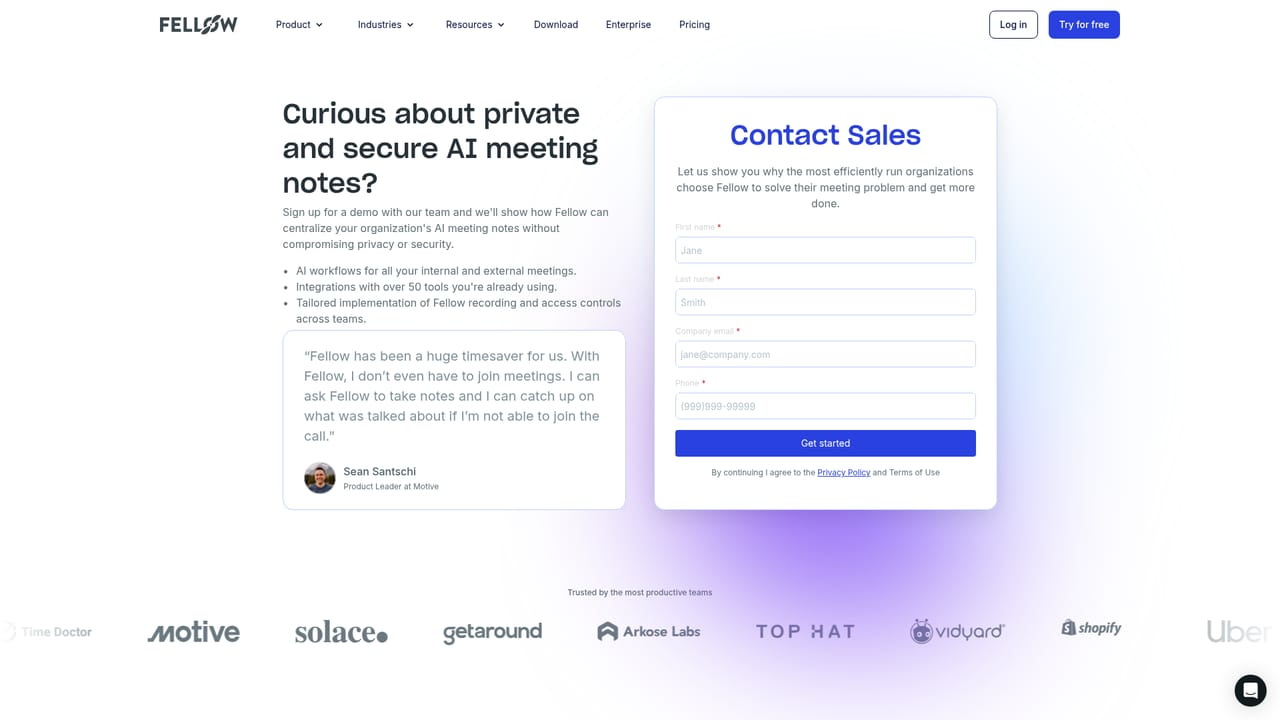
  1. 1Book a walkthrough with the sales team
    Because pricing and plan details are not published, the practical first move is a demo request so the compliance scope and commercial terms can be discussed against your meeting stack.
    Fellow — Book a walkthrough with the sales team
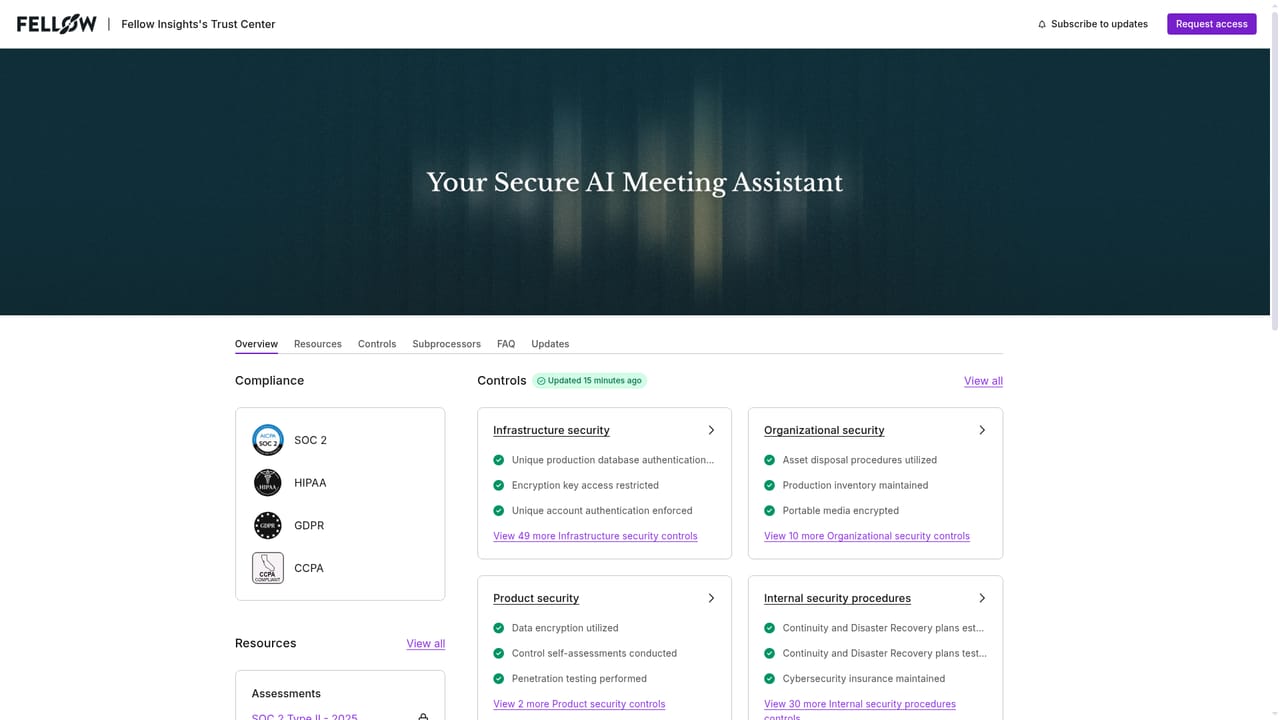
  2. 2Review the security and compliance posture
    The Trust Center collects the certifications, controls and data handling statements that internal security and legal reviewers will ask about before any pilot begins.
    Fellow — Review the security and compliance posture
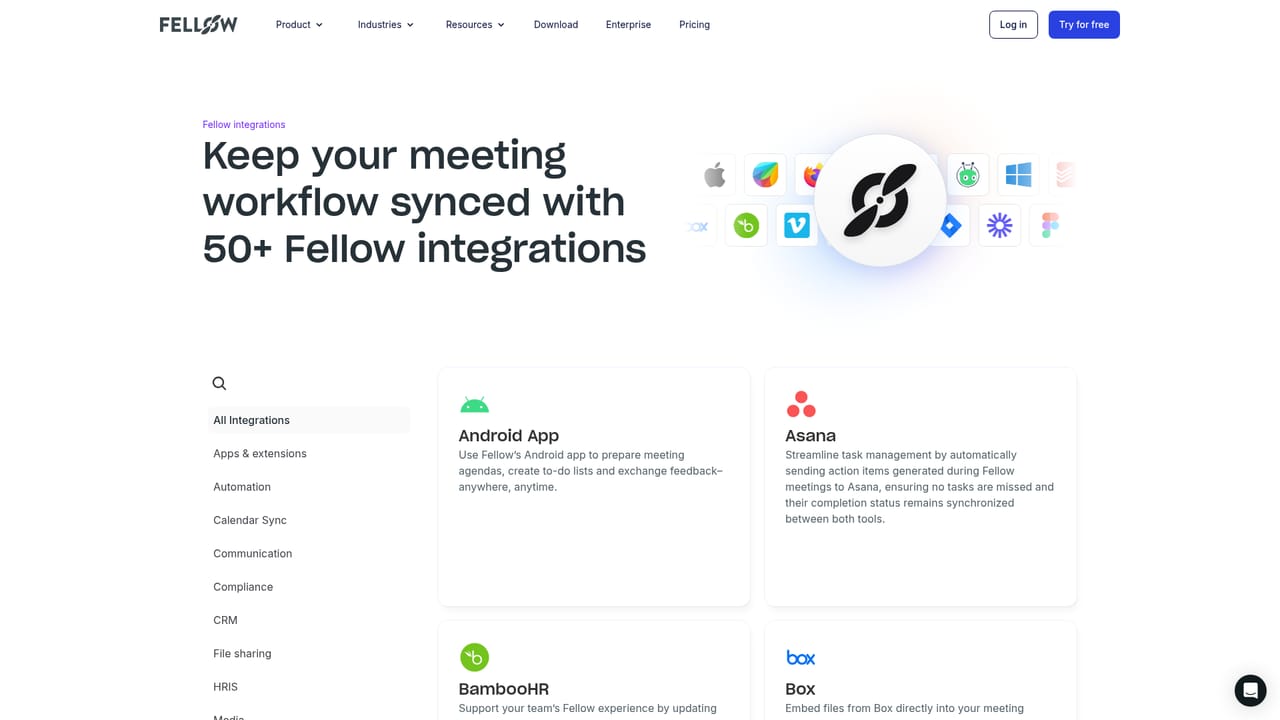
  3. 3Connect your meeting and calendar platforms
    Link Zoom, Microsoft Teams, Google Meet and your calendar so Fellow can detect scheduled meetings and capture transcripts, audio and video in one place.
    Fellow — Connect your meeting and calendar platforms
  4. 4Set recording and retention policies
    Administrators define who may record by team, role or meeting type, then configure separate retention windows for recordings and transcripts versus AI summaries, including zero-day options.
  5. 5Choose your capture mode per meeting
    Users decide whether to send the bot, record botless, or capture an in-person conversation, and can pause or resume capture when part of a discussion should stay off the record.
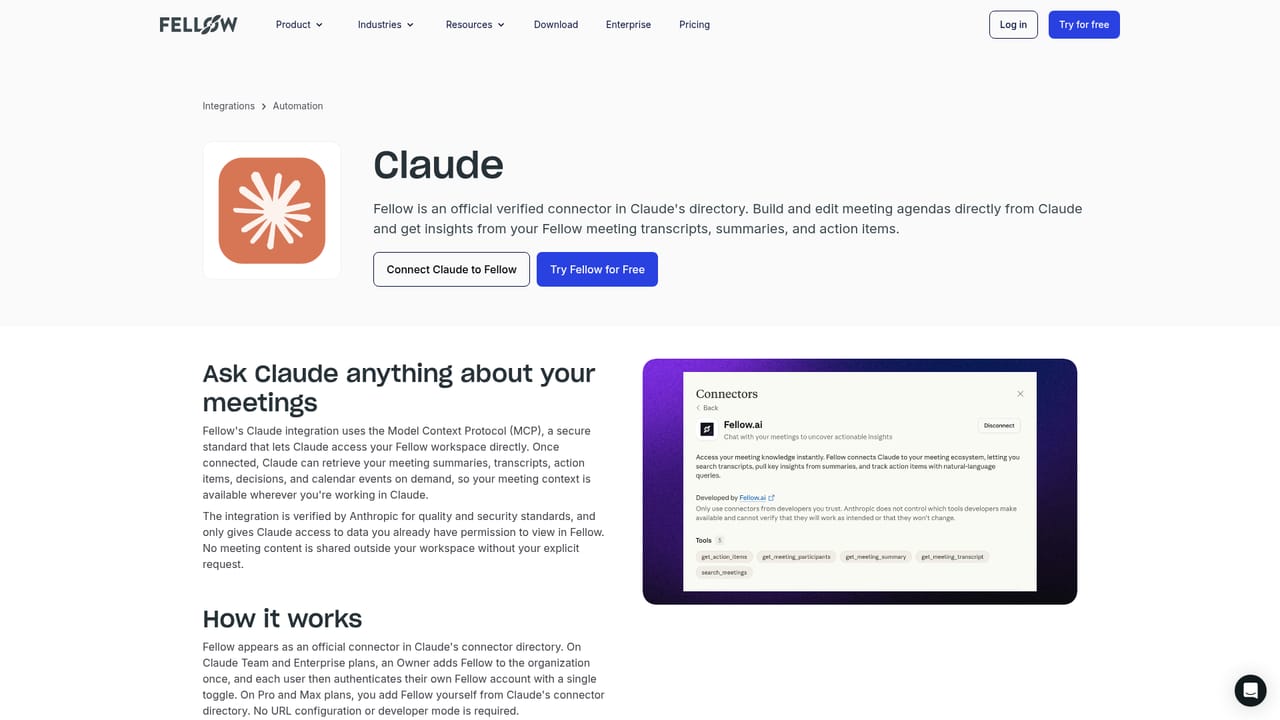
  6. 6Feed meeting intelligence into other tools
    Connect Fellow to Claude or CRMs so summaries and action items flow into follow-up emails, documents and business systems without manual copying.
    Fellow — Feed meeting intelligence into other tools

Pros and cons

Pros

  • Centralized controls for who records, who can access content and how long data is retainedAI
  • Zero-day retention options and MNPI redaction applied to transcripts, summaries and audioAI
  • Audit trail built to support SEC 17a-4 and FINRA examination workflowsAI
  • Explicit no-training policy covering both Fellow and its AI model providersAI
  • Wide integration set spanning meeting platforms, CRMs, project tools and AI assistantsAI

Cons

  • Pricing is not published on the homepage, so budgeting requires a sales conversationAI
  • Compliance depth is aimed at regulated enterprises and is likely excess for small teamsAI
  • Governance features assume an administrator willing to configure and maintain policiesAI
  • No independent user reviews or third-party security audits are cited on the homepageAI
  • Botless and in-person capture quality is not detailed beyond the basic modes offeredAI

How much does Fellow cost?

Integrations

Dozens of connectors including Zoom, Microsoft Teams, Google Meet, Slack, Salesforce, HubSpot, Notion, Jira, Asana, Okta, Workday, Global Relay, Glean and Claude, plus macOS, Windows, iOS, Android and Chrome extension clients.

Learn more

Features

Recording through a bot, botless capture or in-person sessions on Zoom, Teams and Google Meet; transcripts, audio and video stored together; context-aware AI summaries and automatic action items; Ask Fellow for querying past meetings; MCP connections to Claude and other AI tools; CRM and business system sync; consent capture, password-protected recaps, configurable retention, MNPI redaction and a Compliance Portal audit trail.

Frequently asked questions about Fellow

  • Does Fellow have an API?
    Yes, Fellow offers an API.
  • How do you use Fellow?
    The walkthrough on this page covers 6 steps: 1. Book a walkthrough with the sales team 2. Review the security and compliance posture 3. Connect your meeting and calendar platforms 4. Set recording and retention policies 5. Choose your capture mode per meeting 6. Feed meeting intelligence into other tools.
  • What platforms does Fellow support?
    Fellow is available on Web App, iOS, Android, MacOS, Windows and Browser extension.
  • What does Fellow integrate with?
    Dozens of connectors including Zoom, Microsoft Teams, Google Meet, Slack, Salesforce, HubSpot, Notion, Jira, Asana, Okta, Workday, Global Relay, Glean and Claude, plus macOS, Windows, iOS, Android and Chrome extension clients.
  • What are the limitations of Fellow?
    Pricing is not published on the homepage, so budgeting requires a sales conversation. Compliance depth is aimed at regulated enterprises and is likely excess for small teams. Governance features assume an administrator willing to configure and maintain policies.

Status

StatusActive
Views0
Outbound clicks0
Added10/21/2026

Platforms

Web AppiOSAndroidMacOSWindowsBrowser extension

Pricing

FreemiumPaidFree Trial