Free trial
Four free projects with unlimited photos, no credit card required, per the homepage.
Learn moreAI culling and batch editing built for deadline event photographers
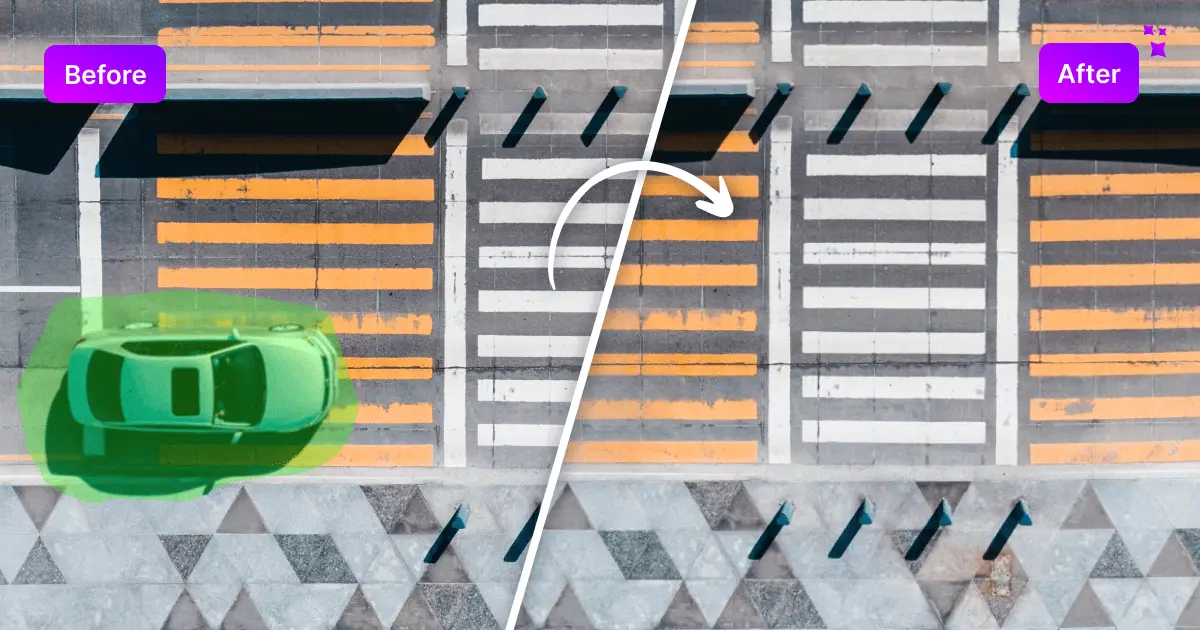
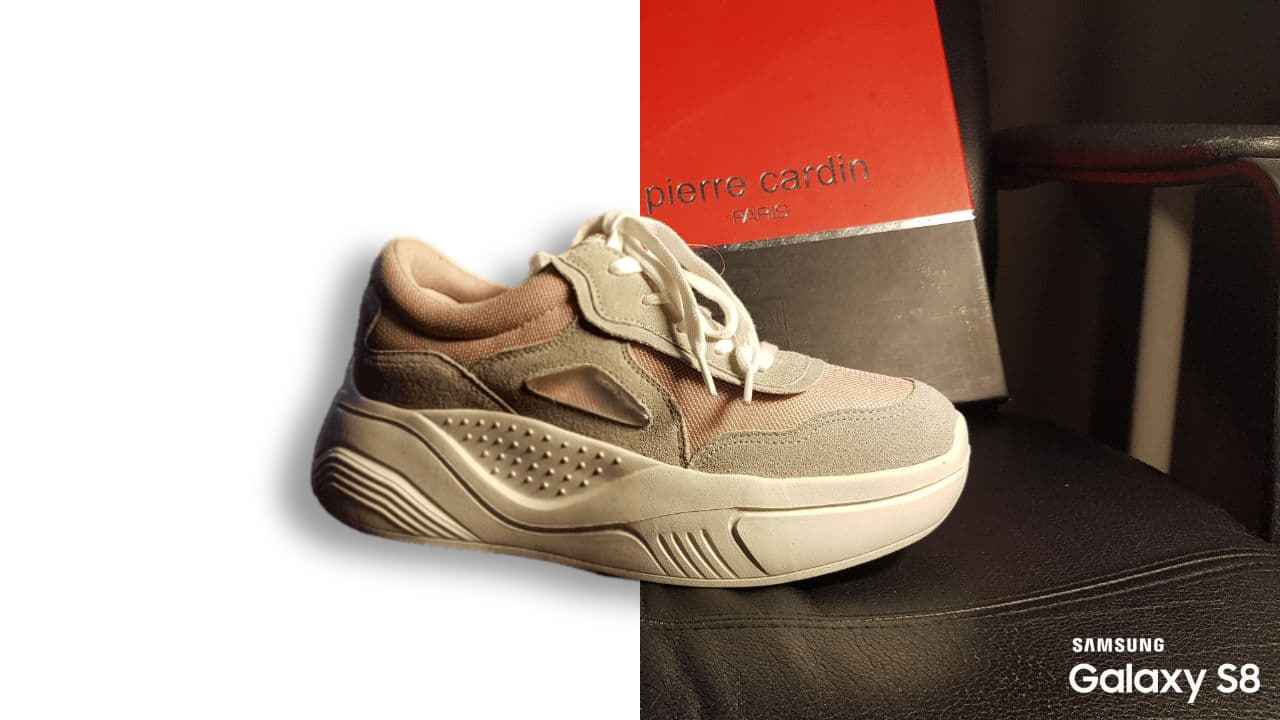
FilterPixel is a mosaic removal tool. AI culling and batch editing pipeline for high-volume event photographers. DeepCull scores frames by genre, Survey Mode compares near-duplicates, and Style DNA applies a learned editing look at scale, with exports to Lightroom, Capture One and Photo Mechanic.
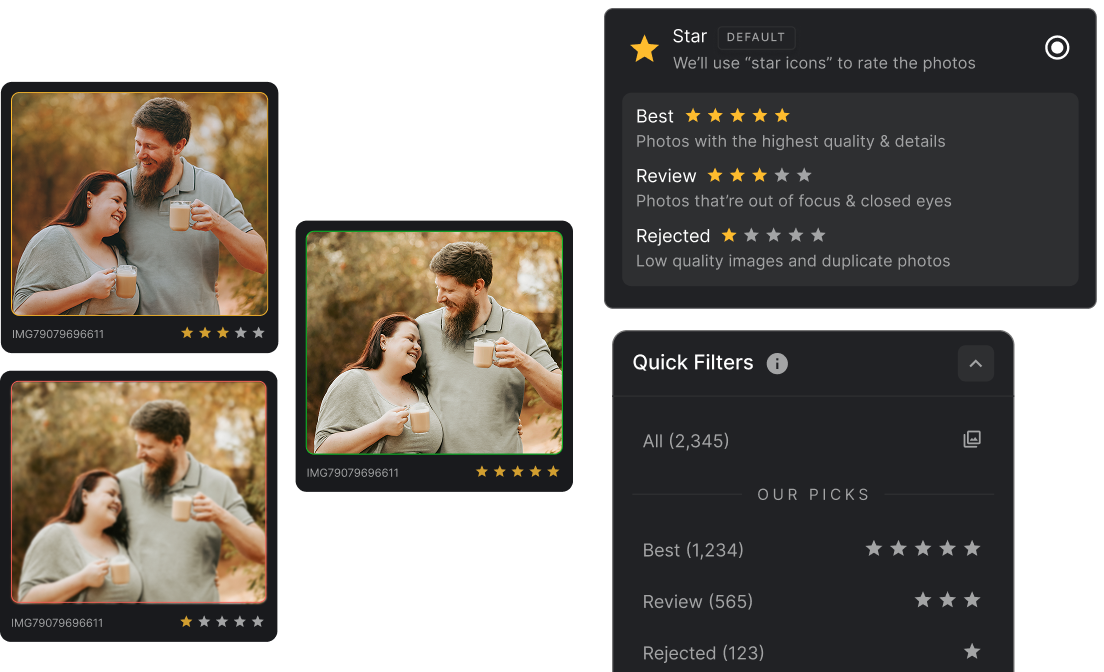
FilterPixel is a desktop photo workflow tool aimed at event photographers who shoot in high volume and have to deliver quickly. It pairs AI culling with batch editing so that a shoot of several thousand frames can move from memory card to client-ready gallery without the photographer touching every image individually. The company positions it around speed to delivery rather than speed behind the camera, and the product is used by a reported 14,000+ photographers, studios and event teams. The culling engine goes beyond sharpness checks. DeepCull lets the user set a genre such as conference, sports, concert or wedding, then scores each frame for editorial relevance and attaches a reason to the score, so keynotes, peak action and crowd energy are weighted alongside technical quality. Survey Mode groups near-identical frames and shows the small differences between them, while Magic Number lets a photographer state a target delivery count and have the system narrow thousands of images down to that number. Review Mode never removes files: rejected frames stay organized and recoverable. FilterPixel also learns an existing tagging scheme (stars, color codes, flags) and applies it consistently. On the editing side, one-click edits balance white balance, exposure, color tone and contrast across a set. Style DNA trains the engine on a photographer's own edited Lightroom catalog so the resulting look matches their existing body of work, and built-in Expert Profiles provide ready-made looks when there is no time to train anything. Images import directly from a memory card with automatic backup, and finished sets export to Lightroom, Capture One or Photo Mechanic in JPEG, RAW or both. It suits wedding, conference, sports and festival photographers plus studios handling large galleries. It is not a general-purpose image generator or a creative retouching suite; it is a production pipeline for people whose bottleneck is selection and consistency, not ideas.
Four free projects with unlimited photos, no credit card required, per the homepage.
Learn moreExports final images to Lightroom, Capture One and Photo Mechanic in JPEG, RAW or both formats.
DeepCull genre-aware scoring with a reason per photo, Survey Mode for comparing near-duplicates, Magic Number to hit a target delivery count, non-destructive Review Mode, learned tagging schemes, one-click batch edits, Style DNA training from a Lightroom catalog, built-in Expert Profiles, and memory card ingest with automatic backup.
 AI Angels400+ customizable AI girlfriends for NSFW chat, voice calls, and roleplay
 Candy AIExperience the future of companionship with AI friends who chat, role-play, and connect with you on a human level.
 ourdream.aiA vast AI roleplay platform with millions of characters for chat, images, video and voiceAI Angels400+ customizable AI girlfriends for NSFW chat, voice calls, and roleplayCandy AIExperience the future of companionship with AI friends who chat, role-play, and connect with you on a human level.ourdream.aiA vast AI roleplay platform with millions of characters for chat, images, video and voice