Support
Support is handled through a frequently asked questions block on the homepage covering what the tool is, how to get started, supported image formats and generation speed. No separate help centre or documentation site is listed.
Studio for styled images and motion from one upload.

Filtrix AI is a web studio for turning uploaded photos into styled images and short videos. It covers branded visuals, product photography, room redesigns and motion effects, backed by a browsable prompt library that shows finished examples before you generate.
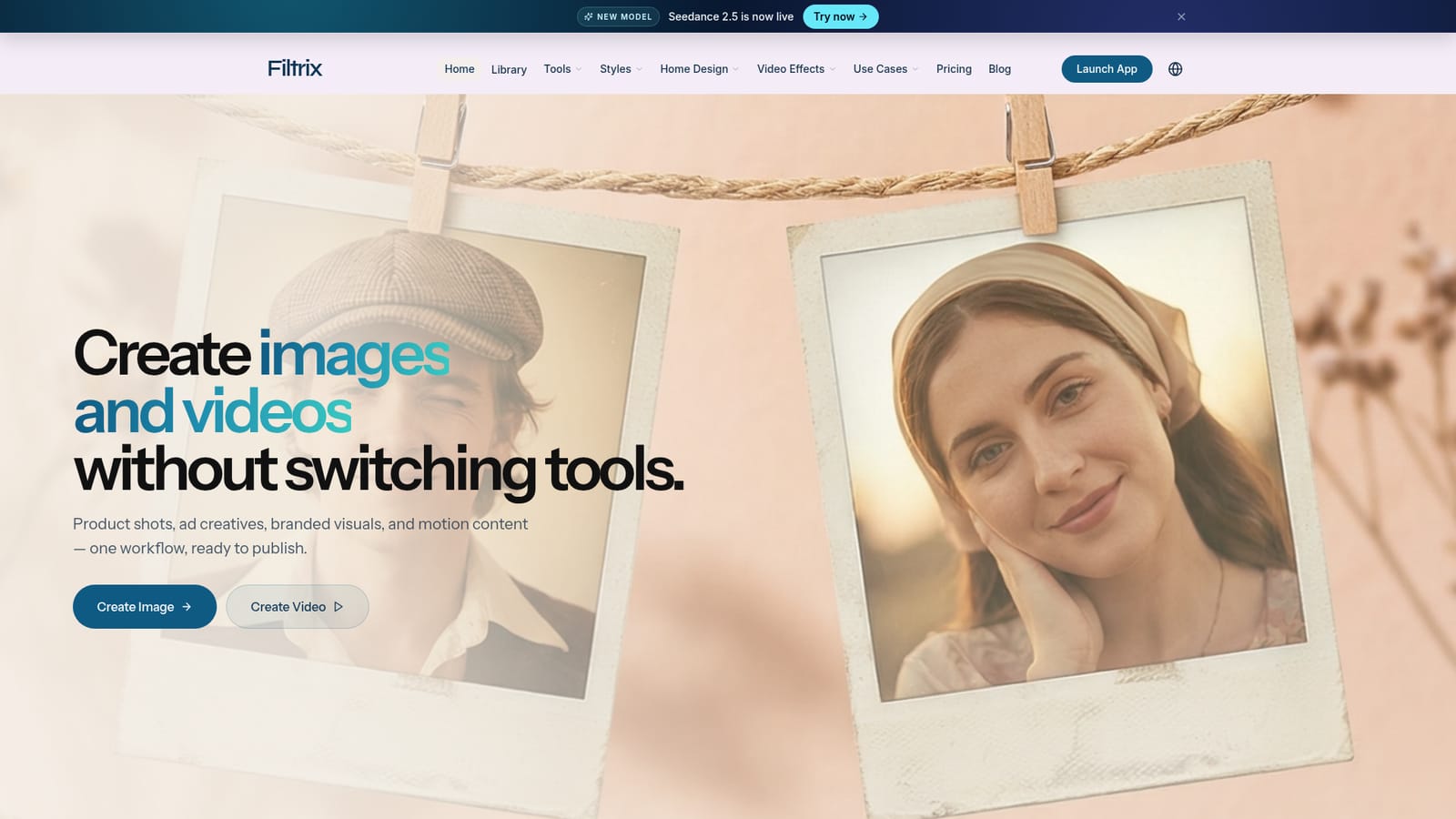
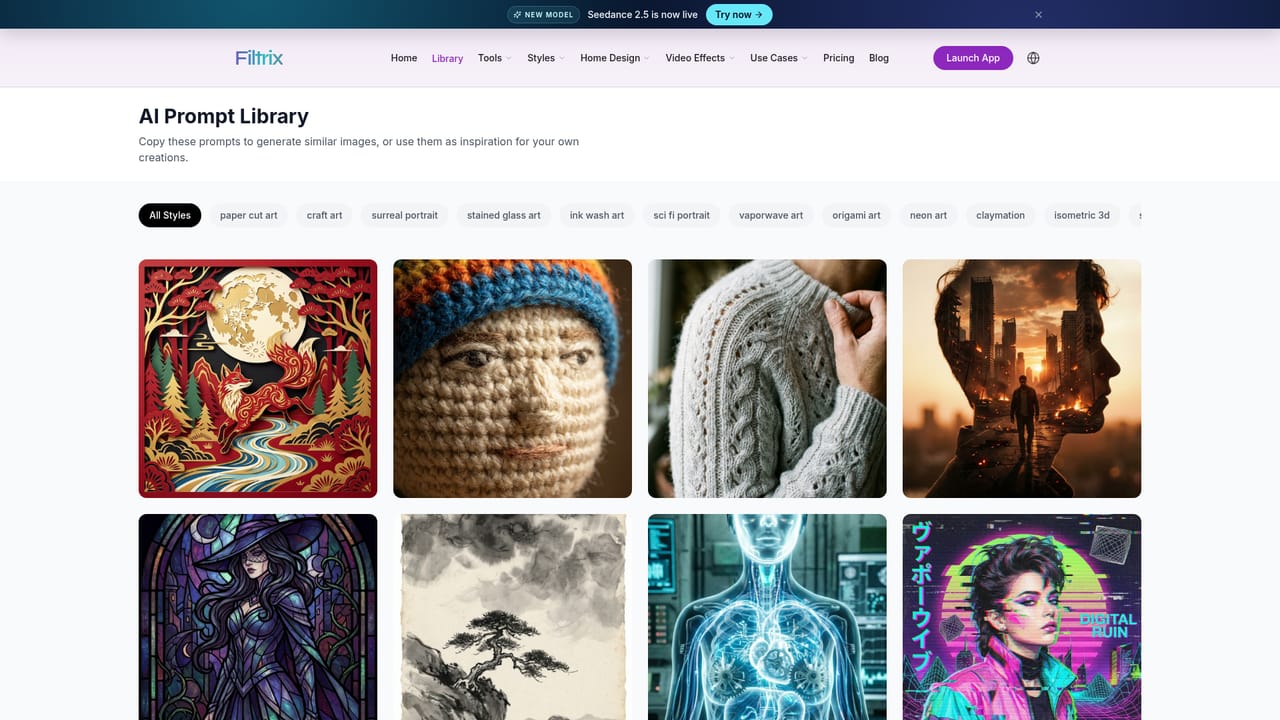
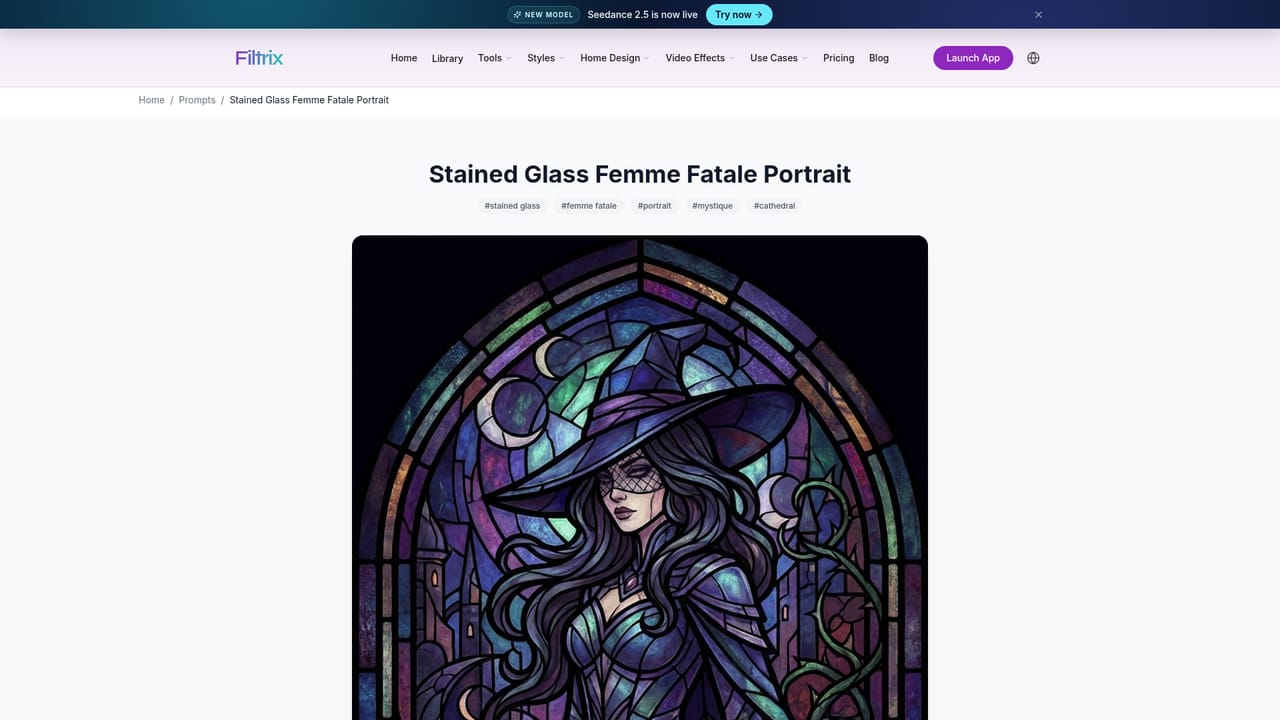
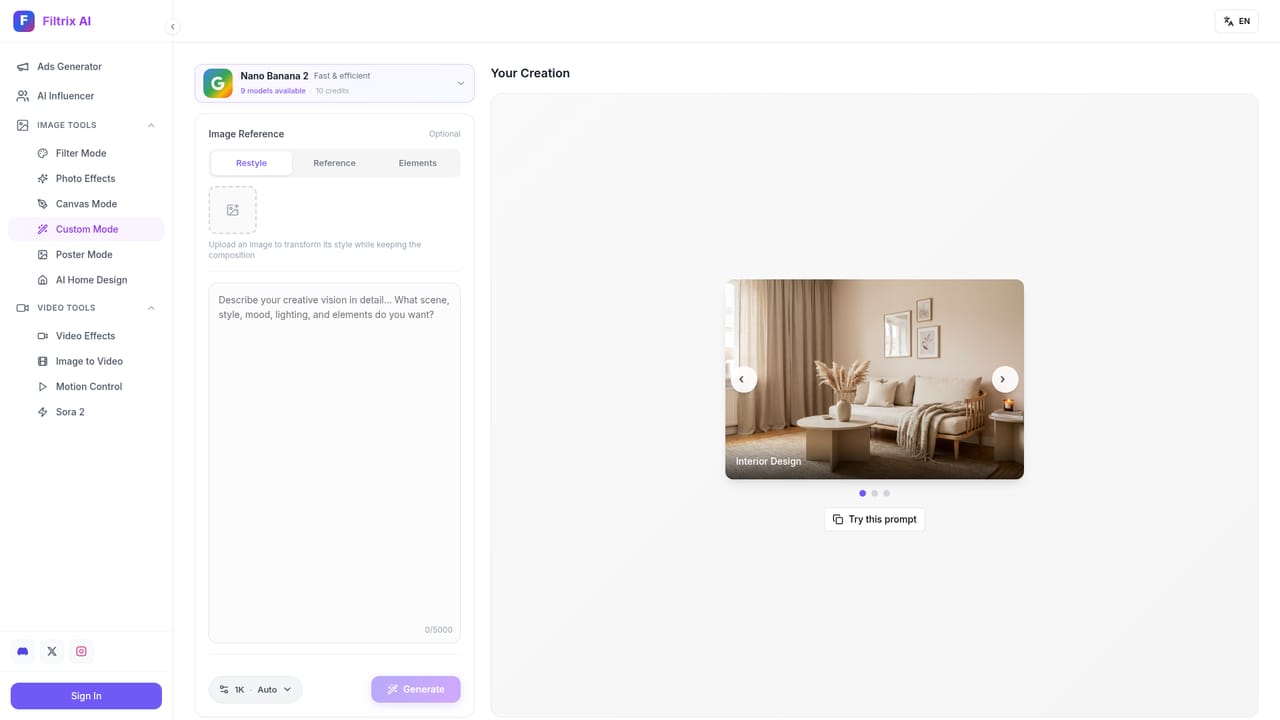
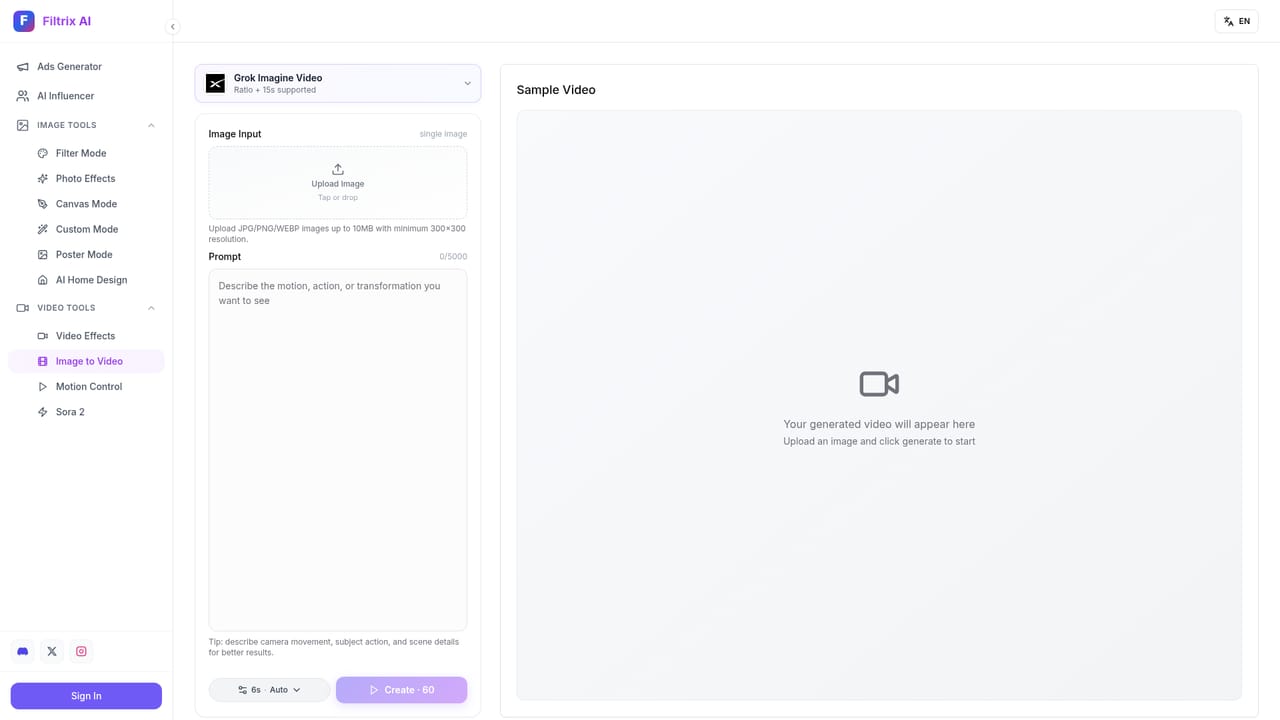
Filtrix AI is a browser based image and video studio built around a simple premise: start with a photo you already have, pick a direction, and end up with a finished visual. The homepage frames it as a way to make product shots, ad creatives, branded visuals and motion content without switching between separate tools. The starting point is a mode picker, a source image upload, and a result that the site describes as already ready to use rather than a rough concept to be cleaned up later. Four workflows carry most of the use cases. Branded visuals take one photo and push it toward a style system for posts, covers and launch assets. Product shots upgrade catalog and campaign photography from the same source material. Room redesigns let people preview paint, layouts and atmosphere before committing to a build or a purchase. Motion content adds short-form video effects and image-to-video output. Each of these paths has its own page, so the studio is organized by job rather than by model or filter. The library is the second half of the product. A browsable prompt collection shows finished examples with names like origami dragon mountain scene, stained glass femme fatale, macro tiny humans dinner bubble, miniature world product photography, synthwave siren and Chinese paper cut fox forest. Browsing a prompt shows what a given style produces, which is useful for people who know the look they want but not the wording to describe it. A custom mode sits alongside for original direction. The audience is broad: small commerce teams shooting products on a phone, marketers who need campaign variants fast, interior designers mocking up a room, and hobbyists chasing a specific aesthetic. The tradeoff is that Filtrix is a guided studio rather than a deep retouching suite. Pixel level control, masks and layered compositing are not part of the pitch here, and people with an established Photoshop or Figma workflow may find the style library constraining. As a fast path from photo to publishable asset, it competes with general image generators on the style side and with dedicated interior or product visualizers on the vertical side, while bundling those jobs into a single workflow.
Support is handled through a frequently asked questions block on the homepage covering what the tool is, how to get started, supported image formats and generation speed. No separate help centre or documentation site is listed.
Core features cover styled image generation from an uploaded photo, a library of preset styles with preview examples, a custom mode for original direction, product photography and interior room redesign workflows, and image-to-video motion effects. A prompt gallery organizes finished examples by style so users can start from a look rather than a blank prompt.
 AI Angels400+ customizable AI girlfriends for NSFW chat, voice calls, and roleplay
 Candy AIExperience the future of companionship with AI friends who chat, role-play, and connect with you on a human level.
 ourdream.aiA vast AI roleplay platform with millions of characters for chat, images, video and voiceAI Angels400+ customizable AI girlfriends for NSFW chat, voice calls, and roleplayCandy AIExperience the future of companionship with AI friends who chat, role-play, and connect with you on a human level.ourdream.aiA vast AI roleplay platform with millions of characters for chat, images, video and voice