Flaq AI

Animate still images into short clips across several video models

Beginner API
Screenshot of Flaq AI, Animate still images into short clips across several video models

What is Flaq AI?

Flaq AI is a generative video tool that animates still images into short clips across several video models. Flaq AI's image-to-video generator animates uploaded photos or designs into short clips using a choice of provider models, with prompt control, optional end frames, sound on some models, and a per-second cost shown before you generate.

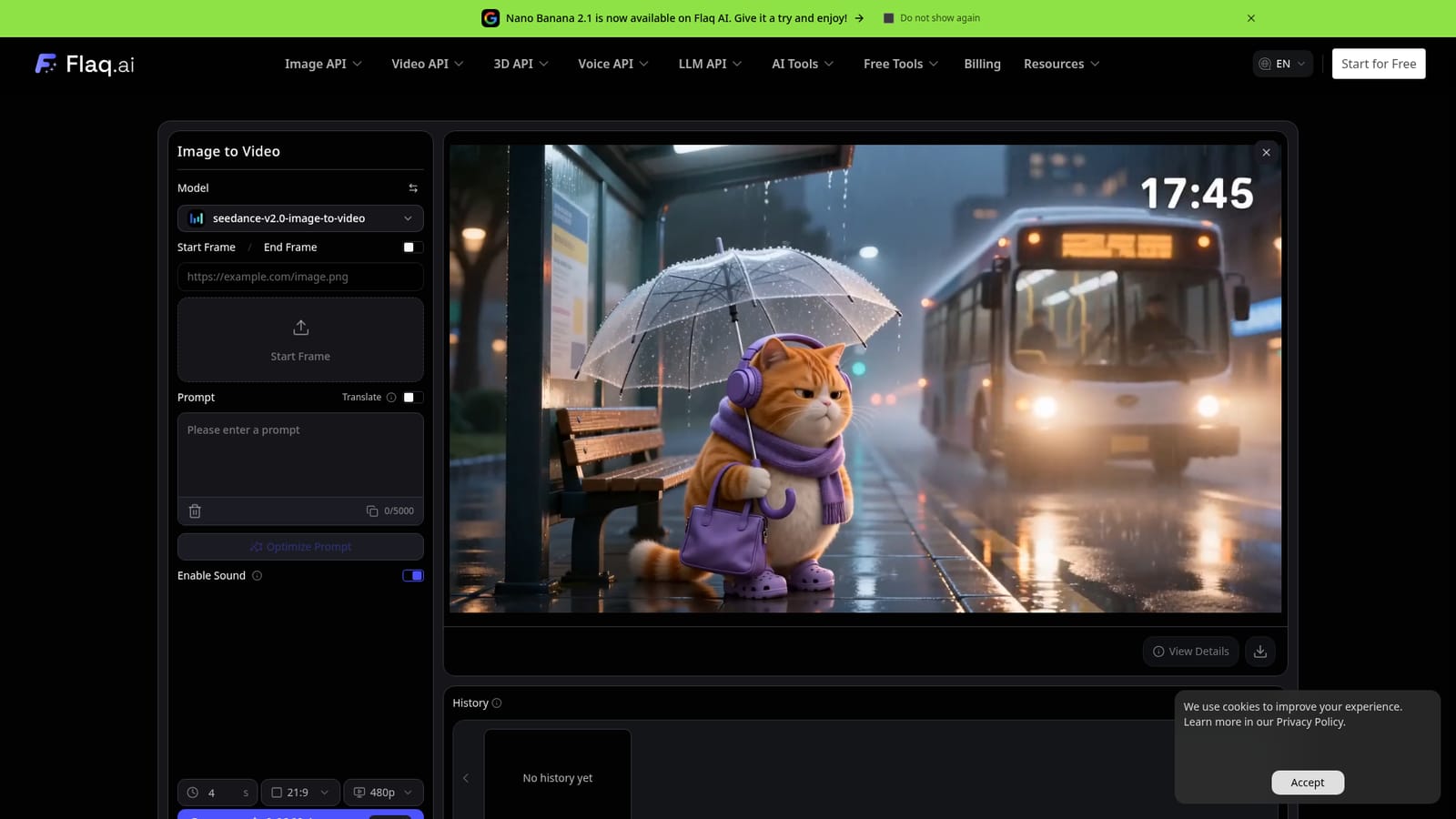
Flaq AI is a multi-model media platform, and its image-to-video page is a browser-based generator that turns a still picture into a short moving clip. The user uploads a reference image, writes a prompt describing the action, camera behavior and mood, picks one of the supported image-to-video models, and generates a preview. The page shown as the default model is Seedance 2.0 Image to Video, with a start frame and an optional end frame, a 5,000-character prompt box, a prompt optimizer, a translate option and a sound toggle. Settings vary by model but can include duration, aspect ratio, resolution (from 480p up to 4k on the default model), seed, camera lock and negative prompt. Cost is shown before generation as a per-second rate, so a user can compare providers on price as well as motion style, realism, speed and audio support. A history panel keeps past generations, and the user can refine the prompt or settings and run the clip again. The target audience is marketers, e-commerce sellers, social media creators, designers and character artists who already have a visual and want it to move. Listed use cases include product and packaging motion for ads and landing pages, portrait and avatar animation, vertical clips for short-form platforms, and motion previews of concept art, posters, storyboards and moodboards. Flaq AI sits between single-model video tools and API aggregators. The wider site groups image, video, 3D, voice and LLM APIs, an AI canvas in beta, and an MCP server, and the page itself points to stable API workflows for developers. That breadth makes it a reasonable choice for people who want to test several providers behind one account instead of subscribing to each. The trade-off is that results and options depend on whichever underlying model is chosen, and the page leaves detailed answers on commercial use and plan pricing to deeper pages.
How do you use Flaq AI?

  1. 1Open the image-to-video tool
    Go to the Image to Video page and choose a supported model from the model selector. Check which options it offers, such as end frame, sound and resolution.
    Flaq AI — Open the image-to-video tool
  2. 2Upload a reference image
    Add the product photo, portrait, design or scene you want to animate as the start frame. If the model supports it, add an end frame as well.
  3. 3Write the motion prompt
    Describe the action, camera movement, lighting and mood, and name the details of the source image that should stay stable. The Optimize Prompt button can refine the draft.
  4. 4Set video options and check cost
    Pick duration, aspect ratio, resolution and sound where available, then read the per-second credit estimate before generating.
  5. 5Generate, preview and refine
    Run the generation, review the clip, and adjust the prompt or settings for another pass. Earlier results stay in the History panel.
  6. 6Read the workflow guide
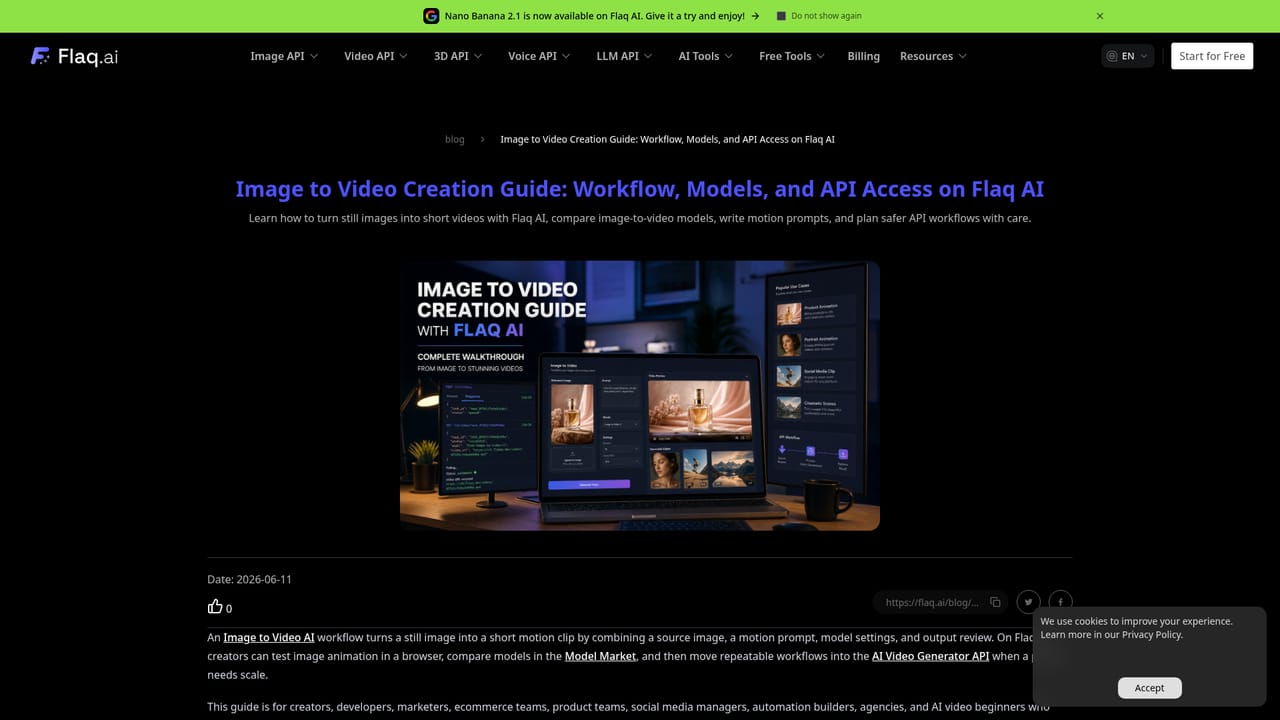
    The blog guide covers model comparison, motion prompts and API access for teams planning to automate image-to-video work.
    Flaq AI — Read the workflow guide

Pros and cons

Pros

  • Several image-to-video models in one interface, so motion style, realism and price can be compared without switching toolsAI
  • Per-second cost is displayed before generating, which makes budgeting for test runs easierAI
  • Optional end frame, seed, camera lock and negative prompt give more control than a bare prompt boxAI
  • Built-in prompt optimizer, translate option and generation history speed up iterationAI
  • Free credits are offered for testing, and an API path exists for developersAI

Cons

  • Available settings change with each model, so options like audio or end frame are not guaranteed everywhereAI
  • The homepage does not state plan prices or how many free credits are includedAI
  • Commercial-use terms are only a FAQ question here, with no answer visible on the pageAI
  • Output quality depends on the chosen third-party model, so results can be inconsistent between providersAI
  • The site's wide catalog of APIs and guides can make the product harder to navigate for casual usersAI

How much does Flaq AI cost?

Free trial

New users can start with free credits to animate an image and test models before paying. The amount of credit is not stated on the page.

Learn more

Pricing

Pricing is credit-based with a per-second rate shown before generation (the default Seedance 2.0 model listed 0.0960 and 0.1200 per second, with a 20% off tag). Full plan prices are not stated on the page.

Learn more

Support

The page links to a blog with workflow guides and to model pages with API examples. No support channel or help center is described.

Learn more

Integrations

Offers image, video, 3D, voice and LLM APIs, an MCP server, and models from providers such as ByteDance, Google, Vidu, OpenAI, Alibaba and Anthropic. No third-party app integrations are listed.

Features

Reference-image animation, prompt-guided motion, multiple image-to-video models, optional end frame, duration, aspect ratio, resolution, sound, seed, camera lock and negative prompt settings, prompt optimizer, translation, history and upfront credit estimates.

Frequently asked questions about Flaq AI

  • How much does Flaq AI cost?
    Pricing is credit-based with a per-second rate shown before generation (the default Seedance 2.0 model listed 0.0960 and 0.1200 per second, with a 20% off tag). Full plan prices are not stated on the page.
  • Does Flaq AI offer a free trial?
    New users can start with free credits to animate an image and test models before paying. The amount of credit is not stated on the page.
  • Does Flaq AI have an API?
    Yes, Flaq AI offers an API.
  • How do you use Flaq AI?
    The walkthrough on this page covers 6 steps: 1. Open the image-to-video tool 2. Upload a reference image 3. Write the motion prompt 4. Set video options and check cost 5. Generate, preview and refine 6. Read the workflow guide.
  • What platforms does Flaq AI support?
    Flaq AI is available on Web App.
  • What does Flaq AI integrate with?
    Offers image, video, 3D, voice and LLM APIs, an MCP server, and models from providers such as ByteDance, Google, Vidu, OpenAI, Alibaba and Anthropic. No third-party app integrations are listed.

Status

StatusActive
Views0
Outbound clicks0
Added10/18/2026

Platforms

Web App

Pricing

Freemium