Support
Getting started runs through a booked 30-minute working session with the team. Public documentation is available for teams that prefer to read before engaging. No support tiers are described on the homepage.
Learn moreSecurity data pipelines that route every log to where it belongs.

Fleak is a file organizer tool. A pipeline layer that normalizes and routes security logs in front of the SIEM, cutting ingest volume and repairing schema drift automatically.
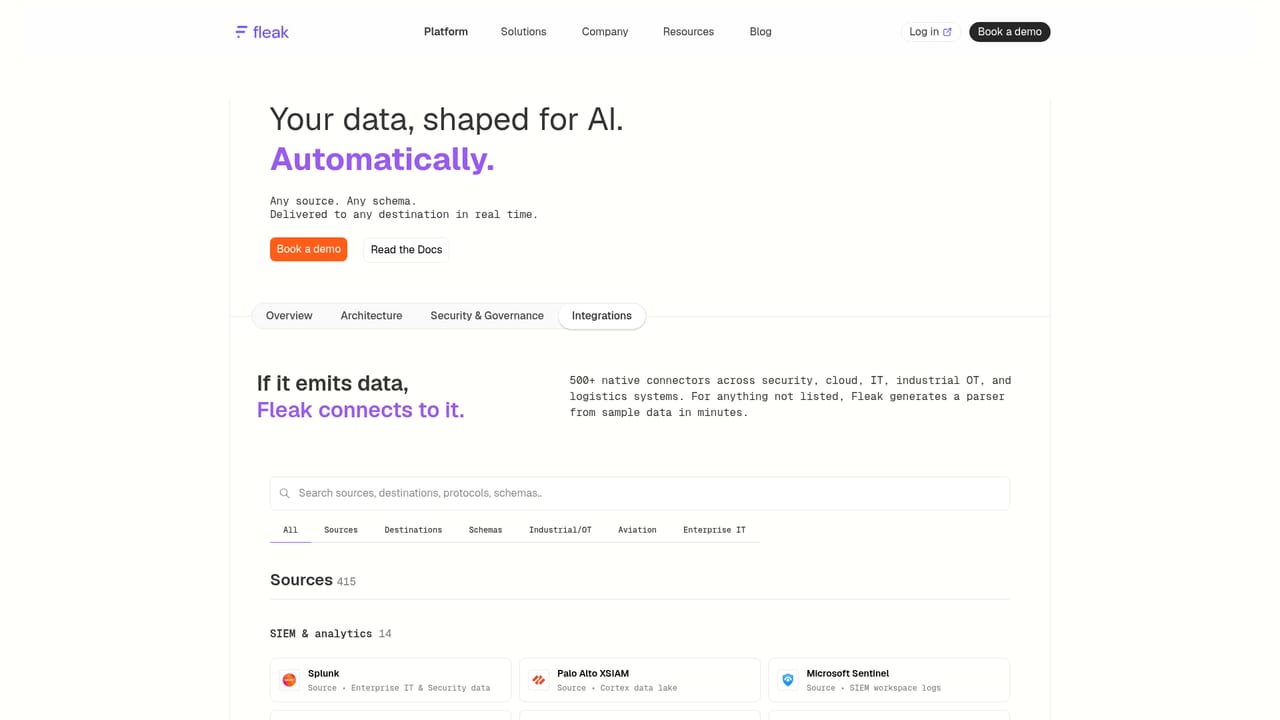
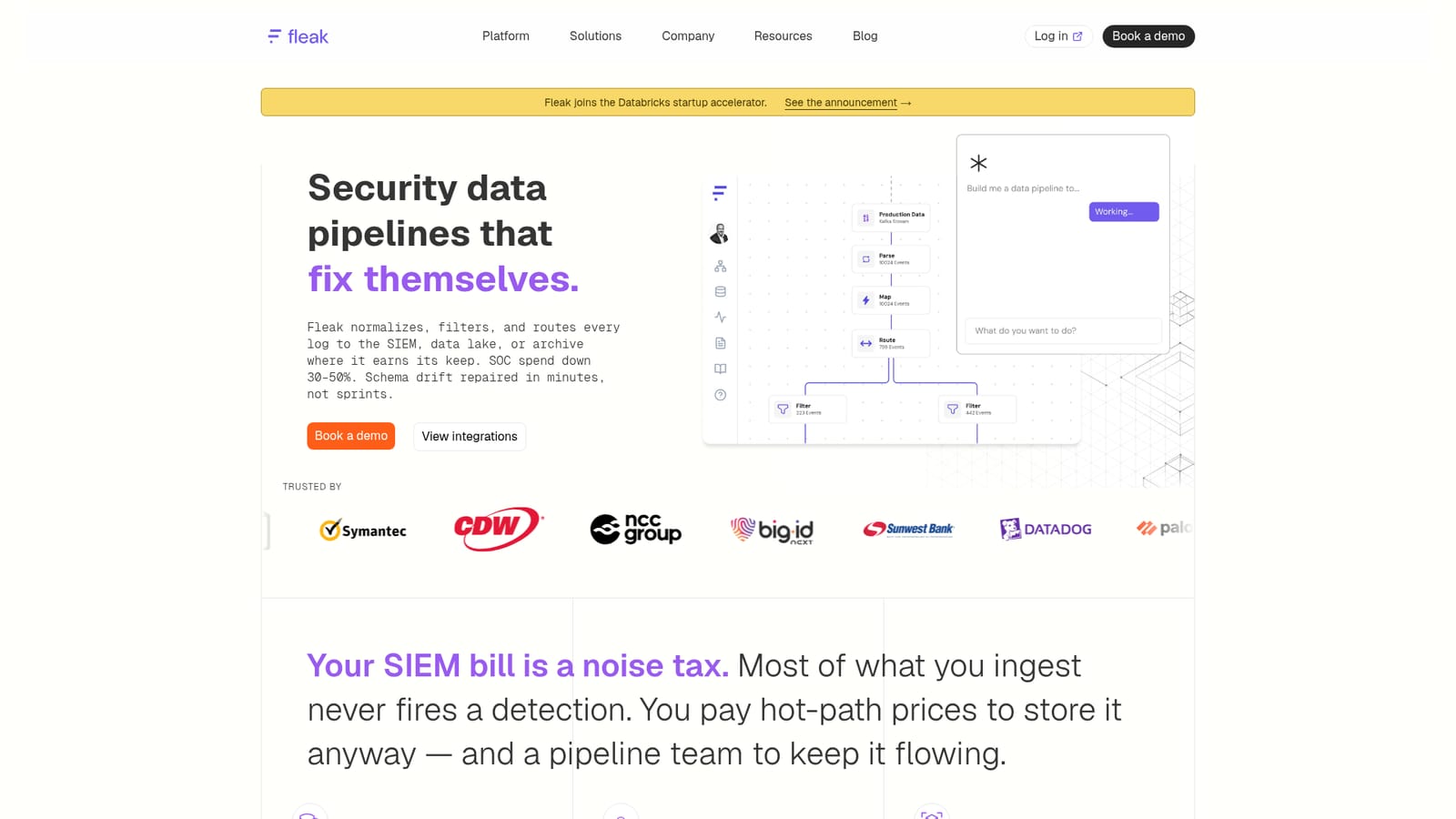
Fleak is a data pipeline layer that sits in front of a SIEM rather than replacing it. It connects to log sources across EDR, identity, cloud audit, network, SaaS and OT, normalizes each event to a shared schema (OCSF, UDM or a custom one), then routes it based on what the destination actually needs. Event types that feed real-time correlation go to the SIEM at hot-path prices. Threat-hunting corpora land in a data lake at object-storage rates. Compliance logs move to an archive. Noise is dropped before it costs anything to store. The product is aimed at security operations teams carrying a large SIEM bill for telemetry nobody alerts on. Instead of maintaining one parser per source (the company cites a scenario of roughly 280 sources and 280 schemas), operators describe the pipeline in plain English and Fleak's copilot generates the configuration. A deterministic execution engine runs it, and production data is kept away from AI models, which is a meaningful distinction for regulated buyers. The self-healing behavior is the other differentiator. When an upstream vendor renames a field or changes a log format, Fleak detects the drift, generates a corrected config and either redeploys or waits for approval. The vendor quotes an average heal time of three minutes. Deployment options span managed SaaS, the customer's own cloud, on-premise and air-gapped environments, with access control enforced at the data layer and a full transformation audit trail. The company reports SOC 2 Type II. Where Fleak fits: it competes less with SIEM platforms and more with hand-built pipelines and rules-based filtering tools, which break when schemas change. It also serves industrial and financial teams that need consistent telemetry for predictive models or fraud detection. Expect a sales-led engagement rather than self-serve signup, and expect to bring a specific noisy source to the first call.
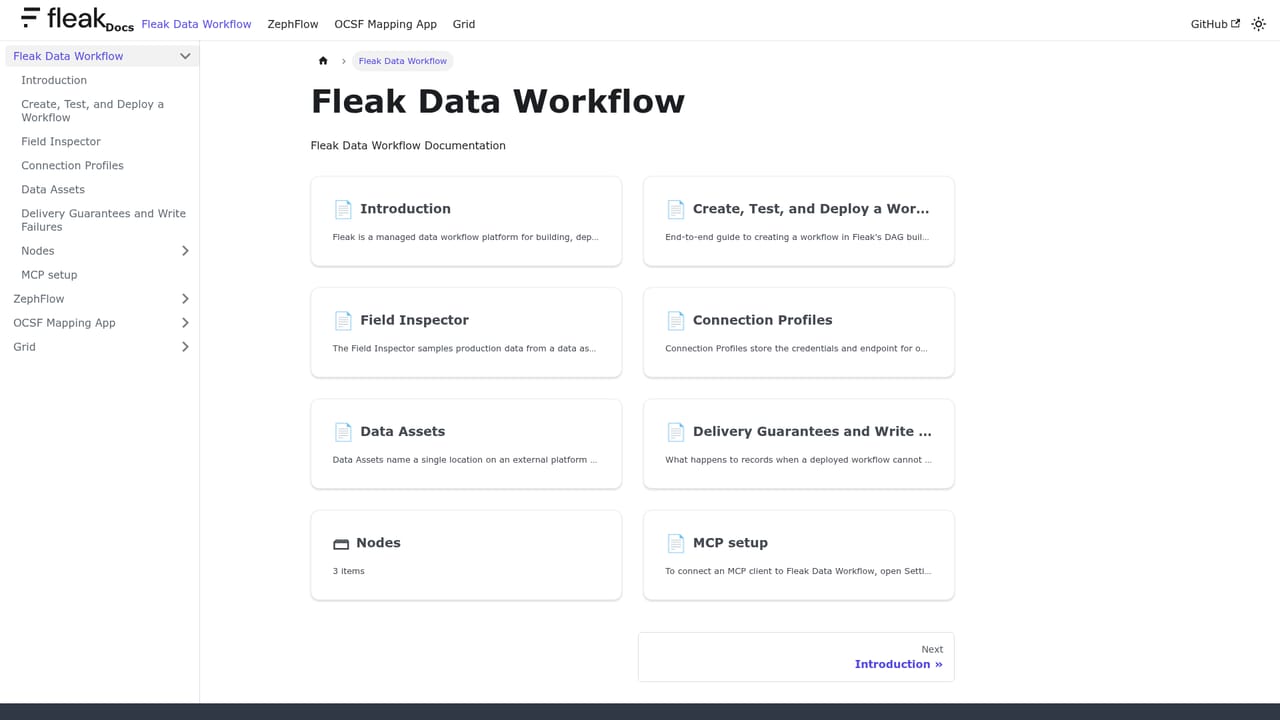
Getting started runs through a booked 30-minute working session with the team. Public documentation is available for teams that prefer to read before engaging. No support tiers are described on the homepage.
Learn moreThe catalog includes Splunk, Microsoft Sentinel, Palo Alto XSIAM, CrowdStrike Falcon, Google Chronicle, Okta, AWS CloudTrail, Azure Monitor, Google Cloud Logging, Datadog and Kafka, plus lake and warehouse targets such as Databricks, Snowflake, Amazon S3, BigQuery, Elasticsearch and ClickHouse.
Learn moreIntent-based routing across SIEM, data lake and archive destinations; normalization to OCSF, UDM or custom schemas; AI copilot that builds pipelines from plain-English descriptions; self-healing config regeneration when schema drift is detected; deduplication and filtering before delivery; fine-grained data access control with a full audit trail; real-time streaming with no data stored by Fleak.
 AI Angels400+ customizable AI girlfriends for NSFW chat, voice calls, and roleplay
 Candy AIExperience the future of companionship with AI friends who chat, role-play, and connect with you on a human level.
 ourdream.aiA vast AI roleplay platform with millions of characters for chat, images, video and voiceAI Angels400+ customizable AI girlfriends for NSFW chat, voice calls, and roleplayCandy AIExperience the future of companionship with AI friends who chat, role-play, and connect with you on a human level.ourdream.aiA vast AI roleplay platform with millions of characters for chat, images, video and voice


