Free trial
The homepage invites users to try the product free, but does not state trial length, export quality or which AI features are included during a trial.
Learn moreBrowser-based video editor with templates and AI assistance

FlexClip is an online video editor that pairs a large template library with AI-assisted tools for trimming, captions, background removal and quick promo or slideshow production. It targets marketers, small teams and casual creators who want a finished clip without a steep learning curve.
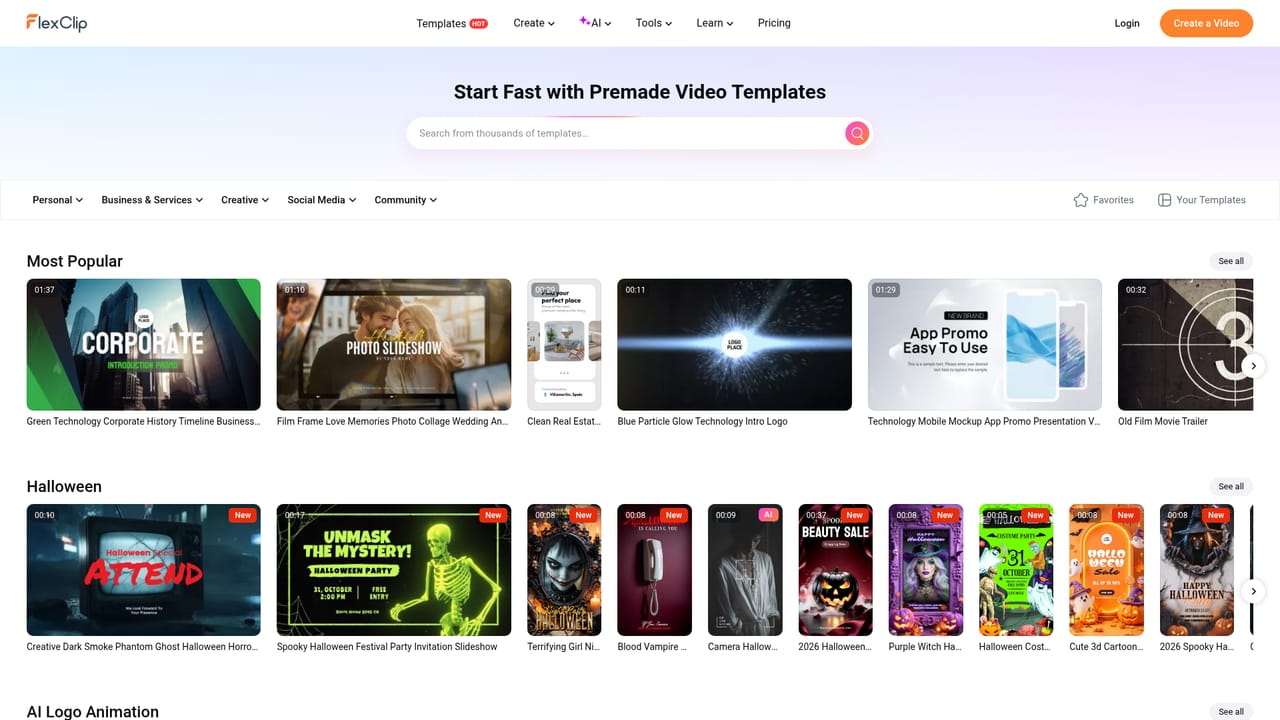
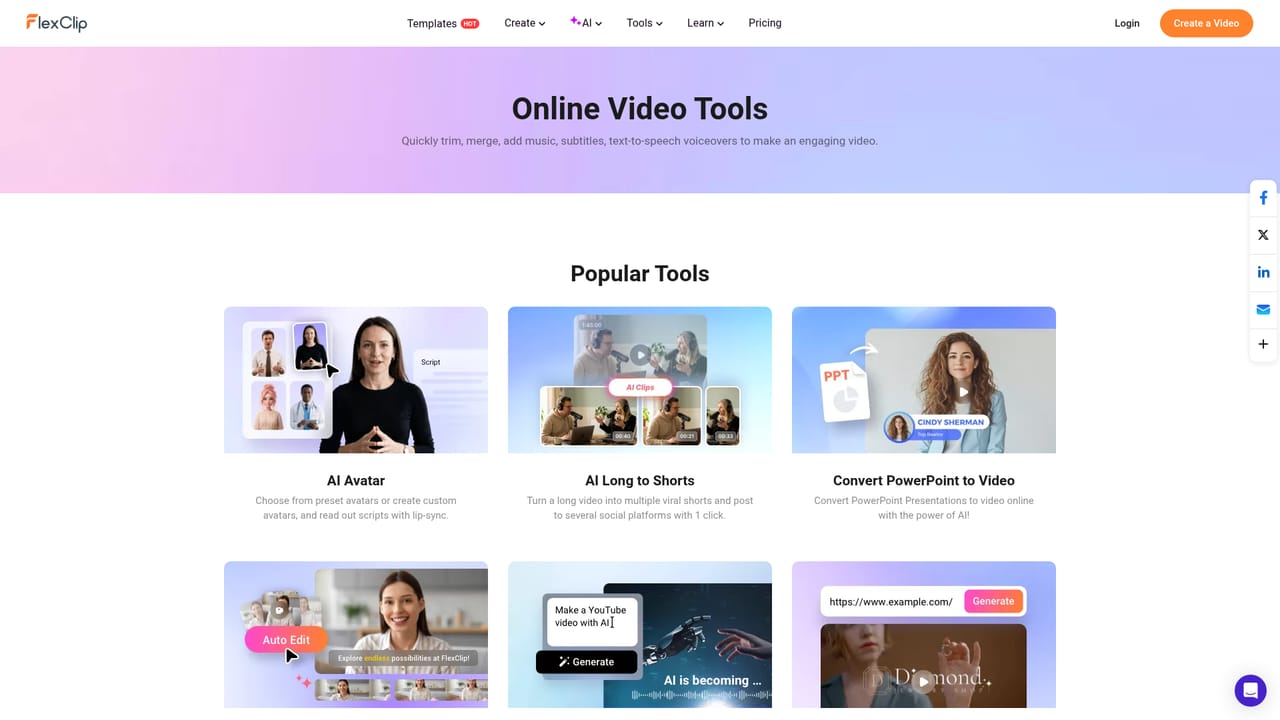
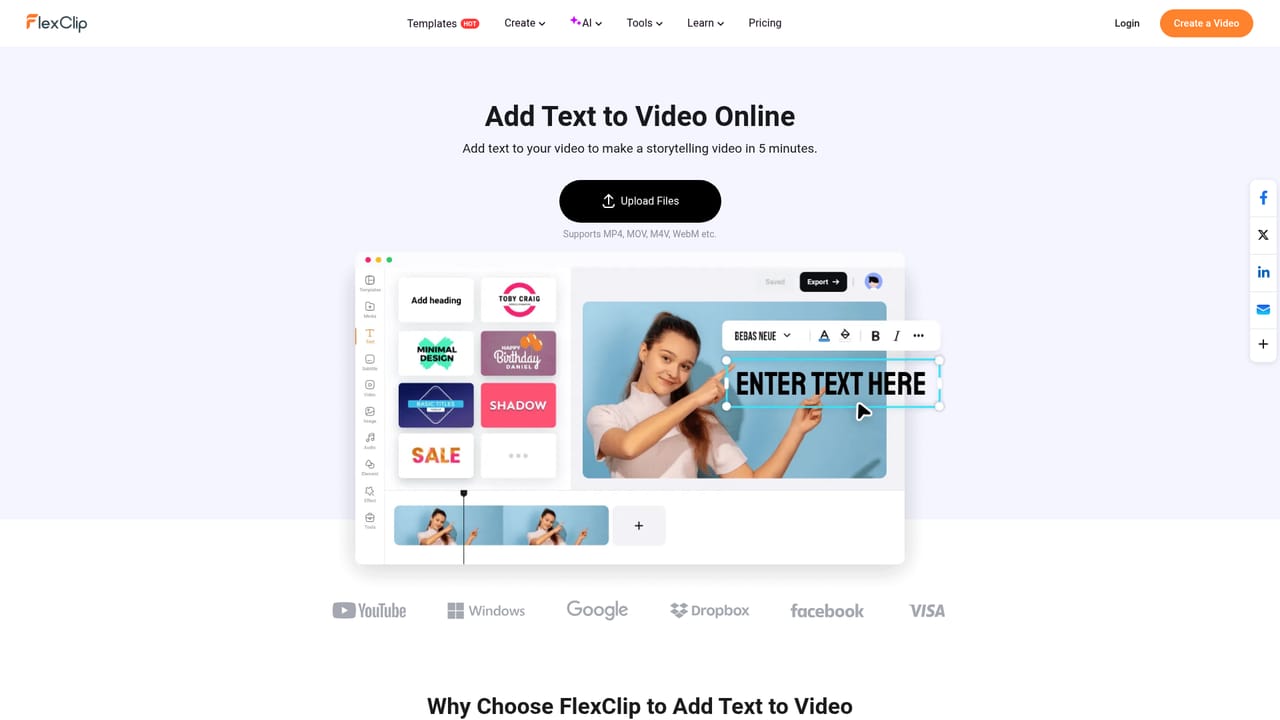
FlexClip is a browser-based video maker that combines a conventional timeline editor with a library of several thousand editable templates and a set of AI helpers. The product positions itself for people who need finished video quickly: marketers producing product promos, small teams assembling social clips, teachers building course trailers, and individuals making slideshows for weddings, birthdays or memorials. The pitch is speed rather than depth, and the template catalogue is the core of that pitch. The library is organized by purpose, with categories for business, store, intro and outro, community, sport, wedding, slideshow and marketing. Many templates carry an AI label and can be reworked automatically with new text, footage or branding instead of being rebuilt scene by scene. Anyone who would rather start clean can open the editor directly on a chosen aspect ratio. Templates and scratch projects land in the same editor, so a template is a starting point rather than a locked product. Beyond templates, FlexClip bundles a broad set of single-purpose tools that are normally spread across separate sites: trimming, adding text, adding music, reversing a clip, freezing a frame, chroma key, video effects, a screen recorder, speed curves, GIF export and background removal. This matters in practice because most short-form work is exactly this kind of small surgery. A creator can record a screen, cut the dead air, drop a title on it and export, without installing anything or moving files between programs. The AI layer leans toward assisted rather than autonomous editing. The site advertises smart AI alongside templates and editing tools and points to guides for tasks such as turning a blog post into video or producing many variants in bulk. That makes FlexClip a middle option: closer to a consumer editor than a professional studio suite, but with enough structure that a beginner gets a presentable result on the first attempt. Pricing tiers, export limits and any integration or support channels are not stated on the homepage, so they should be confirmed on the site before committing.
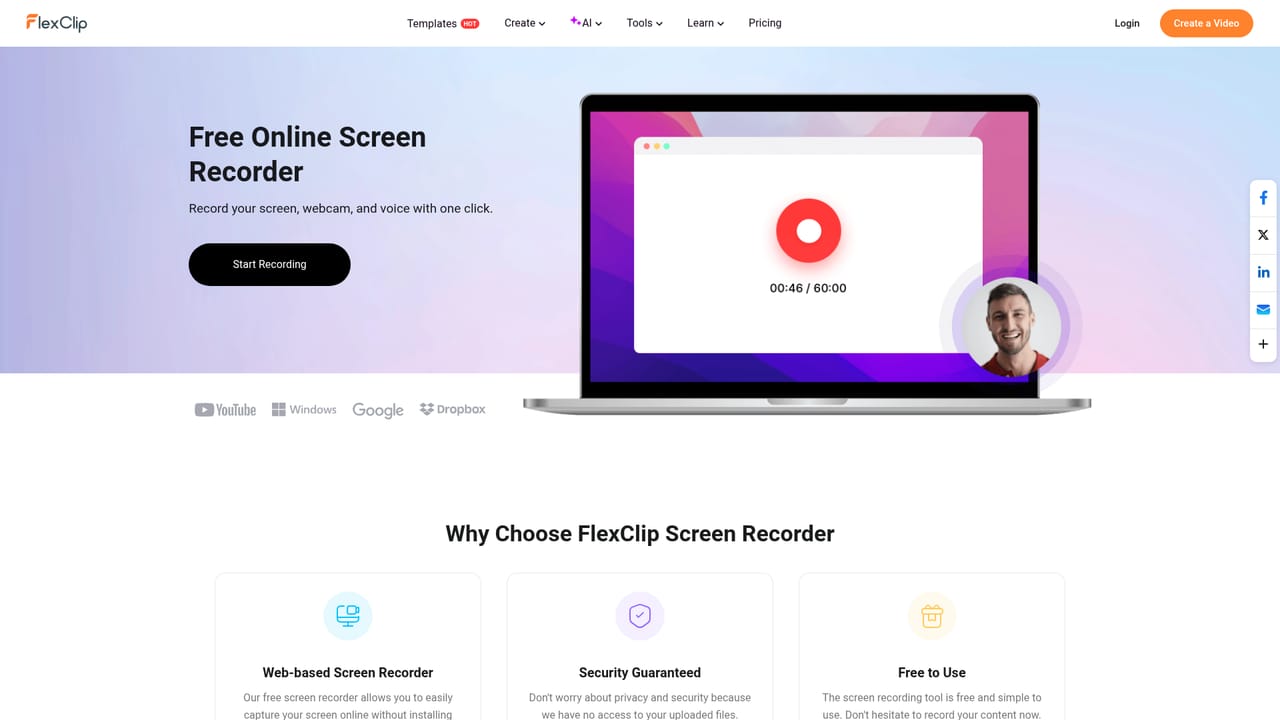
The homepage invites users to try the product free, but does not state trial length, export quality or which AI features are included during a trial.
Learn moreTemplate catalogue with AI-assisted reworking, a timeline editor driven by an aspect ratio you choose on entry, and a wide set of standalone tools including trim, add text, add music, reverse, freeze frame, chroma key, video effects, screen recorder, speed curve, GIF maker and background removal. Guides on the site cover adjacent workflows such as blog posts to video and bulk video creation.
Learn more AI Angels400+ customizable AI girlfriends for NSFW chat, voice calls, and roleplay
 Candy AIExperience the future of companionship with AI friends who chat, role-play, and connect with you on a human level.
 ourdream.aiA vast AI roleplay platform with millions of characters for chat, images, video and voiceAI Angels400+ customizable AI girlfriends for NSFW chat, voice calls, and roleplayCandy AIExperience the future of companionship with AI friends who chat, role-play, and connect with you on a human level.ourdream.aiA vast AI roleplay platform with millions of characters for chat, images, video and voice