Free trial
A $1 three-day trial is offered, with a card required at signup. No free plan is mentioned on the homepage.
Learn moreTurn notes, PDFs and documents into designed slide decks
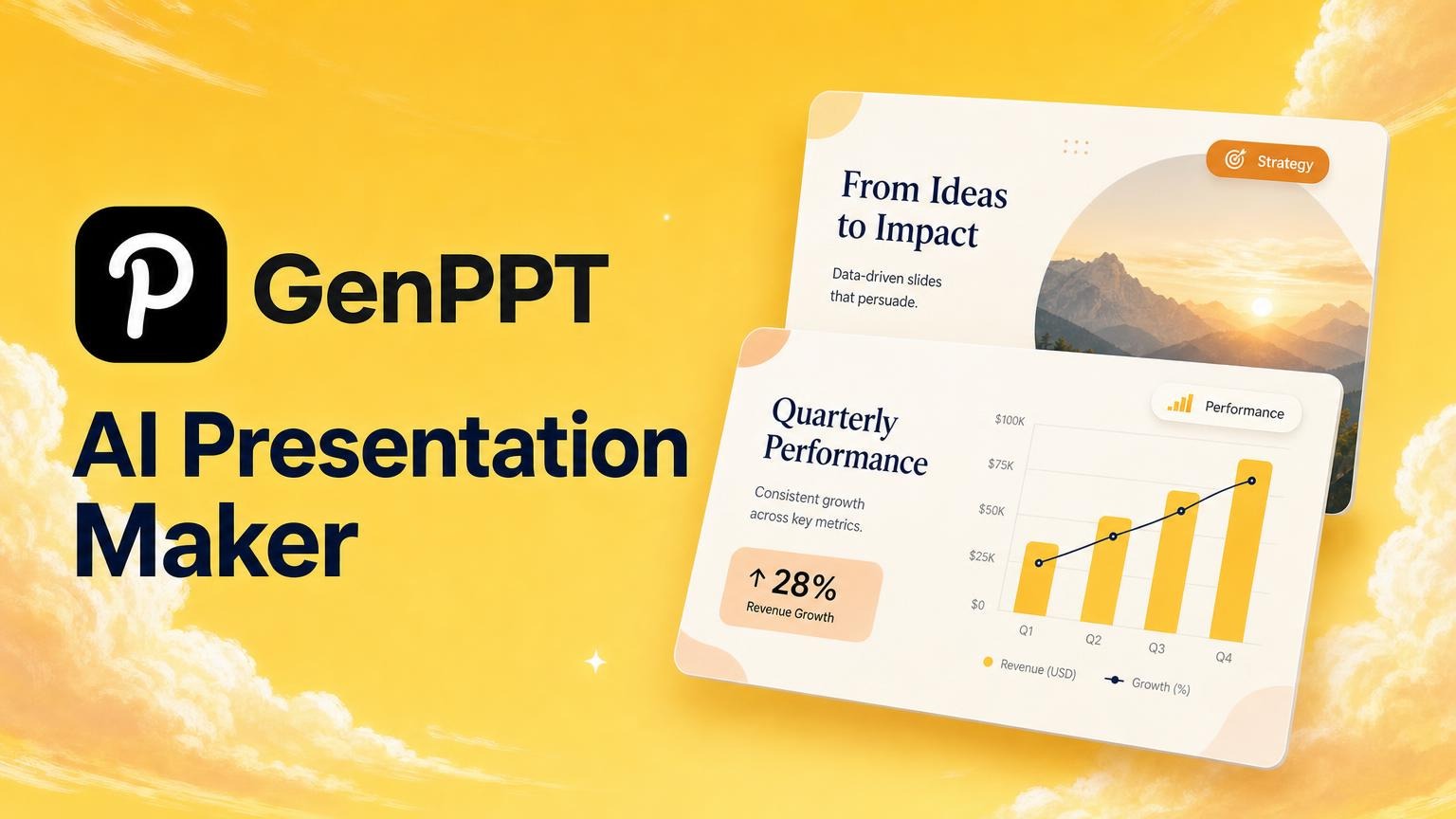
GenPPT is an AI slideshow maker tool that turns notes, PDFs and documents into designed slide decks. GenPPT converts PDFs, documents, notes, spreadsheets and media links into designed presentations. Users approve an AI-built outline, refine slides in chat, and export to PowerPoint, PDF or PNG in widescreen, square or vertical formats for decks and social carousels.
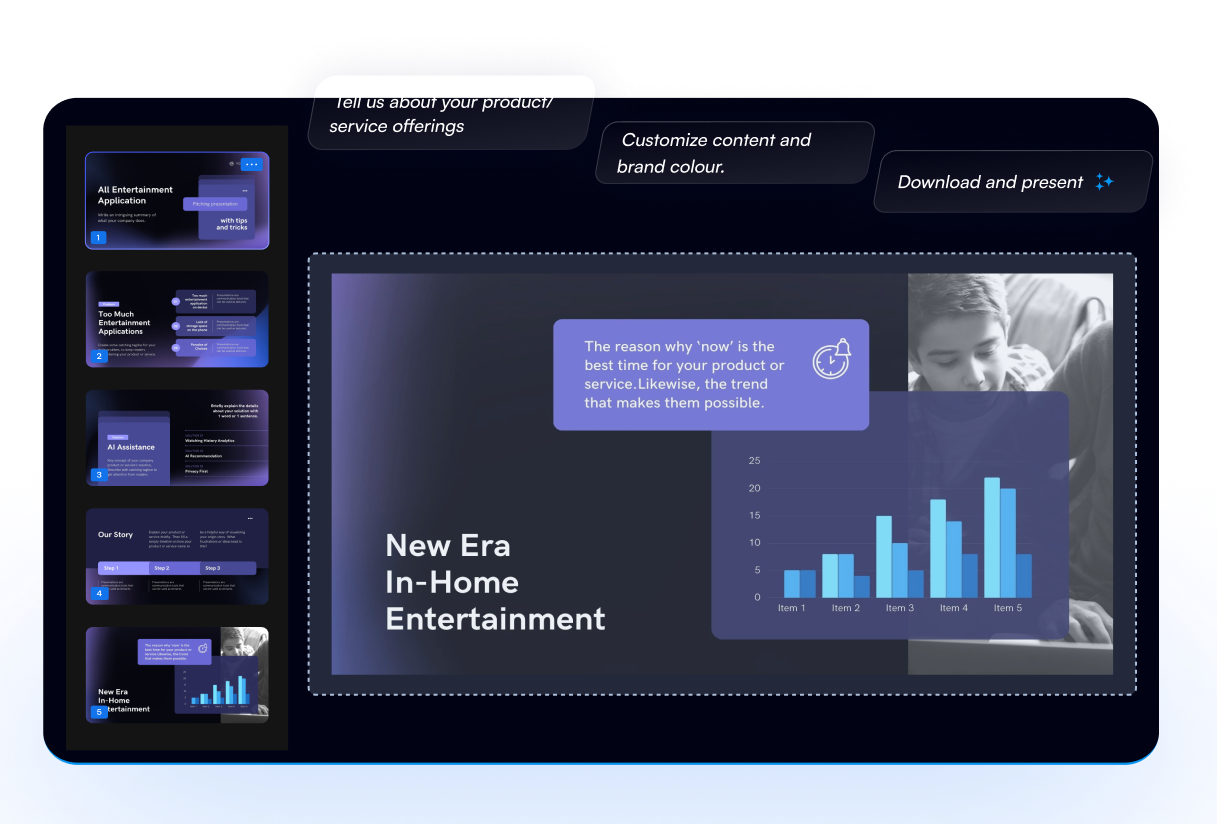
GenPPT is an AI presentation generator built around a single idea: the source material you already have should become the deck, not a blank canvas you style by hand. Users upload a PDF, Word document, PowerPoint file, spreadsheet, image, audio or video file, or paste a YouTube or web URL. The tool extracts key points, metrics and citations while attempting to preserve the user's original wording, then arranges that material into a slide-by-slide outline. The outline step is the product's main differentiator. Rather than generating finished slides immediately and leaving users to clean up, GenPPT pauses so the story can be reviewed, copy edited and approved before any design work happens. Once the outline is locked, slides are generated with layout and visual treatment applied. Further changes happen conversationally: a chat agent can restyle a slide, convert a chart to 3D, or lock a specific figure in place. The site advertises sub-second iteration and accurate edits, and shows a worked example of turning slide 3 dark and rebuilding a margin chart. Output is aimed at real handoff, not just in-app viewing. Decks export as .pptx for PowerPoint or Google Slides, as printable PDF, or as PNG images, in 16:9, 1:1 and 9:16 aspect ratios. The square and vertical formats point at social use cases, including LinkedIn carousels and short-form video. The company says more than 100,000 professionals use it, and showcases decks for biotech explainers, retail launch plans, logistics strategy and B2B growth playbooks. It suits founders assembling pitch decks, consultants and analysts producing quarterly reviews, educators building lessons, and marketers repurposing one asset across channels. Compared with generic chatbots, the structured outline approval and native export path are the draw; compared with template libraries, the appeal is starting from your own documents rather than from a theme gallery. Teams with strict brand systems or highly bespoke layouts may still finish work in PowerPoint.
A $1 three-day trial is offered, with a card required at signup. No free plan is mentioned on the homepage.
Learn moreThe homepage advertises a $1 trial lasting three days with a card required. No ongoing plan tiers, per-seat rates or usage limits are stated on the page, so the cost after the trial is not disclosed here.
Learn moreThe homepage carries a FAQ covering PowerPoint and Google Slides export, editing after generation, data handling for sensitive PDFs, and vertical or carousel formats. No contact channels or help centre are listed.
Inputs cover Adobe PDF, Word, PowerPoint, Excel and CSV, images, audio and video, YouTube and web URLs. Outputs open in PowerPoint, Google Slides and LinkedIn formats. Google Docs must be exported first; no API is listed.
Uploads include PDF, Word, PowerPoint, Excel and CSV, images, audio, video and YouTube or web links. GenPPT extracts points, metrics and citations, builds an approvable outline, generates designed slides, supports chat-based redesigns and chart edits, and exports to .pptx, PDF or PNG in 16:9, 1:1 and 9:16.
 AI Angels400+ customizable AI girlfriends for NSFW chat, voice calls, and roleplay
 Candy AIExperience the future of companionship with AI friends who chat, role-play, and connect with you on a human level.
 ourdream.aiA vast AI roleplay platform with millions of characters for chat, images, video and voiceAI Angels400+ customizable AI girlfriends for NSFW chat, voice calls, and roleplayCandy AIExperience the future of companionship with AI friends who chat, role-play, and connect with you on a human level.ourdream.aiA vast AI roleplay platform with millions of characters for chat, images, video and voice