Flixier AI Video Editor

Browser video editor where an AI assistant builds your first cut

Beginner
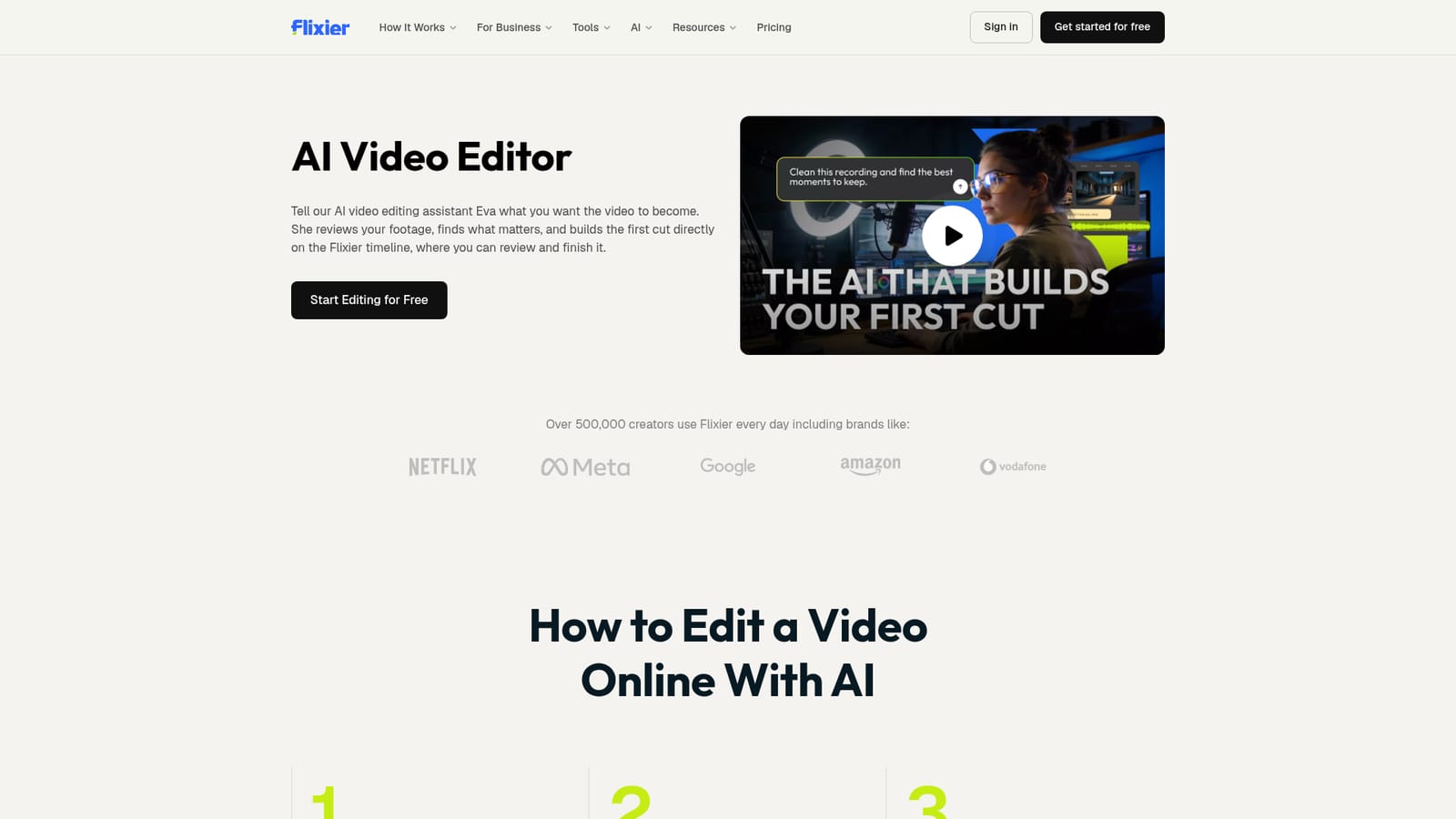
Screenshot of Flixier AI Video Editor, Browser video editor where an AI assistant builds your first cut

What is Flixier AI Video Editor?

Flixier AI Video Editor is a generative video tool. Flixier's AI Video Editor lets an assistant named Eva turn uploaded footage into an editable first cut on a browser timeline, with clip extraction, cleanup, captions, generation and review links in one project.

Flixier AI Video Editor is a browser-based editing environment built around Eva, an assistant that handles the first editing pass. The user uploads a recording, such as a podcast, interview, webinar, lesson or talking-head video, and describes the intended result in plain language. Eva reviews the footage, decides what to keep, remove or pull out as a separate clip, and places the result directly on the Flixier timeline as an editable project. The practical value lies in what happens after that first pass. Because the edits sit on a normal timeline, cuts can be changed, clips rearranged, removed sections restored, and captions, visuals or audio adjusted by hand. Eva is described as working from context rather than only deleting words from a transcript, which matters for tasks like trimming filler words, long pauses, mistakes and repeated takes from a screen or webcam recording. Long recordings can also be mined for short clips that match a described type of moment, then captioned, branded and prepared for social media. Around the assistant sits a broader toolset: AI-generated video clips and images inside the project, audio improvement, video enhancement, color correction, subtitle generation and translation of spoken content. A Review Link collects time-stamped feedback from teammates or clients, and finished videos can be downloaded or published to supported platforms. The audience is marketing and business teams, educators and course creators, podcasters and general video creators who work with long, talky source material and want a draft quickly rather than a blank timeline. The site cites more than 500,000 daily users and review scores on G2, Trustpilot, Product Hunt and Capterra. Compared with transcript-based editors and standalone clip cutters, the differentiator is the combination of instruction-driven editing, generation and collaboration in one project with no download. A Free plan exists, with details on the pricing page.
How do you use Flixier AI Video Editor?

  1. 1Open a project with Eva
    Start a new project from the Start Editing for Free button on the AI video editor page. No credit card is required to begin on the Free plan.
    Flixier AI Video Editor — Open a project with Eva
  2. 2Upload or record your footage
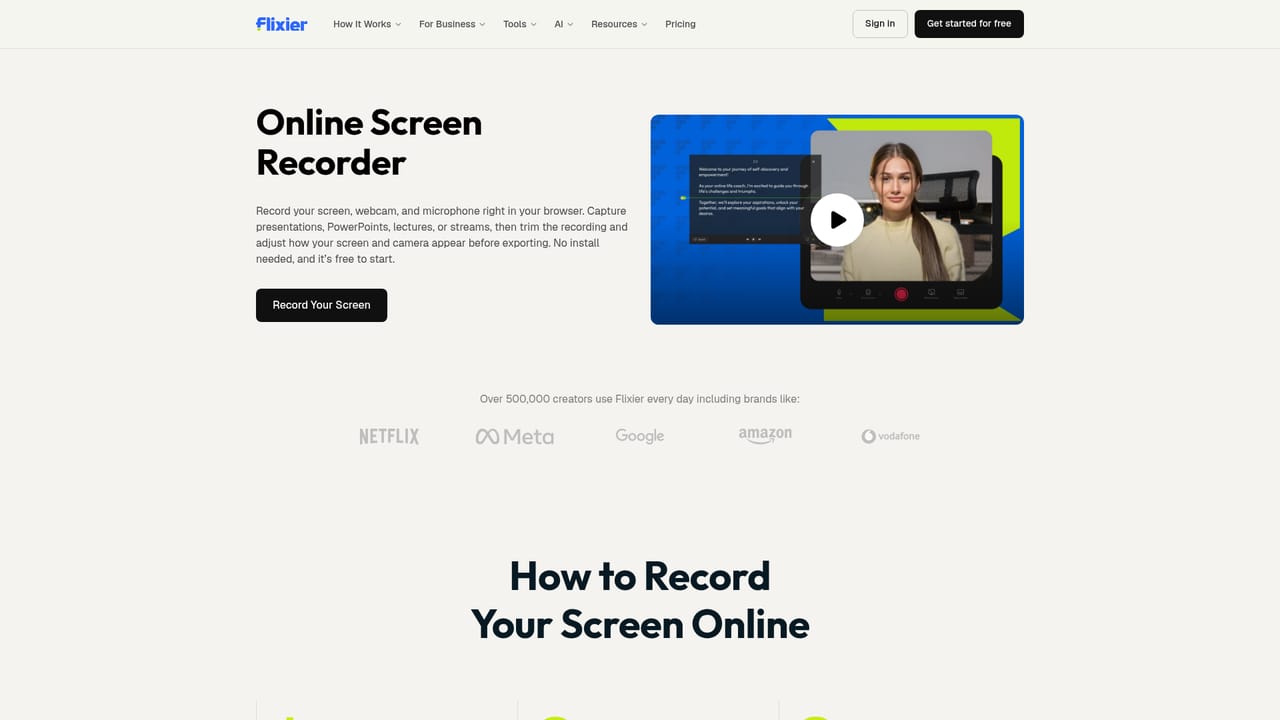
    Add a podcast, interview, webinar, lesson or talking-head recording. A screen or webcam recording made in the built-in recorder also works.
    Flixier AI Video Editor — Upload or record your footage
  3. 3Describe the video you want
    Tell Eva in plain language what the video should become, such as a tighter cut or a set of short clips. She decides what to keep, remove or split out.
  4. 4Review the edit on the timeline
    Check Eva's changes on the Flixier timeline. Adjust timing, restore removed sections or rearrange clips as needed.
  5. 5Add captions and polish
    Generate subtitles, then add text, visuals, music or brand assets. Audio enhancement and translation are available in the same project.
    Flixier AI Video Editor — Add captions and polish
  6. 6Share for feedback and publish
    Send a Review Link to collect time-stamped comments, make final changes, then download the video or publish it to a supported platform.

Pros and cons

Pros

  • Eva places edits on a regular timeline, so every cut, clip and caption stays fully adjustableAI
  • Plain-language instructions replace manual scrubbing through long recordingsAI
  • Finds short clips in podcasts, interviews and webinars without rewatching everythingAI
  • Captions, translation, audio cleanup, color fixes and generation live in the same projectAI
  • Runs in the browser with no download, and a Free plan with no credit card is offeredAI

Cons

  • Output is a first cut only, so users still need to review and finish the video themselvesAI
  • Quality of Eva's selections depends on how clearly the goal is described, and no accuracy data is givenAI
  • The homepage does not state what the Free plan limits, so paid needs are unclear until the pricing pageAI
  • Browser-only delivery means no native desktop or mobile apps are mentionedAI
  • Focus on talk-based footage suggests less help for heavily cinematic or effects-driven projectsAI

How much does Flixier AI Video Editor cost?

Free trial

Editing can begin on the Free plan with no credit card required.

Learn more

Pricing

A Free plan lets users start editing and exploring the AI tools in the browser. Details of what each plan includes are on the pricing page; the homepage gives no prices.

Learn more

Integrations

The homepage mentions publishing directly to supported platforms but does not name them or list other integrations.

Features

Eva builds a first cut from a described goal, extracts short clips from long recordings, removes filler words, pauses and repeated takes, and adds captions, text and visuals. Also includes AI video and image generation, audio and video enhancement, color correction, subtitles, translation and Review Links.

Frequently asked questions about Flixier AI Video Editor

  • How much does Flixier AI Video Editor cost?
    A Free plan lets users start editing and exploring the AI tools in the browser. Details of what each plan includes are on the pricing page; the homepage gives no prices.
  • Does Flixier AI Video Editor offer a free trial?
    Editing can begin on the Free plan with no credit card required.
  • How do you use Flixier AI Video Editor?
    The walkthrough on this page covers 6 steps: 1. Open a project with Eva 2. Upload or record your footage 3. Describe the video you want 4. Review the edit on the timeline 5. Add captions and polish 6. Share for feedback and publish.
  • What platforms does Flixier AI Video Editor support?
    Flixier AI Video Editor is available on Web App.
  • What does Flixier AI Video Editor integrate with?
    The homepage mentions publishing directly to supported platforms but does not name them or list other integrations.
  • What are the limitations of Flixier AI Video Editor?
    Output is a first cut only, so users still need to review and finish the video themselves. Quality of Eva's selections depends on how clearly the goal is described, and no accuracy data is given. The homepage does not state what the Free plan limits, so paid needs are unclear until the pricing page.

Status

StatusActive
Views0
Outbound clicks0
Added10/18/2026

Platforms

Web App

Pricing

Freemium