
Flowith AI

An agentic whiteboard that mixes chat, image and video models in one canvas

Beginner
Screenshot of Flowith AI, An agentic whiteboard that mixes chat, image and video models in one canvas

What is Flowith AI?

Flowith AI is a canvas-based workspace that runs chat, image, video, slides and website generation across multiple hosted models, with a library of one-click miniapps and prompt templates for product, social and character art.

Flowith AI positions itself as an agentic workspace for deep work: a single canvas where a user threads ideas across several AI models instead of restarting a chat window for every question. The homepage sells it as an AI whiteboard, and the underlying premise is that branching, spatial thinking beats a linear transcript when a project has more than one angle. The model roster is the main draw. Chat workloads can be routed to ChatGPT, Claude and DeepSeek, while visual work taps a rotating list of image engines that includes ByteDance Seedream 5.0 Pro and Flash, Google's Nano Banana family, OpenAI GPT Image models, Grok Image and Flux. Each engine gets a short note describing its strength, so a user can pick a fast model for drafts and a heavier one for final renders. Outputs support several aspect ratios and 1K or 2K resolution depending on the model, and an Unlimited Mode toggle appears alongside generation settings. Beyond raw generation, the workspace bundles a set of small apps, labeled Neo Agent and miniapps. These cover a Code Video tool for motion graphics, Virtual Try-on, Social Post Maker, Background Remover, Photo Relighting, Image Upscaler, Editorial Poster, Crop and Resize, Wallpaper Generator, and character builders for anime and furry art. A separate template gallery holds ready-made prompts (product shots, real estate interiors, editorial portraits) that can be applied with one click rather than written from scratch. It suits designers, marketers, and independent creators who jump between text, image and layout work in the same session, and who care more about comparing model output than about a polished single-model chat interface. Buyers who want one predictable assistant, transparent seat pricing, or tight integration with an existing document suite should look at dedicated chat or design tools instead; the appeal here is breadth and the canvas, not consolidation.

How do you use Flowith AI?

  1. 1Open the workspace canvas
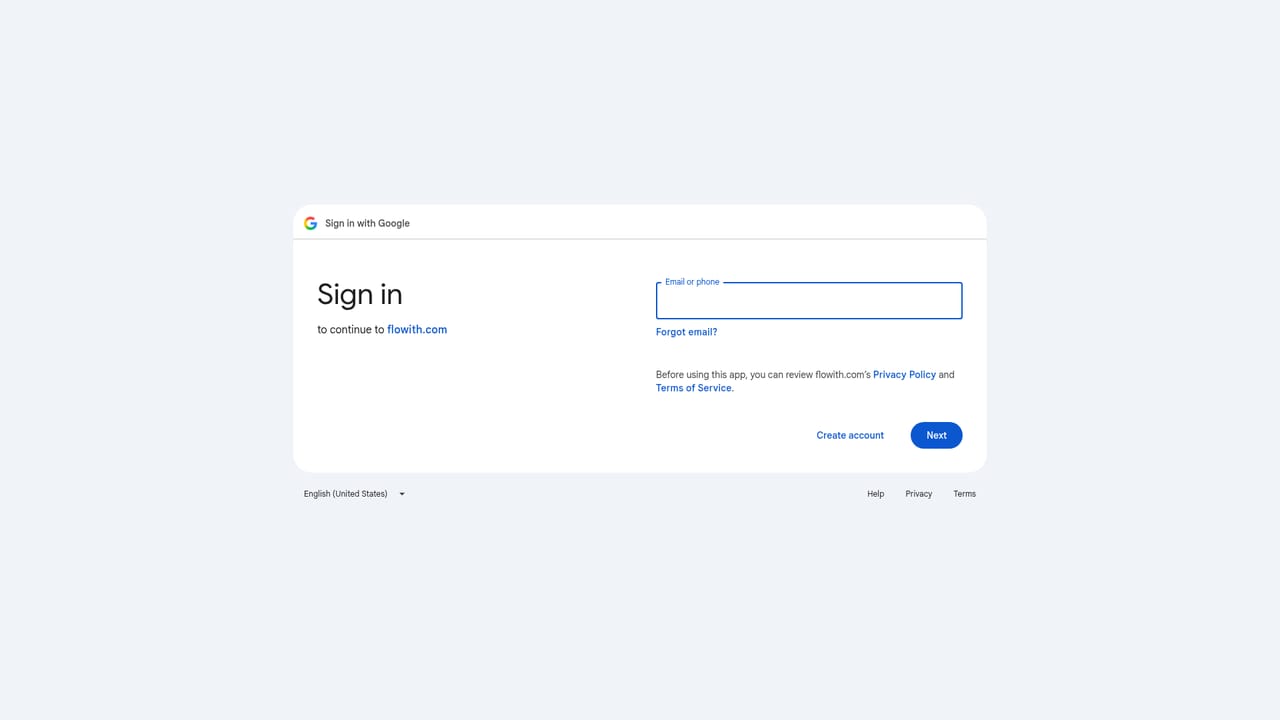
    Start on the blank canvas page, which is the entry point for a new idea thread. Sign in is required before any generation runs.
    Flowith AI — Open the workspace canvas
  2. 2Pick a model for the task
    Use the model selector to choose a chat engine for reasoning or an image engine for visuals. The panel shows short notes on each model's strengths and resolution options.
  3. 3Branch instead of overwriting
    When an answer needs a different direction, branch the node rather than editing the existing one. Both paths stay on the canvas for later comparison.
  4. 4Run a miniapp for repetitive work
    Open the Apps panel and launch a tool such as Background Remover, Image Upscaler or Social Post Maker. Outputs land back on the canvas alongside the source image.
  5. 5Apply a template
    Browse the template gallery and choose one whose label reads Use, which loads its prompt into your workspace ready for editing.
  6. 6Check terms before heavy use
    Read the terms of service page to confirm how generated content and account data are handled before committing production work.
    Flowith AI — Check terms before heavy use

Pros and cons

Pros

  • Model variety is the point: ChatGPT, Claude and DeepSeek sit alongside image engines from Google, OpenAI, ByteDance, xAI and FluxAI
  • Branching canvas keeps parallel explorations visible instead of burying them in a long chat scrollAI
  • Ready-made miniapps handle repeatable jobs like background removal, upscaling and platform resizingAI
  • Template gallery supplies working prompts for product, portrait and interior imageryAI
  • Short per-model descriptions help match an engine to the job at handAI

Cons

  • Homepage gives no concrete pricing, so cost per generation cannot be estimated before signing upAI
  • Engine names and versions change frequently, which makes any workflow documentation age quicklyAI
  • Feature surface is very broad, and no single capability is presented as best in classAI
  • Quality depends entirely on the third-party models, so output can shift without noticeAI
  • No visible detail on data handling, export formats or team permissionsAI

How much does Flowith AI cost?

Features

Canvas-based agentic workspace combining chat, image, video, slides and website generation. Chat runs on ChatGPT, Claude and DeepSeek; image work draws on ByteDance Seedream 5.0, Google Nano Banana, OpenAI GPT Image, Grok Image and Flux. Miniapps include Code Video, Virtual Try-on, Social Post Maker, Background Remover, Photo Relighting, Image Upscaler, Editorial Poster, Crop and Resize, Wallpaper Generator, plus anime and furry character creators. A template gallery supplies ready-made prompts.

Frequently asked questions about Flowith AI

  • How do you use Flowith AI?
    The walkthrough on this page covers 6 steps: 1. Open the workspace canvas 2. Pick a model for the task 3. Branch instead of overwriting 4. Run a miniapp for repetitive work 5. Apply a template 6. Check terms before heavy use.
  • What platforms does Flowith AI support?
    Flowith AI is available on Web App.
  • What are the limitations of Flowith AI?
    Homepage gives no concrete pricing, so cost per generation cannot be estimated before signing up. Engine names and versions change frequently, which makes any workflow documentation age quickly. Feature surface is very broad, and no single capability is presented as best in class.

Status

StatusActive
Views0
Outbound clicks0
Added10/21/2026

Platforms

Web App

Pricing

FreemiumSubscription