Free trial
Free credits are granted on signup and no credit card is required, which allows a template or short render to be tested before any payment.
Learn moreOne video generator for top models and viral effects

Flowlio AI is a browser-based video generator that combines Seedance, Wan, HappyHorse and other top models with a library of around 39 viral effect templates. Turn a prompt or a photo into a clip, or recreate a trending dance or music video without writing prompts.
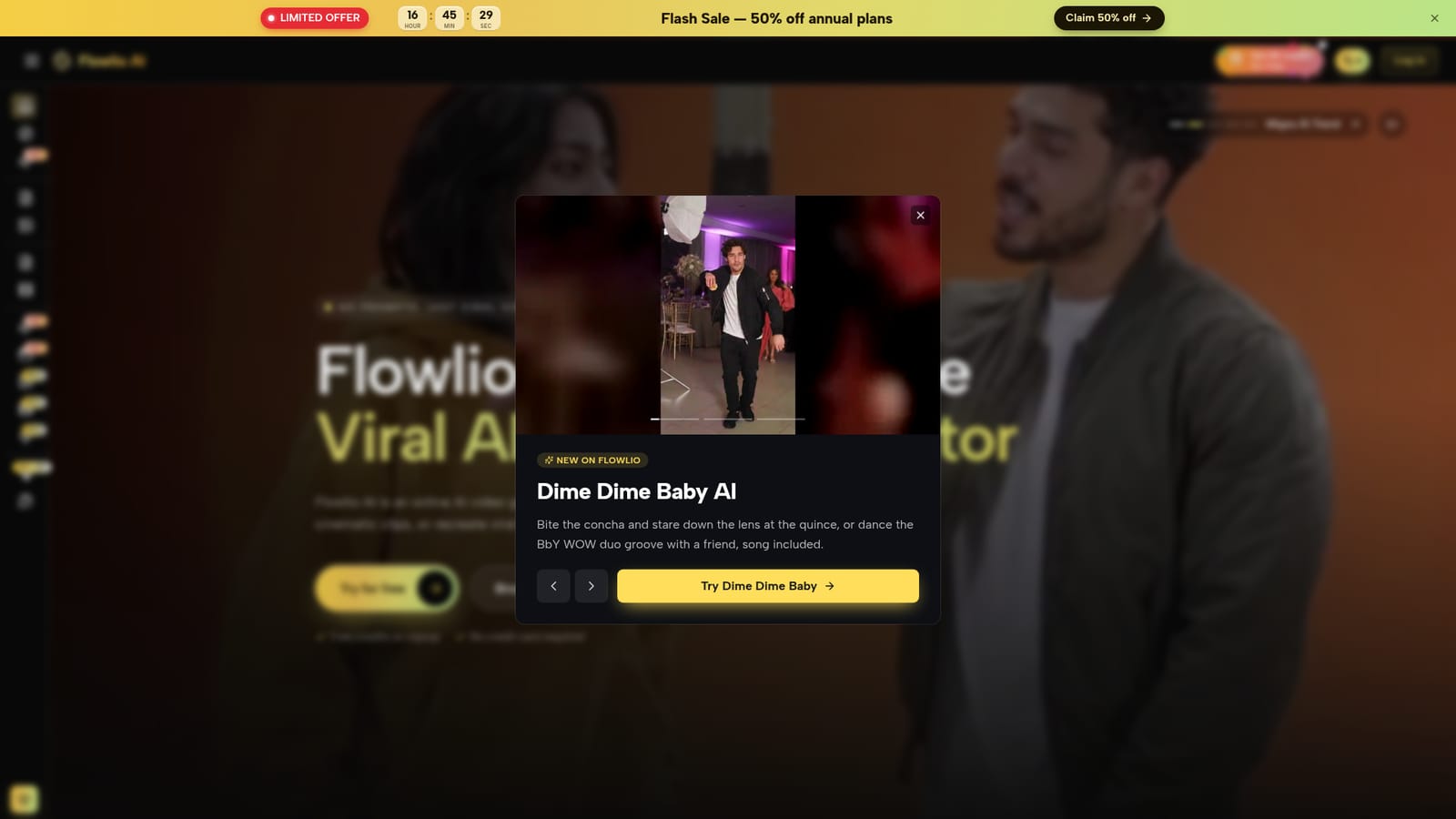
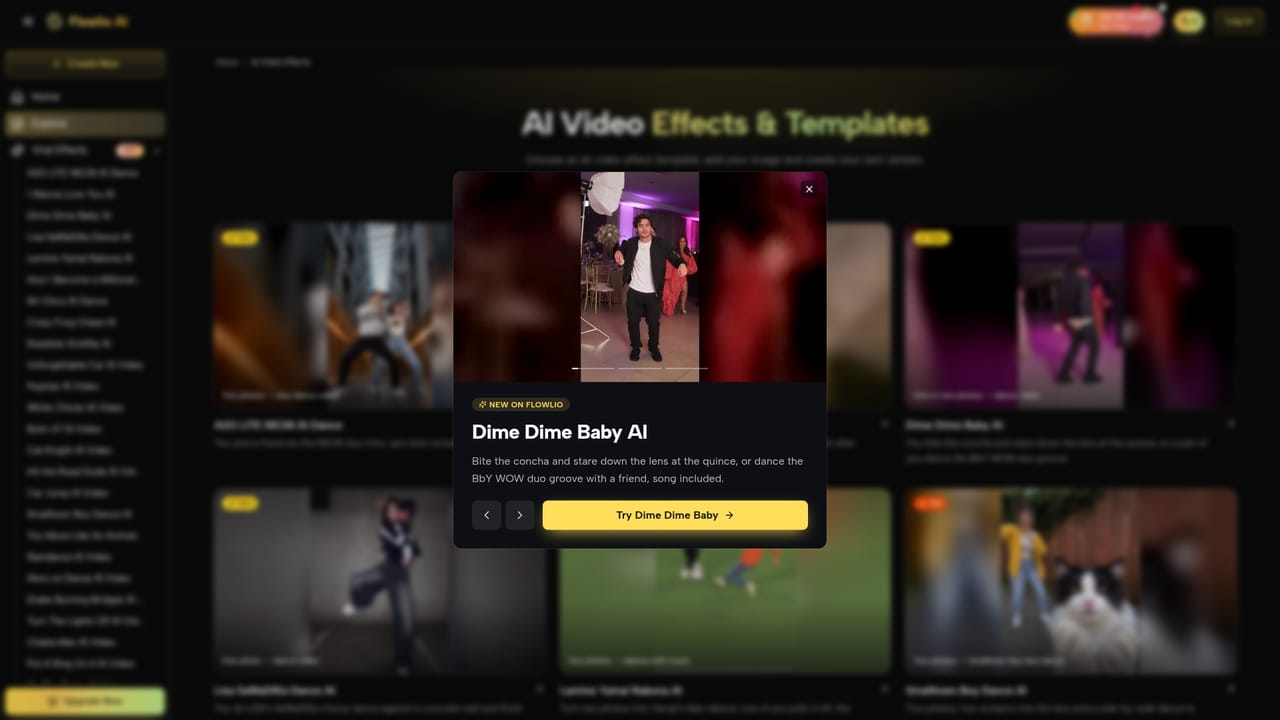
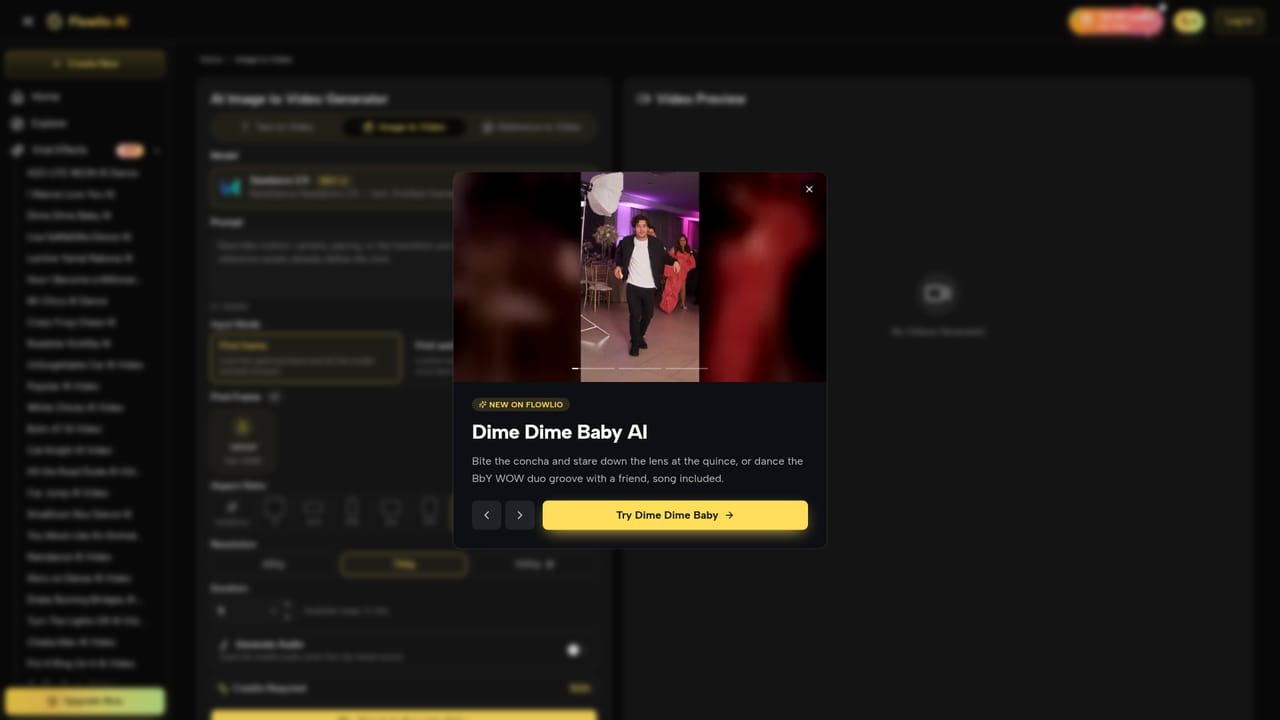
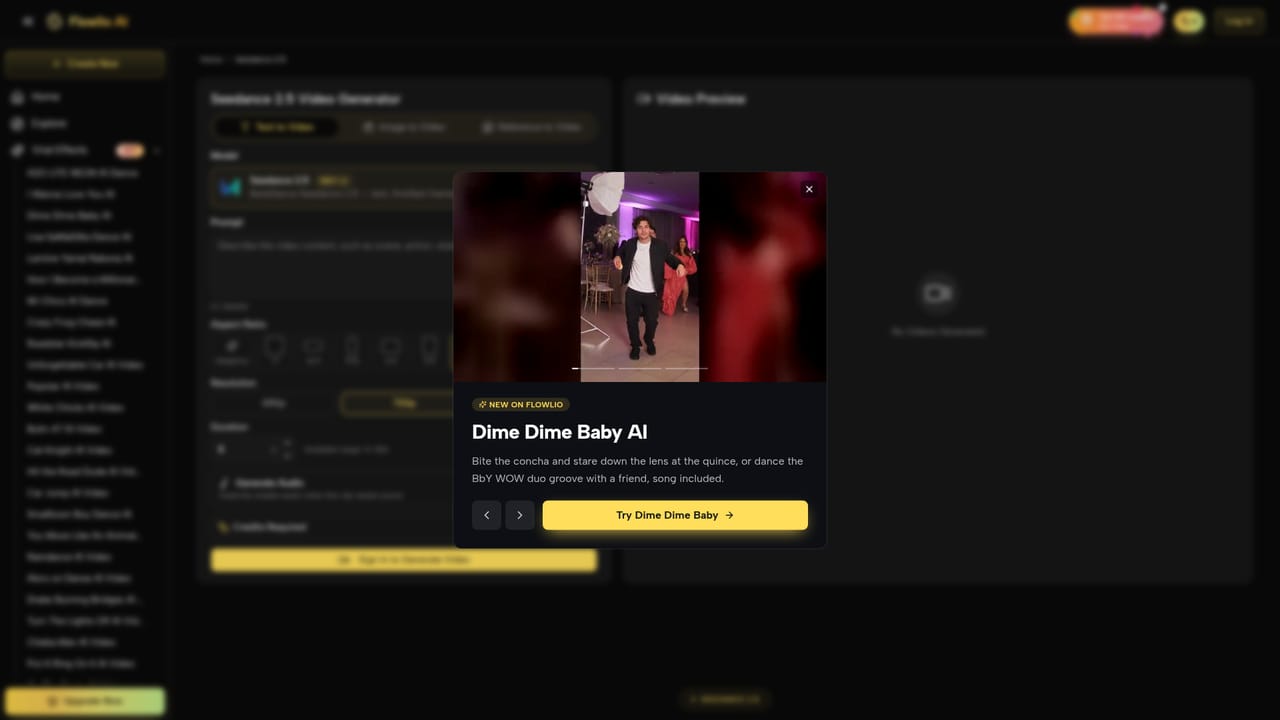
Flowlio AI is a browser-based video generator that bundles several leading video and image models behind a single interface. The headline feature is breadth: Seedance 2.5, Seedance 2, Wan 3.0 and HappyHorse 1.1 handle motion, while GPT Image, Nano Banana, Flux and Seedream cover stills. Rather than subscribing to each model separately, users pick a model per shot from one prompt box. Text to video, image to video and reference-driven generation (including first and last frame control) are all available, so a single project can mix an animated portrait with a prompt-built crowd scene. The second half of the product is a template library. Around 39 viral effects are listed, each with a sample clip and a stated input recipe: one photo to a dance video, two photos to a rap duo, a pet photo to a singing selfie, a vehicle photo to a kickflip stunt. These templates skip prompt writing entirely, which is the point. Anyone who has watched a trend cycle through short-form video and wants a version of it can upload a photo and render without learning model settings or camera language. The tool suits short-form creators, social media managers and small marketing teams who need trend-speed output without a production pipeline. It is less suited to filmmakers who need precise, repeatable control, since template outputs are constrained by the source photo and the fixed effect. Editors looking for timeline-based assembly will also find nothing here: Flowlio generates clips, it does not cut them together. Positioning is credit-based rather than a flat subscription. Renders are priced by model, duration and resolution, which favours occasional users over teams rendering daily. Signup includes free credits and no card is required, so the entry cost to test a template is effectively zero. Everything produced lands in a private library, watermark-free.
Free credits are granted on signup and no credit card is required, which allows a template or short render to be tested before any payment.
Learn moreCredits are consumed per render and priced by model, duration and resolution, rather than a single flat monthly fee. A limited-time 50 percent discount on annual plans is advertised on the pricing page. Exact credit costs and plan tiers are listed there, not on the homepage.
Learn moreA contact support link appears in the site navigation, but no help centre, documentation or response time commitments are detailed on the homepage.
Video generation through Seedance 2.5, Seedance 2, Wan 3.0 and HappyHorse 1.1, plus image models including GPT Image, Nano Banana, Flux and Seedream. Text to video, image to video, text to image and image to image are all supported, along with first and last frame control and reference-driven generation. A library of around 39 viral effect templates covers dance, music video, rap duo and transition formats.
Learn more AI Angels400+ customizable AI girlfriends for NSFW chat, voice calls, and roleplay
 Candy AIExperience the future of companionship with AI friends who chat, role-play, and connect with you on a human level.
 ourdream.aiA vast AI roleplay platform with millions of characters for chat, images, video and voiceAI Angels400+ customizable AI girlfriends for NSFW chat, voice calls, and roleplayCandy AIExperience the future of companionship with AI friends who chat, role-play, and connect with you on a human level.ourdream.aiA vast AI roleplay platform with millions of characters for chat, images, video and voice


