Free trial
New accounts receive 30 free credits, enough to try a short render before committing to a plan.
Learn moreTwo photos in, a viral hotel lobby duet out.
Own HotelLobbySi.app? Verify ownership to get a dofollow link

HotelLobbySi.app is an image to video tool. A focused AI video generator that turns two photos into the viral Hotel Lobby duet, with the original song, preset choreography and a one-minute setup.
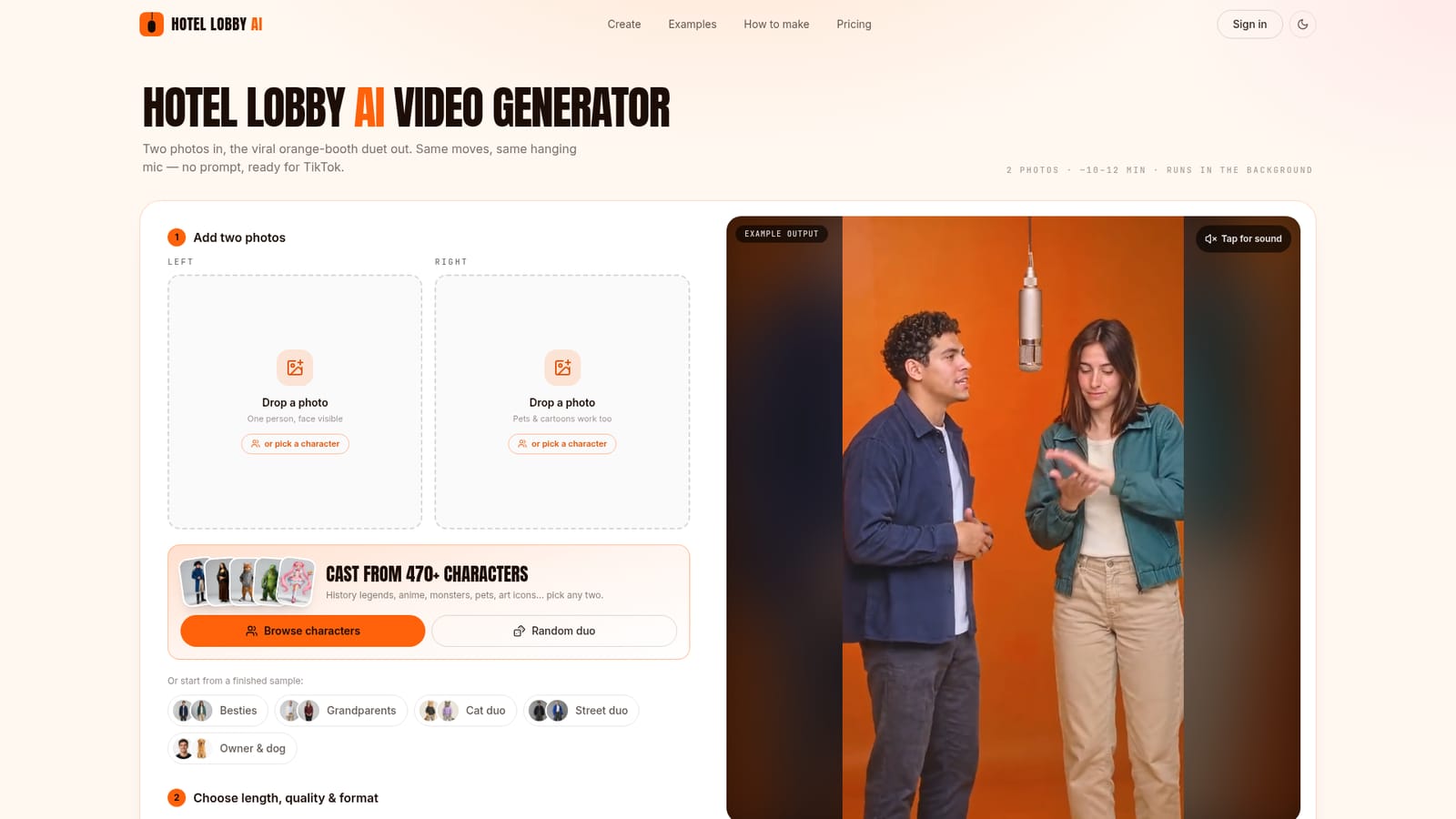
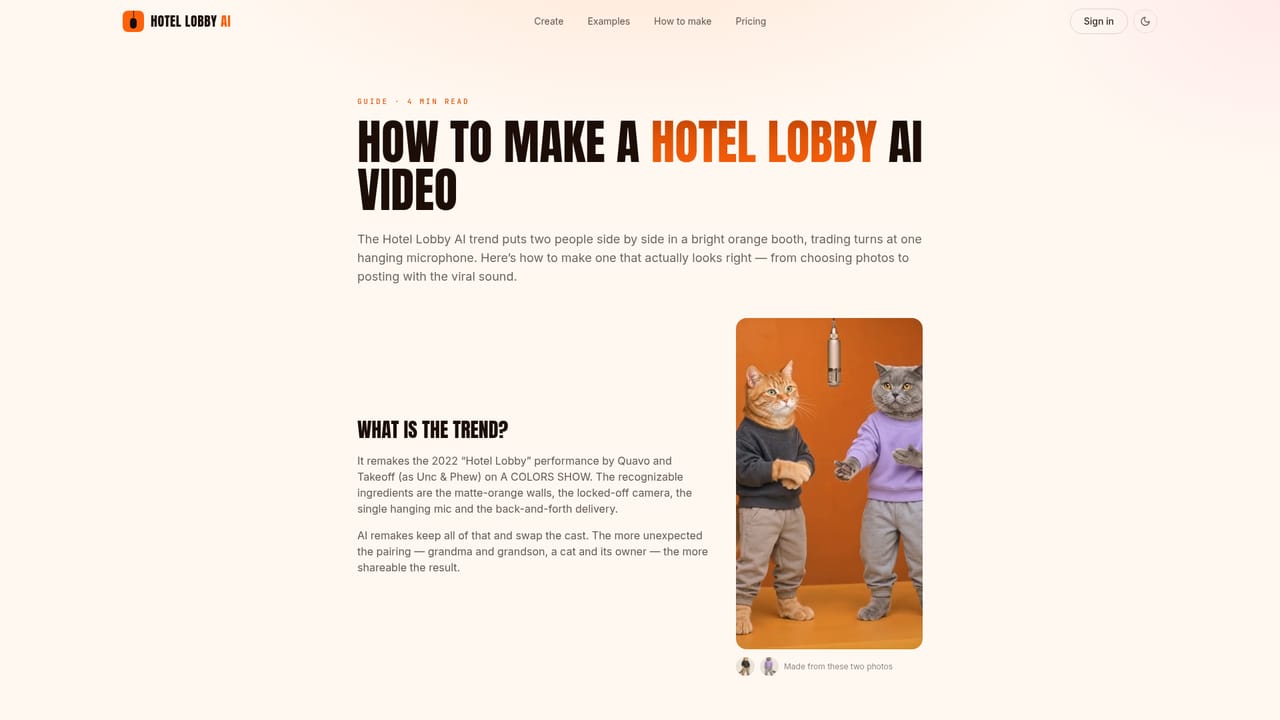
HotelLobbySi.app is a single-purpose video generator for the Hotel Lobby AI trend. The site takes the well-known format, two performers trading verses in a matte orange booth under one hanging microphone, and lets users drop in their own duo. Instead of writing a prompt that guesses at choreography and camera angles, the tool uses the original performance as a motion reference. That means the moves, timing and lip-sync come out consistent, and the original song is baked into the render so no separate audio edit is needed. The workflow is deliberately minimal. You upload two photos, one for each side of the microphone, or pick from a library of more than 470 characters that includes historical figures, anime characters, monsters and pets. You then choose a length (5 second teaser, full 15 second, or the whole verse), a quality tier and an aspect ratio (9:16 for TikTok, Reels and Shorts, or 16:9 to match the original COLORS framing). Renders run in the background and typically finish in about 10 to 12 minutes, producing an MP4 with the song already lip-synced. The tool is built for social media creators, friend groups and family users who want to join a trend without learning video editing or prompt craft. Because pets and cartoon characters work as inputs, it also covers the lighter, meme-friendly end of the trend. Compared with general image-to-video generators, the tradeoff is clear: HotelLobbySi.app does one scene extremely well rather than offering broad creative control. Anyone who wants a different setting, a custom song or full directorial control will need a different tool. For the specific viral format, it removes nearly all of the guesswork.
New accounts receive 30 free credits, enough to try a short render before committing to a plan.
Learn moreMonthly plans start at $19.92 for Starter with 500 credits, $55.92 for Pro with 1,500 credits and 1080p, and $103.92 for Studio with 3,000 credits and priority rendering. Yearly billing saves 20 percent. A full 15 second video costs 69 credits at 480p, 135 at 720p and 270 at 1080p. Subscribers can buy non-expiring credit packs from $34.90.
Learn moreSupport is handled through an on-site FAQ covering photo requirements, credits, upgrades, cancellation and privacy. No email or live chat channel is listed on the homepage.
Learn moreTwo-photo upload with optional casting from 470+ characters, preset orange booth and hanging microphone staging, baked-in original song with lip-sync, 5 second and 15 second lengths, 480p to 1080p quality, 9:16 and 16:9 output, MP4 download, no watermark on paid plans, automatic refunds for failed renders, and background rendering in roughly 10 to 12 minutes.
 AI Angels400+ customizable AI girlfriends for NSFW chat, voice calls, and roleplay
 Candy AIExperience the future of companionship with AI friends who chat, role-play, and connect with you on a human level.
 ourdream.aiA vast AI roleplay platform with millions of characters for chat, images, video and voiceAI Angels400+ customizable AI girlfriends for NSFW chat, voice calls, and roleplayCandy AIExperience the future of companionship with AI friends who chat, role-play, and connect with you on a human level.ourdream.aiA vast AI roleplay platform with millions of characters for chat, images, video and voice


