Free trial
The motion control page is presented as free to create with, and a set of Free Tools is available on the site. No time limited trial terms are specified in the homepage content.
Learn moreTransfer motion from a reference clip onto any still image

Sea Imagine is a dance generator tool. A Kling Motion Control powered tool that animates a still image by copying pose, movement and rhythm from a short reference video, with prompts used only to refine style and expression.
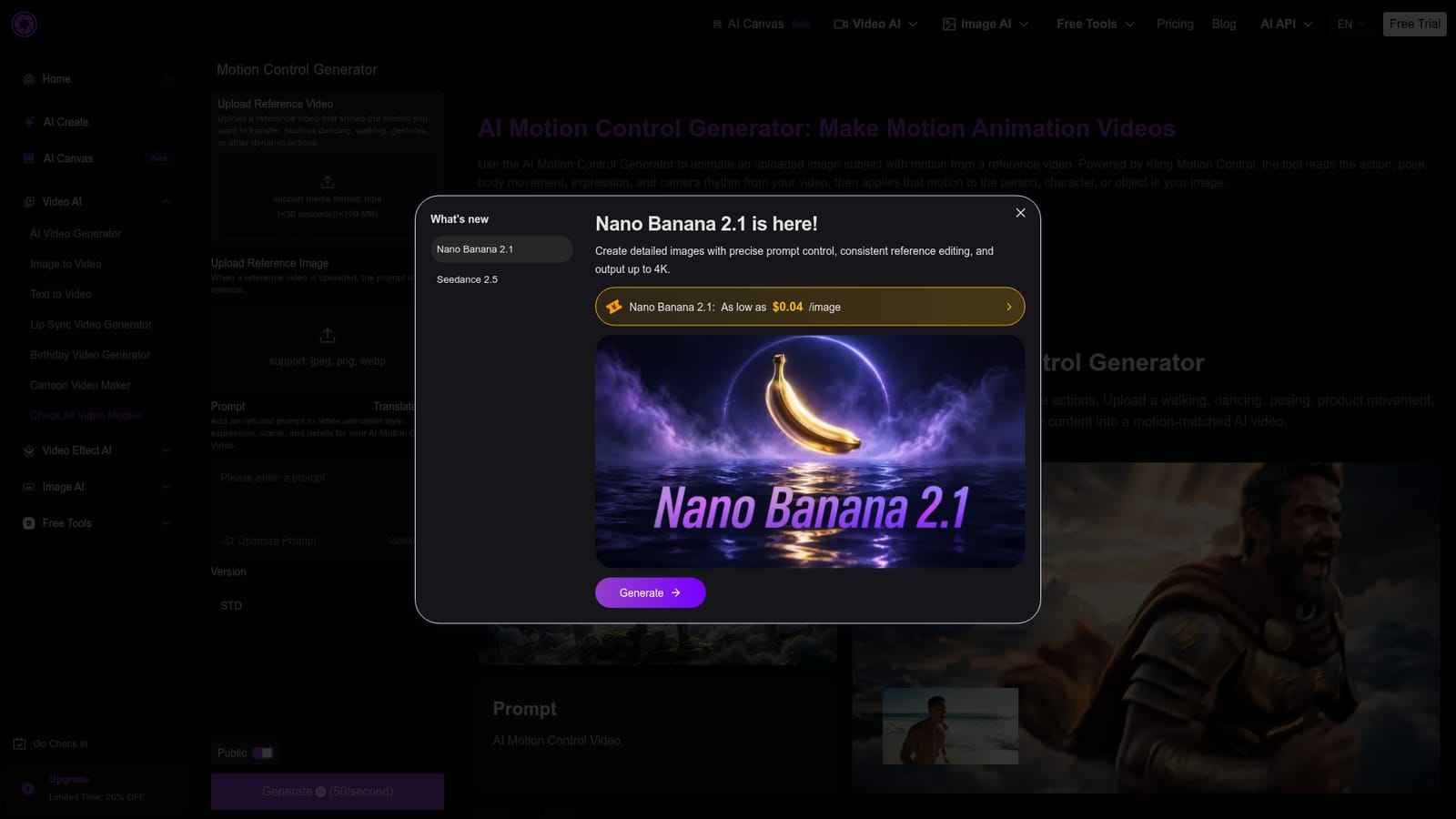
Sea Imagine's AI Motion Control Generator is a browser based tool that animates a single still image by borrowing movement from a short reference video. The pipeline is built on Kling Motion Control: the tool reads the action, pose changes, body direction, rhythm and camera feel of your uploaded clip, then maps those cues onto the person, character or object in your image. Identity, clothing, facial detail and visual style are meant to stay closer to the source image across frames, which is the main reason to use this instead of a plain text to video prompt. In practice the workflow is short. You upload an mp4 reference under 30 seconds and below 100 MB, add a jpeg, png or webp image, and optionally write a prompt to steer expression, posture, background or creative direction. The prompt field is explicitly optional once a reference video is present, and there is a version selector with Standard, Pro and other tiers plus a public toggle. Inputs are the two files and the prompt; output is a motion matched clip you preview and download. It suits creators making short form motion content for TikTok, Instagram and YouTube Shorts, avatar and mascot builders animating portraits or game characters, and marketing teams that want product photos or campaign visuals to move. The same image can be paired with several motion clips, and one motion reference can be reused across different characters or products, which makes it a reasonably cheap way to test concepts before committing to fuller animation work. Alternatives split into two camps: pure text to video generators that infer motion from a description, and professional tools that require keyframing and tracking. Sea Imagine sits in the middle, giving reference driven control without manual animation work. Sea Imagine also bundles image generation, lip sync, cartoon conversion and pet dance effects on the same platform, so motion control is one entry point rather than a standalone product.
The motion control page is presented as free to create with, and a set of Free Tools is available on the site. No time limited trial terms are specified in the homepage content.
Learn moreSea Imagine runs a credit based model with a Pricing page, a limited time 20 percent discount offer and an upgrade path. The motion control page itself states that creation is free but does not list credit costs for Standard or Pro versions.
Learn moreReference video motion transfer, image subject animation with identity retention, a Kling Motion Control workflow, optional prompt refinement, Standard and Pro version selection, a public visibility toggle, and mp4 input up to 30 seconds and 100 MB with jpeg, png and webp images.
Learn more AI Angels400+ customizable AI girlfriends for NSFW chat, voice calls, and roleplay
 Candy AIExperience the future of companionship with AI friends who chat, role-play, and connect with you on a human level.
 ourdream.aiA vast AI roleplay platform with millions of characters for chat, images, video and voiceAI Angels400+ customizable AI girlfriends for NSFW chat, voice calls, and roleplayCandy AIExperience the future of companionship with AI friends who chat, role-play, and connect with you on a human level.ourdream.aiA vast AI roleplay platform with millions of characters for chat, images, video and voice


