Support
Self-serve documentation is available on the site's docs page; no other support channels are described on the homepage.
Learn moreAutomated client reporting for marketing agencies

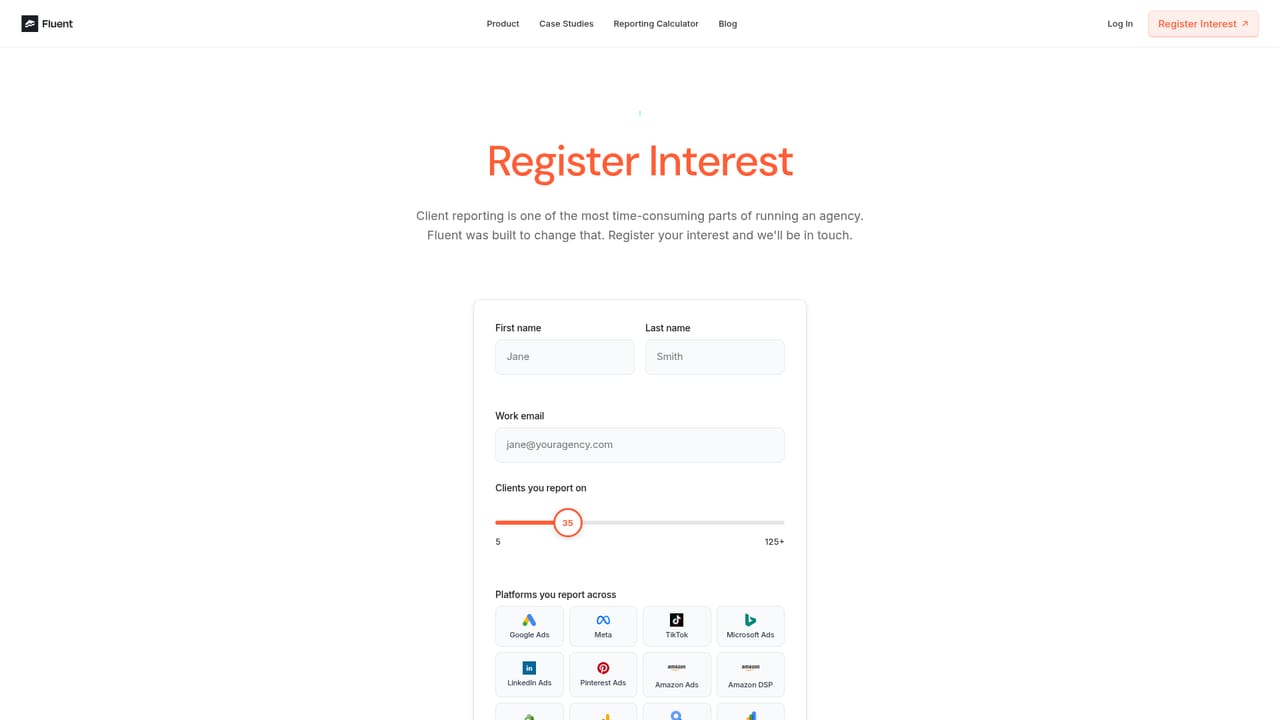
FluentHQ is an analytics tool. Fluent automates marketing agency client reporting: it connects to ad and analytics platforms, learns the agency's report style from sample decks, then writes narrative slide decks with insights and recommendations, exported to Google Slides or shared as a live link.
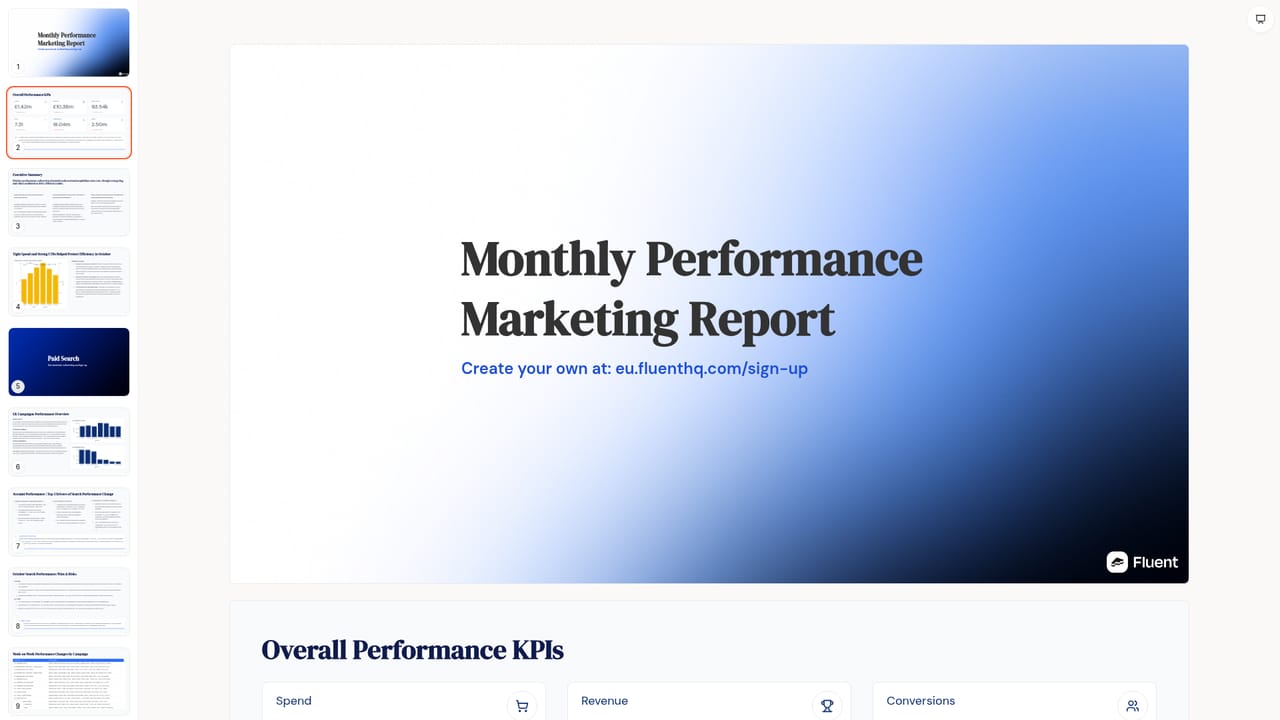
Fluent is a reporting tool built for marketing agencies that turns raw performance data into finished client reports. It connects to ad and analytics platforms, then writes the narrative section of the report itself: what moved, why it moved, and what the agency recommends next. The output is a slide deck, exported to Google Slides or shared as an interactive link. The setup is designed around the agency's existing reporting style rather than a fixed template. An agency uploads a few sample reports and Fluent learns the tone, layout, and the kinds of insights the team tends to emphasise. Each client gets its own context and styling preferences, so the same data can produce differently framed reports for a retail account and a lead generation account. From there the tool drafts the full story for the period, and a team member can ask for rewrites, added visuals, or a summary without leaving the report. The audience is clearly agency-side: account managers, heads of paid media, and data leads who currently spend hours assembling decks. Fluent's own testimonials put the before and after at 90 minutes down to 10 minutes for a single report, and one agency claims more than 1,000 hours saved per month across its portfolio. Agencies that already have reporting templates and a defined insight narrative will get more out of it than those still deciding what a report should contain. Among reporting tools, Fluent sits closer to narrative generation than to dashboarding. It is not a live analytics dashboard for clients to browse; it produces a periodic, written deliverable. That makes it a companion to a BI tool rather than a replacement, and it competes with manual deck building and with general purpose AI writing tools that lack direct data connections.
Self-serve documentation is available on the site's docs page; no other support channels are described on the homepage.
Learn moreNamed connectors include Meta, Google Ads, TikTok, LinkedIn and Bing Ads for advertising, GA4 for analytics and Shopify for commerce, with the site also claiming 20+ connectors in total.
Connects to ad and analytics platforms, learns report tone and layout from uploaded sample decks, stores per-client context and styling, then generates a full narrative report covering what changed, why it happened and recommended next steps. Sections can be rewritten, summarised or illustrated on request, and finished reports export to Google Slides or a shareable interactive link.
 AI Angels400+ customizable AI girlfriends for NSFW chat, voice calls, and roleplay
 Candy AIExperience the future of companionship with AI friends who chat, role-play, and connect with you on a human level.
 ourdream.aiA vast AI roleplay platform with millions of characters for chat, images, video and voiceAI Angels400+ customizable AI girlfriends for NSFW chat, voice calls, and roleplayCandy AIExperience the future of companionship with AI friends who chat, role-play, and connect with you on a human level.ourdream.aiA vast AI roleplay platform with millions of characters for chat, images, video and voice


