Features
AI photo editing for photographers and studios, with documented uses for general enhancement, restoring old photographs in five steps, and an AI lighting feature that adds sunlight style illumination to existing images.
Learn moreAI photo editing app for restoring old shots and adding light

Foneo is an AI photo editing app for photographers and studios, covered by tutorials on quick editing, old photo restoration and AI lighting. Pricing and platform details are not confirmed by the source.
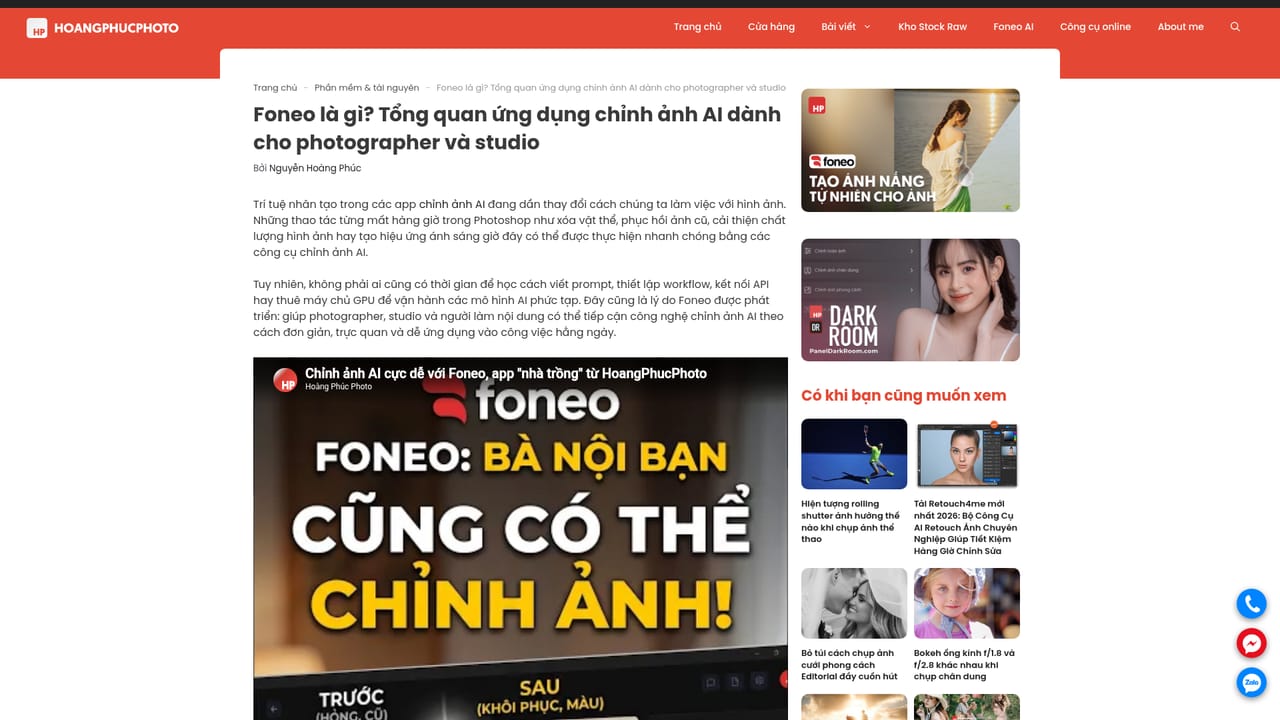
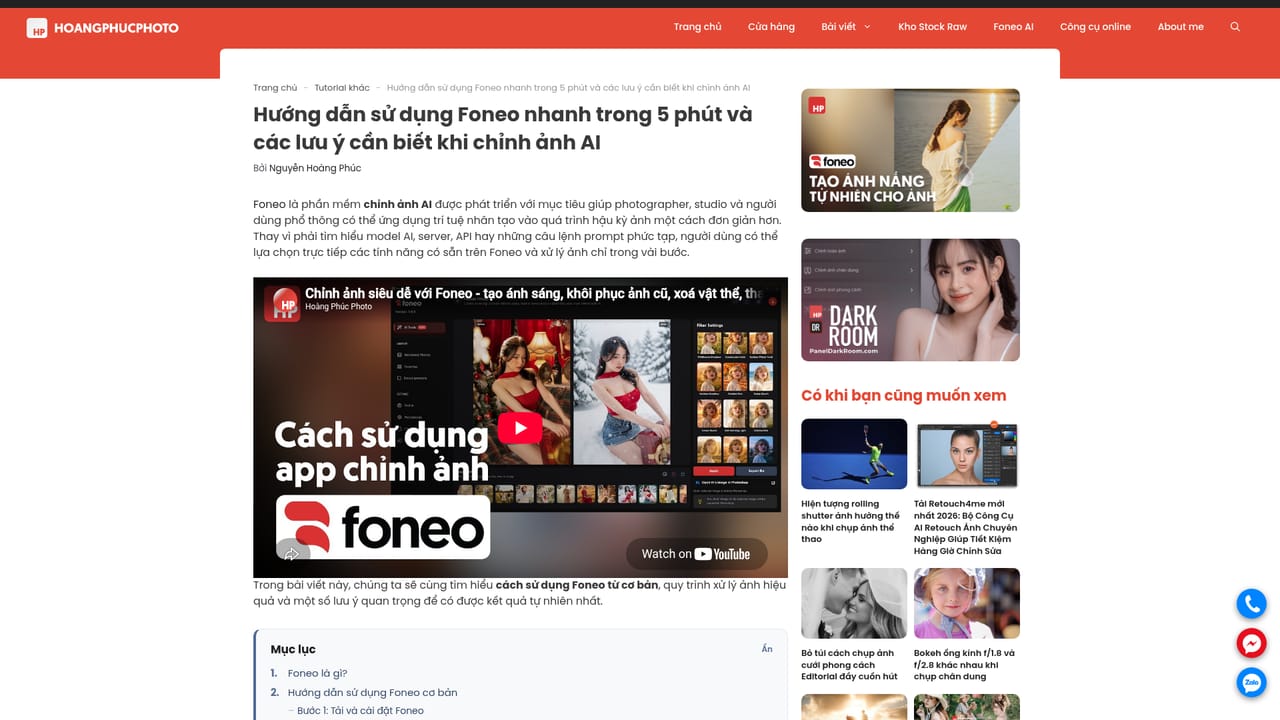
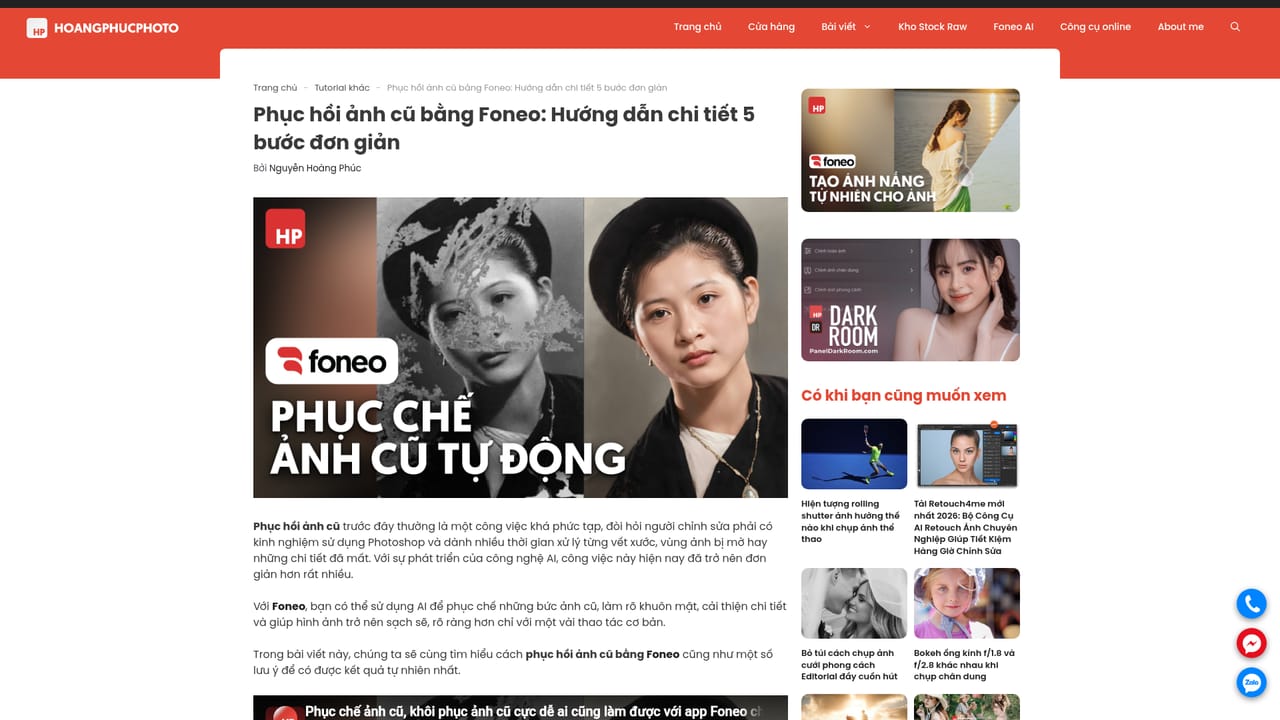
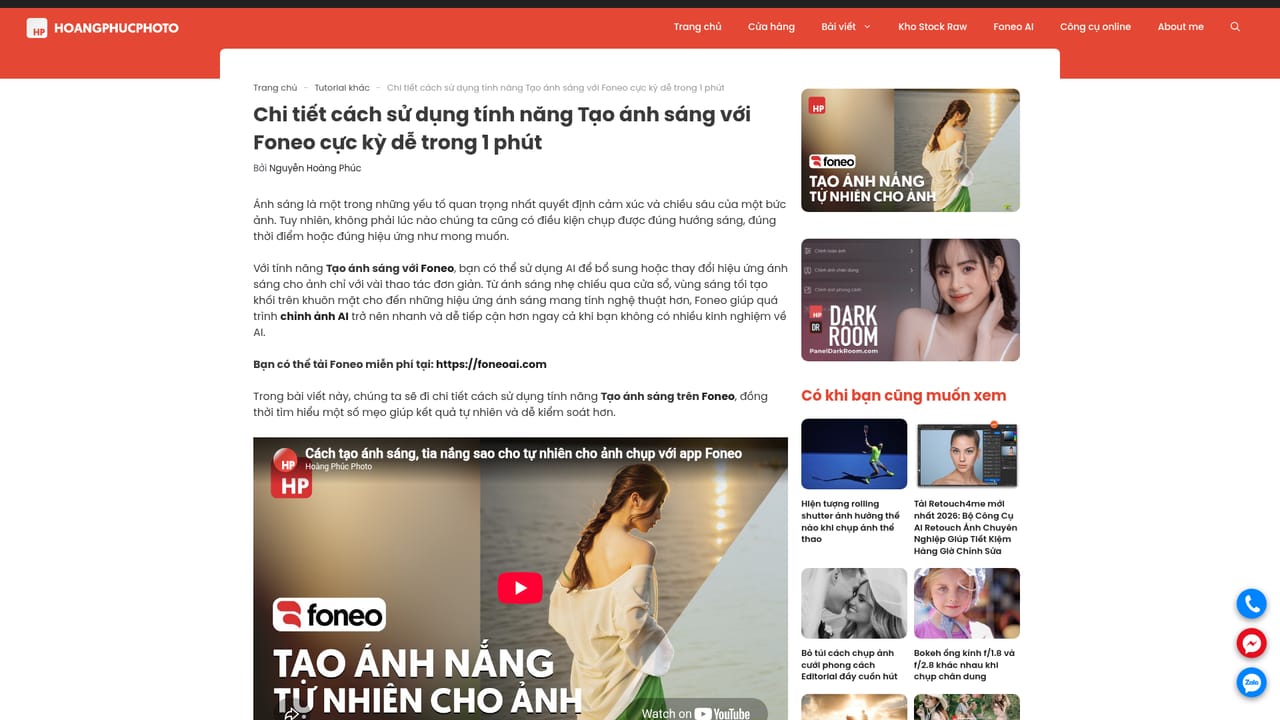
Foneo is an AI-assisted photo editing application aimed at photographers and studios. It is presented as a tool for correcting and enhancing images through automated adjustments, not as a layer-based editor in the mould of Photoshop. The information available comes from Hoàng Phúc Photo, a Vietnamese post-processing education site run by retoucher Nguyễn Hoàng Phúc, which publishes an overview article on what Foneo is and several hands-on guides. Those guides point to three practical uses. The first is general AI photo editing, covered by a quick-start article that promises a working orientation in roughly five minutes, along with points to watch when letting AI handle an edit. The second is restoring old photographs, walked through as a five-step process. The third is a lighting feature that adds AI-generated light, such as sunlight, to an existing picture, described as something that takes about a minute to apply. The pattern implied is simple: load an image, choose the feature that matches the problem, apply it, then review the result before export. The audience is working photographers and small studios that want to cut manual editing time on portraits, archival scans and flat-looking shots. Beginners can follow the step-based tutorials, though judging whether an automated result looks natural still takes an experienced eye, which the site itself stresses. Among alternatives, the same site covers other AI retouching tools such as Retouch4me and Evoto, plus free editors like Photopea and Krita. Compared with those, Foneo's documented strengths lean toward restoration and relighting rather than skin or hair retouching. Because the source is a third-party tutorial blog and not the vendor's own product page, details such as pricing, supported platforms, export options and integrations are not confirmed here, and buyers should check them with the developer before committing to a workflow.
AI photo editing for photographers and studios, with documented uses for general enhancement, restoring old photographs in five steps, and an AI lighting feature that adds sunlight style illumination to existing images.
Learn more


