Pricing
Subscription with monthly or yearly billing. Starter is $15/month ($9 billed yearly) for 25 credits, Business $45 ($27 yearly) for 100 credits, Scale $99 ($59 yearly) for 250 credits. Enterprise is custom priced.
Learn moreTurn phone snaps of dishes into menu-ready food photos in minutes

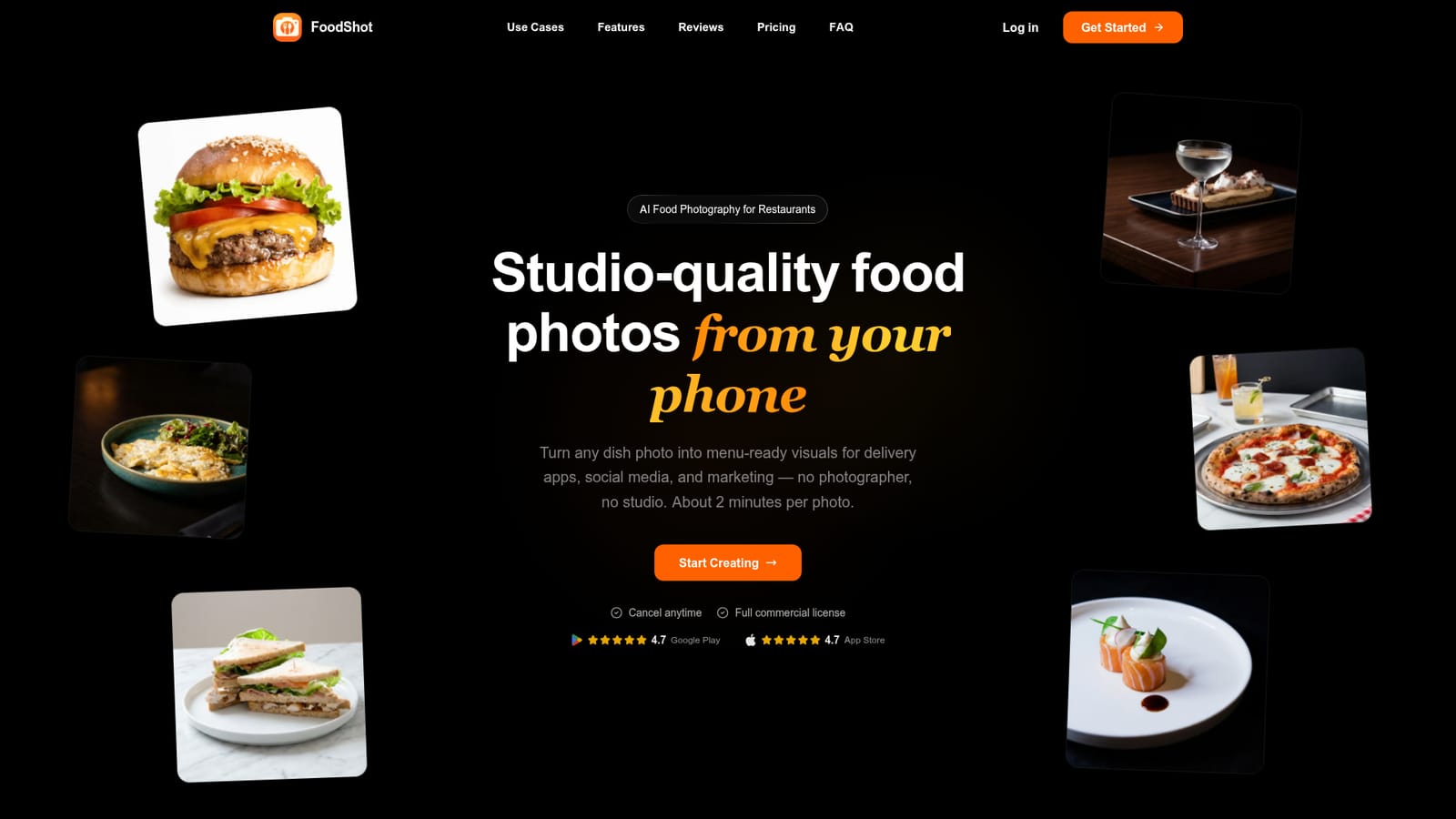
FoodShot AI is an image editing tool that turns phone snaps of dishes into menu-ready food photos in minutes. FoodShot AI restyles a phone photo of a dish into a menu-ready image in about two minutes. It targets restaurants, cafés and bakeries needing visuals for delivery apps, menus and social media, with 200+ styles, brand matching and poster templates.
FoodShot AI is a food photo editor built for restaurants, cafés, bakeries and other food businesses that need polished images but have no photographer or studio. The workflow starts with a photo of a real dish taken on a phone. The tool restyles that photo into a clean, professional visual suited to delivery app listings, printed or digital menus, websites and social feeds. A single image takes about two minutes to process, and the output is 2K resolution (2048 by 2048 pixels for a square photo), with a 2x upscale in the studio for print needs. Most of the control comes from styles. The library holds more than 200 presets grouped under Delivery, Menu and Fine Dining looks, and a user can ignore them and describe the desired result with a text prompt instead. Prompt editing also handles smaller changes such as adding a sauce, swapping a plate or changing the lighting. Builder Mode combines a chosen background surface, a plate style and the uploaded food into one image, which helps keep a whole menu visually consistent. A My Styles feature takes existing menu photos as references so new dishes follow the same lighting, angle and mood. Poster Mode adds templates for promotional graphics with custom text, and multi-variation output produces several looks from one upload. The product runs on the web and through iOS and Android apps, so a dish can be photographed and restyled from the same phone. Paid plans carry a commercial license, and the maker states it does not claim ownership of generated images. Plans are credit-based, with each credit roughly equal to one generation, and larger tiers add bulk processing and early access to beta features. An enterprise tier mentions API access and custom workflows. Among alternatives, FoodShot AI sits closer to specialised food-photo tools than to general image generators or broad photo editors. Its narrow focus on plated dishes, menu consistency and delivery-app formats suits owners and marketing staff who want repeatable results without learning design software.
Subscription with monthly or yearly billing. Starter is $15/month ($9 billed yearly) for 25 credits, Business $45 ($27 yearly) for 100 credits, Scale $99 ($59 yearly) for 250 credits. Enterprise is custom priced.
Learn moreSupport is by email at hello@foodshot.ai. Enterprise plans include dedicated support, and bulk processing requests are handled by email.
The homepage names DoorDash and Uber Eats listings as target uses and offers iOS and Android apps. The Enterprise tier lists API access, but no other integrations are described.
200+ curated styles, prompt-based editing, Builder Mode (background, plate and food), My Styles brand matching from reference photos, Poster Mode templates, multi-variation output, 2K resolution with 2x upscale, and bulk processing on higher tiers.


