Pricing
FydeOS itself offers a free version alongside paid plans, with a dedicated pricing page for the operating system and its services. The homepage does not state a separate price or tier for the AI assistant.
Learn moreOS-level assistant that controls apps across the FydeOS desktop
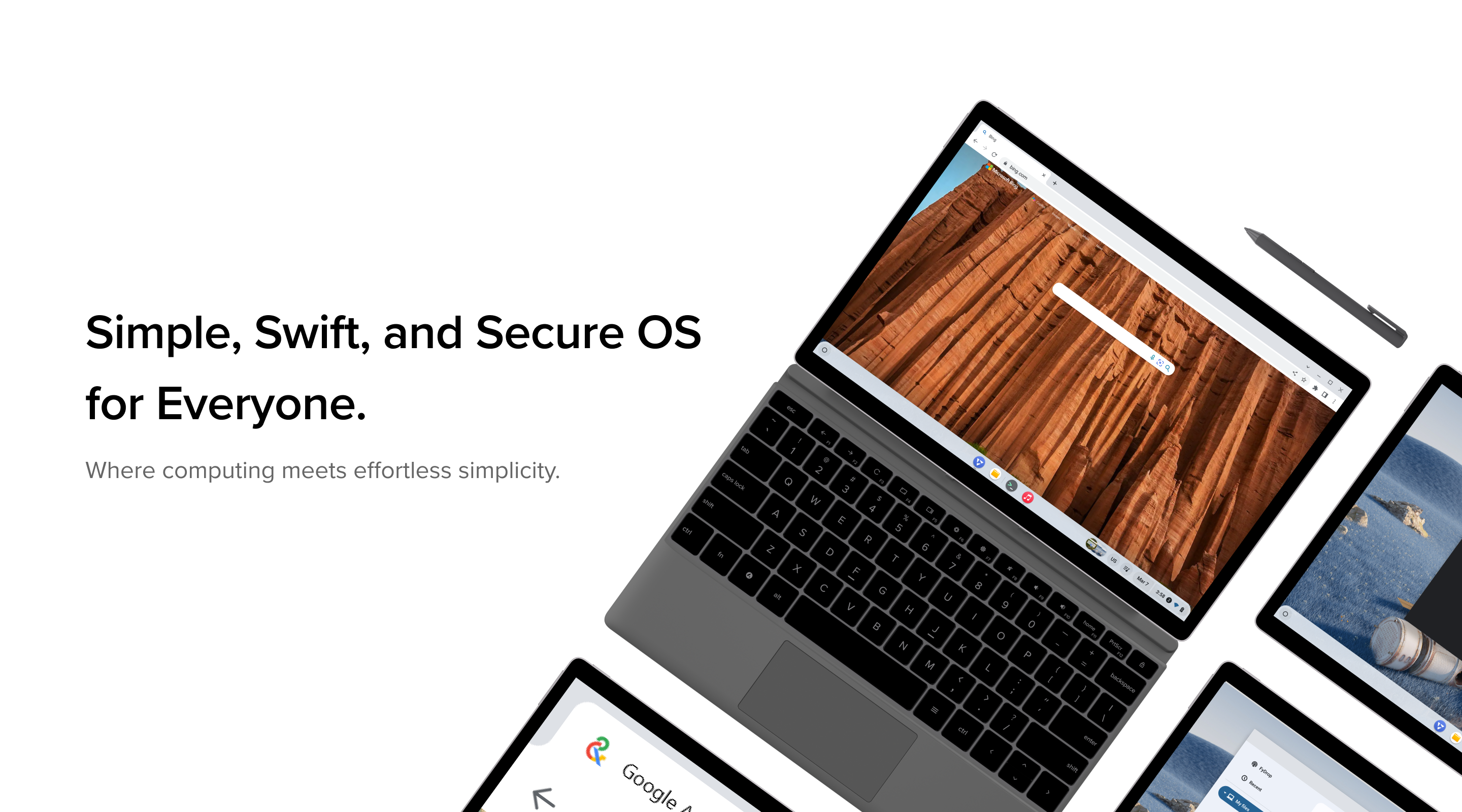
FydeOS AI is an assistant embedded in the FydeOS operating system, offering smart control across the apps running on that desktop. It suits existing FydeOS users on PCs, tablets and ARM boards rather than people wanting a standalone chatbot on any platform.
FydeOS AI is an assistant built directly into the FydeOS operating system rather than delivered as a separate website or chat window. Because it sits at system level, it is described as offering a smart control experience that reaches across the applications running on the machine. That is the core distinction: it is not a destination you open, but a layer that works wherever you already are on the desktop. For teams already running FydeOS on PCs, tablets or ARM boards, the assistant arrives as part of the environment instead of an extra subscription to bolt on. The intended audience is FydeOS users who want assistance without breaking the flow of work. FydeOS itself supports Web, Android and Linux applications on one desktop, and the assistant is positioned to act across that mixed app landscape. That makes it most relevant to people who treat the operating system as their daily driver, including staff on managed fleets, kiosk operators and individuals on budget or older hardware. It is a poor fit for someone who wants a standalone chat product to use from any browser on any operating system, since the assistant is tied to the FydeOS environment. In practice, the tool belongs to the OS rather than to a single app. The homepage frames the operating system around simple, swift and secure principles: quick boots, background updates, a read-only file system and bundled protection. The assistant inherits that context, though the public homepage does not enumerate specific commands, supported models or conversational features. Buyers should treat the chat and control capabilities as a system utility rather than a rival to dedicated large language model services. Among alternatives, FydeOS AI competes less with standalone chatbots and more with the built-in assistants that ChromeOS and Windows are adding to their own desktops. Its differentiator is the open, Google-free posture of the parent platform, which can be deployed on general PCs and ARM single board computers. Organisations comparing it against conventional desktop assistants should weigh the narrower ecosystem and the lack of published detail on the assistant itself against the appeal of a self-managed, non-Google environment.
FydeOS itself offers a free version alongside paid plans, with a dedicated pricing page for the operating system and its services. The homepage does not state a separate price or tier for the AI assistant.
Learn moreHelp is available through documentation, an FAQ page and a community forum, with chat support offered on the website. Direct assistance channels also include Discord and Telegram groups.
Learn moreThe assistant works across Web, Android and Linux applications running on FydeOS. No third-party app integrations for the AI feature itself are listed on the homepage.
FydeOS AI is presented as an assistant integrated with the operating system that provides smart control across applications. It sits alongside the platform's other traits: seamless background updates, fast cold boots, support for Web, Android and Linux apps, a read-only file system and built-in virus protection. The homepage does not list specific assistant capabilities, models or commands.
Learn more AI Angels400+ customizable AI girlfriends for NSFW chat, voice calls, and roleplay
 Candy AIExperience the future of companionship with AI friends who chat, role-play, and connect with you on a human level.
 ourdream.aiA vast AI roleplay platform with millions of characters for chat, images, video and voiceAI Angels400+ customizable AI girlfriends for NSFW chat, voice calls, and roleplayCandy AIExperience the future of companionship with AI friends who chat, role-play, and connect with you on a human level.ourdream.aiA vast AI roleplay platform with millions of characters for chat, images, video and voice