Free trial
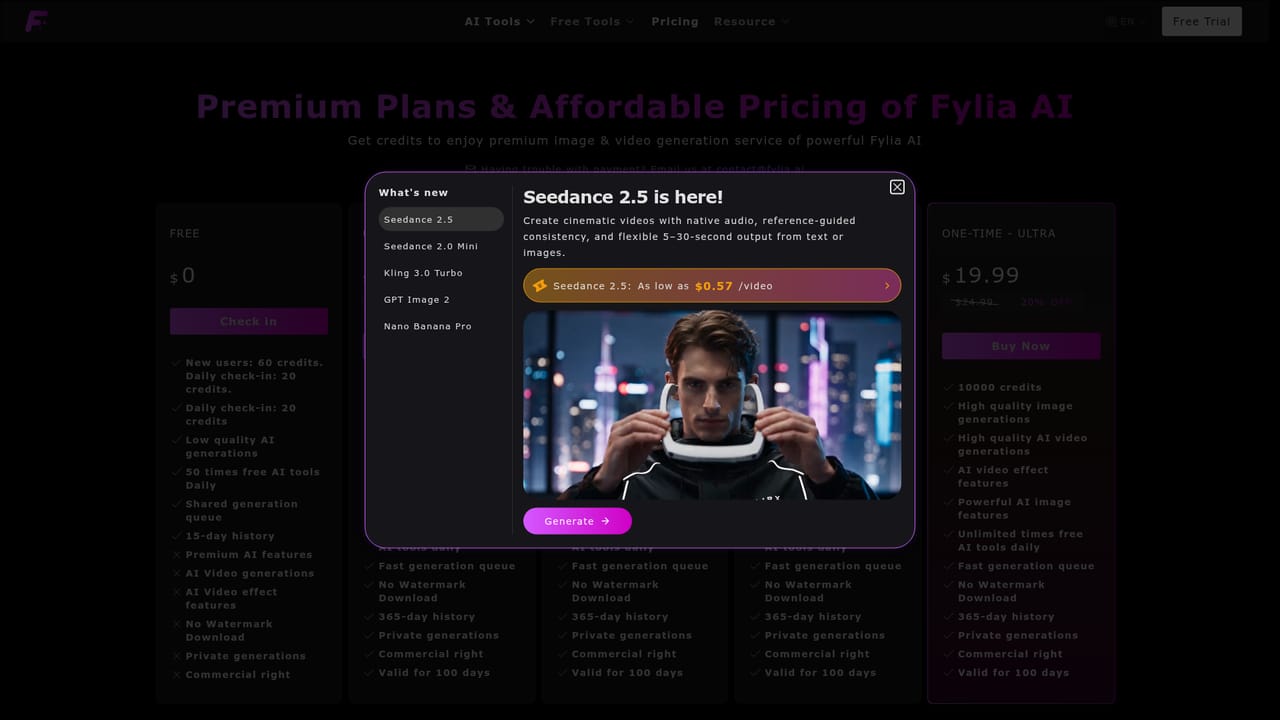
The page title advertises free creation and a Free Image to Video tool is linked, but the homepage does not detail how many free credits are given. A daily check-in is also offered.
Learn moreAnimate photos into short AI videos using many top video models

Fylia is a generative video tool that animates photos into short AI videos using many top video models. Fylia's Image to Video tool animates uploaded photos from a text prompt, offering a menu of top video models such as VEO 3.1, Seedance and Kling with optional audio, end frames and aspect ratio control, paid through credits.
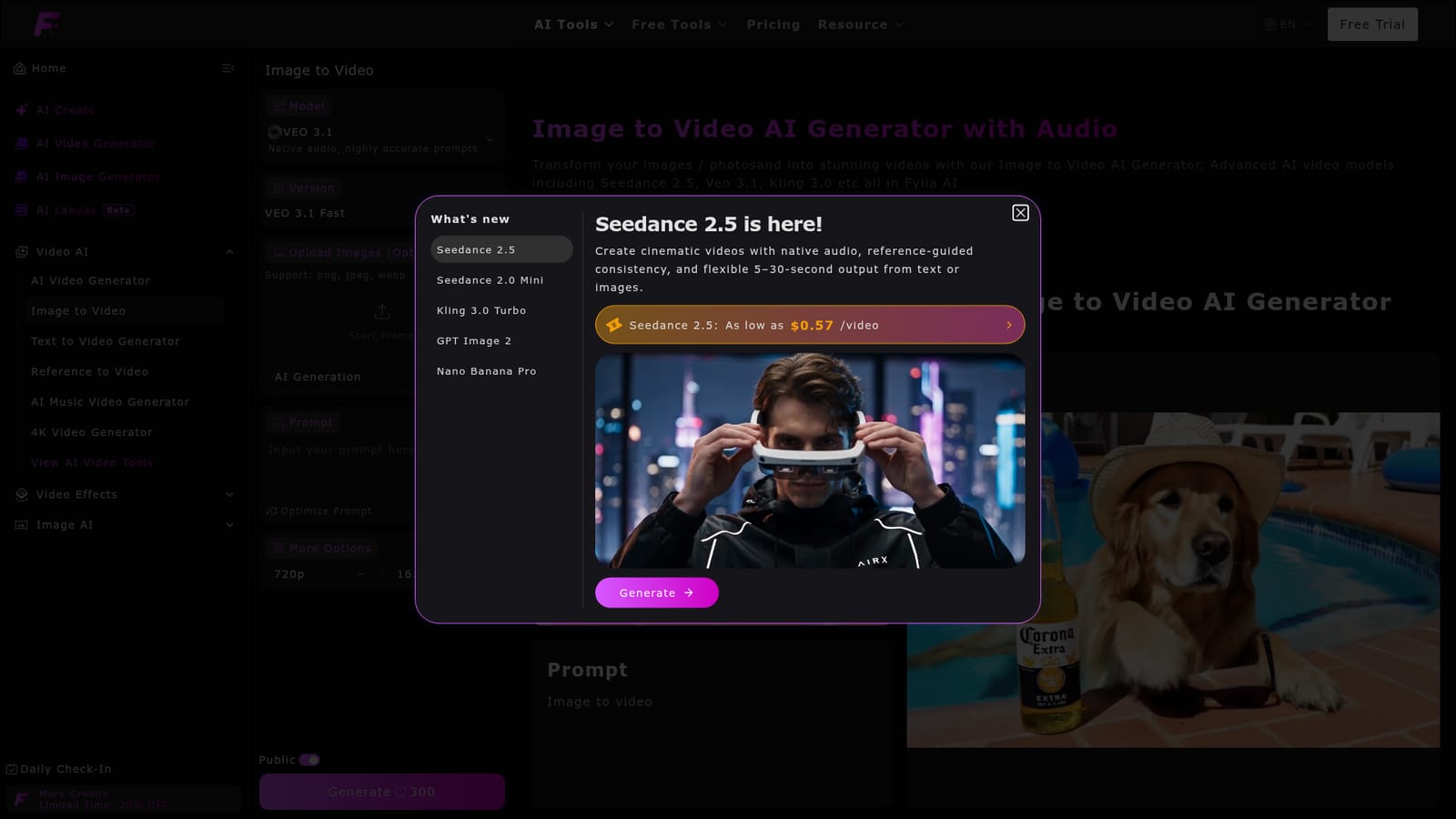
Fylia is a web-based AI creation platform, and its Image to Video page turns a still photo into a short clip driven by a text prompt. Rather than relying on a single engine, it puts a long list of video models behind one form, including VEO 3.1, Seedance 2.5, Kling 3.0, Pixverse, Hailuo, Wan 3.0 and Vidu Q3. Each model is labelled with its maximum resolution, clip length and whether it produces native audio, so the choice is visible before generating. The workflow is short. A user writes a prompt (up to 2,000 characters, with Translate and Optimize Prompt helpers), optionally uploads a start frame and, on supported models, an end frame, then picks resolution, aspect ratio and visibility. Generation is credit-based, with the cost shown on the Generate button and per model, and the site says a clip typically arrives within one to three minutes. Uploads in png, jpeg and webp are accepted, and the page lists duration, end frame and aspect ratio as adjustable settings. The audience is broad: social creators building short clips for platforms such as TikTok, small businesses producing promotional footage from product or event photos, and individuals who want to animate travel pictures, family gatherings or old photographs. The page also points to related specialised effects, such as talking baby, old photo animation, action figure and Ghibli-style videos. Among alternatives, Fylia sits in the aggregator camp, competing with single-model tools like Kling or Runway and with other multi-model hubs such as Higgsfield, which it compares itself against in a blog article. The advantage is access to many engines and a wider suite (text to video, video to video, image generation, an AI canvas in beta) under one account. The trade-off is that quality, length and price vary widely by model, so users need to learn which engine suits which job.
The page title advertises free creation and a Free Image to Video tool is linked, but the homepage does not detail how many free credits are given. A daily check-in is also offered.
Learn moreGeneration uses credits, shown per model and on the Generate button (for example 300 for a VEO 3.1 clip, with other models from about 100 to 2000+). A limited-time 20% off credit offer and a daily check-in are advertised. Plan prices are not stated on this page.
Learn moreImage to video with text prompts, optional start and end frames, many models (VEO 3.1, Seedance, Kling, Hailuo, Wan, Vidu), native audio on some, 720p to 4K options, aspect ratio and duration control, prompt translate and optimize, plus text to video, video to video and image tools.
Learn more


