Pricing
The homepage states that pricing is per workspace, not per person. No plan names or amounts are listed. Onboarding help from the support team is free of charge.
Learn moreOne shared AI memory and chat for a whole team, synced to any model

GBrain is a communication tool. GBrain gives a team one shared chat and one plain-file memory that syncs to ChatGPT, Claude, Cursor and other AIs. It adds team-wide account connections with permission levels and one-click scheduled skills such as standups and inbox cleanup.
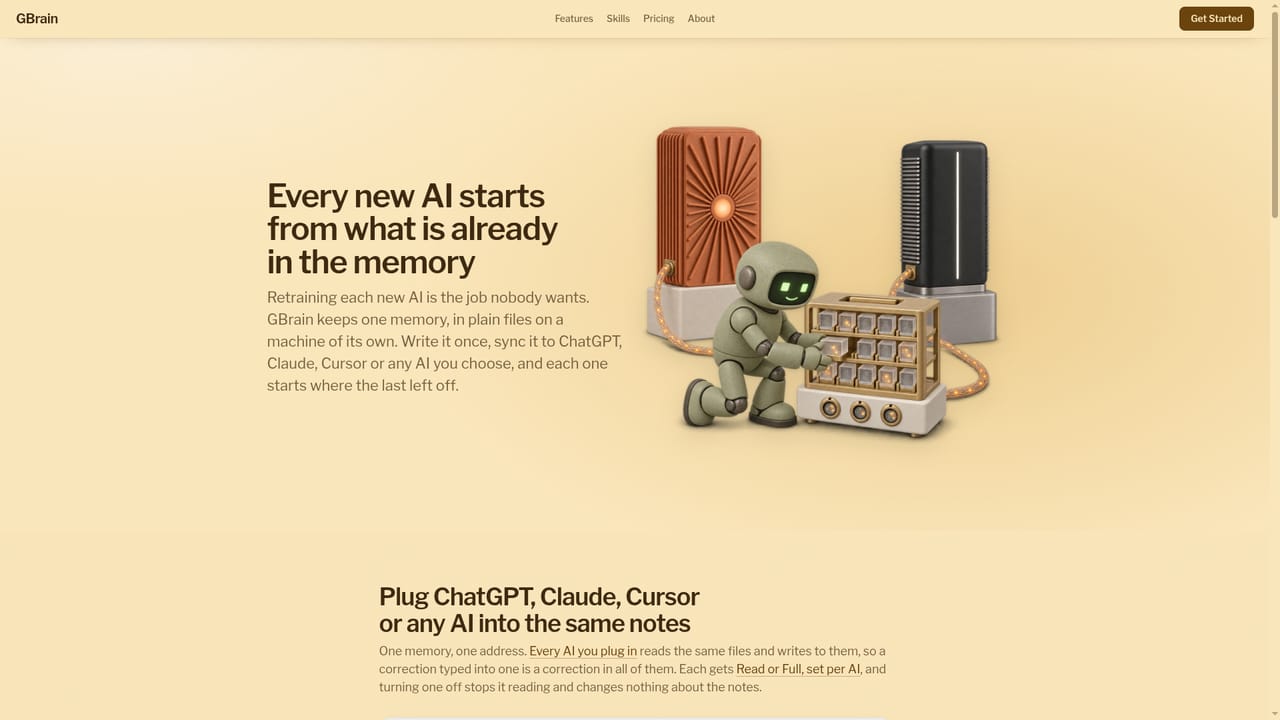
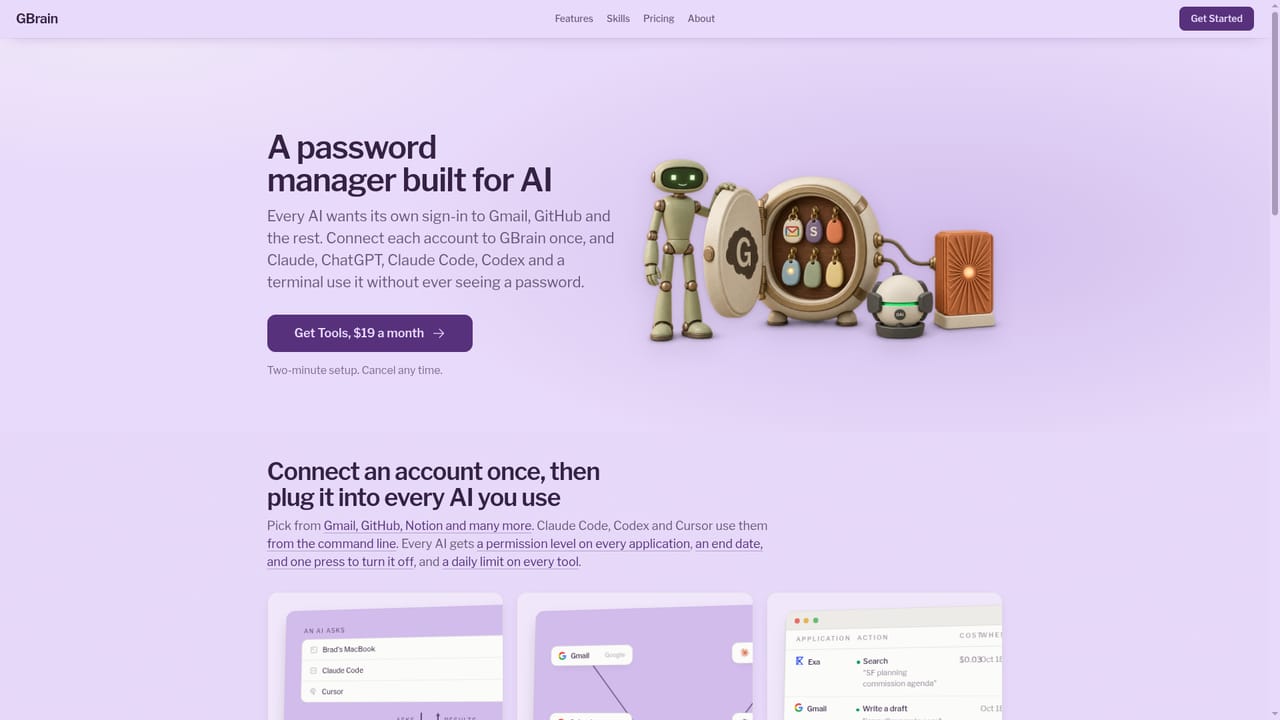
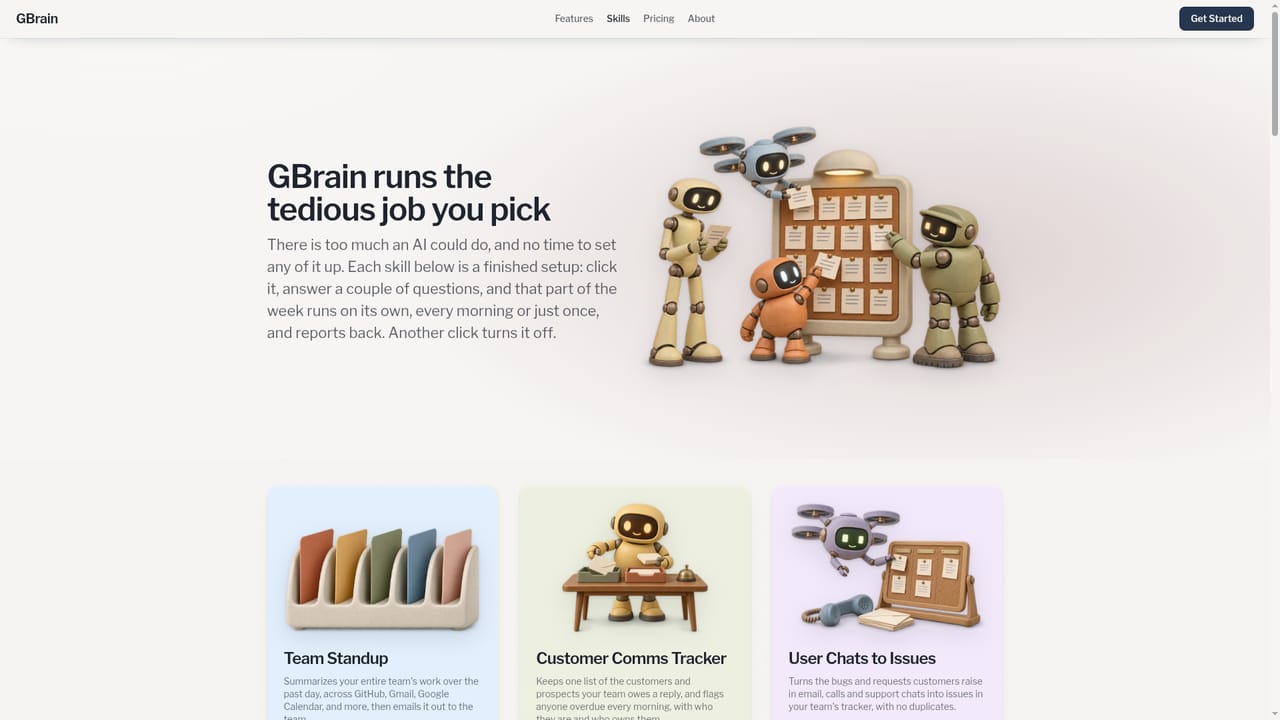
GBrain is a team workspace that gives a group of people one shared memory and one shared chat for the AI tools they already use. The problem it targets is familiar: each person prompts alone, every assistant keeps its own notes, and context never travels between them. GBrain replaces that with a single place where the team writes down how it works, then syncs that knowledge to ChatGPT, Claude, Cursor, OpenClaw or any other AI the team chooses. It is backed by Y Combinator and built by Garry Tan. The workspace works like a group version of a chat assistant. Anyone can ask a question, anyone can follow up, and everyone can see how the answer was reached. The homepage example shows two colleagues debating a price increase: the assistant searches call notes held in memory, checks current plans against Stripe billing, and revises its answer when the second person changes the scenario. Pricing is set per workspace rather than per seat, which matters for larger groups. Memory is stored as plain notes in folders such as people, projects and how the team ships. They are files on a machine the team controls, so a wrong line can be opened and corrected by hand and every connected AI then answers from the fix. Accounts like Gmail, Calendar, Drive and Stripe are connected once for the whole team. GBrain keeps the sign-in and hands the AI only the result of a call, with a permission level per app (from off or read up to manage or full), and every action is logged to one record. On top of that sit one-click skills that run on a schedule or once: a daily team standup email, a customer follow-up tracker, a job that turns customer feedback into tracker issues, inbox cleanup and sourced briefs on people before a meeting. Among alternatives, it sits between single-user assistants and heavier knowledge-management suites, aimed at small teams who want shared context without rebuilding their stack. Setup takes about two minutes through Google or an email link, and the team can take its data with it.
The homepage states that pricing is per workspace, not per person. No plan names or amounts are listed. Onboarding help from the support team is free of charge.
Learn moreEmail support@gbrain.io and a person will get on a call, set up the first skill and hand it over, at no charge. The same people answer later questions.
Works with ChatGPT, Claude, Cursor and OpenClaw as AI destinations. Connects accounts such as Gmail, Google Calendar, Drive and Stripe, and skills reference GitHub and support chats.
Learn moreShared team chat, plain-file memory synced to multiple AIs, one-time account connections with per-app permission levels, a single action record, and one-click scheduled skills like Team Standup, Customer Comms Tracker and Inbox Cleanup.
Learn more


