Okou

An AI teammate that runs cross-tool workflows and ships finished work

Beginner
Screenshot of Okou, An AI teammate that runs cross-tool workflows and ships finished work

What is Okou?

Okou is a cross-functional AI teammate that lives in team channels, connects to 3,000+ tools and delivers finished work such as sites, decks, reports, tickets and scheduled digests, with human approval on key actions.

Okou is an AI teammate built for teams that want work completed rather than merely suggested. Instead of a chat window that returns text, it sits inside team channels, takes a request from a colleague, reaches into the tools the team already uses, and returns a finished result: a published web page, a drafted email, a rebuilt slide deck, a set of tickets or a scored list of leads. The homepage frames this as giving the assistant a job and a role, not a prompt. The examples shown on the site make the pattern concrete. In a launch channel, a marketer asks for a hotel one-pager and Okou reads the brand brief, publishes the page and leaves a launch note drafted in Gmail for a human to send. In a paid acquisition channel it explains where ad spend is drifting, prepares a budget shift as a draft in Meta Ads and pushes it live only after a teammate approves. Other scenarios include grouping a night of Sentry errors by root cause and opening GitHub issues for the serious ones, writing a product spec from customer feedback with linked Linear issues, scoring inbound leads into a sheet and HubSpot, and compiling a weekly team digest on a schedule. A board deck can even rebuild itself before each meeting from a finance sheet. Connectivity is the other half of the pitch. Okou advertises more than 3,000 connectors to common business tools, its own APIs and a model picker that spans several AI providers. Context is shared across the team, so what one person teaches the assistant becomes available to everyone. Okou fits between general chat assistants and traditional automation builders. It is aimed at cross-functional groups in marketing, sales, engineering, product and operations that want agent-style execution with human approval at key steps, without hiring more people. Buyers comparing it with coding agents or workflow platforms should weigh how much of the actual setup happens through conversation, and test it on one recurring task first.
How do you use Okou?

  1. 1Create an account
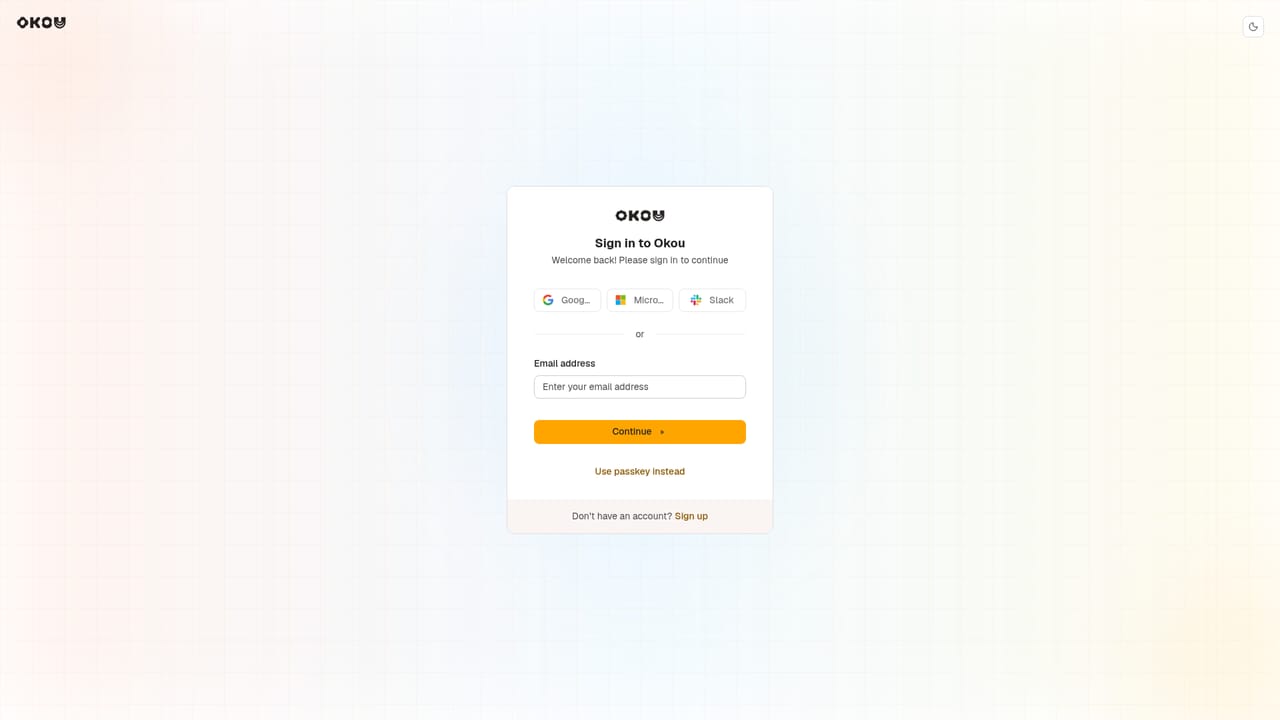
    Use the free get started button to open the Okou app and sign in. Set up a workspace for your team.
    Okou — Create an account
  2. 2Connect your tools
    Link the apps your team relies on, such as email, CRM, ad platforms, issue trackers or spreadsheets, so Okou can read and act on real data.
  3. 3Give it a role and a job
    Describe the task in plain language, for example scoring this week's leads or drafting a budget shift, and mention the team channel it should work in.
  4. 4Review the draft and approve
    Check the output Okou returns, such as a drafted email or a staged ad change, and approve or adjust it before anything goes live.
  5. 5Schedule recurring work
    Ask Okou to repeat useful jobs on a schedule, like a Monday team digest or a deck rebuilt before each board meeting.
  6. 6Explore workflow automation
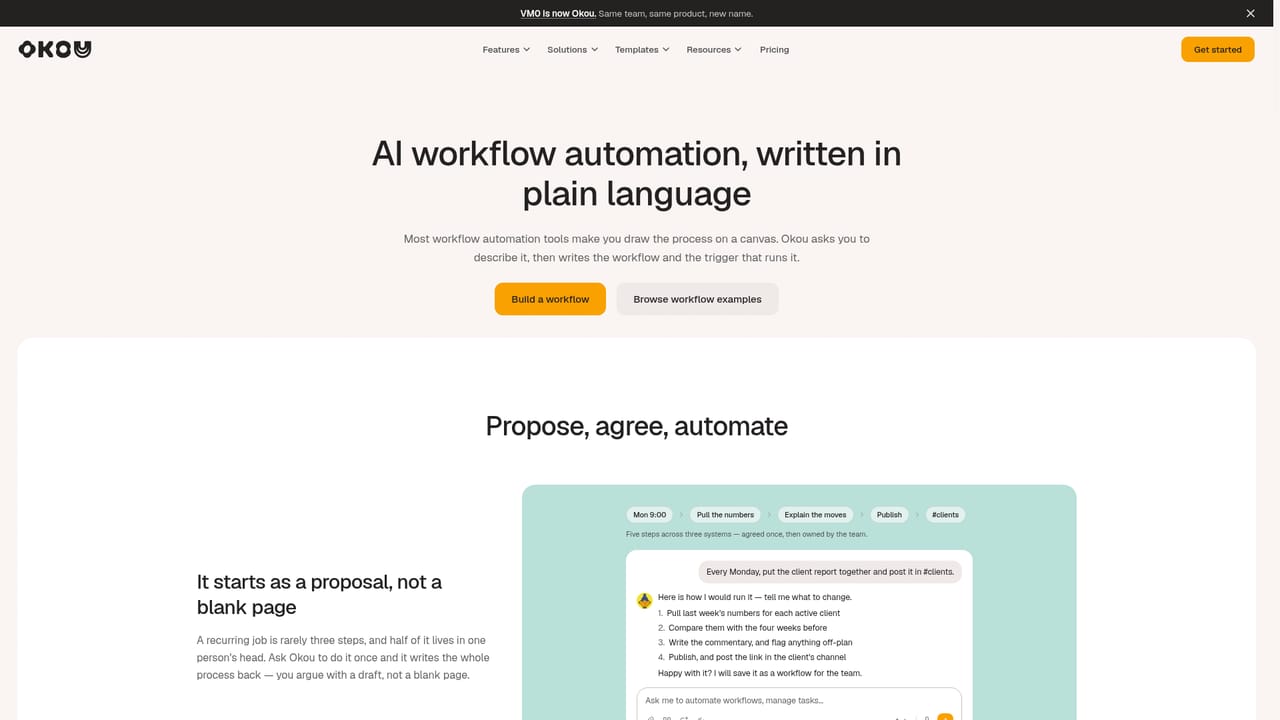
    Read the workflow automation page for more on how agentic workflows run across connected tools.
    Okou — Explore workflow automation

Pros and cons

Pros

  • Delivers finished artifacts like pages, decks and reports instead of only text repliesAI
  • Connects to more than 3,000 tools, so work spans CRM, ads, email, issue trackers and docsAI
  • Team-wide shared context means one person's setup benefits everyoneAI
  • Examples show drafts and approvals before risky actions such as sending email or pushing ad changesAI
  • Supports recurring scheduled jobs like weekly digests and pre-meeting decksAI

Cons

  • The homepage lists no pricing details, so cost for a team cannot be judged upfrontAI
  • Showcased scenarios are curated demos, and real results will depend on connector setup and data qualityAI
  • Broad cross-functional scope may mean less depth than a dedicated tool for one jobAI
  • Needs access to many business accounts, which raises permission and governance questionsAI
  • No public information on platforms, apps or support channels is given on the homepageAI

How much does Okou cost?

Free trial

A "Get started for free" button is shown, though the homepage does not describe limits or duration.

Learn more

Pricing

The homepage offers a free way to get started but does not state plan names or prices.

Learn more

Support

A free 1:1 AI consultation can be booked from the homepage. No docs or help centre is described.

Integrations

Advertises 3,000+ connectors, plus its own APIs and a model picker covering providers such as Anthropic, OpenAI and Google. Examples cite Gmail, Meta Ads, HubSpot, Sentry, GitHub, Notion, Linear and Drive.

Features

Role-based AI teammate working in team channels, agentic workflows, finished outputs (sites, decks, reports, specs, issues), scheduled recurring jobs, approval before pushing changes, shared team-wide context, and a model picker.

Learn more

Frequently asked questions about Okou

  • How much does Okou cost?
    The homepage offers a free way to get started but does not state plan names or prices.
  • Does Okou offer a free trial?
    A "Get started for free" button is shown, though the homepage does not describe limits or duration.
  • How do you use Okou?
    The walkthrough on this page covers 6 steps: 1. Create an account 2. Connect your tools 3. Give it a role and a job 4. Review the draft and approve 5. Schedule recurring work 6. Explore workflow automation.
  • What platforms does Okou support?
    Okou is available on Web App.
  • What does Okou integrate with?
    Advertises 3,000+ connectors, plus its own APIs and a model picker covering providers such as Anthropic, OpenAI and Google. Examples cite Gmail, Meta Ads, HubSpot, Sentry, GitHub, Notion, Linear and Drive.
  • What are the limitations of Okou?
    The homepage lists no pricing details, so cost for a team cannot be judged upfront. Showcased scenarios are curated demos, and real results will depend on connector setup and data quality. Broad cross-functional scope may mean less depth than a dedicated tool for one job.

Status

StatusActive
Views0
Outbound clicks0
Added10/18/2026

Platforms

Web App

Pricing

Freemium