GenerateLyrics

Free AI lyrics generator with no sign-up and dozens of genre, artist and language presets

Beginner
Screenshot of GenerateLyrics, Free AI lyrics generator with no sign-up and dozens of genre, artist and language presets

What is GenerateLyrics?

GenerateLyrics is a parody song tool. A free, no sign-up AI lyrics generator that builds complete songs from a topic, genre, mood, language and rhyme scheme, then offers follow-on tools for verses, choruses, bridges and rewriting.

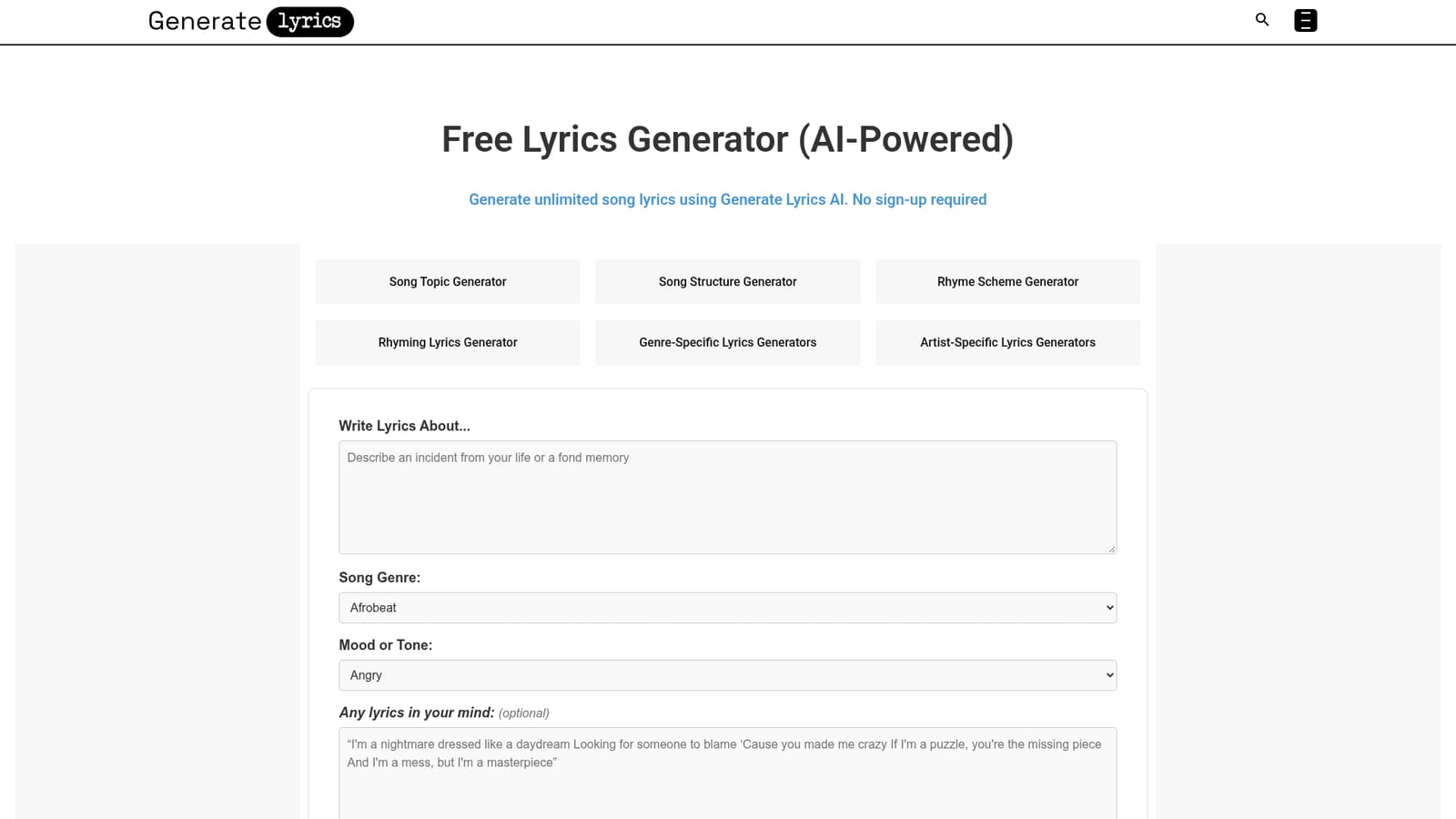
GenerateLyrics is a browser based songwriting tool that turns a short brief into finished song lyrics. The homepage presents a single form with a field asking what the lyrics should be about, plus dropdowns for genre, mood or tone, language and rhyme scheme, an optional box for any lines already in your head, and a slider that sets words per line between 2 and 10. Output arrives immediately, and visitors can rate the result with a feedback widget or push it onward into a second stage of tools. That second stage is where the product separates itself from one shot generators. Once lyrics exist, users can extend them with an expander, rework lines with a rewriter or improver, and build individual song parts through dedicated chorus, verse and bridge generators. Ideation tools cover song topics, song structure and rhyme schemes, so a writer who is stuck on the concept rather than the wording has a separate entry point. Genre coverage spans pop, metal (including death and heavy variants), rap and diss tracks, drill with UK and NY variants, electronic, country, punk, rock, blues, reggae and K-Pop. Thematic presets handle breakup, love, sad, happy, holiday and Christmas material, and 21 languages are listed from English and Spanish to Tamil and Hinglish. The interface is form driven and language is plain enough for a first timer, which suits hobbyist lyricists, students, and content creators who need a hook or a jingle quickly. Songwriters who already have a melody can use the tool to break a blank page, then edit the draft themselves. The artist specific generators (Taylor Swift, Juice WRLD and a few others) are aimed at people testing a stylistic direction rather than at professional imitation. Compared with general chatbots, GenerateLyrics trades flexibility for guardrails: fixed fields, predictable structure and genre aware presets. The trade off is less conversational back and forth. The homepage advertises unlimited generation with no sign-up, though it does not publish paid tiers or export options, so anyone needing MIDI, audio or collaboration features will have to look elsewhere.

How do you use GenerateLyrics?

  1. 1Describe the song in the topic field
    Open the homepage and fill the Write Lyrics About box. Specific scenes and feelings work better than single words, for example a memory of a sunset walk rather than simply beach.
    GenerateLyrics — Describe the song in the topic field
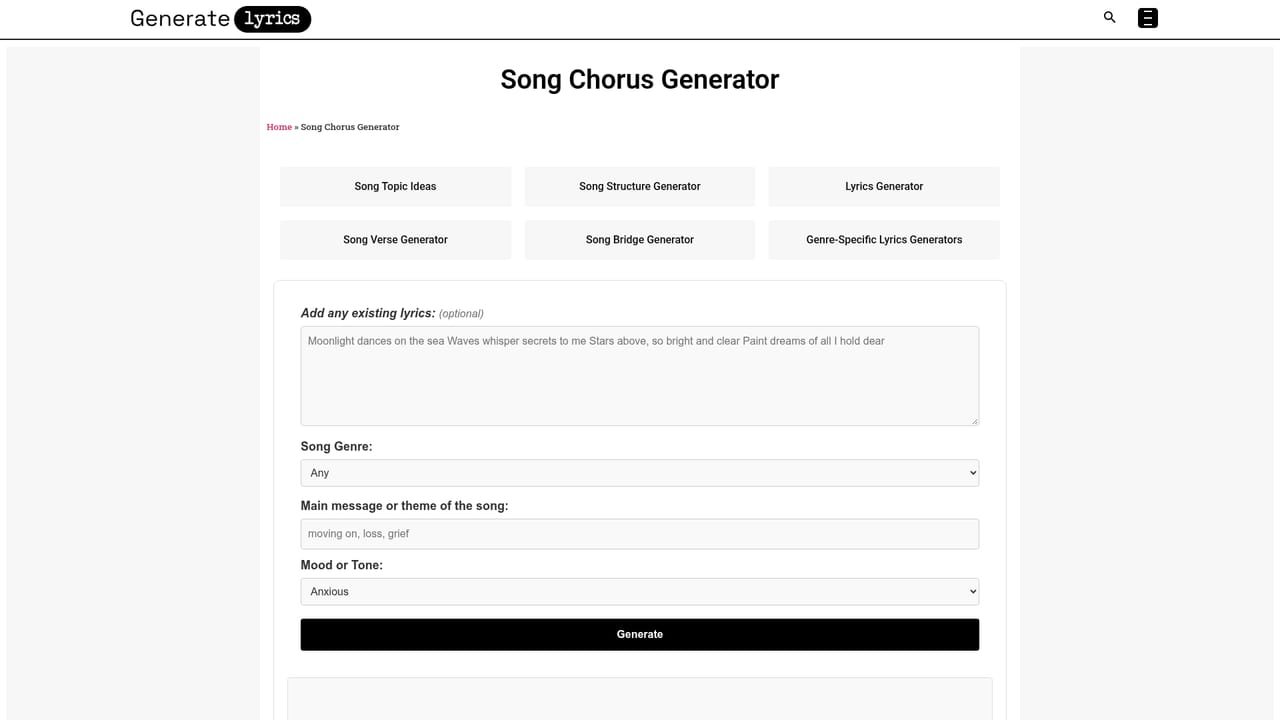
  2. 2Pick genre, mood, language and rhyme scheme
    Choose from the genre and mood dropdowns, select one of the 21 supported languages, then set a pattern such as AABB, ABAB or free verse. Use the Other option for genres that are not listed.
  3. 3Add any seed lines and set line length
    Paste phrases you already have into the optional lyrics box, then drag the words per line slider toward 2 for punchy lines or 10 for longer descriptive ones.
  4. 4Generate and give feedback
    Submit the form to get complete lyrics, then rate the result with the feedback widget if you want to signal whether the output hit the mark.
  5. 5Build out sections
    Use the chorus, verse and bridge generators to fill in the parts that are still missing, or the expander to lengthen verses that feel short.
    GenerateLyrics — Build out sections
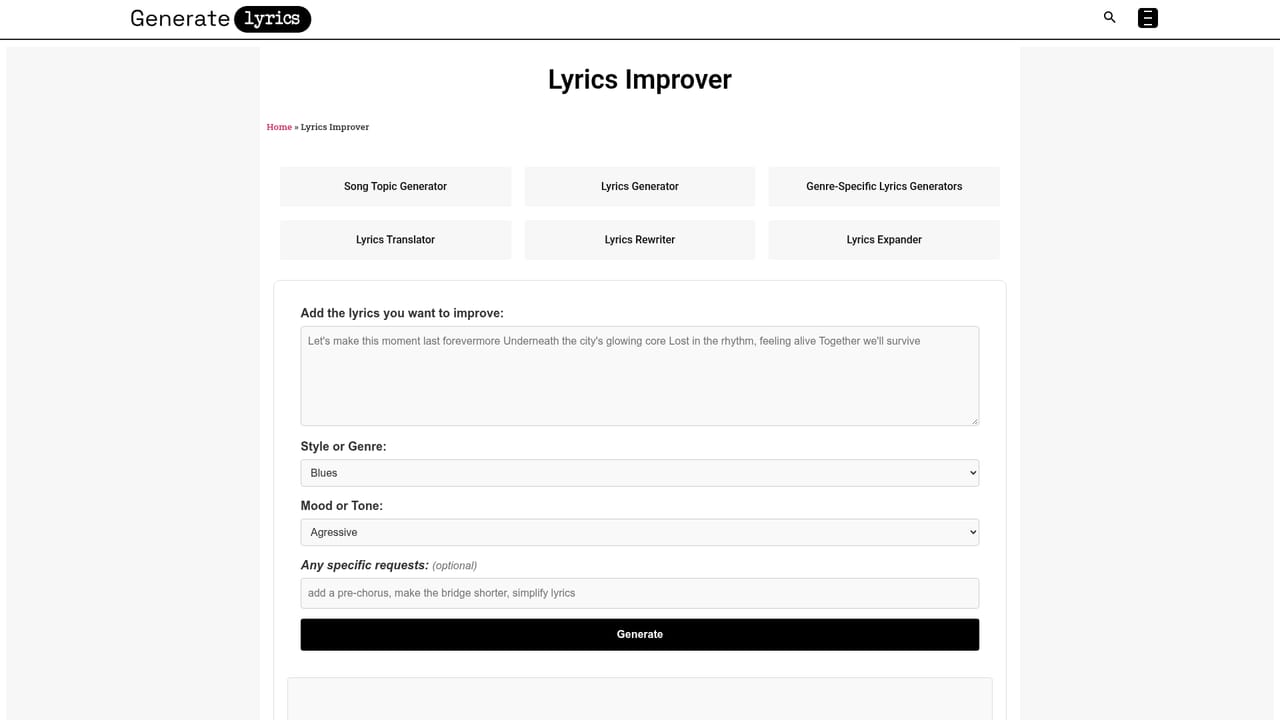
  6. 6Refine weak lines
    Run the draft through the rewriter or improver to rephrase awkward bars while keeping the theme and rhyme scheme intact.
    GenerateLyrics — Refine weak lines

Pros and cons

Pros

  • No account needed: the generator runs straight from the homepage formAI
  • Wide genre coverage, with dedicated pages for metal, drill, rap, pop, country and electronic stylesAI
  • Fine control over output through rhyme scheme presets and a words per line sliderAI
  • Optional seed lines let you feed in existing phrases the generator must work aroundAI
  • Follow-on editing tools (expander, rewriter, improver) extend a draft instead of forcing a restartAI

Cons

  • Unlimited use and free access are claimed, but no pricing, usage limits or commercial licensing terms appear on the homepageAI
  • Output quality depends heavily on how detailed your topic description is, so vague prompts produce generic linesAI
  • No visible way to save, organise or export lyrics across sessions, which limits it as a working notebookAI
  • Artist and genre presets encourage pastiche more than a distinctive voiceAI
  • The form based flow offers no conversational refinement, so redoing the prompt is the only correction routeAI

How much does GenerateLyrics cost?

Features

The core form takes a topic, genre, mood, language, rhyme scheme, optional seed lyrics and a 2 to 10 words per line setting. Around it sits a library of specialised tools: topic, structure and rhyme scheme generators for ideation, verse, chorus and bridge builders, an lyrics expander, rewriter and improver, plus preset pages for dozens of genres, themes, languages and two named artists.

Learn more

Frequently asked questions about GenerateLyrics

  • How do you use GenerateLyrics?
    The walkthrough on this page covers 6 steps: 1. Describe the song in the topic field 2. Pick genre, mood, language and rhyme scheme 3. Add any seed lines and set line length 4. Generate and give feedback 5. Build out sections 6. Refine weak lines.
  • What platforms does GenerateLyrics support?
    GenerateLyrics is available on Web App.
  • What are the limitations of GenerateLyrics?
    Unlimited use and free access are claimed, but no pricing, usage limits or commercial licensing terms appear on the homepage. Output quality depends heavily on how detailed your topic description is, so vague prompts produce generic lines. No visible way to save, organise or export lyrics across sessions, which limits it as a working notebook.

Status

StatusActive
Views0
Outbound clicks0
Added11/3/2026

Platforms

Web App

Pricing

Free