Wondera

An AI music co-pilot that carries a track from first prompt to finished master

Beginner API
Screenshot of Wondera, An AI music co-pilot that carries a track from first prompt to finished master

What is Wondera?

Wondera is a conversational AI music platform that writes songs from prompts and extends into stems, lyric edits, transcription, language swaps, and beta music videos. It ships as a web app plus iOS and Android apps, advertises licensed output with commercial rights, and offers an API platform for developers.

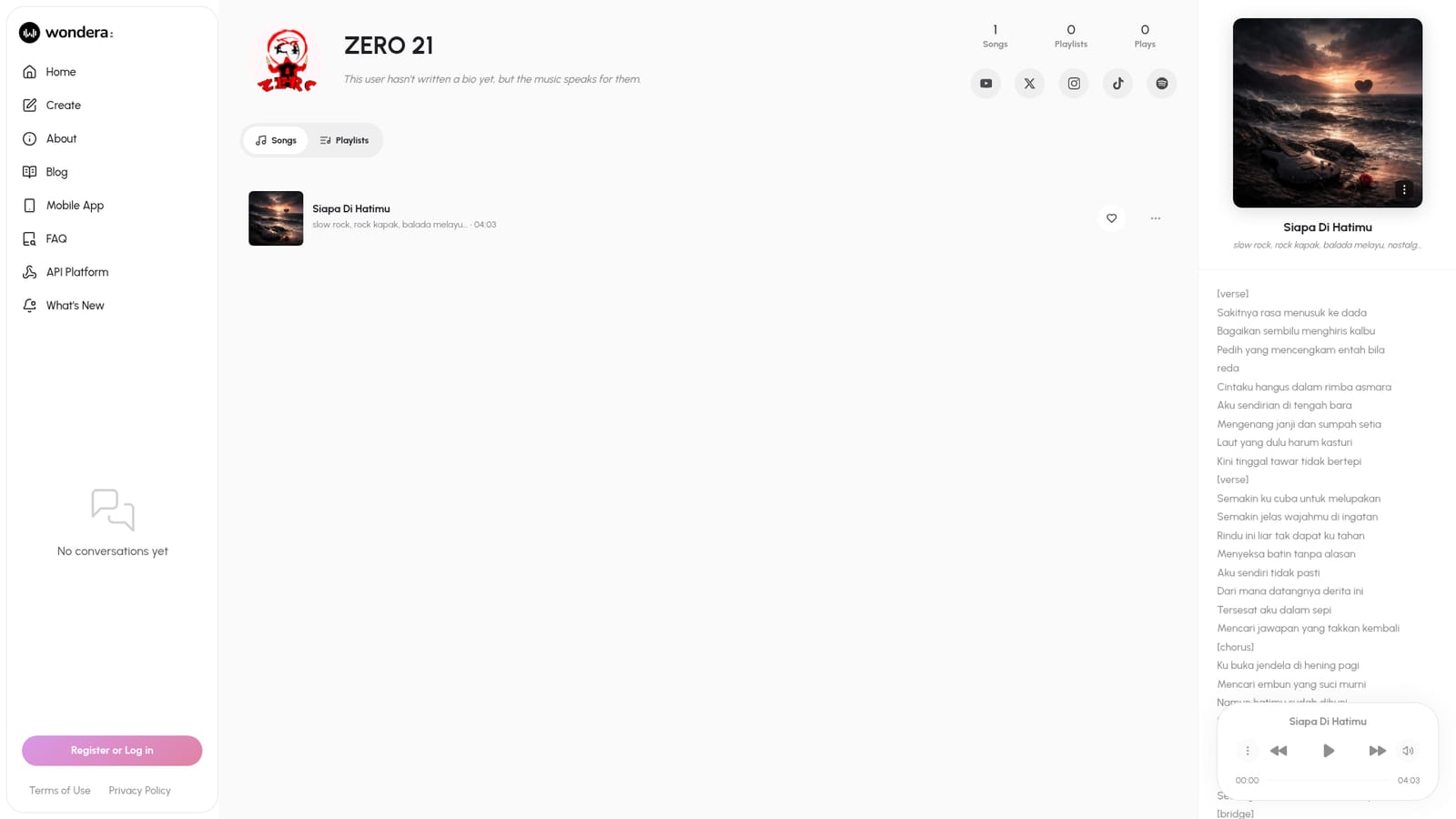
Wondera positions itself as an AI music co-creator rather than a one-shot song generator. The homepage frames the product around a creative loop that runs end to end: a user describes what they want, Wondera produces audio, and the conversation continues from there. Prompts on the landing page hint at the range of asks the system expects to handle, from mixing Spanish and Korean in a single song to building a Star Wars style symphony or swapping the lyrics of a chorus. The tool is aimed at people who want music output without a full production stack, including hobbyists, content creators, and songwriters sketching ideas quickly. It also leans into adjacent tasks: generating a music video, extracting vocal and drum stems, transcribing lyrics, swapping the language of a track, converting file formats, and explaining a piece of music. A vocal cloning angle appears in the prompt examples ("create a song with this voice"), and a music video mode is labeled Beta with model, aspect ratio, duration, and resolution controls. In practice the workflow is conversational. Users type a request, receive a generation, then refine by asking for changes such as new chorus lyrics or a different vocal. Finished tracks and their producers are surfaced on public song and producer pages, so there is a social layer around what gets made. Wondera 2.4 is the current release highlighted on the homepage, and there is an API platform for teams that want to build on the engine directly. Against alternatives, Wondera competes on breadth rather than a single trick. Many AI music tools stop at rendering a clip; Wondera bundles video, stem separation, transcription, and licensing claims into one place. The trade-off is that the interface is chat-first and the depth of manual control is not documented on the homepage, so producers who want fine-grained mixing may still pair it with a DAW.

How do you use Wondera?

  1. 1Open Wondera and register an account
    Go to the homepage and log in. The site prompts new users to register or log in before generating anything.
    Wondera — Open Wondera and register an account
  2. 2Install the mobile app if you want music on the go
    Download the Wondera app for iOS or Android from the homepage badges. The apps mirror the web experience for making music anywhere.
  3. 3Describe the track you want in the prompt box
    Type a natural language request such as a style, mood, language, or reference. The homepage shows example asks like a Star Wars style symphony or a song mixing Spanish and Korean.
  4. 4Refine the result by asking for changes
    Keep the conversation going to alter specific parts, for example changing lyrics in a chorus, swapping the language, or creating a song with a supplied voice.
  5. 5Pull stems, transcribe, or build a video
    Request vocal and drum stems, lyric transcription, or a music video. Video generation lives in the beta panel with model, aspect ratio, duration, and resolution settings.
    Wondera — Pull stems, transcribe, or build a video
  6. 6Read the FAQ and terms before publishing
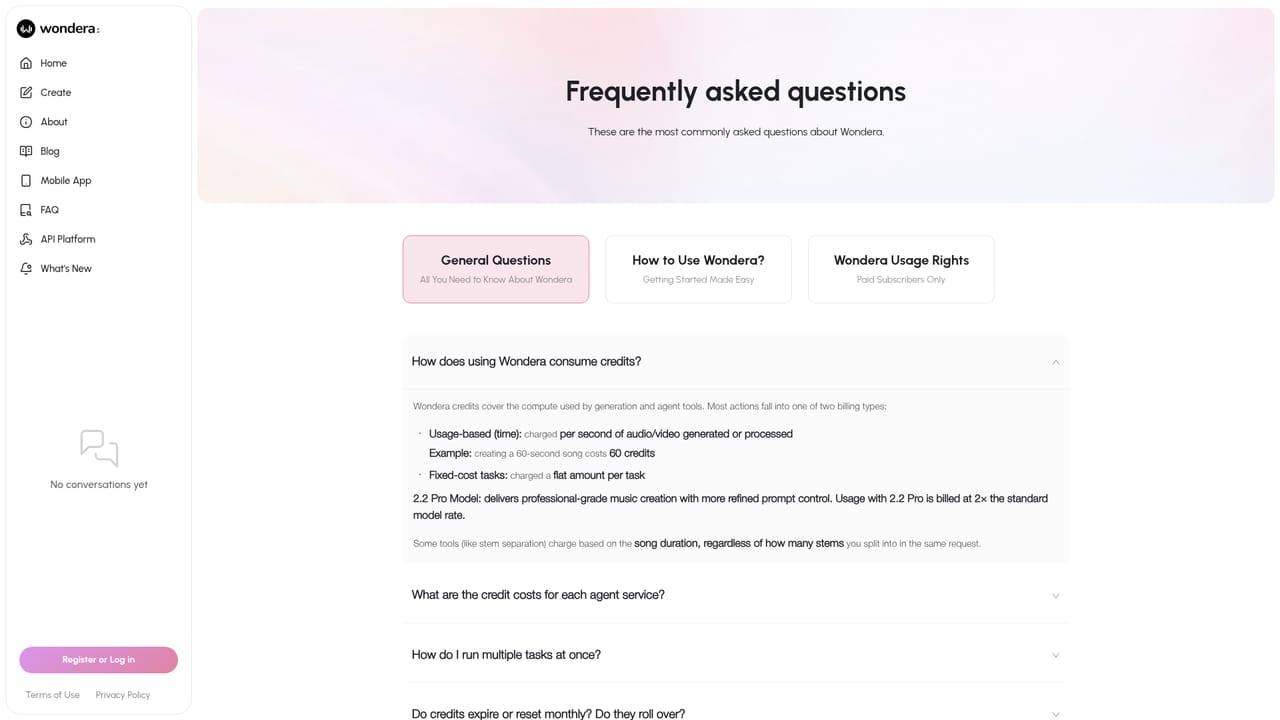
    Check the knowledge book for usage answers and review the end user license agreement to confirm rights before releasing tracks commercially.
    Wondera — Read the FAQ and terms before publishing

Pros and cons

Pros

  • Covers an unusually wide span of music tasks: generation, stems, lyric changes, transcription, language swaps, format conversion, and music videoAI
  • Licensing and commercial rights are addressed head-on on the homepage, which matters for creators publishing to streaming platformsAI
  • Free users reportedly get unlimited downloads, a rarity among AI music servicesAI
  • Conversational loop supports iterative refinement instead of one-shot generationAI
  • Native iOS and Android apps plus a separate API platform widen how the tool can be usedAI

Cons

  • Music video generation is explicitly labeled Beta, with limited duration and resolution options shownAI
  • No pricing figures appear on the homepage, so cost has to be confirmed before committingAI
  • The chat-first interface gives little visible control over detailed mixing or arrangement parametersAI
  • Vocal cloning is mentioned in prompt examples but consent and safeguards are not documented on the homepageAI

How much does Wondera cost?

Pricing

The homepage does not publish price points. It states that downloads are unlimited, including for free users, and positions Wondera around fully licensed output with commercial rights. Exact plan costs and limits are not described on the landing page.

Learn more

Support

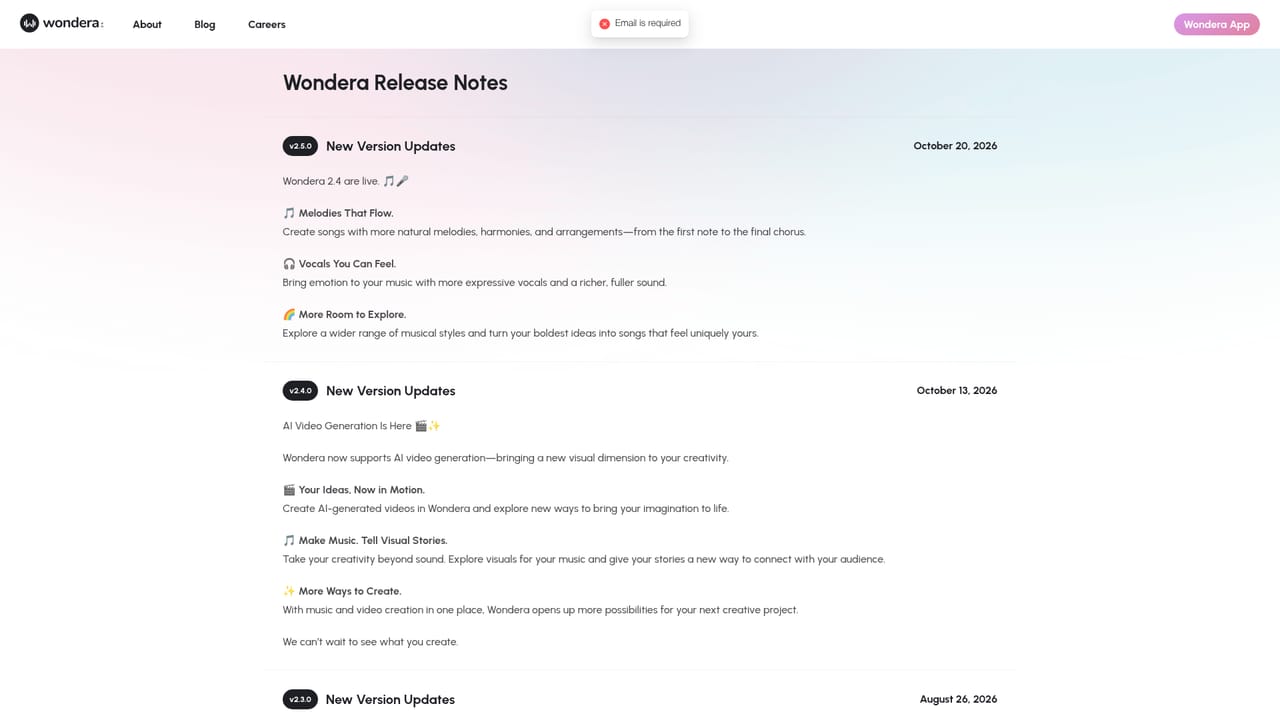
Support is handled through the FAQ knowledge book, the blog, release notes, and the published legal pages covering terms of use and privacy. No live chat or ticket system is described on the homepage.

Learn more

Integrations

An API platform is available for developers at platform.wondera.ai. The homepage mentions sharing to YouTube and tracking streams on Spotify, but no further integration details are published.

Learn more

Features

Prompt-driven song creation with an iterative chat loop, lyric edits, vocal sourcing, language swaps, vocal and drum stem extraction, lyric transcription, file format conversion, music explanation, and a beta music video generator with model, aspect ratio, duration, and resolution controls. The homepage also advertises licensed output with commercial rights and unlimited downloads for free users.

Learn more

Frequently asked questions about Wondera

  • How much does Wondera cost?
    The homepage does not publish price points. It states that downloads are unlimited, including for free users, and positions Wondera around fully licensed output with commercial rights. Exact plan costs and limits are not described on the landing page.
  • Does Wondera have an API?
    Yes, Wondera offers an API.
  • How do you use Wondera?
    The walkthrough on this page covers 6 steps: 1. Open Wondera and register an account 2. Install the mobile app if you want music on the go 3. Describe the track you want in the prompt box 4. Refine the result by asking for changes 5. Pull stems, transcribe, or build a video 6. Read the FAQ and terms before publishing.
  • What platforms does Wondera support?
    Wondera is available on Web App, iOS and Android.
  • What does Wondera integrate with?
    An API platform is available for developers at platform.wondera.ai. The homepage mentions sharing to YouTube and tracking streams on Spotify, but no further integration details are published.
  • What are the limitations of Wondera?
    Music video generation is explicitly labeled Beta, with limited duration and resolution options shown. No pricing figures appear on the homepage, so cost has to be confirmed before committing. The chat-first interface gives little visible control over detailed mixing or arrangement parameters.

Status

StatusActive
Views0
Outbound clicks0
Added10/21/2026

Platforms

Web AppiOSAndroid

Pricing

Freemium