Free trial
A free starting path is advertised through the Start for free link, but no trial length or tier limits are stated on the homepage.
Learn moreTrace, evaluate and monitor production AI agents

HoneyHive is a prompt fixer tool. Agent observability and evaluation platform for teams running AI agents in production: full trace replay, LLM and code evaluators, live monitors with drift alerts, human review queues, prompt versioning, and an MCP server plus CLI that let coding agents root-cause failures and gate releases.
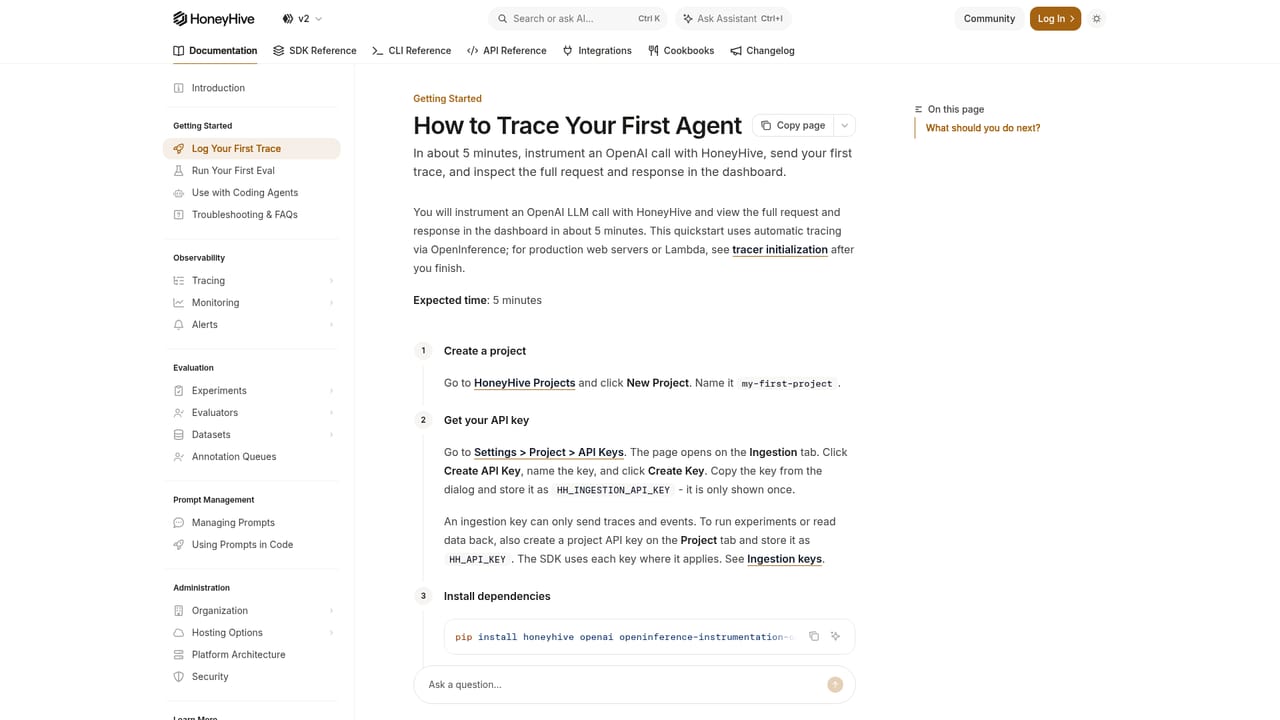
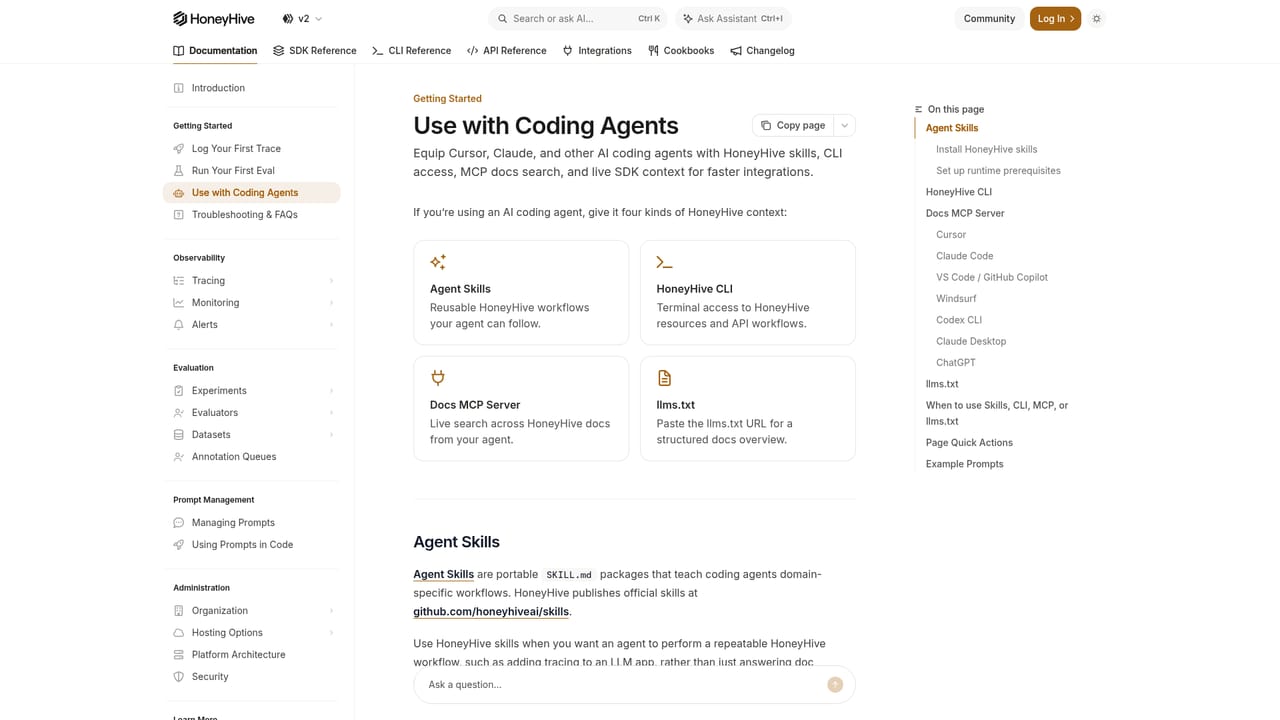
HoneyHive is an agent observability and evaluation platform for teams running AI agents in production. Its central promise is that agents improve by learning from the real world, so the product is built around a loop of observing live behavior, scoring it against explicit standards, and feeding what was learned back into the agent, its prompts and its test suites. The dashboard visualizes complete traces: every span, tool call, prompt and decision in the order it happened, including long-running trajectories that stretch over hours or days with retries, loops and handoffs between sub-agents. Evaluation is the second half of the story. HoneyHive compares agent versions on the same dataset, turns production failures into reusable test suites, and scores outputs, tool calls and full agent-to-agent interactions with LLM judges, custom code or composite evaluators. Monitors run on live traffic with sampling and thresholds, and alerts fire by email or webhook when a score drifts. Traces can be routed to annotation queues where domain experts rate answers with numeric, binary, categorical or free-form criteria. Policies let an organization define evaluators and monitors once and apply them across every workspace and agent. In practice the workflow extends past diagnosis. HoneyHive ships an MCP server, a CLI and purpose-built skills so a coding agent such as Claude Code can pull failing sessions, cluster spans, write a root-cause report, propose a prompt fix, re-run the eval suite and gate the release from CI through GitHub Actions or PyTest. Screenshots on the site show exactly this loop: an alert, a root cause, a prompt edit, a re-eval, an iteration with claimed quality gains. The target buyer is an enterprise platform or AI engineering team with a deployed agent, not someone prototyping a single prompt. HoneyHive positions itself against generic observability suites and against model-provider dashboards, and it leans on shared, policy-driven workflows for sensitive data environments and multi-team stacks. That makes it a heavier commitment than lightweight tracing tools, and the payoff depends on having real evaluation criteria worth enforcing. Coding-assistant users should note the homepage markets this as developer infrastructure; there is no creative or content-generation function here despite directory categorization noise.

A free starting path is advertised through the Start for free link, but no trial length or tier limits are stated on the homepage.
Learn moreSupport runs through documentation (quickstart, SDK and semantic convention references, changelog) and a demo booking channel; no help desk or SLA details appear on the homepage.
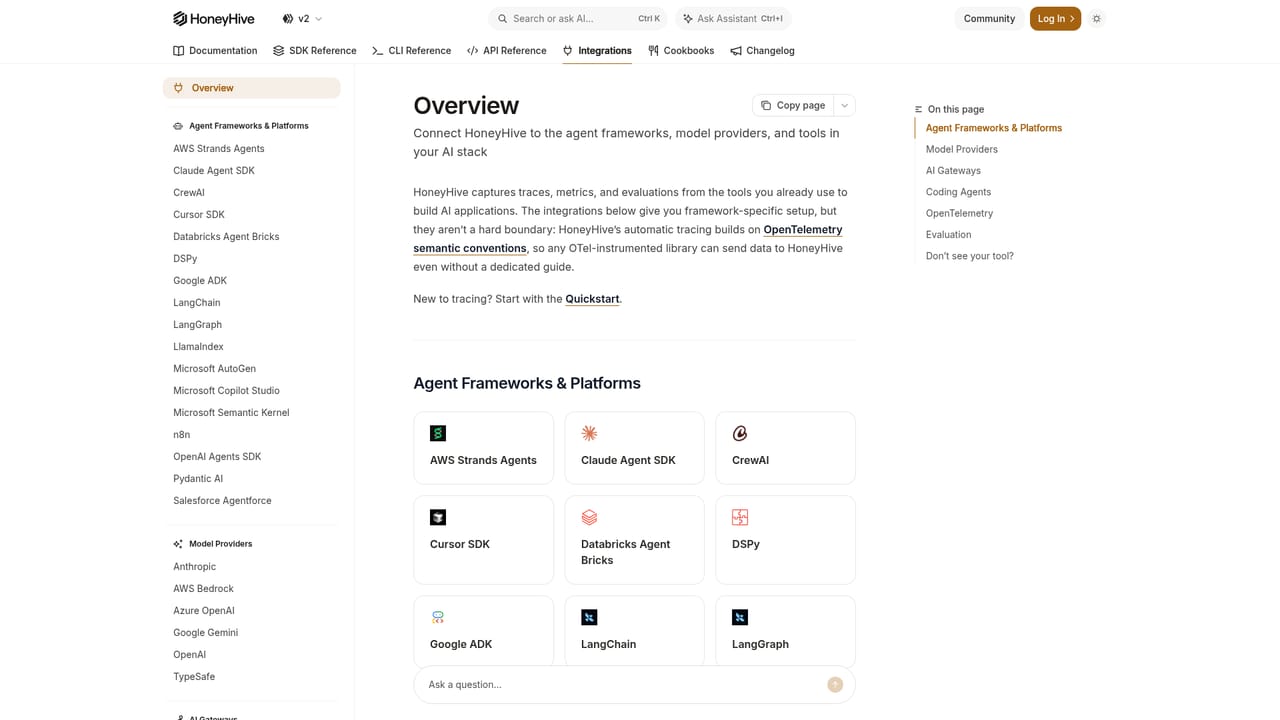
Learn moreThe tracing layer connects with OpenTelemetry, agent frameworks, model providers, coding agents and no-code platforms. A dedicated integrations overview and SDK reference sit in the documentation.
Learn moreTrace replay across spans, tool calls and multi-day trajectories; version comparison on shared datasets; test suites built from production failures; LLM, code and composite evaluators; live monitors with sampling, drift detection and webhook or email alerts; human annotation queues; prompt versioning and playground; MCP server, CLI and skills for coding agents; CI release gating.
 AI Angels400+ customizable AI girlfriends for NSFW chat, voice calls, and roleplay
 Candy AIExperience the future of companionship with AI friends who chat, role-play, and connect with you on a human level.
 ourdream.aiA vast AI roleplay platform with millions of characters for chat, images, video and voiceAI Angels400+ customizable AI girlfriends for NSFW chat, voice calls, and roleplayCandy AIExperience the future of companionship with AI friends who chat, role-play, and connect with you on a human level.ourdream.aiA vast AI roleplay platform with millions of characters for chat, images, video and voice


