Free trial
A free plan gives 25 generated prompts per month with no credit card required. The public generator can also be tried without creating an account.
Learn moreTurn rough ideas into model-ready prompts for ChatGPT, Claude, Gemini and Grok
Own PromptBuilder.cc? Verify ownership to get a dofollow link

PromptBuilder.cc is an AI task generator tool that turns rough ideas into model-ready prompts for ChatGPT, Claude, Gemini and Grok. A prompt engineering workspace that generates model-specific prompts, rewrites existing ones with an Optimizer, keeps reusable instructions and version history, and lets you test prompts in a built-in assistant before saving them to a library.
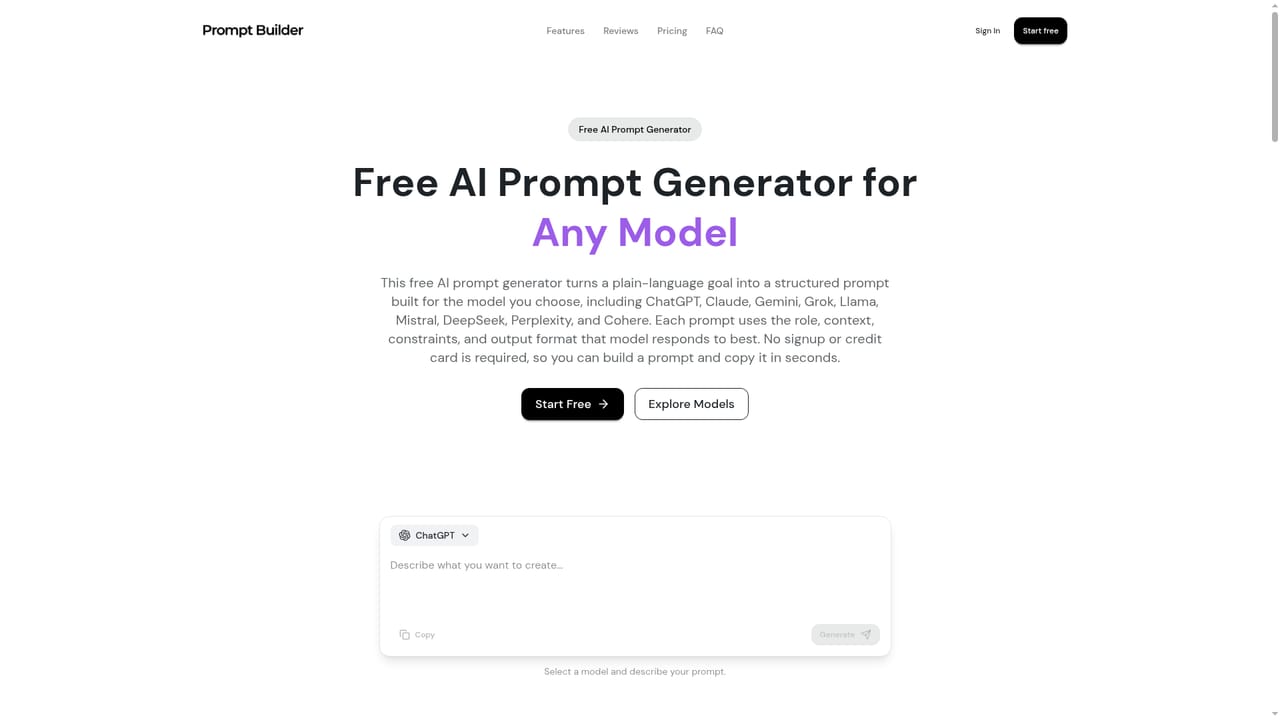
PromptBuilder is a web workspace for turning a short brief into a structured prompt tuned to a specific AI model. You describe what you want in plain language, choose a target model from a list that includes ChatGPT, Claude, Gemini, Grok, DeepSeek, Perplexity, Mistral and Cohere, and the generator returns a finished prompt broken into a role, a task and explicit constraints. The site's own example takes "linkedin post about our new pricing" and returns a B2B content strategist role, a word limit, a ban on emoji and a closing question. That structure is the product's core argument: the same request produces different prompt shapes depending on which model will read it. Beyond the generator, the workflow covers the parts of prompt work that usually happen in scattered chat threads. An Optimizer takes a prompt you already use, asks up to three clarifying questions and rebuilds it. Saved Instructions carry your voice, context and constraints into every new prompt, so recurring preferences do not have to be retyped. Each build shows the assumptions the engine made, and a version timeline lets you compare drafts and revert. A built-in Assistant runs prompts and follow-ups inside the app, and the Library holds pinned, searchable versions. There is also a Community Prompts section and team workspaces with shared folders. PromptBuilder is aimed at people who use AI for paid deliverables rather than casual chat: marketers, consultants, agencies, freelancers, content creators, product managers, developers and researchers, each with a dedicated starting page. Beginners get scaffolding without learning prompt engineering first, while experienced users get a faster draft to edit. Compared with copy-pasting from free prompt libraries, the draw is model-specific tuning and a persistent library; compared with building a custom internal prompt pipeline, it is lighter and faster to adopt, though it stays inside the vendor's own interface rather than plugging into your existing stack.
A free plan gives 25 generated prompts per month with no credit card required. The public generator can also be tried without creating an account.
Learn moreStarter is $9/month for 1,000 credits, Pro is $19/month for 3,000 credits and Unlimited is $49/month with a 12,000 credit allowance before usage may be limited. Yearly billing saves 20 percent. All plans include the generator, improver, prompt types, library and instructions; Unlimited adds priority support.
Learn moreEmail support is listed on the Starter and Pro plans, with priority support on the Unlimited plan. A contact address is provided for custom plan enquiries.
Prompt generation is tuned for ChatGPT, Claude, Gemini, Grok, DeepSeek, Perplexity, Mistral, Cohere and Llama, and the Assistant runs prompts against supported models inside the app. No third-party API or external app integrations are described.
Prompt Generator with model-specific tuning, an Optimizer that rebuilds existing prompts, reusable Instructions, clarifying-question refinement, contextual follow-up suggestions, visible assumptions, version history with revert, a searchable and pinnable Library, a built-in Assistant for running prompts, Community Prompts and team workspaces with shared folders.
Learn more AI Angels400+ customizable AI girlfriends for NSFW chat, voice calls, and roleplay
 Candy AIExperience the future of companionship with AI friends who chat, role-play, and connect with you on a human level.
 ourdream.aiA vast AI roleplay platform with millions of characters for chat, images, video and voiceAI Angels400+ customizable AI girlfriends for NSFW chat, voice calls, and roleplayCandy AIExperience the future of companionship with AI friends who chat, role-play, and connect with you on a human level.ourdream.aiA vast AI roleplay platform with millions of characters for chat, images, video and voice


