Pricing
A Free plan gives daily videos up to 60 seconds in 720p with no watermark and no credit card. A Pay as you go option lets users buy credits that never expire, with regional prices shown on the pricing page.
Learn moreTurn one sentence into a narrated whiteboard explainer video, free every day.

GenPixy AI is an imagine explainers tool that turns one sentence into a narrated whiteboard explainer video, free every day. GenPixy AI turns a single topic or script into a narrated whiteboard or cartoon explainer video, complete with captions, thumbnail, and YouTube copy, for faceless channels, teachers, and students.
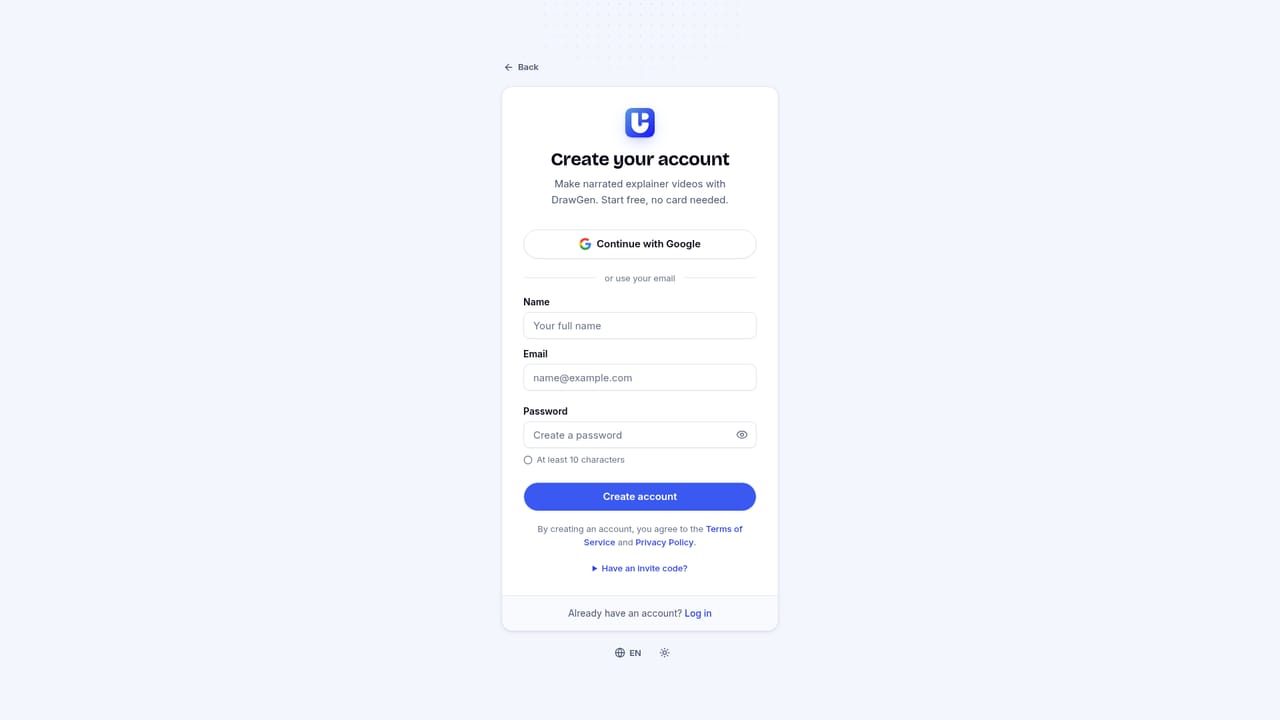
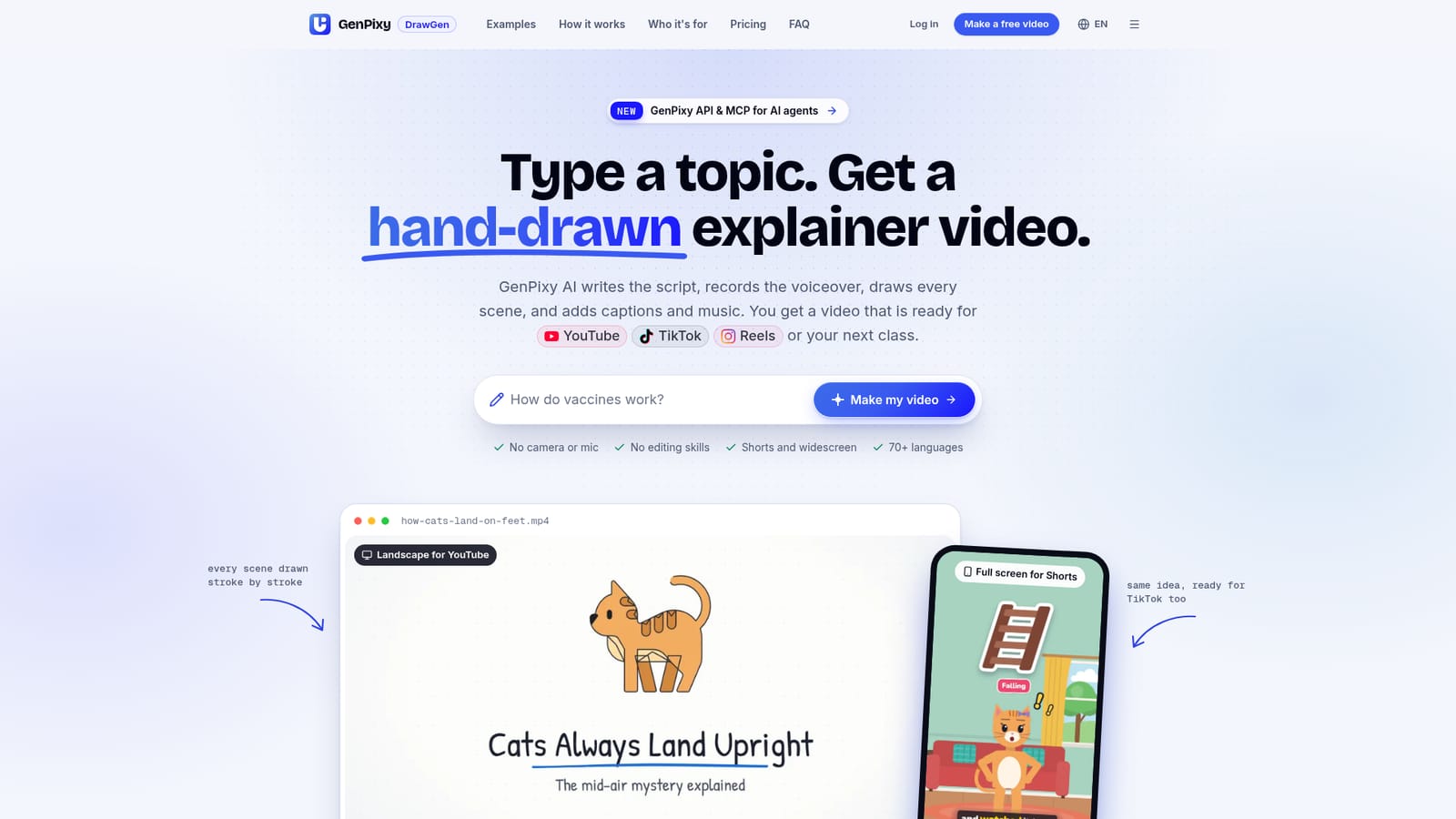
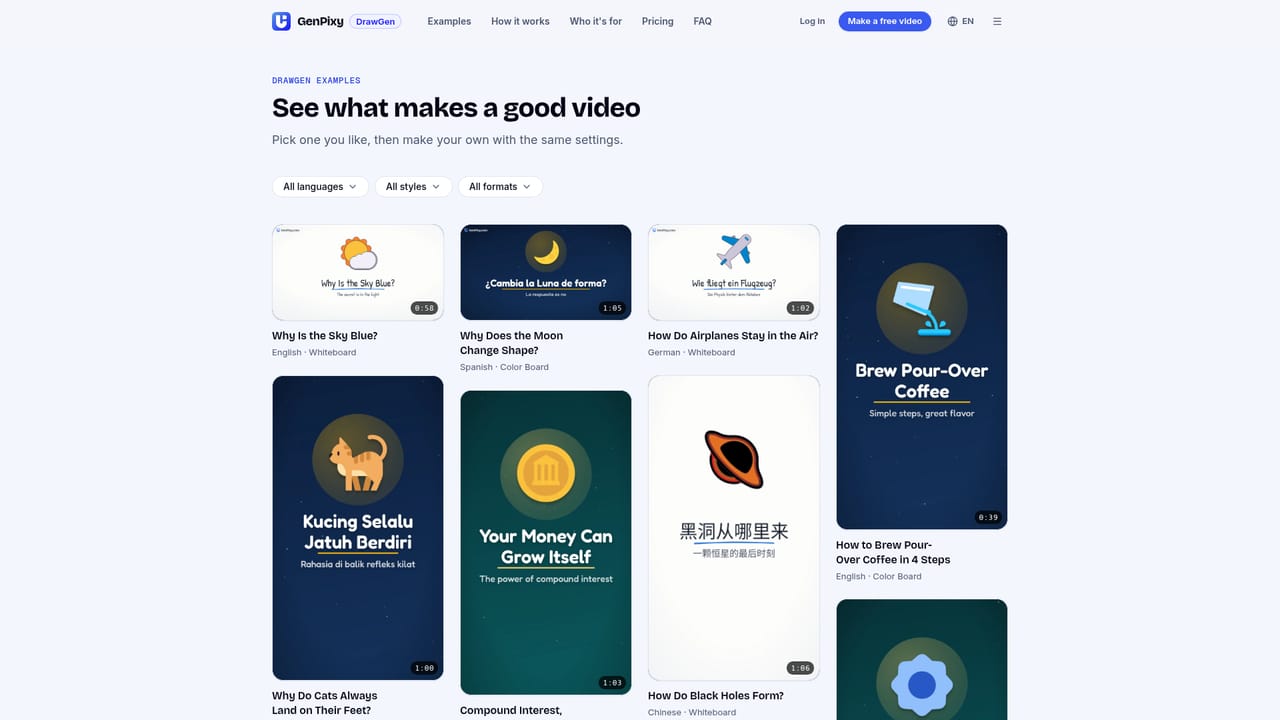
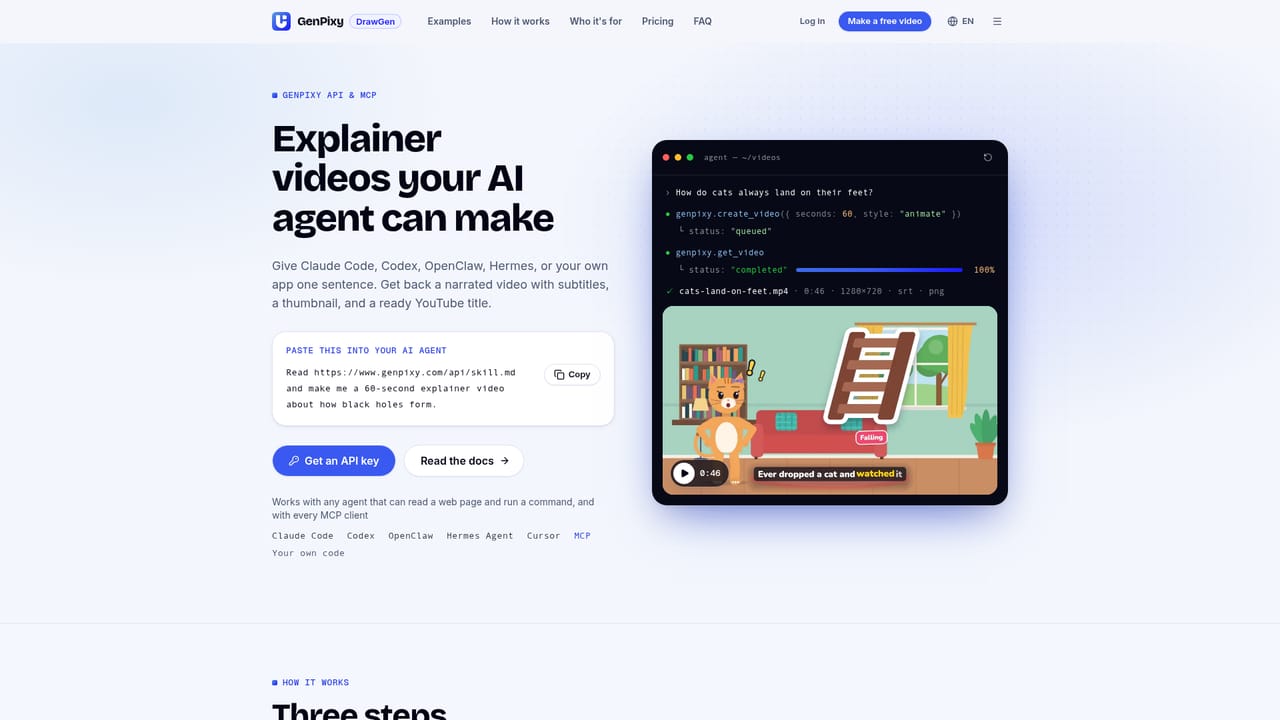
GenPixy AI is a text to video generator that turns a single topic or pasted script into a narrated, hand drawn explainer video. The tool writes the script, records a synthesized voiceover, draws every scene, and adds captions and music automatically, producing output in Whiteboard, cartoon Animate, or Color Board styles, in either vertical 9:16 or landscape 16:9 format. It is built for people running faceless YouTube channels, TikTok and Reels creators, teachers preparing lesson visuals, and university students putting together presentations. No camera, microphone, or on screen face is required, and no editing background is needed because every step from scripting to final export is handled by the system. In practice, typing a topic sets GenPixy to plan a short story, draw each scene stroke by stroke, and sync the drawings to narration spoken in one of more than 70 languages. The finished package includes the MP4 video with word by word burned in captions, a separate SRT subtitle file, a thumbnail image, and a ready to copy YouTube title, description, and hashtags. Users can rerun the same script with a different style or format, or connect through an API and MCP server so an AI agent such as Claude Code or Codex can request a video directly from a text prompt. Positioned as a lighter alternative to desktop whiteboard software such as VideoScribe, Animaker, and Doodly, GenPixy trades manual scene building and fine art control for a one sentence prompt. It fits creators who need a steady stream of short explainer videos without hiring an editor, more than studios that require frame level control over custom artwork or branding.

A Free plan gives daily videos up to 60 seconds in 720p with no watermark and no credit card. A Pay as you go option lets users buy credits that never expire, with regional prices shown on the pricing page.
Learn moreSupport is handled through an account support page, with an on site FAQ covering rendering times, languages, formats, and API setup.
Learn moreProvides a public API and an MCP server so AI agents such as Claude Code, Codex, and Cursor can request finished explainer videos through a simple text prompt.
Learn moreAutomated script writing, AI voiceover in more than 70 languages, stroke by stroke whiteboard or color board animation, word by word captions, background music and sound effects, plus an SRT file, thumbnail, and YouTube title, description, and hashtags with every video.
Twitter / X
 AI Angels400+ customizable AI girlfriends for NSFW chat, voice calls, and roleplay
 Candy AIExperience the future of companionship with AI friends who chat, role-play, and connect with you on a human level.
 ourdream.aiA vast AI roleplay platform with millions of characters for chat, images, video and voiceAI Angels400+ customizable AI girlfriends for NSFW chat, voice calls, and roleplayCandy AIExperience the future of companionship with AI friends who chat, role-play, and connect with you on a human level.ourdream.aiA vast AI roleplay platform with millions of characters for chat, images, video and voice


