Pricing
Subscription based. The number of videos per month depends on the plan, and detailed limits sit in the pricing section. Refunds are not offered because of AI generation costs, though subscriptions can be cancelled at any time.
Learn moreTurns an app store link into short video ad creatives
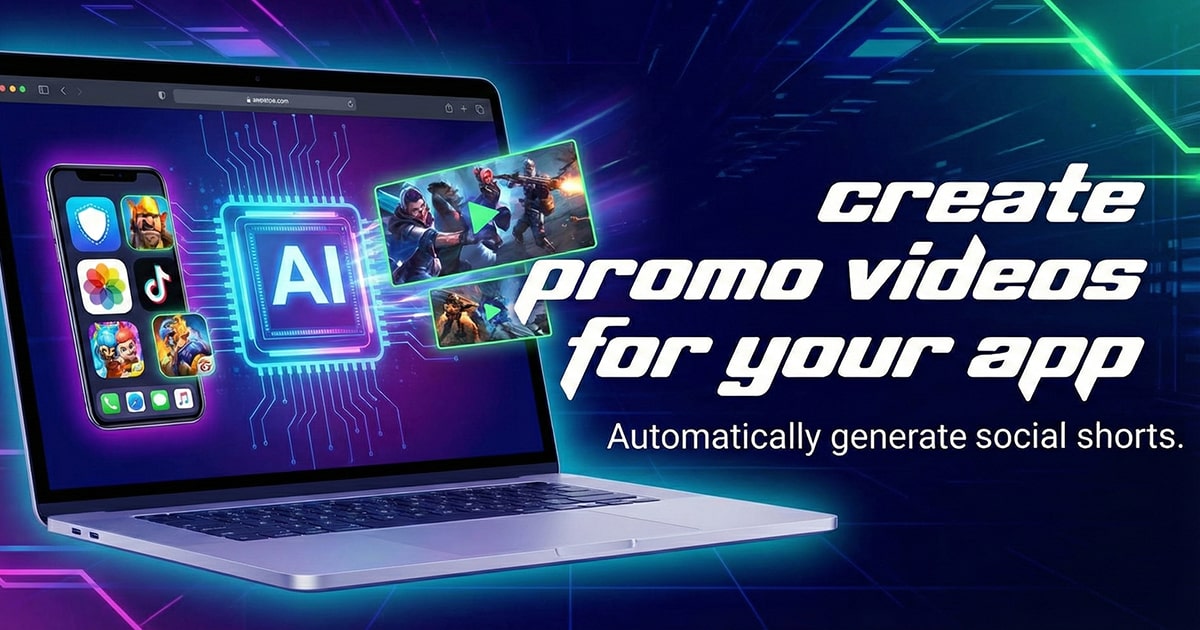
apptovid is a generative video tool that turns an app store link into short video ad creatives. AI generator that converts an App Store or Google Play link into video ad creatives for Meta, TikTok, YouTube and X, with Social and UGC, Animated Explainer and Storytelling modes.
Apptovid is an AI video ad generator built specifically for mobile apps and games. It takes a public App Store or Google Play link and reads the listing, pulling the app name, screenshots, videos, reviews and product highlights, then assembles finished video ad creatives from those assets. Teams that already have footage can skip the link and upload assets manually instead. The output is tailored to paid social channels rather than general video publishing. The tool produces three ad modes. Social & UGC ads use AI avatars and creator-style voiceover to mimic organic endorsements. Animated Explainer ads build motion-graphics spots from screenshots, feature callouts and kinetic text, which suits apps that have nothing to film. Storytelling ads follow a short narrative arc: a hook, a conflict, then the app as resolution. Each mode can be run from the same store link, and the AI writes scripts, generates voiceovers and captions, and handles the editing. Aspect ratios and durations follow the conventions of Meta, TikTok, YouTube and X, in both 9:16 vertical and 16:9 horizontal. The intended users are mobile developers, game studios, user acquisition managers, app marketing agencies, indie developers and growth hackers. The practical value is creative volume: the platform is designed to produce unlimited variations so campaigns can be refreshed before audiences tire of a concept. Apptovid also states that it studies high-performing user acquisition campaigns to inform its ad scripts, though the exact sourcing is not detailed on the site. Positioning is narrow on purpose. It is not a general text-to-video tool or a video editor; it is a production shortcut for performance marketers who need ad creatives at testing volume without a studio or an agency. Teams weighing it against general video generators should note the tradeoff: Apptovid's templates are constrained to app marketing formats, and its output quality depends on how complete the source store listing is. Subscriptions govern how many videos are created monthly, and refunds are not offered.
Subscription based. The number of videos per month depends on the plan, and detailed limits sit in the pricing section. Refunds are not offered because of AI generation costs, though subscriptions can be cancelled at any time.
Learn moreStore link parsing pulls app name, screenshots, videos, reviews and highlights automatically. Three ad modes cover UGC-style creator ads, animated explainers with kinetic text, and story-driven spots. The AI writes scripts, generates voiceovers and captions, and edits each video, with unlimited variations per app and formats tuned for Meta, TikTok, YouTube and X.
 AI Angels400+ customizable AI girlfriends for NSFW chat, voice calls, and roleplay
 Candy AIExperience the future of companionship with AI friends who chat, role-play, and connect with you on a human level.
 ourdream.aiA vast AI roleplay platform with millions of characters for chat, images, video and voiceAI Angels400+ customizable AI girlfriends for NSFW chat, voice calls, and roleplayCandy AIExperience the future of companionship with AI friends who chat, role-play, and connect with you on a human level.ourdream.aiA vast AI roleplay platform with millions of characters for chat, images, video and voice


