Free trial
The site offers a free start through its sign-up flow and hosts free tools for short video, scripts and video ideas, but does not state how many credits a new account receives.
Learn moreTurn a script or idea into a narrated long-form video in minutes.

VideoLlama is an AI narration tool that turns a script or idea into a narrated long-form video in minutes. AI video maker built for long-form narrated content rather than short clips.
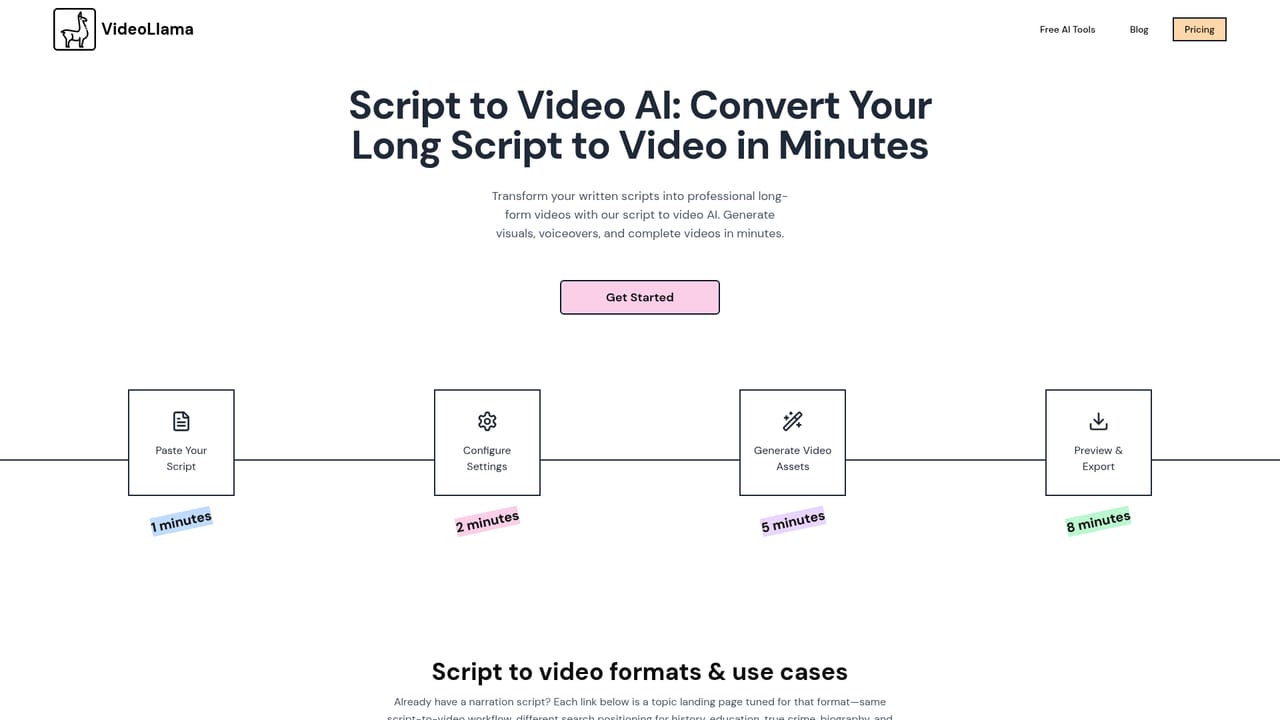
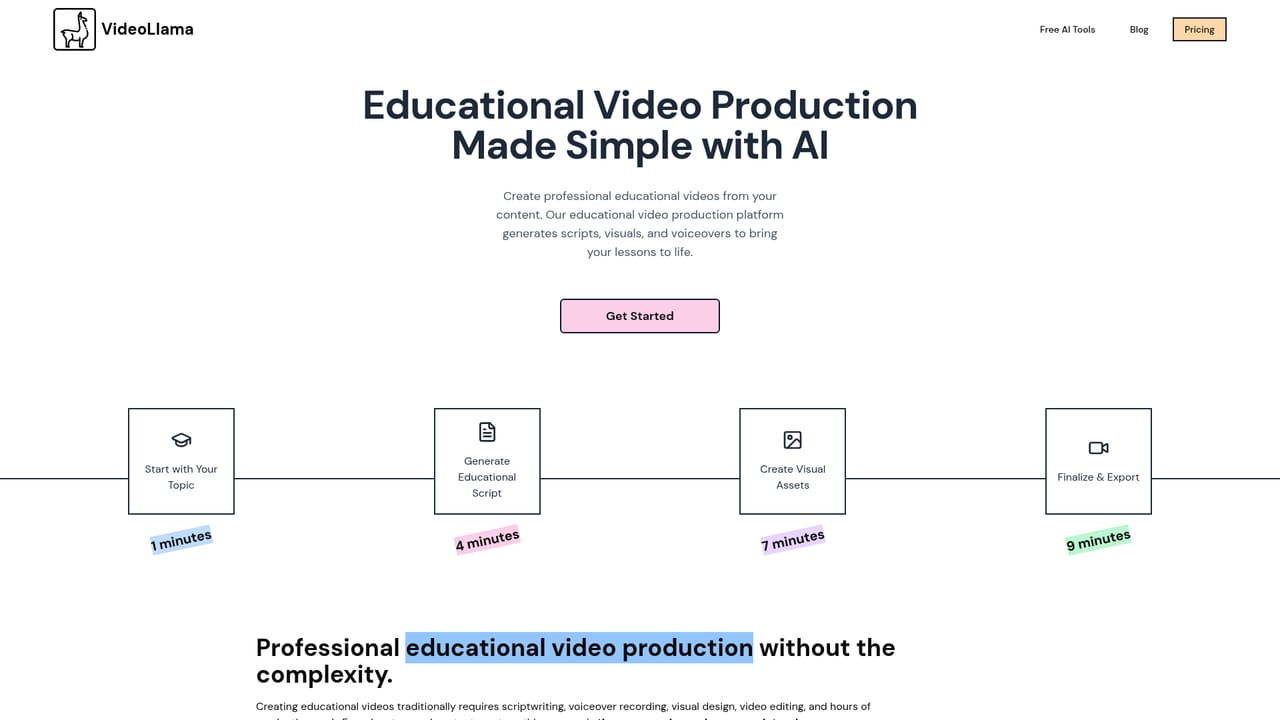
VideoLlama is an AI video production platform built around one unfashionable idea: long-form video matters more than 30-second clips. Most generative video tools optimise for short bursts, but VideoLlama is designed for 20 to 30 minute narrated pieces, the kind that sit on YouTube channels, in course libraries or on documentary feeds. The workflow starts with a script. Users can paste an existing one, generate it from a plain idea or a website URL, or write it inside the tool, choosing a storytelling tone such as dramatic, educational or entertaining. The script then becomes the spine of the production. VideoLlama segments the text and generates the supporting assets for each segment: images, clips and voice-over, plus music and transitions at the assembly stage. The important design choice is that generation is reversible. Every asset can be regenerated with a click, segments can be added or removed, and the script can be edited before or after assets exist. Visual style is a selectable setting rather than a prompt gamble, with presets such as pixel art, anime, retro and comic book. Output falls into recognisable formats: history and science explainers, psychology and philosophy essays, true crime and horror narration, biographies, documentaries, YouTube uploads and classroom material. The platform is pitched at beginners. No editing software or footage is required, and the whole pipeline from script to download is handled in the browser. That said, it is not a full editor: control is limited to the levers VideoLlama exposes, so precise cuts, motion design and colour work belong elsewhere. Creators who want frame-level authority should treat VideoLlama as a first draft engine and finish in a traditional editor. Competitive positioning is explicitly against short-form specialists (InVideo, VEED) and avatar-first tools (Synthesia, HeyGen), with the argument that the 20-minute video is the underserved format. Pricing runs on credits, not seats: images cost 15 credits each, voice-over roughly 5 per minute and export roughly 1 per minute, which puts a 10 minute video near 270 credits. A 5,000 credit pack is listed at $50 and the site invites users to start for free.
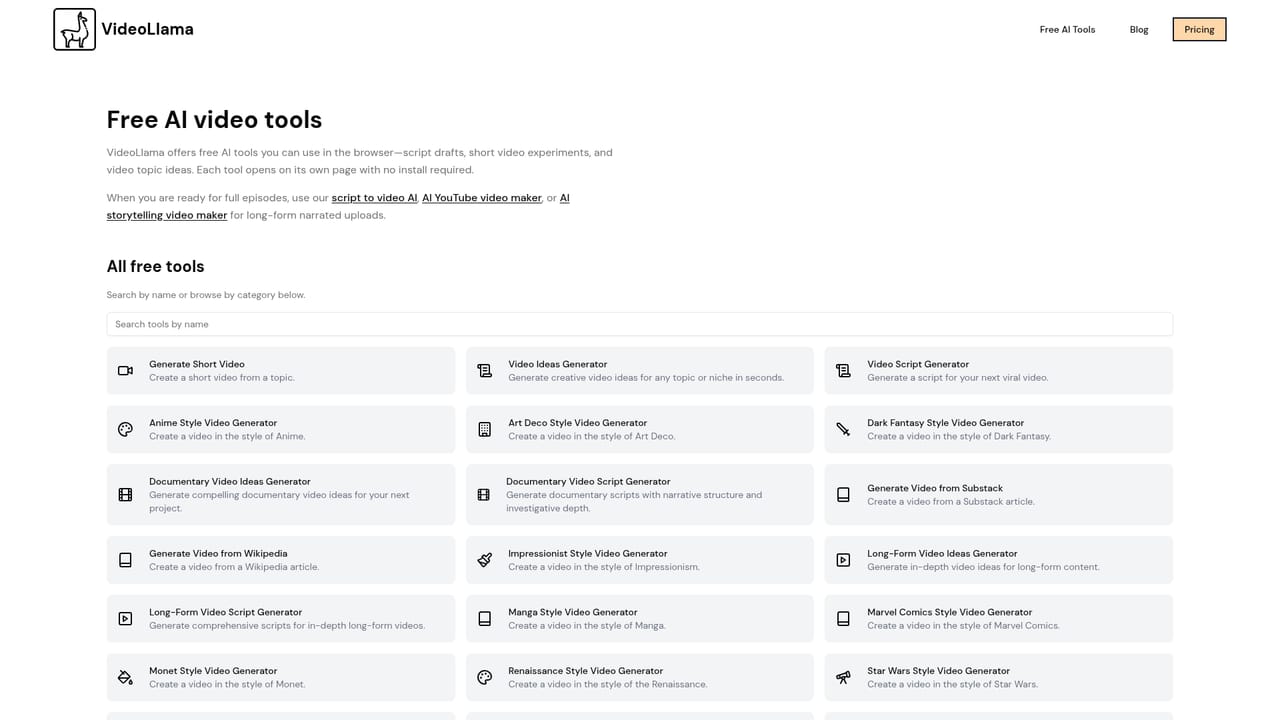
The site offers a free start through its sign-up flow and hosts free tools for short video, scripts and video ideas, but does not state how many credits a new account receives.
Learn moreCredit based with no subscription tiers shown. Listed costs: 15 credits per image, about 5 credits per minute of voice-over, about 1 credit per minute of export, and roughly 270 credits for a 10 minute video. A 5,000 credit pack is priced at $50.
Learn moreHelp is limited to an FAQ on the homepage and a blog. No help centre, documentation site or contact channel is listed.
Learn moreScript to video with script generation from a prompt or URL, tone selection, automatic segmentation, generated images, clips and voice-over, regenerable assets, adjustable segments, music and transitions, visual style presets, and export to download or social sharing.
Learn more AI Angels400+ customizable AI girlfriends for NSFW chat, voice calls, and roleplay
 Candy AIExperience the future of companionship with AI friends who chat, role-play, and connect with you on a human level.
 ourdream.aiA vast AI roleplay platform with millions of characters for chat, images, video and voiceAI Angels400+ customizable AI girlfriends for NSFW chat, voice calls, and roleplayCandy AIExperience the future of companionship with AI friends who chat, role-play, and connect with you on a human level.ourdream.aiA vast AI roleplay platform with millions of characters for chat, images, video and voice


