Free trial
New accounts get 5 free credits, one per drawing, with watermark and 720p limit. Any credit pack purchase removes both permanently.
Learn moreYour finished picture, redrawn stroke by stroke as a whiteboard clip
Own Whiteboard Animation Maker? Verify ownership to get a dofollow link

Whiteboard Animation Maker is an image to video tool. Turns a finished illustration into a sketch-then-colour whiteboard video, with six optional hand styles, adjustable timing, and MP4, WebM or transparent layer exports for use inside a standard video edit.
Whiteboard Animation Maker converts a single finished image into a hand-drawn style video clip. The tool does not generate artwork from a text prompt; it animates the picture you supply. Upload a PNG, JPEG or WebP file (up to 10 MB) and the service breaks it into a sketch pass and a colour pass, so each line is drawn first and the fill follows. Illustrations, diagrams and flat artwork produce the cleanest results, which is why the gallery leans on explainer subjects such as the water cycle, a simple circuit or a lighthouse scene. Six hand styles are offered, or none at all if you want the strokes to appear unaided, and you set how long the drawing runs plus when colour enters. Output arrives as MP4 or WebM in 16:9, 9:16 or 1:1, ready for a standard edit. The more interesting option for anyone cutting real footage is a transparent or layered export, which lets you drop the drawing over your own video inside Premiere, Final Cut, DaVinci or CapCut. A render takes roughly fifteen seconds to begin, then runs for whatever duration you chose. There is also an API route: hand a coding agent such as Claude Code, Codex or Cursor a folder of pictures and a prompt, and it will draw each one and save the clips. The tool suits educators, trainers, product marketers and social teams who already have artwork and want motion without opening an animation suite. It is narrower than a full animation editor and narrower than a text-to-video generator, since it will not invent imagery. Expect about 35 worked examples on the site showing typical subjects and framing. The free tier is functional for testing: five credits on signup, one credit per drawing, watermark and 720p cap included. Premium tiers mainly buy resolution, keeps, queue depth and, on Pro, transparent export plus the commercial licence.
New accounts get 5 free credits, one per drawing, with watermark and 720p limit. Any credit pack purchase removes both permanently.
Learn moreFree tier with 5 starting credits, watermark and 720p cap. Starter is $12 per month billed yearly ($15 monthly) for 50 credits, 1080p and no watermark. Pro is $29 per month billed yearly ($39 monthly) for 200 credits, transparent and layered export, API access and a commercial licence. One-off 20 credit packs cost $10 and last 90 days.
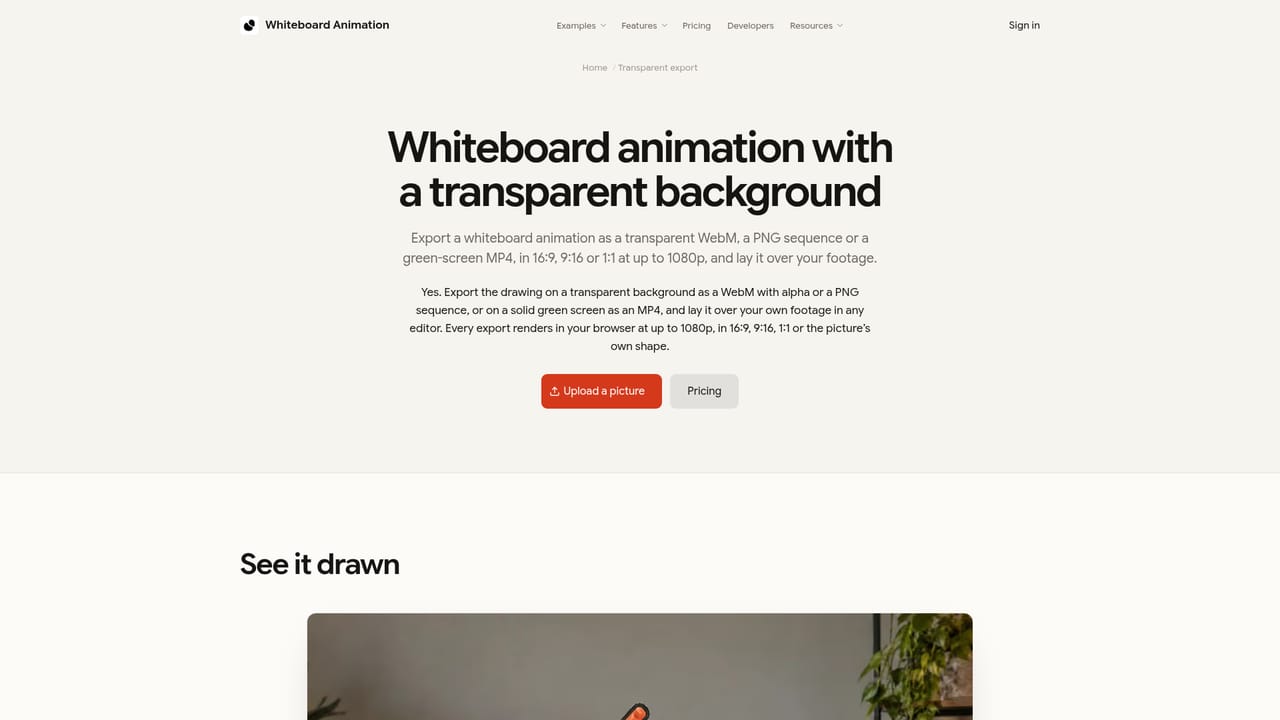
Learn moreThe API works with coding agents such as Claude Code, Codex and Cursor, which can draw every picture in a folder and save the resulting clips. Exported layers target Premiere, Final Cut, DaVinci and CapCut.
Learn moreUpload one finished image and the tool redraws it in two passes: line sketch first, colour second. Six hand options or a hand-free version, adjustable draw length and colour timing. Exports as MP4 or WebM in 16:9, 9:16 or 1:1, plus transparent and layered output on Pro for compositing over your own footage. Batch work through the API is supported.
Learn more AI Angels400+ customizable AI girlfriends for NSFW chat, voice calls, and roleplay
 Candy AIExperience the future of companionship with AI friends who chat, role-play, and connect with you on a human level.
 ourdream.aiA vast AI roleplay platform with millions of characters for chat, images, video and voiceAI Angels400+ customizable AI girlfriends for NSFW chat, voice calls, and roleplayCandy AIExperience the future of companionship with AI friends who chat, role-play, and connect with you on a human level.ourdream.aiA vast AI roleplay platform with millions of characters for chat, images, video and voice


