Free trial
A free account is offered at signup with no credit card required, and the homepage presents the product as free to try before upgrading.
Learn moreAI content detector and plagiarism checker trusted by 10M+ users

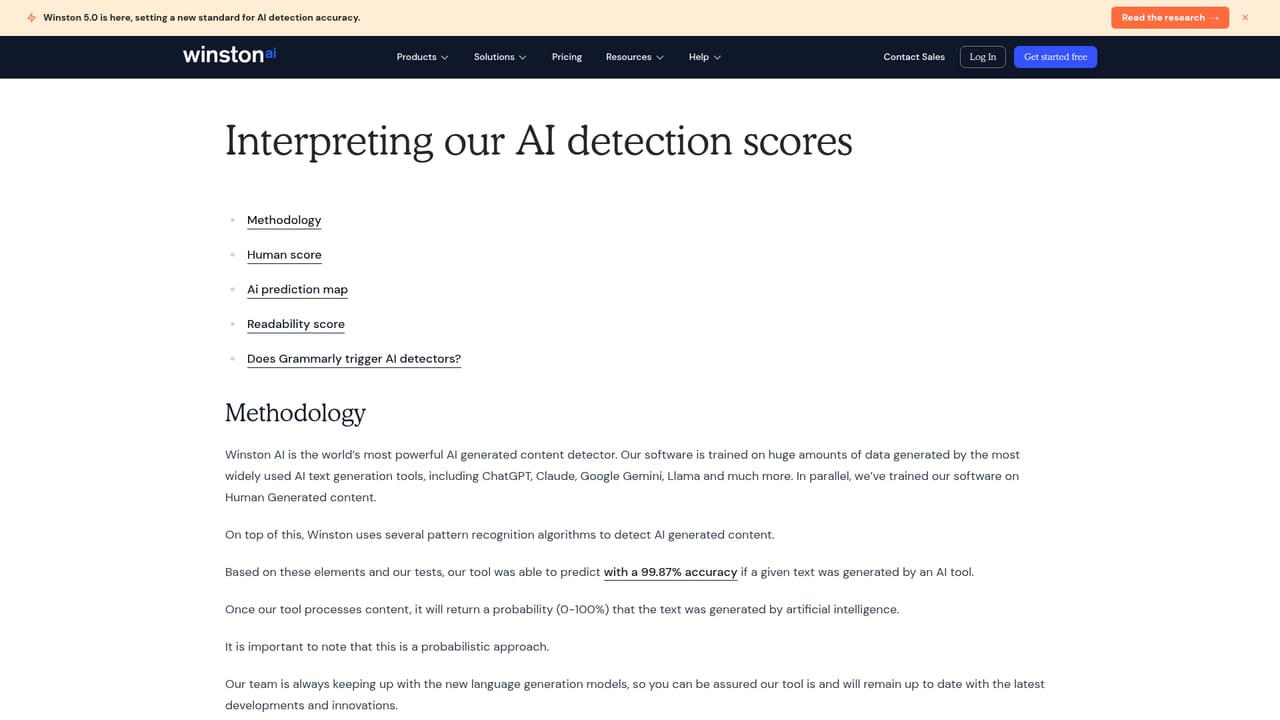
Winston AI detects AI-generated text from ChatGPT, Claude, Gemini and other models, scoring content 0 to 100 with a sentence-level map. It also runs plagiarism checks, reads text from .docx and image files via OCR, and produces printable reports for educators, publishers and writers.
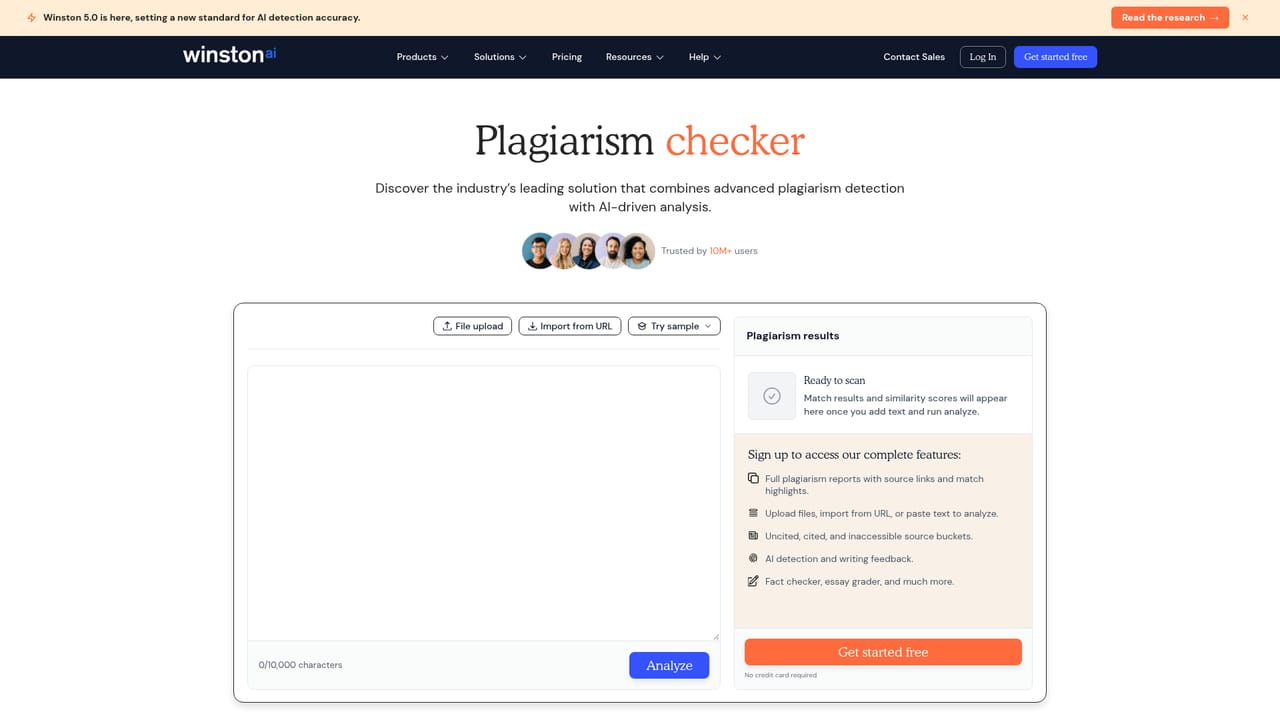
Winston AI is an AI content detection service built around a single question: was this text written by a person or generated by a model? The detector reports a score on a 0 to 100 scale for the odds that a passage is human or machine written, and it is trained to flag output from ChatGPT, Claude, Google Gemini and other known models. Alongside the headline score, an AI prediction map breaks the text down sentence by sentence, so a reviewer can see which specific lines triggered suspicion rather than relying on one aggregate number. The workflow is deliberately simple. Users paste text into a quick scan box or upload files in .docx, .png and .jpg formats, and the tool's OCR layer pulls text out of scanned pages and images, including handwriting. Documents can be titled, labeled with an author and sorted by type inside an account, which matters for anyone processing submissions in volume. A plagiarism checker can be switched on in the same pass, and results export to a printable report for records or disciplinary files. The tool shows up most often in education, where institutions need defensible evidence when reviewing student work, in publishing and SEO, where editors vet content before it goes live, and among individual writers who want a human score on their own drafts. Winston AI positions itself on accuracy and low false positives, publishing benchmark comparisons and research validation material to back the claim. The company has iterated on its model, with the 5.0 release framed as a step change in detection accuracy. That emphasis is the right one, because false accusations are the real risk in this category and a detector that over-flags careful human writing causes more damage than one that misses the occasional AI paragraph. Alternatives in the same space include originality-focused plagiarism services and general writing assistants that bolt on a detector as a side feature; Winston AI is narrower, but the depth of its reporting, OCR handling and sentence-level view suits institutional and editorial buyers better than a checkbox detector inside a writing app.
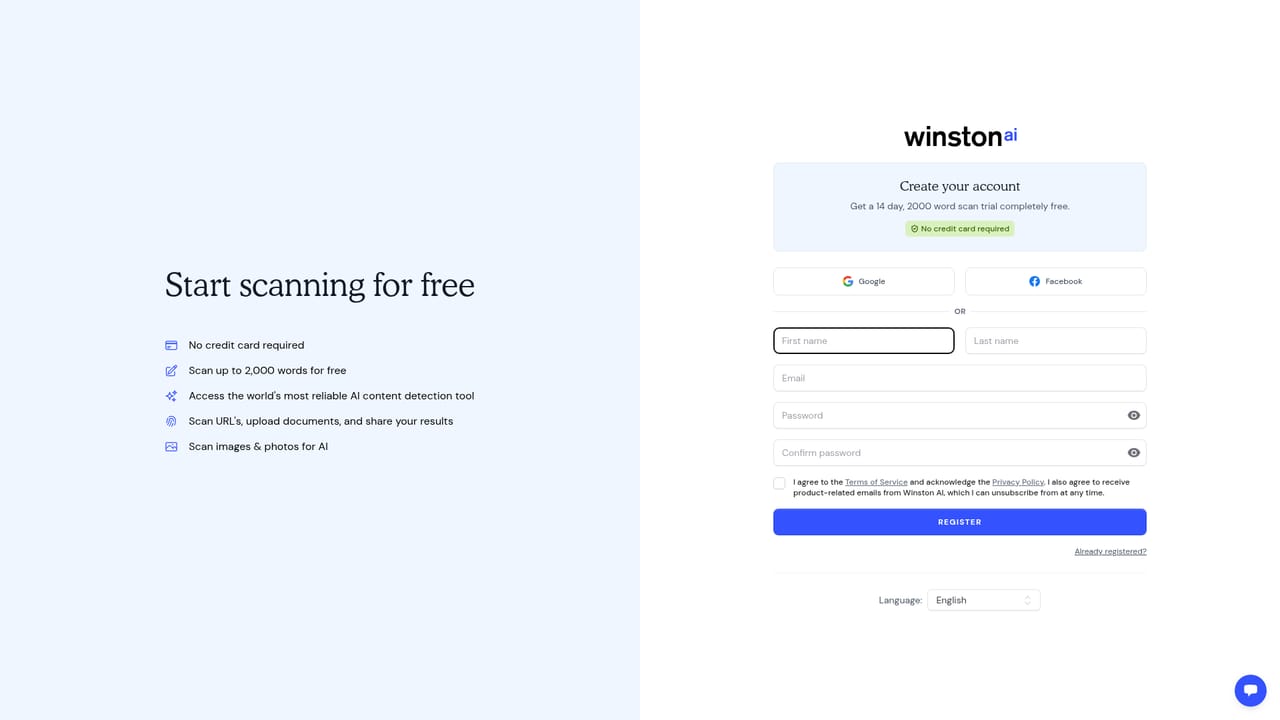
A free account is offered at signup with no credit card required, and the homepage presents the product as free to try before upgrading.
Learn moreAn AI content detection API is offered for teams that want to run checks inside their own systems.
Learn moreAI detection across ChatGPT, Claude, Google Gemini and other models, with a 0 to 100 human versus AI score and a sentence-level prediction map. Uploads cover pasted text plus .docx, .png and .jpg files with OCR for scans and handwriting. Plagiarism checking, document labeling and sorting, printable reports, and an AI image detector round out the toolset.
Learn more AI Angels400+ customizable AI girlfriends for NSFW chat, voice calls, and roleplay
 Candy AIExperience the future of companionship with AI friends who chat, role-play, and connect with you on a human level.
 ourdream.aiA vast AI roleplay platform with millions of characters for chat, images, video and voiceAI Angels400+ customizable AI girlfriends for NSFW chat, voice calls, and roleplayCandy AIExperience the future of companionship with AI friends who chat, role-play, and connect with you on a human level.ourdream.aiA vast AI roleplay platform with millions of characters for chat, images, video and voice


