Free trial
First credits are free after email verification, with no card required, which is enough to test a build before choosing a plan.
Learn moreDescribe a website in plain words and GetForge builds it live

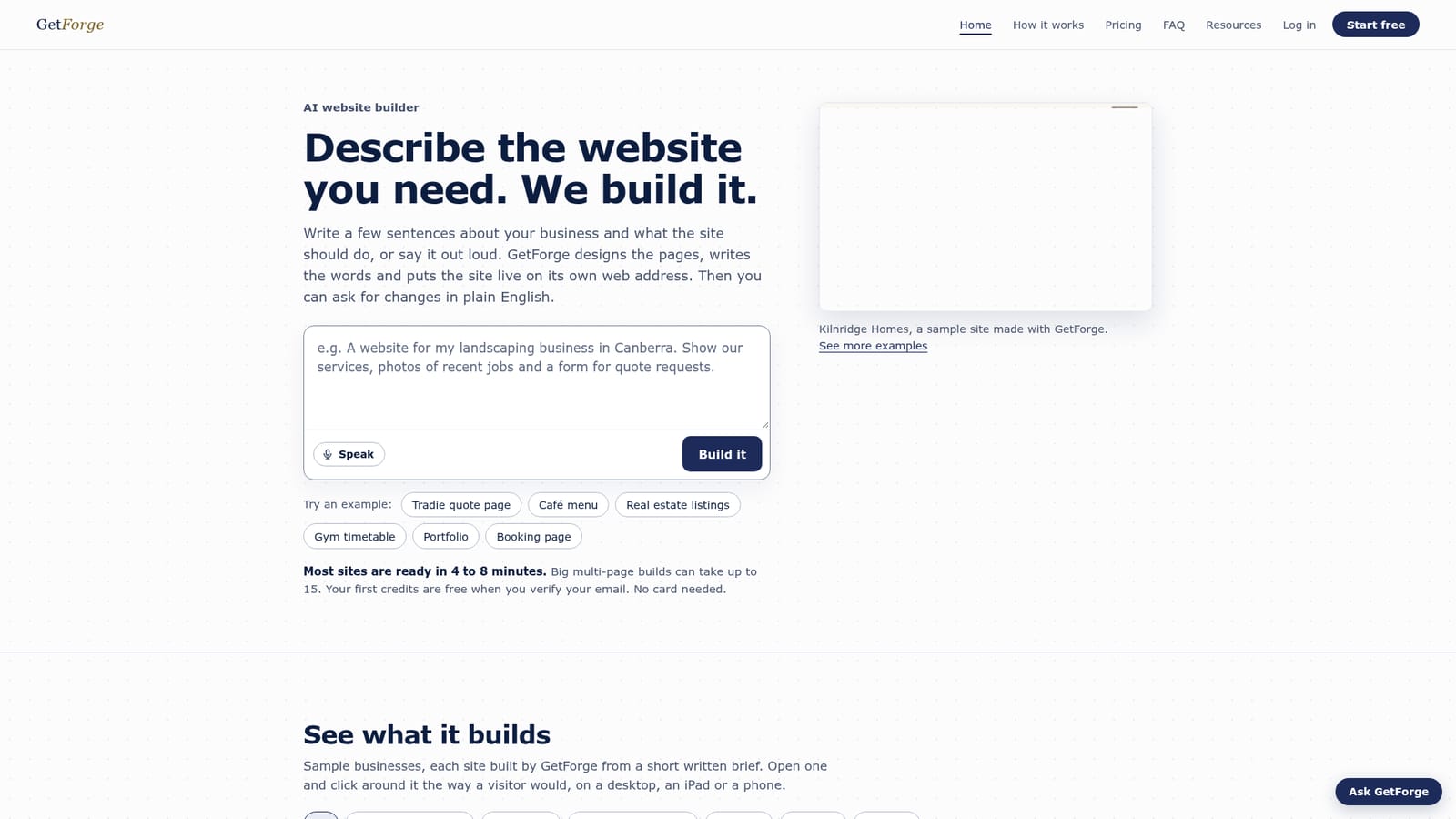
GetForge is an app creation tool. An AI website builder that takes a plain English or spoken brief, generates the pages and copy, and publishes the site on a live address. Changes are requested in conversation, and the generated code can be downloaded or saved to GitHub.
GetForge is an AI website builder that turns a short written or spoken brief into a live, hosted site. You describe what the business does, who the site is for and what it needs to accomplish, and the tool designs the pages, writes the copy and publishes the result on its own web address. Typical single sites finish in roughly 4 to 8 minutes, while larger multi-page builds can take up to 15. The build runs in the background, so the tab can be closed while it works. The product is aimed squarely at small business owners and solo operators rather than developers: tradespeople, real estate agents, cafes, salons, studios, photographers, tutors and similar service businesses. A gallery of sample builds (a builder, a plumber, a landscaper, a cleaning company and others) shows the level of finish to expect, and each sample can be clicked through on desktop, tablet or phone. Larger teams and freelancers also get a Studio tier intended for client work and handing over live links. In practice the workflow is a loop rather than a one-off generation. After the first version goes live, you use Ask for a change on the dashboard, describe the fix in everyday language, and the same web address updates. Ownership is explicit: the code can be downloaded or pushed to a personal GitHub account, and a custom domain is connected with a single DNS record. Payment and change requests are metered with credits, with a new build costing 10 credits and a change to a live site costing 3. Against dedicated site builders, GetForge trades granular drag and drop control for speed of first draft and conversational revision. Against general purpose chatbots that emit code, it adds hosting, a real address and a change loop. Anyone who needs pixel level design control over complex layouts will likely find the describe and ask cycle constraining, while owners who just want a credible site online quickly are the natural fit.

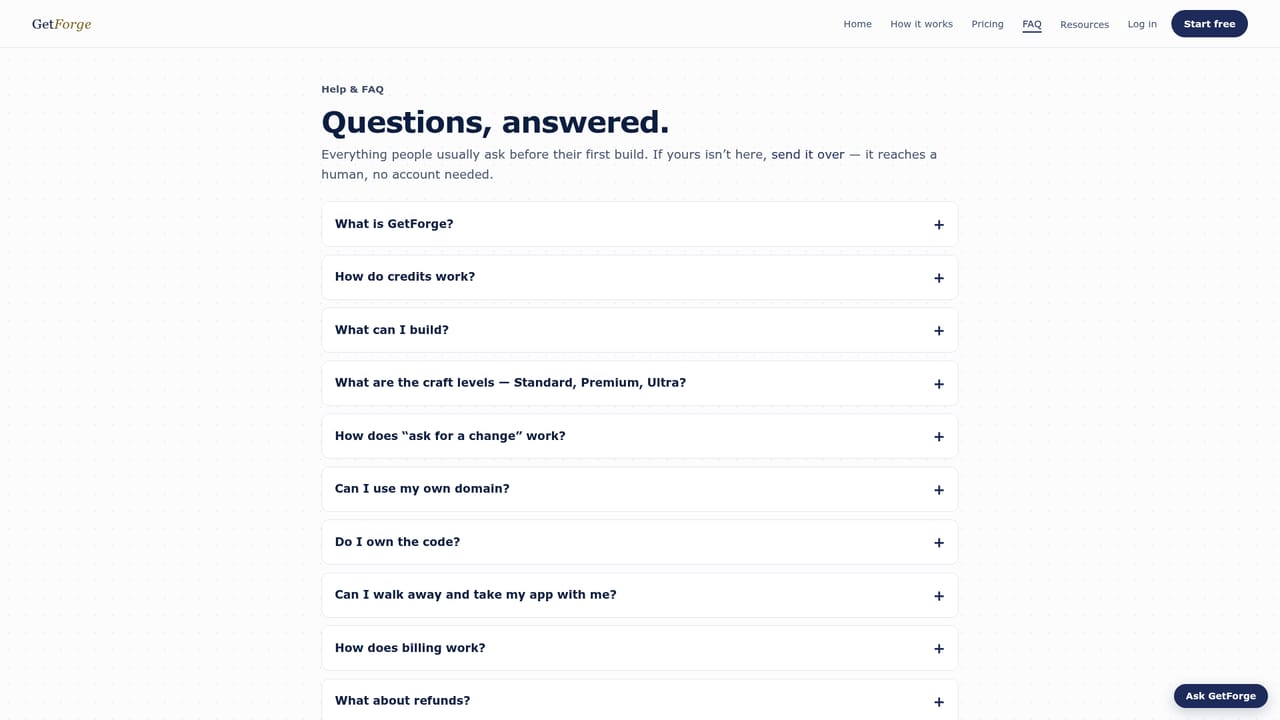
First credits are free after email verification, with no card required, which is enough to test a build before choosing a plan.
Learn moreA new build costs 10 credits and a change to a live site costs 3. Plans are billed in AUD: Starter at A$24.99/mo for 100 credits, Pro at A$59.99/mo for 300 credits, and Studio at A$129.99/mo for 700 credits. Yearly billing adds two months free, top-up packs never expire, and checkout runs through Stripe.
Learn moreSupport is reachable by contact link from the homepage and a help panel offers to escalate a question to a human, with a separate FAQ resource covering common questions.
Learn moreGitHub export and custom domain connection by DNS are stated. Checkout is handled by Stripe. No other integrations are listed on the homepage.
Learn moreText or voice briefs are turned into designed pages with written copy and published on a live address. Revisions happen through natural language change requests. Generated code can be downloaded or saved to GitHub, custom domains connect via one DNS record, and credits cover builds, edits and optional top-ups.
 AI Angels400+ customizable AI girlfriends for NSFW chat, voice calls, and roleplay
 Candy AIExperience the future of companionship with AI friends who chat, role-play, and connect with you on a human level.
 ourdream.aiA vast AI roleplay platform with millions of characters for chat, images, video and voiceAI Angels400+ customizable AI girlfriends for NSFW chat, voice calls, and roleplayCandy AIExperience the future of companionship with AI friends who chat, role-play, and connect with you on a human level.ourdream.aiA vast AI roleplay platform with millions of characters for chat, images, video and voice