Free trial
The homepage labels its demo links as Try for free and Create now, pointing to the demo environment, but it does not state trial length, limits, or what a free account includes.
Learn moreText to animate: turn your brand mascot into a talking video star

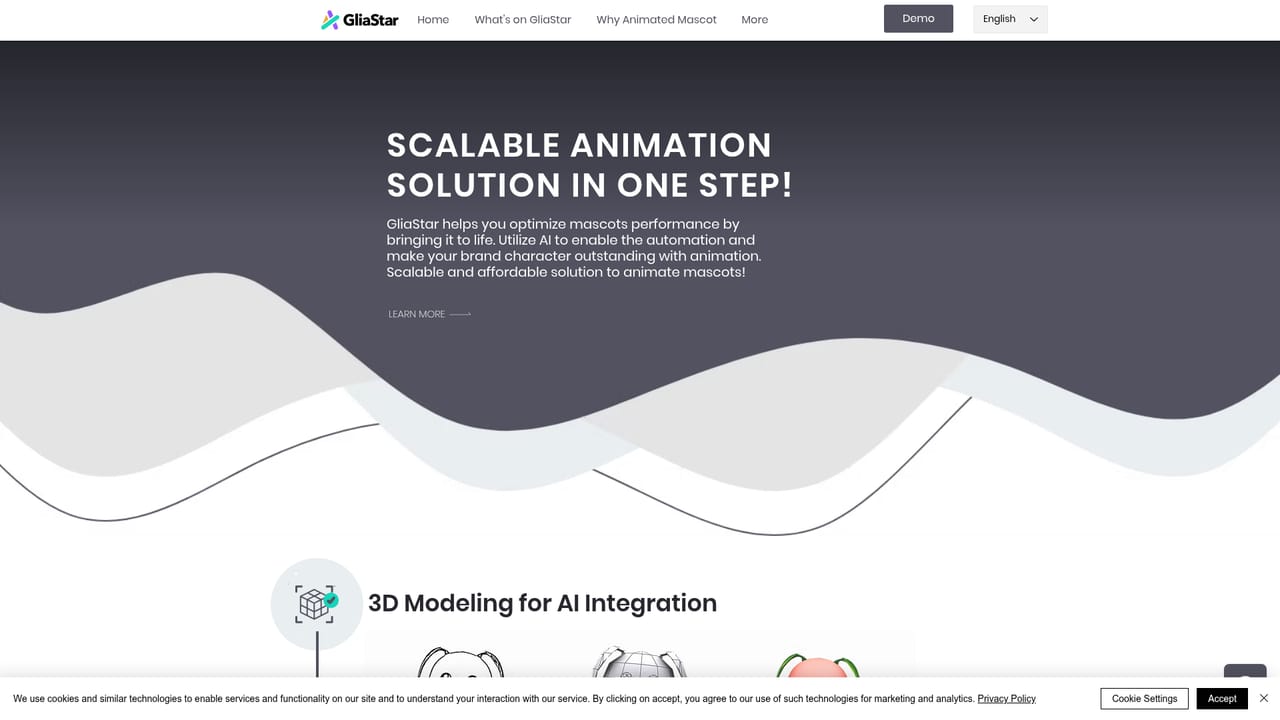
GliaStar animates an existing brand mascot from typed text, generating lip synced speech, facial expressions and body gestures for a 3D character. It suits marketing, education and broadcast teams that want mascot video produced in-house without an animation studio.
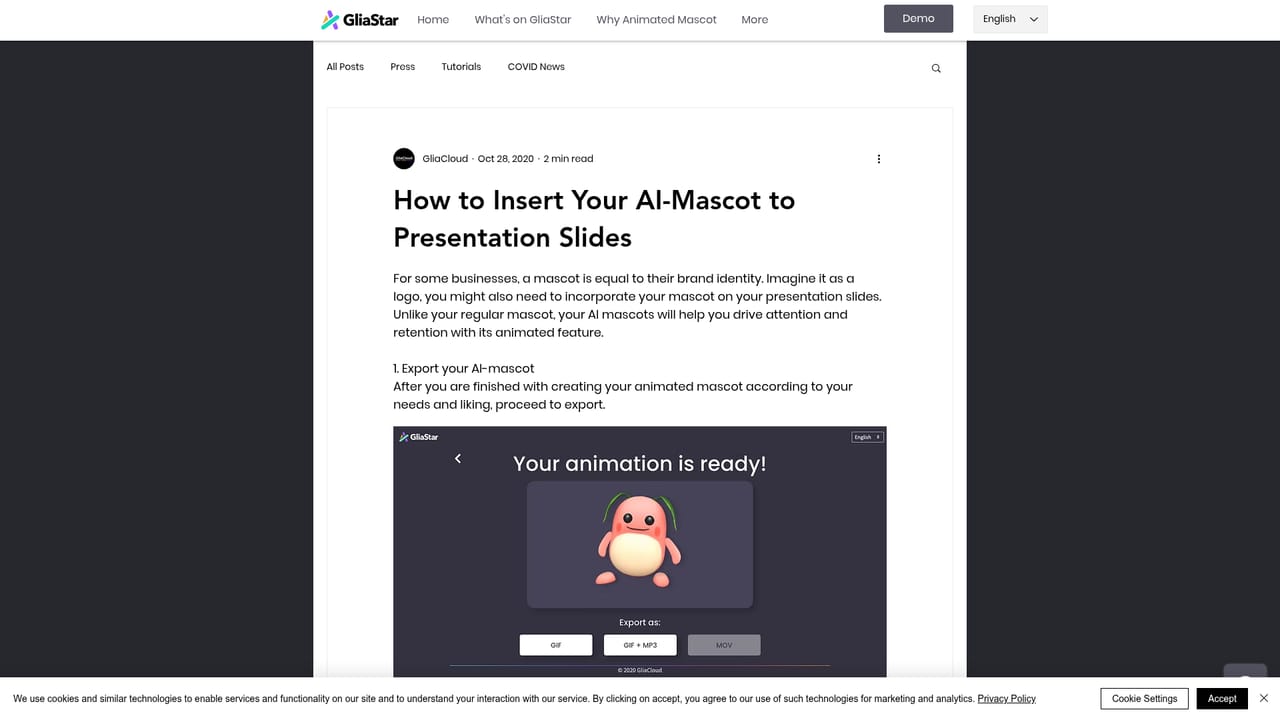
GliaStar is a text to animation tool built around a specific job: taking an existing brand mascot and turning it into a character that speaks, gestures and reacts on screen. Users supply the 2D or 3D visual design of their character, the GliaStar team integrates it into the animation system, and from there the mascot can be driven by typed messages rather than by a keyframe timeline. A single scripted line or a longer written message becomes an animated clip in minutes, which puts the tool closer to a talking head or avatar generator than to a traditional 3D animation suite. The feature set concentrates on performance quality rather than scene construction. The software auto animates facial expressions and body gestures so the mascot conveys emotion without an animator posing it frame by frame, and it applies lip synchronization so spoken lines match mouth and face movement. Because characters are built in 3D, a 360 degree rotation lets the mascot be viewed from any angle. Language analysis covers English, Chinese, Japanese, Korean and Vietnamese, reading tone and emotional nuance from the input text before the animation is generated. In practice the workflow is aimed at marketing and communications teams rather than professional animators. The homepage positions GliaStar as a way to produce studio grade mascot footage without the skills of a studio, and to bring that production in-house instead of commissioning it. Typical uses it names are presentation slides, educational and training videos, commercials, social media content and web based ads. A walkthrough article covers inserting an animated mascot into presentation slides, and sample collaborations on the site come from broadcasters, weather services and travel brands. The honest read is that GliaStar is a narrow, managed product. The mascot itself must first be designed and integrated, so it is not a self serve generator for random characters, and the comparison set is animation and avatar tools that animate a face and voice rather than tools that stage full 3D scenes. Teams whose identity is already carried by a mascot get the most from it.
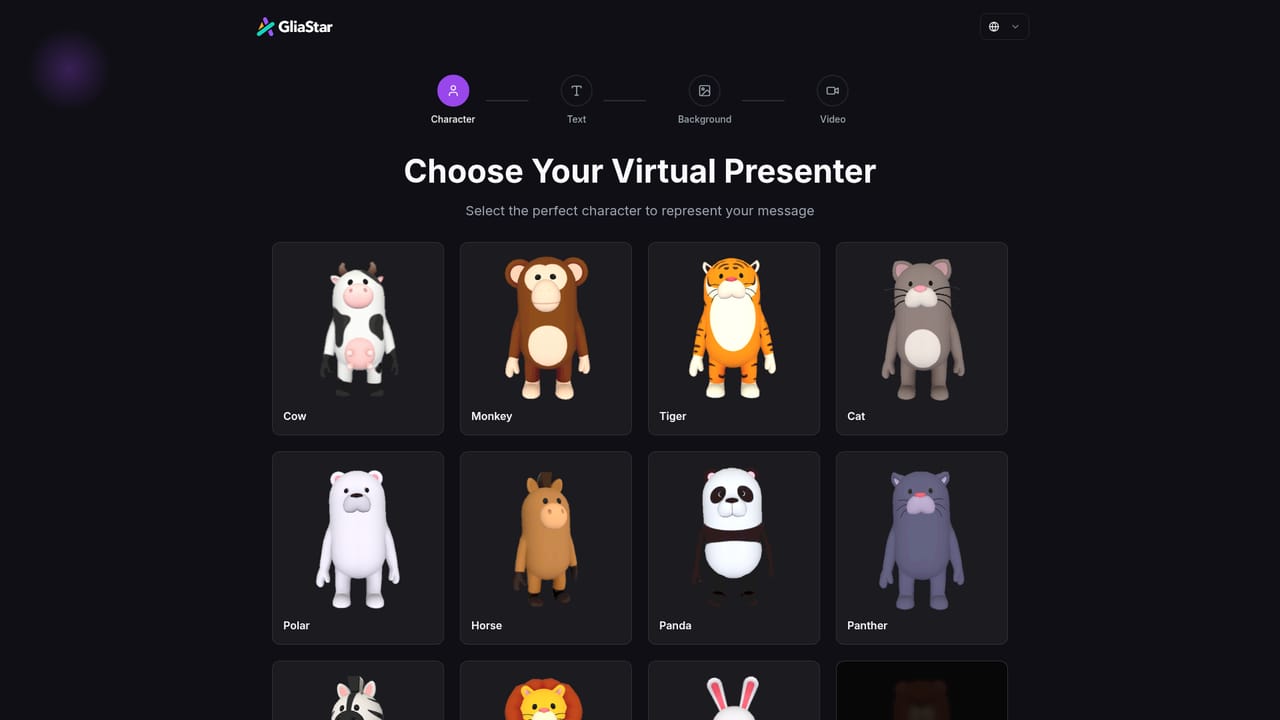
The homepage labels its demo links as Try for free and Create now, pointing to the demo environment, but it does not state trial length, limits, or what a free account includes.
Learn moreThe service page lists an API and SDK option for the auto animation software, which allows mascot animation to be generated inside other products or workflows.
Learn moreCore features are text to animate mascot video, auto animated facial expressions and body gestures, lip synchronization tied to spoken lines, 360 degree rotation for 3D characters, and tone and emotion analysis across English, Chinese, Japanese, Korean and Vietnamese. Output is intended for presentation slides, educational and training videos, commercials, social media content and web ads.
Learn more AI Angels400+ customizable AI girlfriends for NSFW chat, voice calls, and roleplay
 Candy AIExperience the future of companionship with AI friends who chat, role-play, and connect with you on a human level.
 ourdream.aiA vast AI roleplay platform with millions of characters for chat, images, video and voiceAI Angels400+ customizable AI girlfriends for NSFW chat, voice calls, and roleplayCandy AIExperience the future of companionship with AI friends who chat, role-play, and connect with you on a human level.ourdream.aiA vast AI roleplay platform with millions of characters for chat, images, video and voice