Free trial
The site advertises a free trial and 10 free credits to create a first video. No card details are stated on the homepage for that starting allowance.
Learn moreAudio-driven talking videos from a single portrait
Own InfiniteTalk AI? Verify ownership to get a dofollow link

InfiniteTalk AI is an AI video talk tool. Infinite Talk AI generates lip-synced talking videos from one portrait image and an audio track. The InfiniteTalk model handles single requests up to 10 minutes at 480p, while Wan 2.2 S2V adds prompt-guided motion and OmniHuman targets polished short clips.
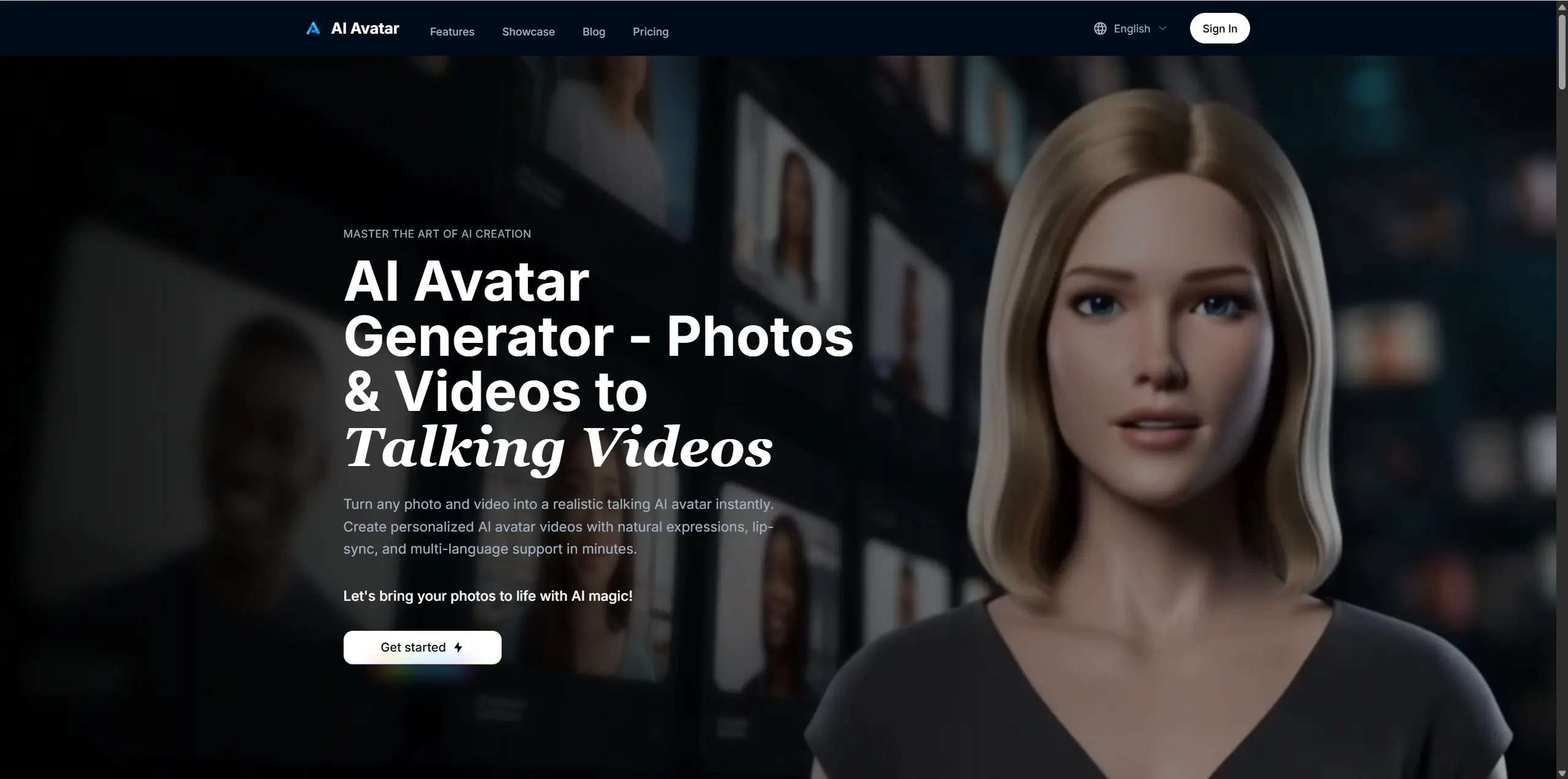
Infinite Talk AI is a web tool that turns a still portrait plus a speech or vocal audio file into a lip-synced talking video. The workflow is deliberately narrow: one reference image goes in, one audio track goes in, and the system drives mouth movement, facial expression, head motion and visible body motion from that audio. There is no timeline editor and no shot-by-shot scripting, which makes it closer to a rendering engine than a video editor. What separates it from generic image-to-video services is duration. The InfiniteTalk model accepts a single request of up to 600 seconds at 480p, which covers a full lesson, a conference talk segment or a long product narration without stitching clips together. A 720p render is capped at 60 seconds of audio. Two additional models sit alongside it: Wan 2.2 S2V, which takes a text prompt as well as image and audio for expressive, cinematic body motion, and OmniHuman, which targets polished short portraits, cartoons and animal subjects and recommends audio of roughly 15 seconds or less. The practical audience is education teams building virtual instructors, marketing teams reusing one approved spokesperson portrait across languages and product messages, and creators producing singing clips, podcast visuals or animated characters. The obvious comparison is with traditional lip-sync products, which re-time the mouth in existing footage; Infinite Talk AI instead generates the performance from a still image, so the input is a portrait, not a video. Billing runs on credits charged per verified audio second, so cost scales with runtime and model choice rather than with a flat monthly seat count. Longer, higher-resolution renders get expensive quickly, and the 10-minute figure is a platform limit rather than a promise that every portrait stays visually stable throughout. Server-side validation of the uploaded audio is part of the flow, which matters because credits are tied to duration.
The site advertises a free trial and 10 free credits to create a first video. No card details are stated on the homepage for that starting allowance.
Learn moreCredit plans in monthly, annual (20 percent off) and one-time forms. Starter gives 100 credits for $6.9 per month billed annually, or $20. Basic gives 500 credits at $21.9 per month annual ($40), Pro gives 1000 credits at $36.9 per month annual ($60). Credits are charged per audio second: InfiniteTalk 2 at 480p and 4 at 720p, Wan 2.2 at 2, OmniHuman at 10.
Learn moreSupport runs through the site FAQ, which covers model choice, credits, file formats, quality limits, commercial use and failed generations. No dedicated help centre or contact channel is described.
Portrait plus audio to lip-synced talking video, with audio driving lip movement, facial expression, head motion and visible body motion. InfiniteTalk renders up to 600 seconds at 480p (720p up to 60 seconds). Wan 2.2 S2V adds text prompts and expressive motion up to 180 seconds. OmniHuman handles portrait, half-body, full-body, cartoon and animal subjects up to 180 seconds with 15 seconds recommended. Inputs are an image plus MP3 or WAV, with an optional prompt.
 AI Angels400+ customizable AI girlfriends for NSFW chat, voice calls, and roleplay
 Candy AIExperience the future of companionship with AI friends who chat, role-play, and connect with you on a human level.
 ourdream.aiA vast AI roleplay platform with millions of characters for chat, images, video and voiceAI Angels400+ customizable AI girlfriends for NSFW chat, voice calls, and roleplayCandy AIExperience the future of companionship with AI friends who chat, role-play, and connect with you on a human level.ourdream.aiA vast AI roleplay platform with millions of characters for chat, images, video and voice