Veed.io

AI avatars that turn text or a single image into talking videos

Beginner
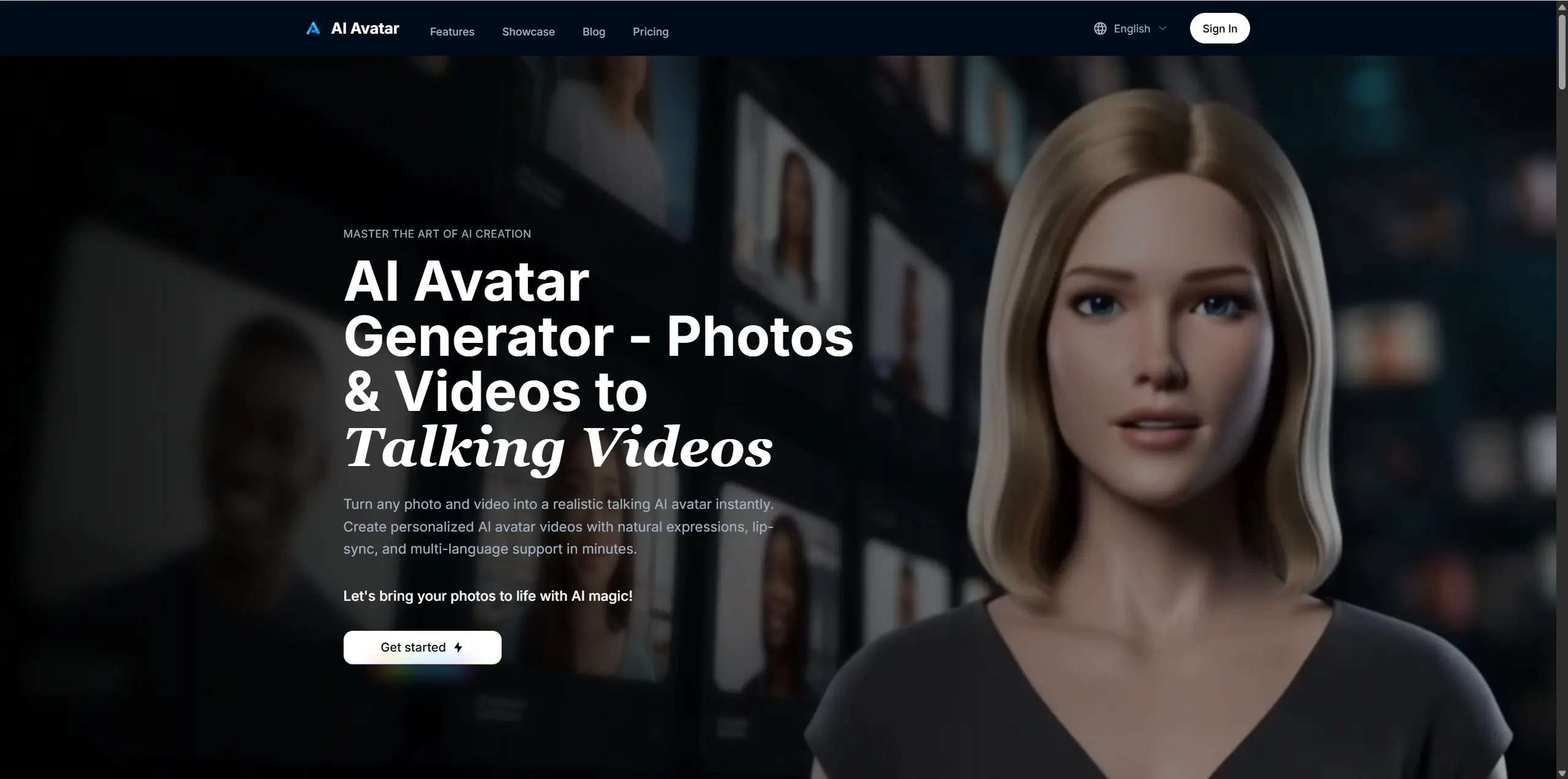
Screenshot of Veed.io, AI avatars that turn text or a single image into talking videos

What is Veed.io?

Veed.io is an AI video talk tool. VEED AI Characters creates talking-head video from text or a single photo, with 70+ stock avatars, a personal digital twin built from a two minute recording, and localization into many languages. It lives inside the VEED editor alongside subtitles and brand kits.

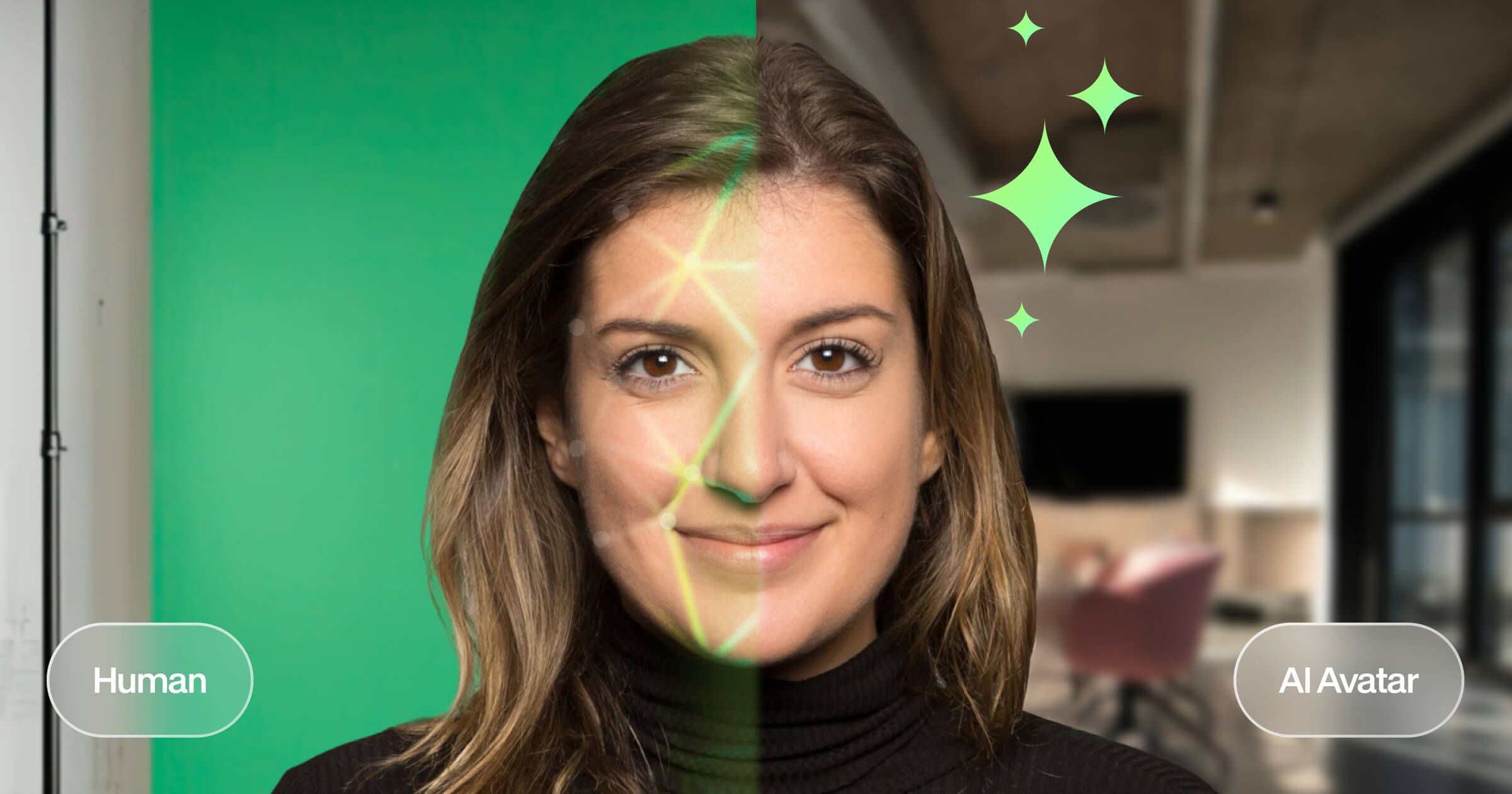
VEED AI Characters is the avatar layer of the VEED video platform. It offers two production paths. The first is a library of more than 70 pre-made photorealistic characters that differ across age, ethnicity and gender, which can be scripted from text and rendered as talking-head footage. The second is a custom route: users record a short scripted clip of themselves at home, and the system builds a personal digital twin that captures their look and voice for reuse inside the VEED editor. The tool is aimed at teams that need spokesperson video at volume rather than at individual hobbyists. Marketing and communications groups use it to repurpose one message into localized campaigns, learning and development teams use it for on-demand training modules, internal comms groups use it for onboarding material, and sales teams use it for personalized demos that run without a presenter. Because characters sit inside the wider editor, avatar footage can be combined with auto-subtitles, templates and brand kit assets in the same project. Localization is the strongest part of the pitch. The company claims coverage of 80 or more languages and dialects in one place and 120 or more languages for translation and dubbing with natural accents, plus a stated cost advantage over studio recording. Those figures come from VEED's own marketing and should be validated against the languages a given project actually needs. Against dedicated avatar services, the draw is the surrounding editor: subtitles, templates and brand controls arrive in the same workspace instead of a separate render farm. The tradeoff is that this is a hosted, editor-bound workflow rather than a scriptable pipeline, and fine control over delivery or performance is limited to what the character models allow. Buyers should test a real script before committing to a plan.

How do you use Veed.io?

  1. 1Decide between a stock character and a personal clone
    Open the AI Characters page and compare the pre-made library with the digital twin option. Stock characters suit high-volume marketing and training; a clone suits presenter-led content where a specific person must appear.
  2. 2Record your clone if you need one
    The setup records you at home against a simple script and takes under two minutes. Use even lighting and a clean background, since the captured look and voice are reused in every later video.
  3. 3Write the script and pick a voice
    Draft the spoken text in the editor, then attach it to a character. Text is the main input, so keep sentences short and test how the chosen voice handles names and technical terms.
  4. 4Set the output language
    Use the translation controls to localize the same script for each target market. Review each language version before publishing, especially where accents or regional terms matter.
  5. 5Finish in the editor
    Add subtitles, templates and brand assets around the avatar clip in the VEED editor, then export. This is where one generated take becomes a finished piece rather than a raw test.

Pros and cons

Pros

  • Two clear routes: a library of 70+ stock characters or a personal clone from a short recordingAI
  • Localization is built in, with one-click translation and dubbing across a wide language listAI
  • Avatar footage lands in the full VEED editor, so subtitles, templates and brand kit are one step awayAI
  • Covers the main business use cases out of the box: marketing, L&D, internal comms and sales demosAI
  • Low production barrier, no camera crew and no studio booking required for a first draftAI

Cons

  • Language and cost figures come from the vendor's marketing and are not independently verifiedAI
  • Character realism has limits; talking-head output can fall short of filmed footage in close-up workAI
  • Delivery control is thin, so precise tone, pacing and gesture direction are largely out of reachAI
  • Locked to a hosted editor workflow, with no obvious path to scripted or batch renderingAI
  • Custom avatar setup depends on a recording that meets quality standards, and weaker source clips will showAI

How much does Veed.io cost?

Features

Text-to-video with 70+ stock AI characters, a personal digital twin built from a two minute recording, one-click localization across a wide language list, and full access to the VEED editor for auto-subtitles, templates and brand kit assets.

Learn more

Frequently asked questions about Veed.io

  • How do you use Veed.io?
    The walkthrough on this page covers 5 steps: 1. Decide between a stock character and a personal clone 2. Record your clone if you need one 3. Write the script and pick a voice 4. Set the output language 5. Finish in the editor.
  • What platforms does Veed.io support?
    Veed.io is available on Web App.
  • What are the limitations of Veed.io?
    Language and cost figures come from the vendor's marketing and are not independently verified. Character realism has limits; talking-head output can fall short of filmed footage in close-up work. Delivery control is thin, so precise tone, pacing and gesture direction are largely out of reach.

Status

StatusActive
Views0
Outbound clicks0
Added10/21/2026

Platforms

Web App

Pricing

Freemium