GlyPho

Generate editable, consistent SVG sets from a single prompt.

Beginner
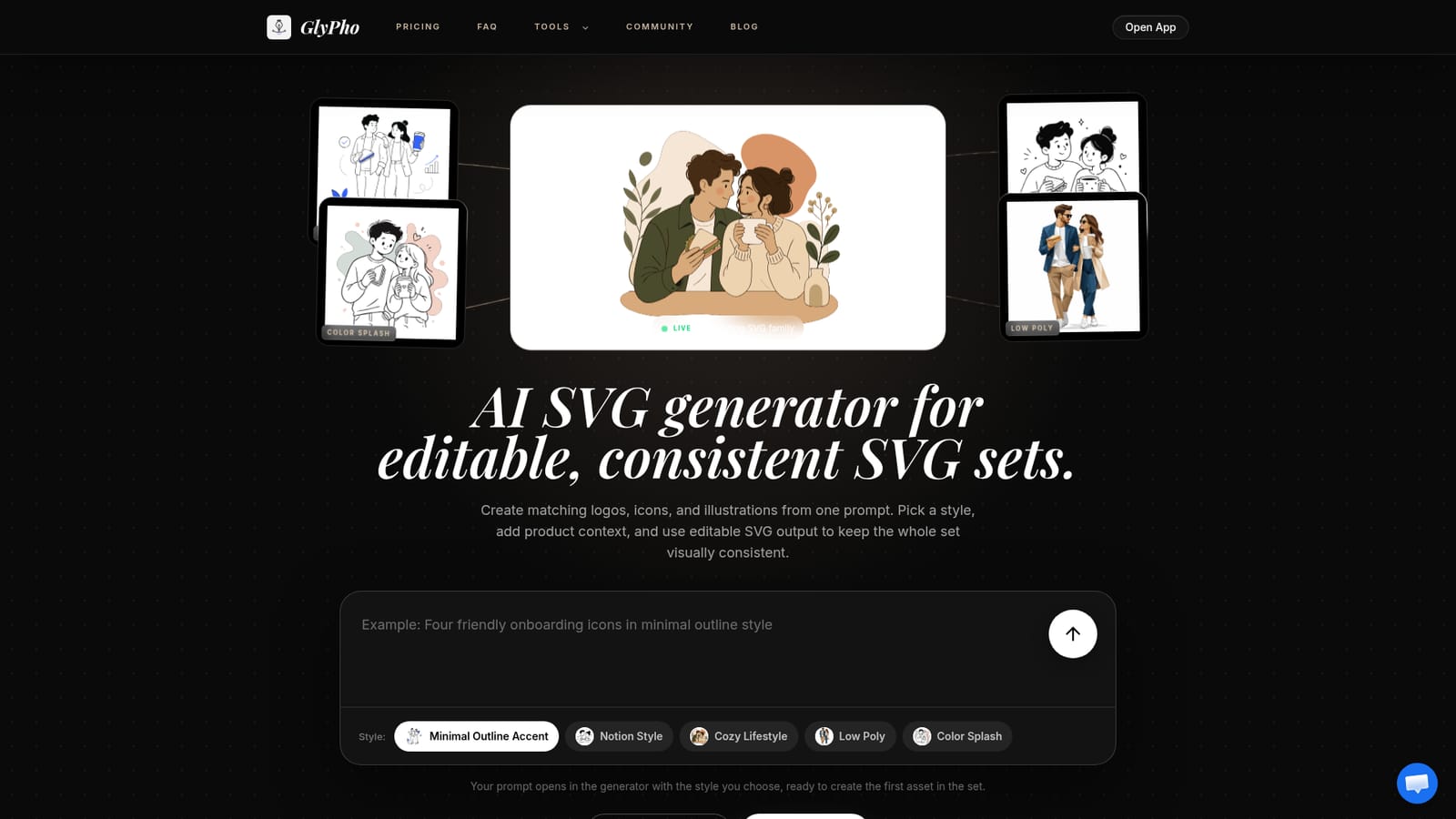
Screenshot of GlyPho, Generate editable, consistent SVG sets from a single prompt

What is GlyPho?

GlyPho is a generative art tool that generates editable, consistent SVG sets from a single prompt. An AI SVG generator that builds editable logos, icons and illustrations from one prompt, using shared style presets so every asset in a set looks like it belongs together.

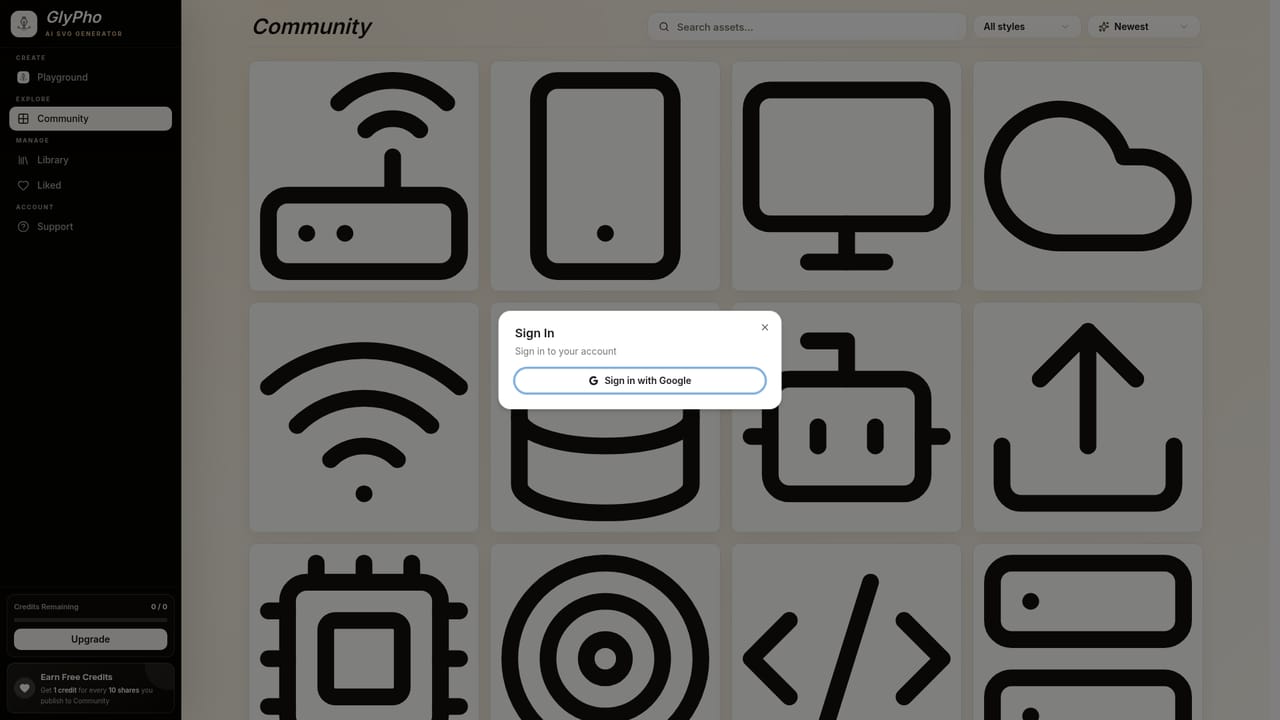
GlyPho is an AI generator that produces editable SVG assets, primarily logos, icons, illustrations, mascots and UI graphics. The core idea is family resemblance: instead of hunting stock boards for files that almost match, you describe the asset and its job in a single prompt, pick a style preset, and generate a vector you can open, recolor and inspect afterward. The same prompt and preset logic then carries into the next asset, so a brand mark, an onboarding icon and a docs illustration share stroke character and color logic without being duplicates of each other. The style system is the product's center of gravity. Presets such as Minimal Outline, Notion Style, Sticker, Duotone and Line Art each impose a distinct set of visual rules, and the homepage shows real outputs from each so you can judge line work before committing. The generator also accepts context about where the asset will appear, and the homepage argues that describing a billing empty state produces better direction than a generic phrase like finance icon. Output stays in SVG, which means colors, paths and spacing remain adjustable in code and design tools after export. This suits product designers, indie builders and small teams who need a coherent vector set for a launch page or interface without booking a full illustration cycle. A community library of public SVGs, browsable by category (business, technology, icons, avatars and more), offers a starting point, and sharing 10 first-time original SVGs earns one free credit. Against stock libraries and generic image models, GlyPho trades breadth for set consistency and post-export editability. It is not a raster image tool and not a full vector editor; the value sits in the repeatable direction rather than in one-off spectacle.

How do you use GlyPho?

  1. 1Describe the SVG set you need
    Start on the homepage and write a prompt that names the asset's job and where it will appear, rather than a broad topic word.
    GlyPho — Describe the SVG set you need
  2. 2Pick a style preset
    Choose from Minimal Outline, Notion Style, Sticker, Duotone or Line Art. Your prompt opens in the generator with that style applied.
  3. 3Generate the first asset
    Run the prompt to produce the opening vector, then judge the line weight and shape language before building out the rest of the family.
  4. 4Reuse the preset for the next pieces
    Keep the same preset and prompt logic as you add logos, icons and illustrations, so the set shares stroke character and color logic.
  5. 5Save promising directions privately
    Store the usable assets in a private library and reuse the prompt logic behind them when the next asset in the set is needed.
  6. 6Share or download the SVGs
    Publish chosen original SVGs to the community (10 first-time shares earn a credit) or download the editable files for your design tools.
    GlyPho — Share or download the SVGs

Pros and cons

Pros

  • Output is real, editable SVG, so colors, paths and spacing can be changed after exportAI
  • Five distinct style presets make it easy to hold one visual direction across many assetsAI
  • Prompt accepts product context, such as where the asset will appear, not just a topicAI
  • Public community library of SVGs browsable by category for quick starting pointsAI
  • Sharing 10 first-time original SVGs earns one free credit, which rewards contributionAI

Cons

  • Credits are consumed per generation, so exploring many style directions burns budget quicklyAI
  • Private libraries and commercial use are Pro-only, which limits evaluation on the free tierAI
  • No raster output and no built-in vector editor, so fine path work still happens elsewhereAI
  • Style range is broad in category but narrow in aesthetic depth, with a fixed preset listAI
  • Commercial licensing terms are summarized on the homepage rather than spelled out in detailAI

How much does GlyPho cost?

Pricing

Free tier at $0 forever with browsing and a first generation. Pro is $16/month billed yearly (save $48/yr) with 70 monthly credits, private library, commercial use and community rewards. Business is $48/month billed yearly (save $144/yr) with 250 monthly credits, team workflow and priority support.

Learn more

Support

Priority support is listed as a Business plan feature; the homepage does not describe other support channels.

Features

Prompt-to-SVG generation for logos, icons, mascots, patterns, UI assets, line art, stickers and duotone sets. Five style presets (Minimal Outline, Notion Style, Sticker, Duotone, Line Art) enforce shared visual rules across generations. Output stays editable SVG for adjusting colors, paths and spacing. A private library stores promising directions, and a community library groups public SVGs by category.

Frequently asked questions about GlyPho

  • How much does GlyPho cost?
    Free tier at $0 forever with browsing and a first generation. Pro is $16/month billed yearly (save $48/yr) with 70 monthly credits, private library, commercial use and community rewards. Business is $48/month billed yearly (save $144/yr) with 250 monthly credits, team workflow and priority support.
  • How do you use GlyPho?
    The walkthrough on this page covers 6 steps: 1. Describe the SVG set you need 2. Pick a style preset 3. Generate the first asset 4. Reuse the preset for the next pieces 5. Save promising directions privately 6. Share or download the SVGs.
  • What platforms does GlyPho support?
    GlyPho is available on Web App.
  • What are the limitations of GlyPho?
    Credits are consumed per generation, so exploring many style directions burns budget quickly. Private libraries and commercial use are Pro-only, which limits evaluation on the free tier. No raster output and no built-in vector editor, so fine path work still happens elsewhere.

Status

StatusActive
Views0
Outbound clicks0
Added10/21/2026

Platforms

Web App

Pricing

FreeFreemiumSubscription