Free trial
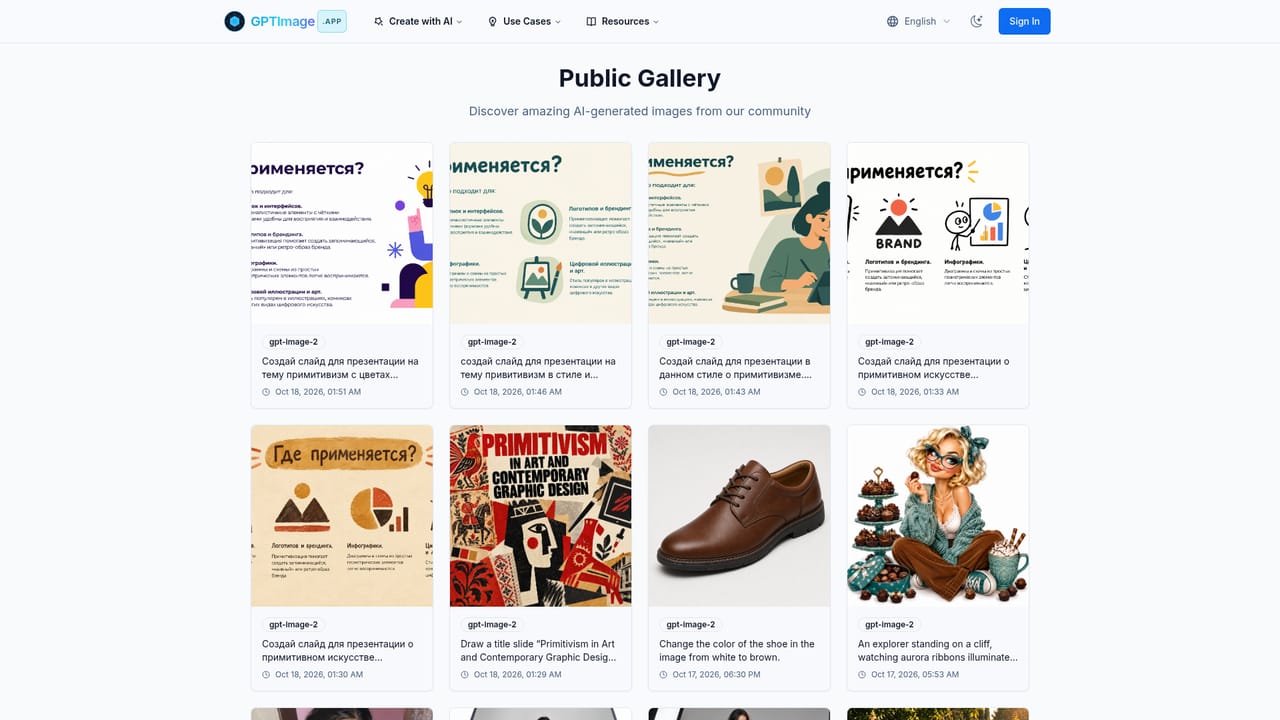
The free plan costs $0 and includes 30 credits, enough for about 10 images at 1024x1024, with access to GPT-4o Image and DALL-E 3. Images made on it appear in the public gallery.
Learn moreMulti-model AI image generator with chat-style editing and a free tier

GPTImage.app is a web image generator that combines GPT-image-2, DALL-E 3, Flux Pro, Nano Banana and Kling AI, with conversational editing, specialty tools like upscaling and background removal, and a free credit tier.
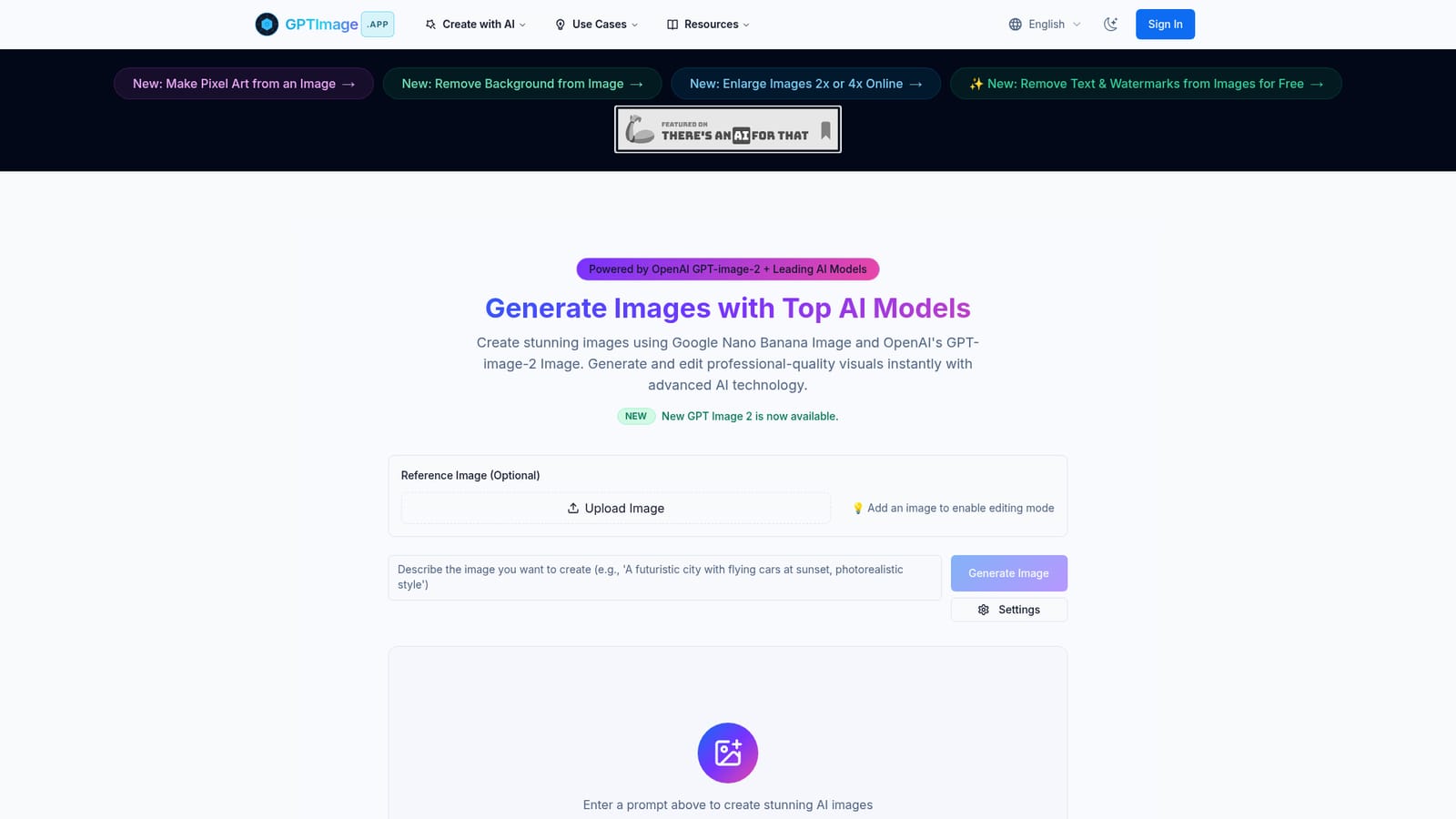
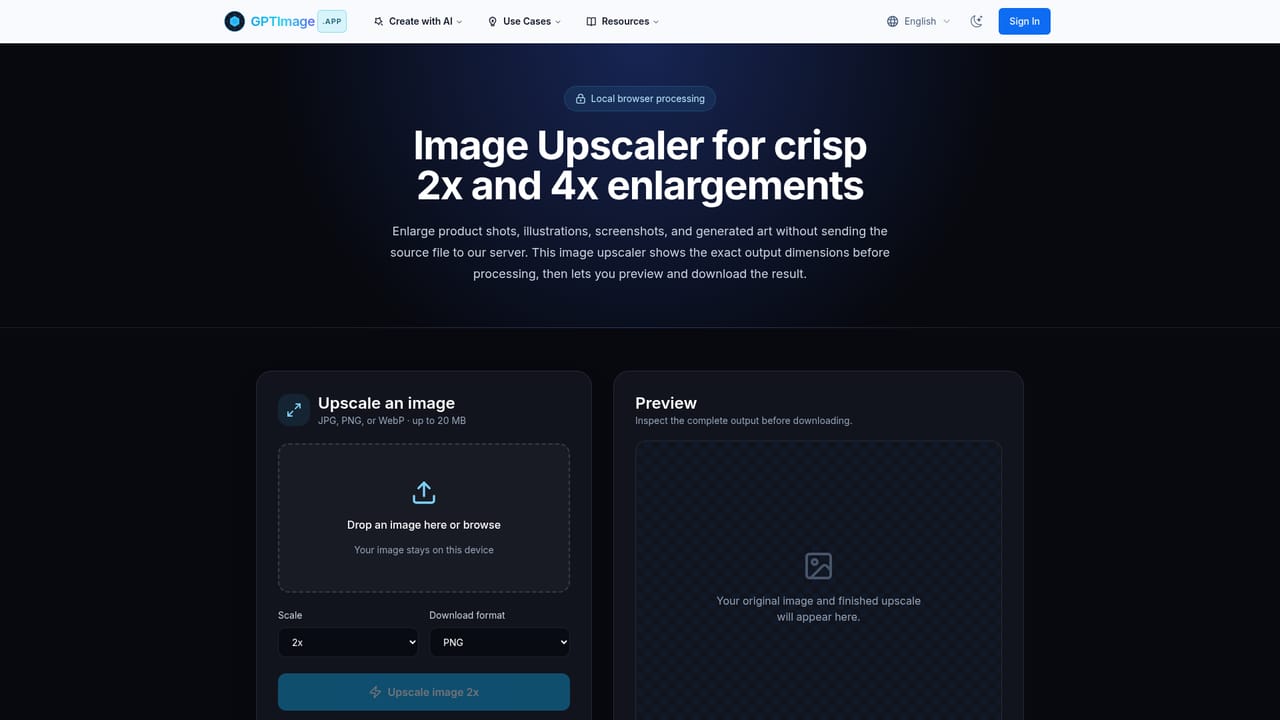
GPTImage.app is a web-based image generation platform that puts several AI image models behind a single prompt box. The homepage names OpenAI's GPT-image-2 and GPT-4o image generation, Google's Nano Banana, DALL-E 3, Flux Pro and Kling AI, so users can pick a model according to whether they want photorealism, an illustrative look or a more specialized style. The service positions its GPT-based generation as stronger at rendering legible text inside images, which matters for diagrams, logos and other text-heavy visuals. In practice, a user types a description, chooses settings such as aspect ratio, output format, quality and negative prompts, and waits for the result. The site states that a generation typically takes 30 to 60 seconds. Uploading a reference image switches the tool into editing mode, and changes can then be requested in plain language, for example recoloring an object, with the aim of keeping the picture visually consistent across several rounds. Finished images can be downloaded in high resolution or shared, and the site says exports carry C2PA metadata for authenticity. Beyond the main generator, the site offers narrower tools: a pixel art maker, background removal, a 2x or 4x upscaler, a text and watermark remover, a cinematic frame generator for storyboards and moodboards, and a crochet pattern designer. A public gallery shows recent creations along with the prompt and model used, and a blog carries tips and release notes. The audience is broad: casual users trying AI art, designers and marketers who need quick visuals, and developers, since the Pro plan is said to include API access. Pricing is credit-based with a free tier whose images appear in the public gallery, and paid yearly plans add privacy, higher resolution, batch processing and commercial rights. Compared with single-model tools, the draw is having several engines in one account, while the trade-off is a credit system and slower generation than some diffusion-based alternatives.
The free plan costs $0 and includes 30 credits, enough for about 10 images at 1024x1024, with access to GPT-4o Image and DALL-E 3. Images made on it appear in the public gallery.
Learn moreFree plan at $0 with 30 credits (about 10 images) and public gallery images. Starter is $99 per year (6,000 credits, up to 2048x2048, private). Pro is $199 per year (24,000 credits, up to 4096x4096, batch processing, commercial rights). Yearly billing saves 20%.
Learn moreCommunity support on the free plan, email support on Starter, and priority technical support on Pro. The FAQ also mentions contacting the team by email or chat.
The FAQ says Pro subscribers get a GPT image API with documentation for integrating generation into their own applications, websites or workflows. No third-party app integrations are listed.
Multi-model image generation, conversational editing, reference image upload, aspect ratio, quality and negative prompt controls, PNG/JPG output, C2PA metadata, upscaling, background removal, pixel art, text removal, cinematic and crochet studios, batch processing and brand presets on Pro.


