Free trial
New accounts receive 15 credits after signup, enough to test a short generation without paying.
Learn moreHailuo 3.0 turns text, frames and reference media into short AI videos.

Hailuo 3.0 turns text, frames and reference media into short AI videos. Hailuo 3.0, also known as MiniMax H3, generates 5 to 15 second videos from text, first and last frames, or reference images, video and audio, with 768P or 2K output and a credit based pricing model.
Hailuo 3.0 (also called MiniMax H3) is a browser based video generator that produces clips of 5 to 15 seconds from a written prompt, a set of endpoint frames, or a mix of reference images, clips and audio. It is built for people who need to explore a shot quickly before committing to a full production: brand teams testing ad concepts, social creators filling a vertical slot, game designers animating concept art, and directors comparing camera moves. The interface is English and centers on three workflows: Text to Video, First and Last Frame, and Multimodal Reference Video. In practice, you pick a workflow, describe the subject, action, lighting and camera movement (up to 4,000 characters), and optionally upload up to 9 images, 3 videos and 3 audio files for context. Prompts can call out those materials by name, such as @image1 or @video1. You then choose an aspect ratio (from 21:9 to 9:16 or auto), a duration of 5, 10 or 15 seconds, and a resolution of 768P (8 credits per billable second) or 2K (10 credits per second). The page shows a credit estimate before you generate, and reference video seconds are added to the output length when billing. Each run can be adjusted and repeated. Compared with prompt only generators, Hailuo 3.0 gives more direct control over how a clip starts and ends, which matters when the output has to cut into existing footage. It also accepts stereo reference audio, something many text to video tools do not. The tradeoff is that every action is metered in credits, and purchased packs are one time rather than monthly, so heavy users need to watch the per second cost. Hailuo 3.0 is an independent third party site and is not affiliated with MiniMax, so support and billing come from the operator rather than the model maker.
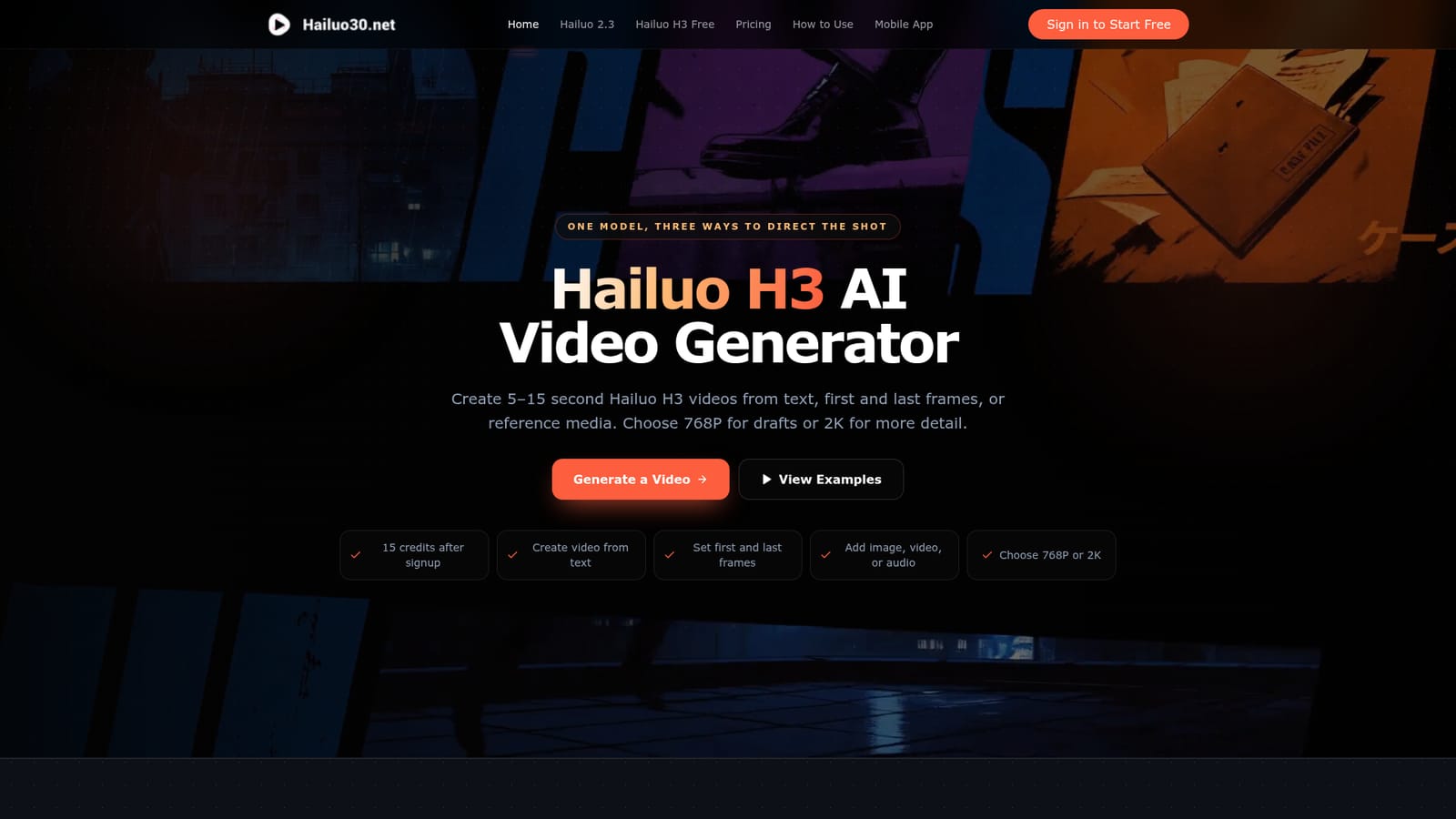
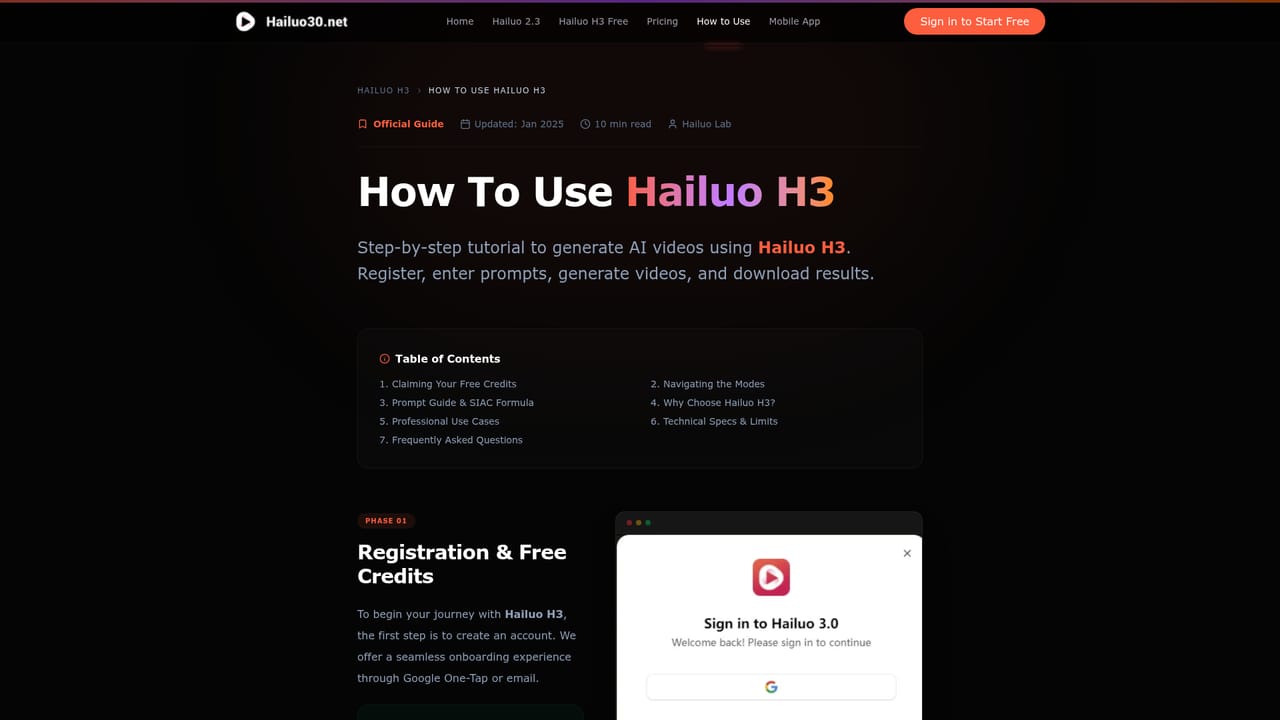
New accounts receive 15 credits after signup, enough to test a short generation without paying.
Learn moreOne time credit packs: Starter $9.9 for 198 credits, Creator $29.9 for 610, Pro $59.9 for 1,302, Business $99.9 for 2,378. Billing is 8 credits per second at 768P and 10 at 2K, and credits do not expire. A five second 768P clip costs 40 credits.
Learn moreText to Video, First and Last Frame control, and Reference to Video with up to 12 combined image, video and audio files. Prompts up to 4,000 characters, optional @ mentions for materials, 768P or 2K output, durations of 5 to 15 seconds, and aspect ratios from 21:9 to 9:16 or auto.
Learn more AI Angels400+ customizable AI girlfriends for NSFW chat, voice calls, and roleplay
 Candy AIExperience the future of companionship with AI friends who chat, role-play, and connect with you on a human level.
 ourdream.aiA vast AI roleplay platform with millions of characters for chat, images, video and voiceAI Angels400+ customizable AI girlfriends for NSFW chat, voice calls, and roleplayCandy AIExperience the future of companionship with AI friends who chat, role-play, and connect with you on a human level.ourdream.aiA vast AI roleplay platform with millions of characters for chat, images, video and voice


