Hair Is Everything

Turn one photo into a short AI video, with several models and upfront credit costs

Beginner
Screenshot of Hair Is Everything, Turn one photo into a short AI video, with several models and upfront credit costs

What is Hair Is Everything?

Hair Is Everything is a generative video tool that turns one photo into a short AI video, with several models and upfront credit costs. Web based image to video generator (branded Motiofy) that animates a single photo from a plain English motion prompt, with multiple AI video models, upfront credit costs and a creation history.

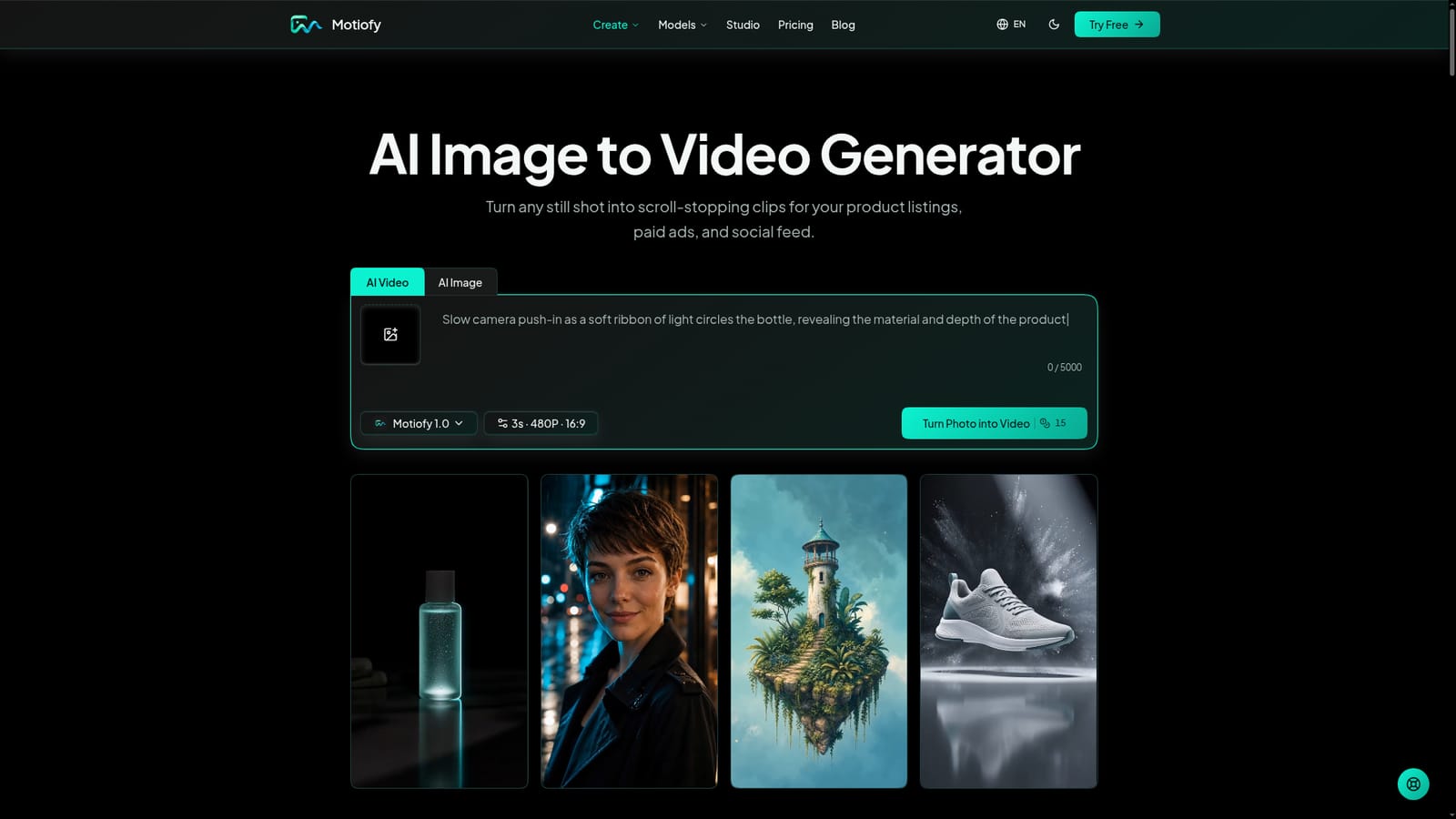
Listed under the name Hair Is Everything, the site at motiofy.ai presents itself as Motiofy, a web based image to video generator. The core idea is simple: upload a single still, write a plain English description of the motion, choose an AI video model, and receive a short clip. The homepage also shows a companion image generator and a separate text to video page for people who have no starting picture yet. Nothing on the homepage is specific to hairstyles beyond a sample motion prompt about hair in the wind, so buyers expecting a dedicated hairstyle tool should treat this as a general purpose video product. In practice the workspace exposes model aware controls. Visible options include several aspect ratios (from square to 9:16 and 16:9), durations from one second up to fifteen with the longer lengths marked premium, and a choice between 480P and 720P output. The credit cost appears before generation, with the default Motiofy 1.0 model estimated at about five credits per clip. Paid plans unlock additional models such as Kling 3.0, Seedance 2.5, MiniMax H3, Nano Banana, Seedream 5 Pro and GPT Image. Start and end frame control builds the transition between two images, and a reference image can lock the look of a product or character. Finished clips land in My Creations, organized by date, where they can be downloaded or re-run with an edited prompt. The intended audience is e-commerce sellers, social media creators, artists and illustrators, and marketing teams that want motion from photos they already own without filming new footage. Compared with traditional editing, it trades timeline control for speed and a low skill barrier. Compared with subscribing to individual model vendors, it bundles several models behind one credit balance, which suits people who want to compare outputs on the same image. The blog adds tested model comparisons and prompt walkthroughs that double as learning material.
How do you use Hair Is Everything?

  1. 1Upload a source image
    Open the image to video tool and upload a photo, product shot or artwork you own. A single image is enough to start.
    Hair Is Everything — Upload a source image
  2. 2Describe the motion
    Write a plain English prompt such as a slow push-in, drifting clouds or hair in the wind. Optionally add a start frame, end frame or reference image.
  3. 3Pick a model and settings
    Choose a video model, then set aspect ratio, duration and resolution. The estimated credit cost shows before you generate.
  4. 4Generate and review in My Creations
    Run the generation and open the finished clip in My Creations. Download it, or edit the prompt and generate a new take.
  5. 5Try text to video or Seedance 2.0
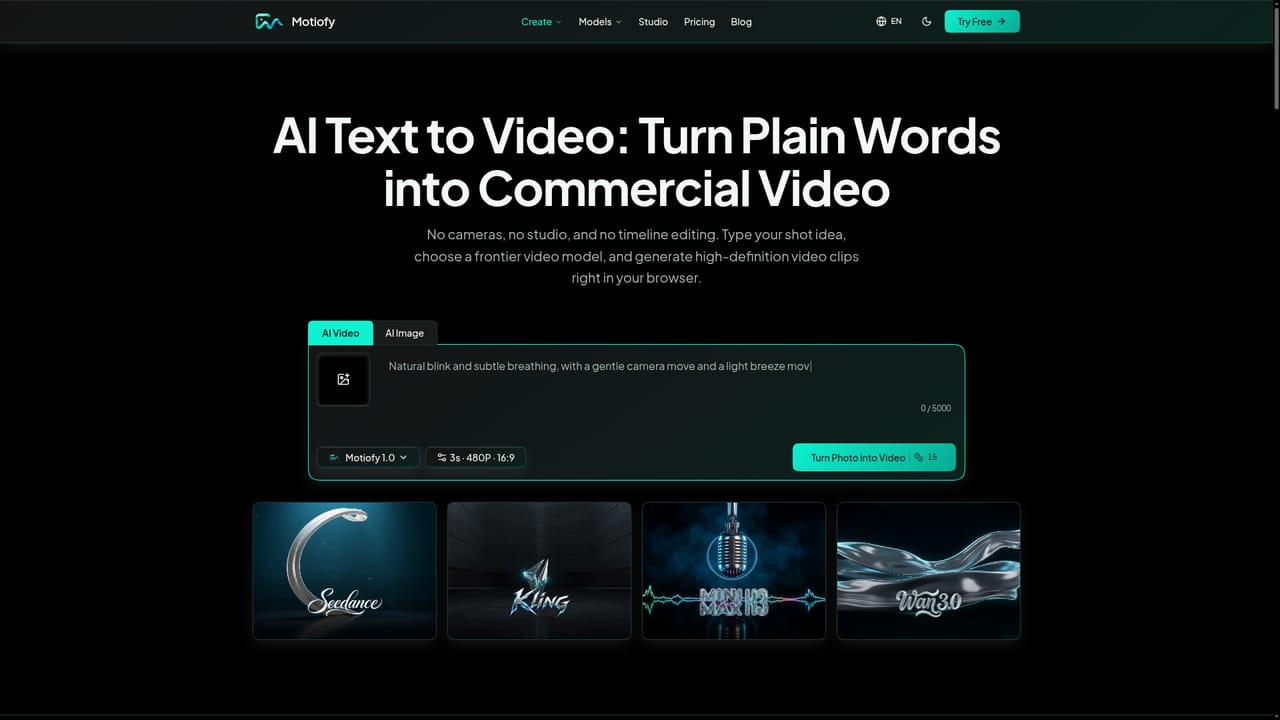
    With no starting image, use the text to video page. For cinematic camera moves and consistent characters, explore the Seedance 2.0 model page.
    Hair Is Everything — Try text to video or Seedance 2.0

Pros and cons

Pros

  • Several AI video models sit behind one credit balance, making side by side comparison on the same image easyAI
  • Credit cost is displayed before each generation, so spending is predictableAI
  • Start frame, end frame and reference image controls give more direction than a one-click animatorAI
  • New accounts receive free credits, so the tool can be tested before payingAI
  • My Creations keeps a dated history with download and prompt re-run optionsAI

Cons

  • Despite the listing name and hairstyle hint, the homepage describes no hairstyle-specific featuresAI
  • Premium models, longer durations and higher resolutions require a paid plan, and free credits run out quicklyAI
  • Starter caps video output at 720p; 4K starts only at the Creator tierAI
  • Watermark-free HD downloads are listed as a paid benefit, which implies limits on free outputAI
  • No public API or integrations are mentioned, so automated or batch workflows are unclearAI

How much does Hair Is Everything cost?

Free trial

New accounts get free credits to try image to video before paying; the page description mentions 20 credits.

Learn more

Pricing

Free to start with new account credits (the meta description cites 20). Paid monthly plans: Starter $20 (2,000 credits), Creator $40 (6,000 credits), Pro $100 (15,000 credits). Yearly billing lowers these to about $16.67, $33.33 and $83.33 per month. Credit packs are also offered.

Learn more

Support

Paid plans include priority support. Creator and Pro list a response within 24 hours, and Pro adds priority consideration for feature requests.

Integrations

The homepage lists no third-party integrations. It does name the AI models available in the workspace: Kling 3.0, Seedance 2.5, MiniMax H3, Nano Banana, Seedream 5 Pro and GPT Image.

Features

Image to video from one photo, start and end frame transitions, reference image guidance, model-aware controls, aspect ratios, durations to 15 seconds, upfront credit estimates, a companion image generator, and a My Creations history with download and re-run.

Frequently asked questions about Hair Is Everything

  • How much does Hair Is Everything cost?
    Free to start with new account credits (the meta description cites 20). Paid monthly plans: Starter $20 (2,000 credits), Creator $40 (6,000 credits), Pro $100 (15,000 credits). Yearly billing lowers these to about $16.67, $33.33 and $83.33 per month. Credit packs are also offered.
  • Does Hair Is Everything offer a free trial?
    New accounts get free credits to try image to video before paying; the page description mentions 20 credits.
  • How do you use Hair Is Everything?
    The walkthrough on this page covers 5 steps: 1. Upload a source image 2. Describe the motion 3. Pick a model and settings 4. Generate and review in My Creations 5. Try text to video or Seedance 2.0.
  • What platforms does Hair Is Everything support?
    Hair Is Everything is available on Web App.
  • What does Hair Is Everything integrate with?
    The homepage lists no third-party integrations. It does name the AI models available in the workspace: Kling 3.0, Seedance 2.5, MiniMax H3, Nano Banana, Seedream 5 Pro and GPT Image.
  • What are the limitations of Hair Is Everything?
    Despite the listing name and hairstyle hint, the homepage describes no hairstyle-specific features. Premium models, longer durations and higher resolutions require a paid plan, and free credits run out quickly. Starter caps video output at 720p; 4K starts only at the Creator tier.

Status

StatusActive
Views0
Outbound clicks0
Added10/18/2026

Platforms

Web App

Pricing

FreemiumSubscription