Support
Official quick start and common problem articles sit in the blog, alongside an about page and a service agreement.
Learn moreA voice companion that watches your screen and calls the play

HakkoAI is an AI screen analyzer tool. An AI game companion that reads your screen in real time, gives voice guidance during play, searches the web for answers mid session, and remembers you across games through a cast of personality driven partners.
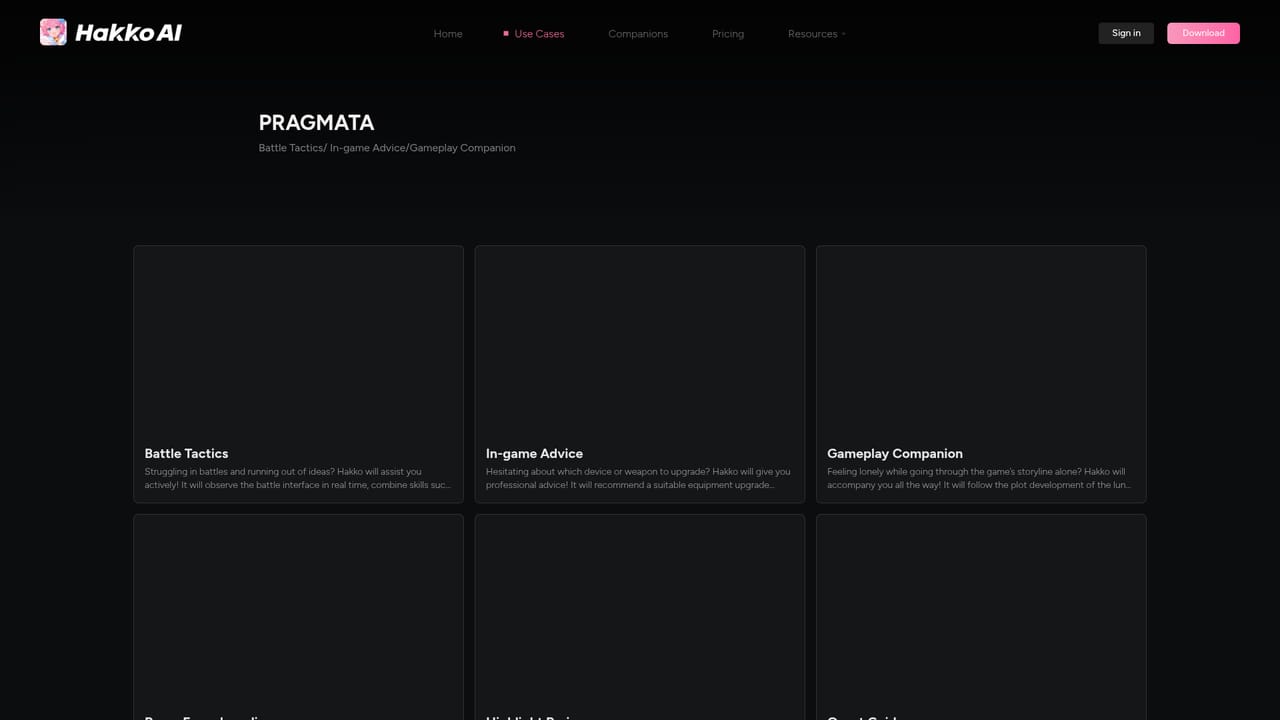
HakkoAI is a companion app that watches your game as you play and talks back in real time. Its core claim is visual understanding: the tool reads what is on screen and pairs that with voice responses, so guidance arrives during a raid, a boss fight or a tricky build rather than after the session ends. The feature set splits into two halves. On the competitive side there is scene recognition, which detects the screen and pushes recommended tips at key moments, plus a knowledge search layer that blends web lookup with analysis so in game questions get specific answers. A voice channel stays open throughout play. On the personal side there is cross game memory, which carries what it has learned about a player from one title into the next, and a roster of AI partners with distinct personalities for people who want conversation alongside the coaching. Getting started is modest: sign in, install the client, and pick a game from the supported list. The site publishes worked case studies (PRAGMATA has several) that show how the companion behaves in specific situations, which is the fastest way to judge whether the responses match how you actually play. A companion mode on the site extends the same persona beyond gaming into watching shows and study sessions. Genre coverage is broad by design, from shooters to MOBAs to strategy and RPGs. Against conventional coaching tools, which lean on static guides or post match stats, HakkoAI bets that live screen context and an ongoing relationship with one persona are stickier. The trade off is that the value depends entirely on how well its scene recognition reads your specific game and setup.

Official quick start and common problem articles sit in the blog, alongside an about page and a service agreement.
Learn moreScene recognition reads the game screen in real time and pushes tips at key moments. A knowledge search layer blends web lookup with analysis to answer game questions. Real time voice chat keeps the companion talking through sessions. Cross game memory retains interactions across titles, and a roster of AI partners supplies distinct personalities.
 AI Angels400+ customizable AI girlfriends for NSFW chat, voice calls, and roleplay
 Candy AIExperience the future of companionship with AI friends who chat, role-play, and connect with you on a human level.
 ourdream.aiA vast AI roleplay platform with millions of characters for chat, images, video and voiceAI Angels400+ customizable AI girlfriends for NSFW chat, voice calls, and roleplayCandy AIExperience the future of companionship with AI friends who chat, role-play, and connect with you on a human level.ourdream.aiA vast AI roleplay platform with millions of characters for chat, images, video and voice


