Free trial
A seven day Premium trial is available with no credit card required. The free tier itself is permanent and covers unlimited local transcription.
Learn moreVoice to text for Mac that runs locally and pastes anywhere you type.

Harker is a private, local-first voice to text app for Mac. A global shortcut turns speech into text in any application, with unlimited free transcription and an optional Premium tier for AI rewriting, formatting and translation.
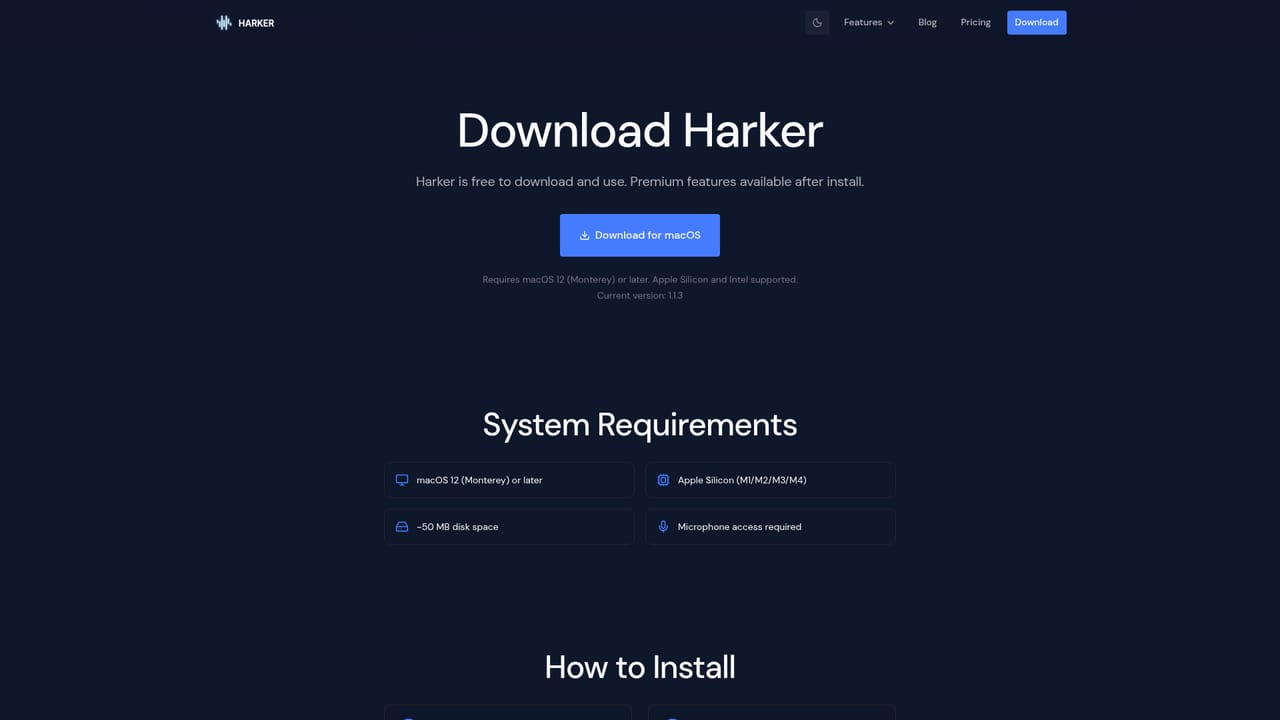
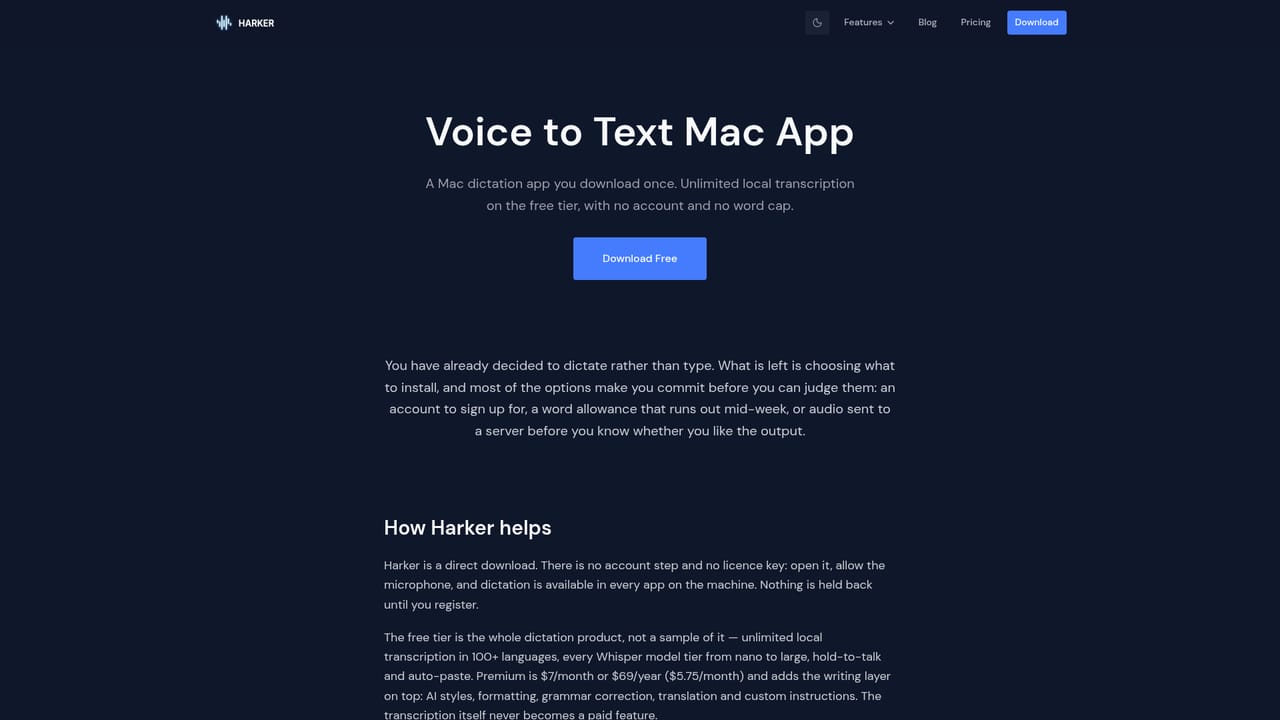
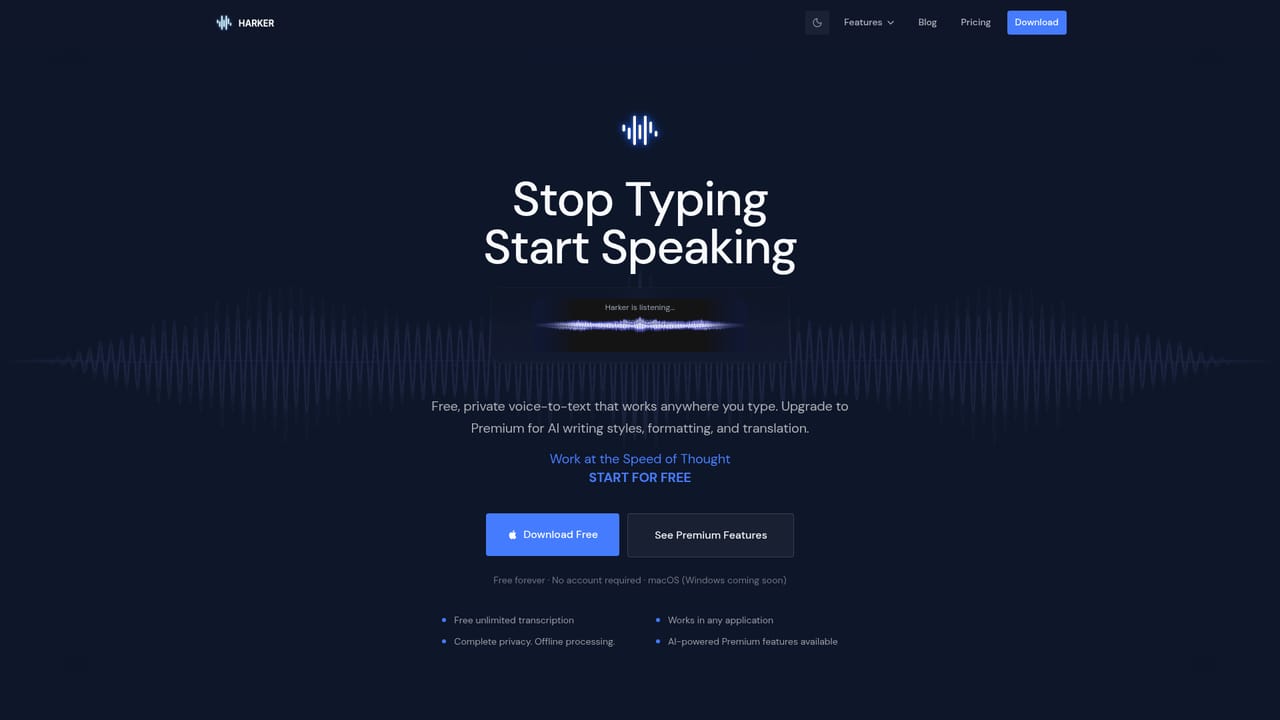
Harker is a macOS dictation app built around one idea: speaking is faster than typing, and the transcript should land wherever the cursor already sits. Press a global shortcut (Command, Shift, Space by default), talk at a normal pace, and the text is inserted into the active field of whatever application is in front of you, whether that is an email client, a document, Slack or a code editor. There is no separate transcript window to copy from, which is the detail that separates it from transcription services built around meeting recordings. The free tier is the heart of the product and is not a trial. It covers unlimited transcription, all Whisper model tiers, a hold-to-listen mode in addition to the shortcut, automatic pasting, and multi-language input. Processing happens on the machine and the app does not require an account, so audio is not uploaded to a server. That local-first design is the main axis Harker uses to position itself against cloud dictation tools such as Wispr Flow, and against Apple's built-in dictation and OpenAI's Whisper, which the site addresses through dedicated comparison pages. Premium adds a layer of AI text handling on top of the raw transcript: rewriting in a chosen writing style, formatting output as an email, a bulleted list or notes, grammar and punctuation cleanup, translation into other languages, and custom instructions that carry context into each dictation. Pricing starts at $5.75 per month, and a seven day trial is offered without a credit card. Cancelling returns the app to the free transcription feature set. The tool suits developers, designers, writers and anyone who thinks faster than they type, particularly people dictating prompts or drafts into AI assistants. The trade-offs are real: it is macOS only for now, with Windows described as coming soon, so Windows and Linux users are out of scope. Buyers who need speaker labels, meeting summaries or a searchable archive of past sessions should look at Otter-style tools instead, since Harker is a keyboard replacement rather than a recording platform.
A seven day Premium trial is available with no credit card required. The free tier itself is permanent and covers unlimited local transcription.
Learn moreFree tier: $0 forever, with unlimited local transcription, all Whisper model tiers, global shortcut and hold-to-listen, auto-paste and multi-language support. Premium: from $5.75 per month, adding AI writing styles, output formatting, grammar and punctuation fixes, translation and custom instructions. A seven day trial is offered without a credit card.
Learn moreGlobal keyboard shortcut and hold-to-listen activation, offline processing on the Mac, automatic pasting into any active text field, multi-language input and all Whisper model tiers on the free plan. Premium adds AI writing style transformation, output formatting for email, bullets or notes, grammar and punctuation correction, translation and custom instructions with context.
Learn more AI Angels400+ customizable AI girlfriends for NSFW chat, voice calls, and roleplay
 Candy AIExperience the future of companionship with AI friends who chat, role-play, and connect with you on a human level.
 ourdream.aiA vast AI roleplay platform with millions of characters for chat, images, video and voiceAI Angels400+ customizable AI girlfriends for NSFW chat, voice calls, and roleplayCandy AIExperience the future of companionship with AI friends who chat, role-play, and connect with you on a human level.ourdream.aiA vast AI roleplay platform with millions of characters for chat, images, video and voice


