Wiz Write

Press a hotkey, speak, and get polished text in any app.

Beginner
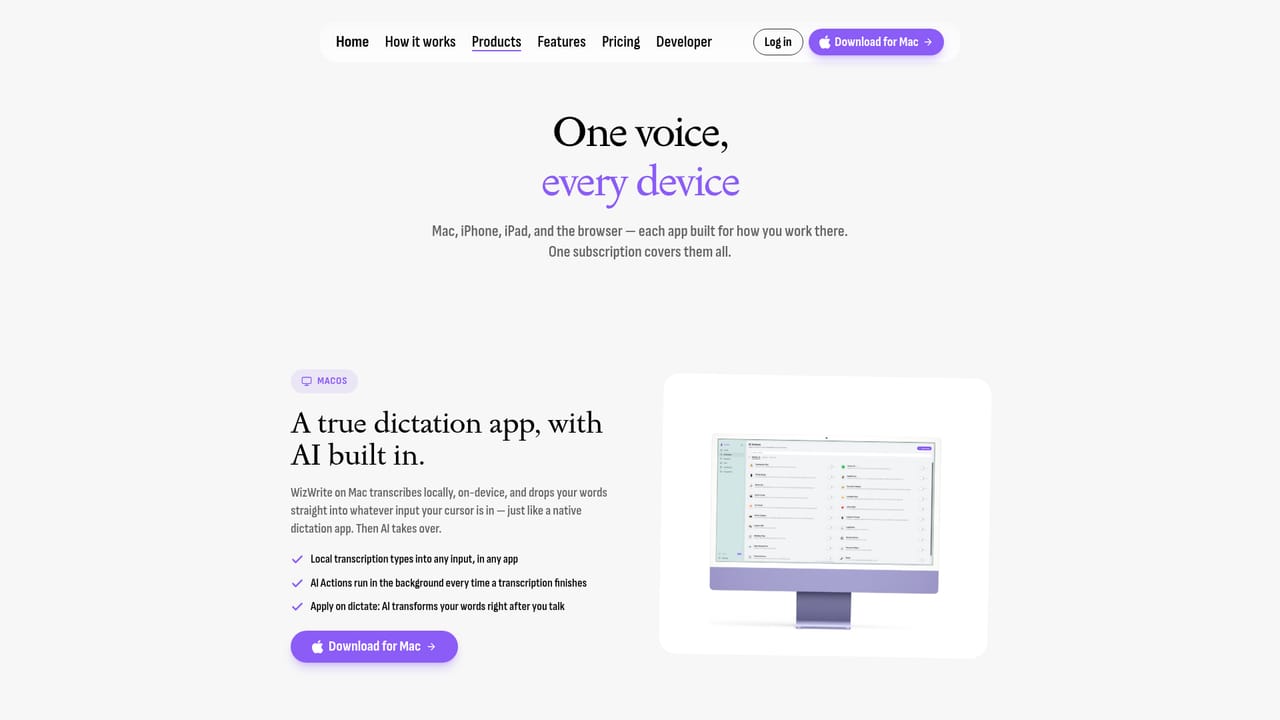
Screenshot of Wiz Write, Press a hotkey, speak, and get polished text in any app

What is Wiz Write?

Wiz Write is a Mac and iOS dictation app that turns spoken thoughts into polished emails, to-do lists and summaries. It uses on-device AI, a global hotkey and custom AI actions, and can push results into Slack, Notion, Gmail and other tools through webhooks or Zapier.

Wiz Write is a dictation tool built around a simple premise: people think faster than they type, so they should be able to talk out loud and let software handle the cleanup. The Mac app runs system wide, which means a hotkey works inside whatever application is already open, whether that is a mail client, a messaging window, a notes app or a task manager. Speech is not treated as raw input, it becomes a finished artifact such as an email, a to-do list or a summary, with filler words and false starts removed along the way. The homepage makes the workflow concrete with an example. A rambling, hesitant voice memo about a slipping beta date gets converted into a structured email with a subject line, the schedule change, a request for sign-off on pricing and a proposed Thursday call. That transformation is handled by AI actions, and users can create their own actions to match recurring jobs. The company claims roughly 5x speed versus typing, citing 225 words per minute spoken against 45 typed, and the pitch leans on the gap between raw speaking pace and keyboard pace. Privacy is a core part of the positioning. Transcription runs on device, and a Privacy Mode is included on every plan, which matters for anyone dictating client details, health information or internal strategy. The tool also handles multiple languages without a manual switch, so bilingual users can move between languages mid thought. Output can travel onward through webhooks or Zapier into services such as Slack, Notion, Gmail, Google Docs and Trello, which shifts Wiz Write from a dictation utility toward a front door for routine writing work. The audience is individual professionals first: founders, salespeople, consultants, support staff and anyone who writes the same kinds of messages all day. Team plans add shared actions and seat management. It competes with general voice typing built into operating systems and with transcription services focused on meetings, but its differentiator is the combination of a global hotkey, on device processing and custom actions that rewrite speech into a specific format. The main caveat is ecosystem: the native experience is Mac and iOS, so Windows and Android users get the browser version at best.

How do you use Wiz Write?

  1. 1Install the Mac app or open the web app
    Download the Mac build from the site, or use the browser version if you are not on macOS. The iPhone and iPad app is available separately on the App Store.
    Wiz Write — Install the Mac app or open the web app
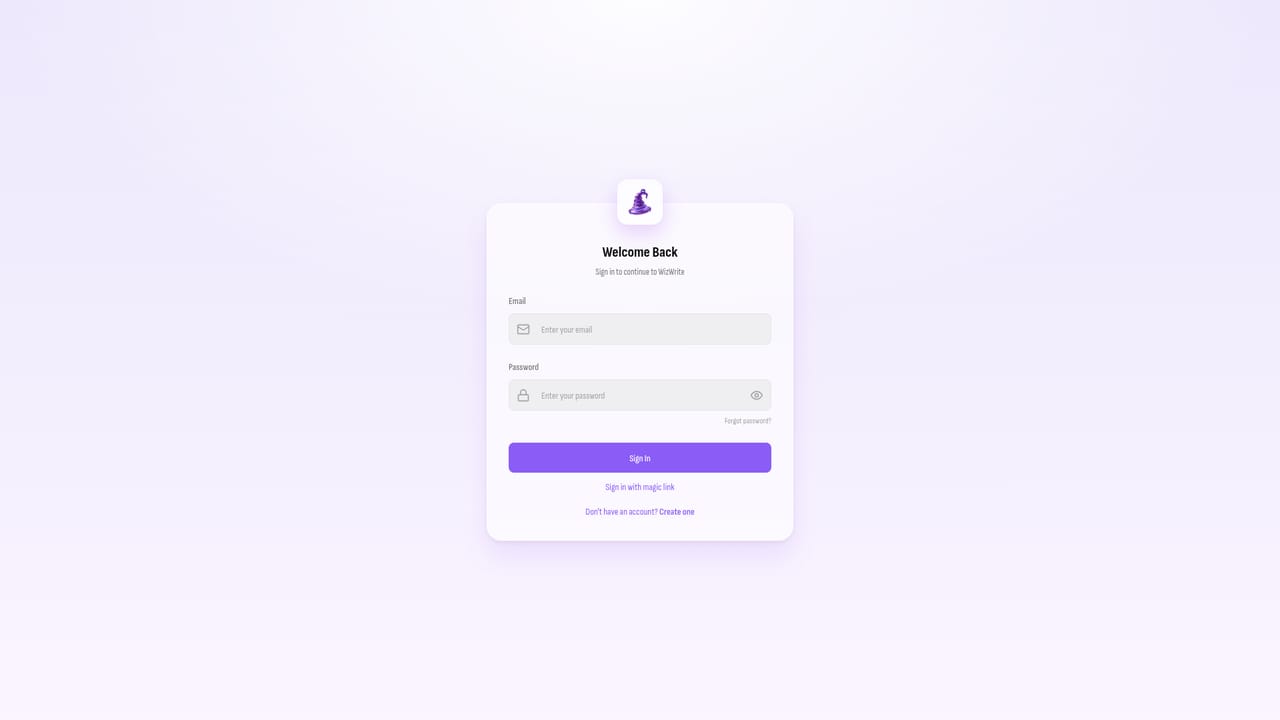
  2. 2Create an account and choose a plan
    Sign in through the web dashboard and pick Basic, Premium or Team. All tiers include the apps and Privacy Mode, with action limits and transcription caps separating them.
    Wiz Write — Create an account and choose a plan
  3. 3Set your dictation hotkey
    Assign the system wide shortcut you will use to start and stop recording. Because it works across the OS, the same key combination functions in every application.
  4. 4Speak naturally and review the output
    Press the hotkey, talk at normal pace without worrying about pauses or filler words, then stop. The tool returns cleaned text that you can edit before pasting or sending.
  5. 5Build a custom AI action
    Create actions for the formats you produce often, such as a status update or a follow-up email. Actions encode the structure so you do not restate instructions each time.
  6. 6Connect your workflow
    Add Zapier or webhook destinations to route finished text into tools like Slack, Notion, Gmail, Google Docs or Trello automatically.

Pros and cons

Pros

  • Global hotkey works inside any app, so dictation does not require a separate editorAI
  • On-device transcription with Privacy Mode included on every planAI
  • Custom AI actions can reshape rough speech into emails, lists or summariesAI
  • Handles multiple languages without manually changing a settingAI
  • Webhook and Zapier connections push finished text into Slack, Notion, Gmail and similar toolsAI

Cons

  • Entry price of $19 per month is high for a dictation utility, and unlimited transcriptions are locked to the $39 tierAI
  • Native apps exist only for Mac and iPhone or iPad, so Windows and Android users are limited to the web appAI
  • The 5x speed claim compares speaking to typing but says nothing about accuracy in noisy rooms or with strong accentsAI
  • Mac installs go through a direct DMG download rather than the App Store, which complicates managed device deploymentAI
  • Team collaboration starts at $119 per month with three seats, a steep step for small groupsAI

How much does Wiz Write cost?

Pricing

Three subscription tiers, each including every app and Privacy Mode. Basic is $19 per month with 5 custom AI actions, a Chrome extension, Zapier integration and on-device transcription. Premium is $39 per month and adds 50 actions, unlimited transcriptions, webhook integrations, priority support and advanced organization. Team is $119 per month with three seats, shared actions and team management.

Learn more

Support

Priority support is listed on the Premium plan and dedicated support on the Team plan. Basic subscribers are not promised any priority response tier.

Integrations

Webhook integration and Zapier connect Wiz Write output to Slack, Notion, Gmail, Google Docs, Trello and similar services. A Chrome extension is included from the Basic plan, and webhooks require Premium.

Features

System wide hotkey dictation on Mac, on-device transcription with Privacy Mode, custom AI actions that convert speech into emails, to-do lists or summaries, automatic language handling, a Chrome extension, Zapier and webhook connections, plus native iPhone and iPad apps and a browser app.

Frequently asked questions about Wiz Write

  • How much does Wiz Write cost?
    Three subscription tiers, each including every app and Privacy Mode. Basic is $19 per month with 5 custom AI actions, a Chrome extension, Zapier integration and on-device transcription. Premium is $39 per month and adds 50 actions, unlimited transcriptions, webhook integrations, priority support and advanced organization. Team is $119 per month with three seats, shared actions and team management.
  • How do you use Wiz Write?
    The walkthrough on this page covers 6 steps: 1. Install the Mac app or open the web app 2. Create an account and choose a plan 3. Set your dictation hotkey 4. Speak naturally and review the output 5. Build a custom AI action 6. Connect your workflow.
  • What platforms does Wiz Write support?
    Wiz Write is available on MacOS, iOS, Web App and Browser extension.
  • What does Wiz Write integrate with?
    Webhook integration and Zapier connect Wiz Write output to Slack, Notion, Gmail, Google Docs, Trello and similar services. A Chrome extension is included from the Basic plan, and webhooks require Premium.
  • What are the limitations of Wiz Write?
    Entry price of $19 per month is high for a dictation utility, and unlimited transcriptions are locked to the $39 tier. Native apps exist only for Mac and iPhone or iPad, so Windows and Android users are limited to the web app. The 5x speed claim compares speaking to typing but says nothing about accuracy in noisy rooms or with strong accents.

Status

StatusActive
Views0
Outbound clicks0
Added10/22/2026

Platforms

MacOSiOSWeb AppBrowser extension

Pricing

SubscriptionPaid