Free trial
The signup page offers a free start, and the homepage links to it as the entry point for new users. Plan limits and trial duration are not stated on the homepage.
Learn moreNotebooks, agents and self-serve analytics on one shared data context

Hex.tech is a developer tool. An AI analytics platform that combines an agentic notebook for Python and SQL, natural language Threads for self-serve questions, and published data apps, all grounded in shared governed context that data teams curate.
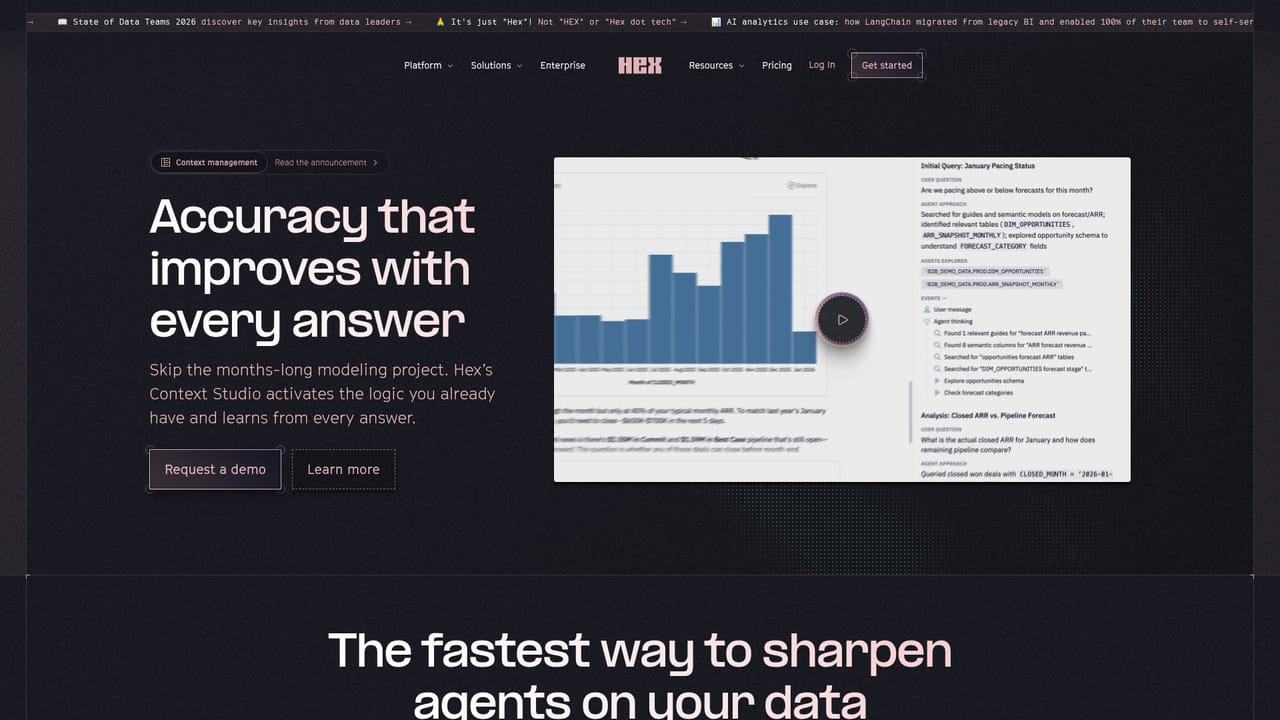
Hex is an AI analytics platform that puts three normally separate workflows on a single shared layer of context. Analysts get a multiplayer notebook where Python, SQL and no-code cells sit side by side and an agent can draft, edit and debug the code in place. Business users get Threads, a natural language interface that returns full analyses rather than single numbers, with follow-up questions allowed. Between the two sits a data app builder that publishes finished analysis as something non-technical colleagues can explore and query in conversation. The company's positioning rests on the gap between those modes elsewhere: conversational tools and code-based tools usually read from different context, so the same question yields different answers and someone has to reconcile them by hand. Hex keeps both pointing at the same semantic models, database metadata, endorsed data and AI guides, which data teams curate in Context Studio. Any Thread conversation can be opened as a notebook for inspection, so the agent's reasoning is exposed rather than hidden. In practice the tool suits data teams at companies large enough to have a warehouse and a governance story: analytics engineers, data scientists and the product or operations staff who keep filing requests. Slack is a first-class surface, and Threads can also be started from Claude, Cursor or Codex. The Hex CLI lets people already working in a coding agent publish findings back into Hex. Compared with BI dashboards or standalone AI chat tools, Hex expects a real data stack behind it and rewards setup work on semantic models and endorsed datasets. Privacy terms state that model providers do not train on customer data and that session data falls under the applicable Terms of Service.
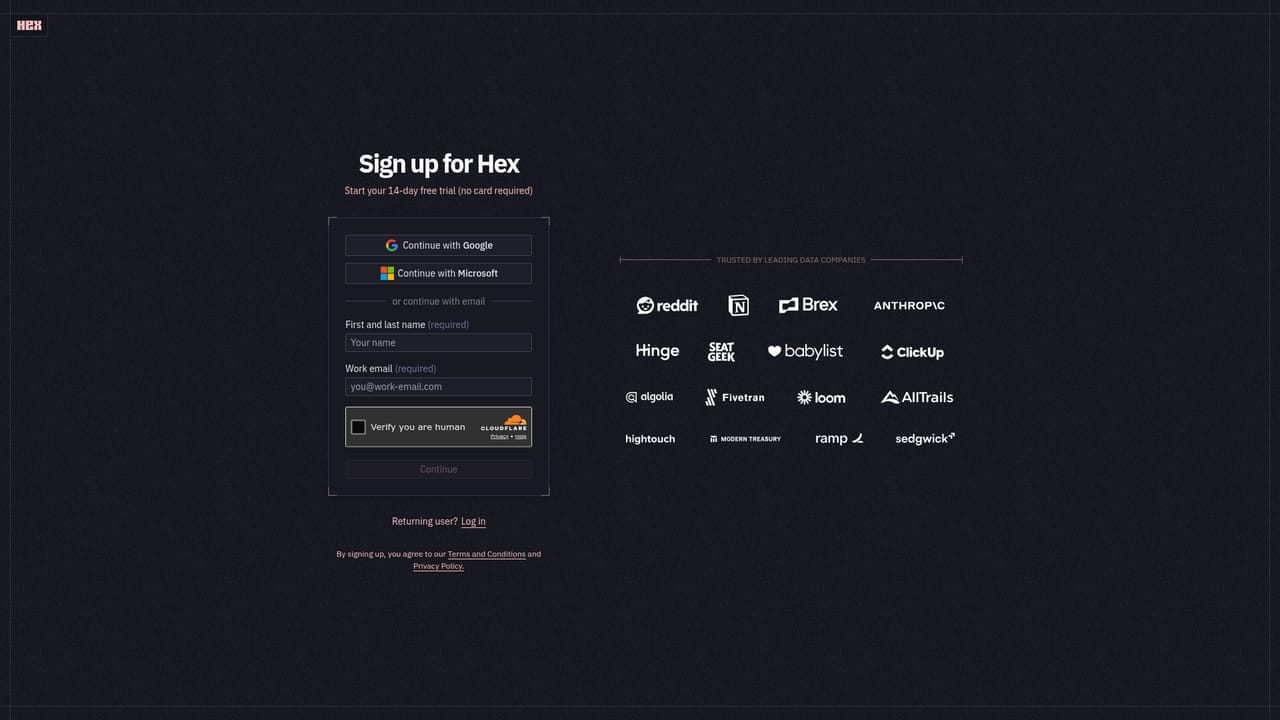
The signup page offers a free start, and the homepage links to it as the entry point for new users. Plan limits and trial duration are not stated on the homepage.
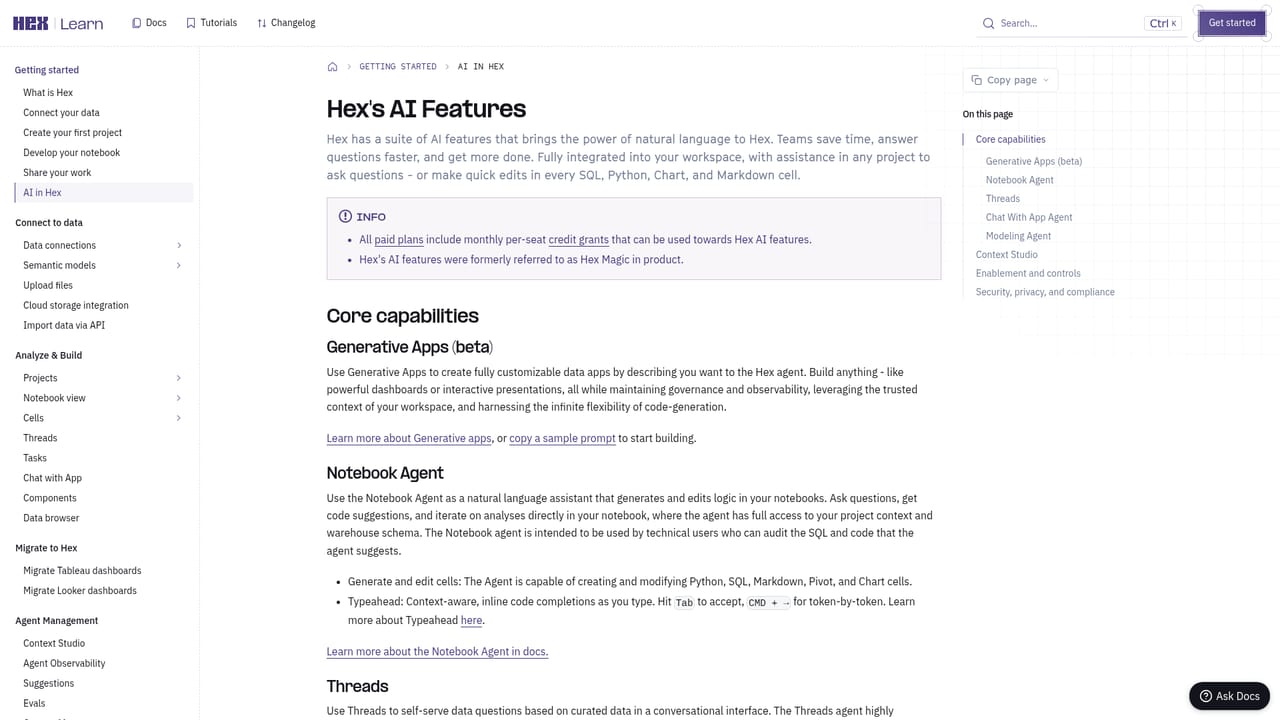
Learn moreA demo request route, a product FAQ, a privacy and data usage FAQ, and getting started documentation covering AI features.
Learn moreSlack for Threads, plus Claude, Cursor and Codex as places to start conversations. Database metadata, semantic models, external repositories and existing dashboards feed the context layer.
Learn moreAgentic notebook for Python, SQL and no-code analysis, with an agent that writes, edits and debugs code and tracks dependencies. Threads for conversational self-serve answers with follow-up questions, openable as notebooks. AI-assisted data app builder with chat over published apps. Context Studio for semantic models, endorsed data and AI guides. Slack, Claude, Cursor and Codex access, plus a CLI for bringing your own agent.
Learn more AI Angels400+ customizable AI girlfriends for NSFW chat, voice calls, and roleplay
 Candy AIExperience the future of companionship with AI friends who chat, role-play, and connect with you on a human level.
 ourdream.aiA vast AI roleplay platform with millions of characters for chat, images, video and voiceAI Angels400+ customizable AI girlfriends for NSFW chat, voice calls, and roleplayCandy AIExperience the future of companionship with AI friends who chat, role-play, and connect with you on a human level.ourdream.aiA vast AI roleplay platform with millions of characters for chat, images, video and voice


