Pricing
The homepage advertises a free forever plan and a Go Pro Lifetime upgrade priced at $4. No recurring subscription tiers are listed, and the free plan's limits are not specified on the homepage.
Learn moreAI color palette and gradient generator for designers
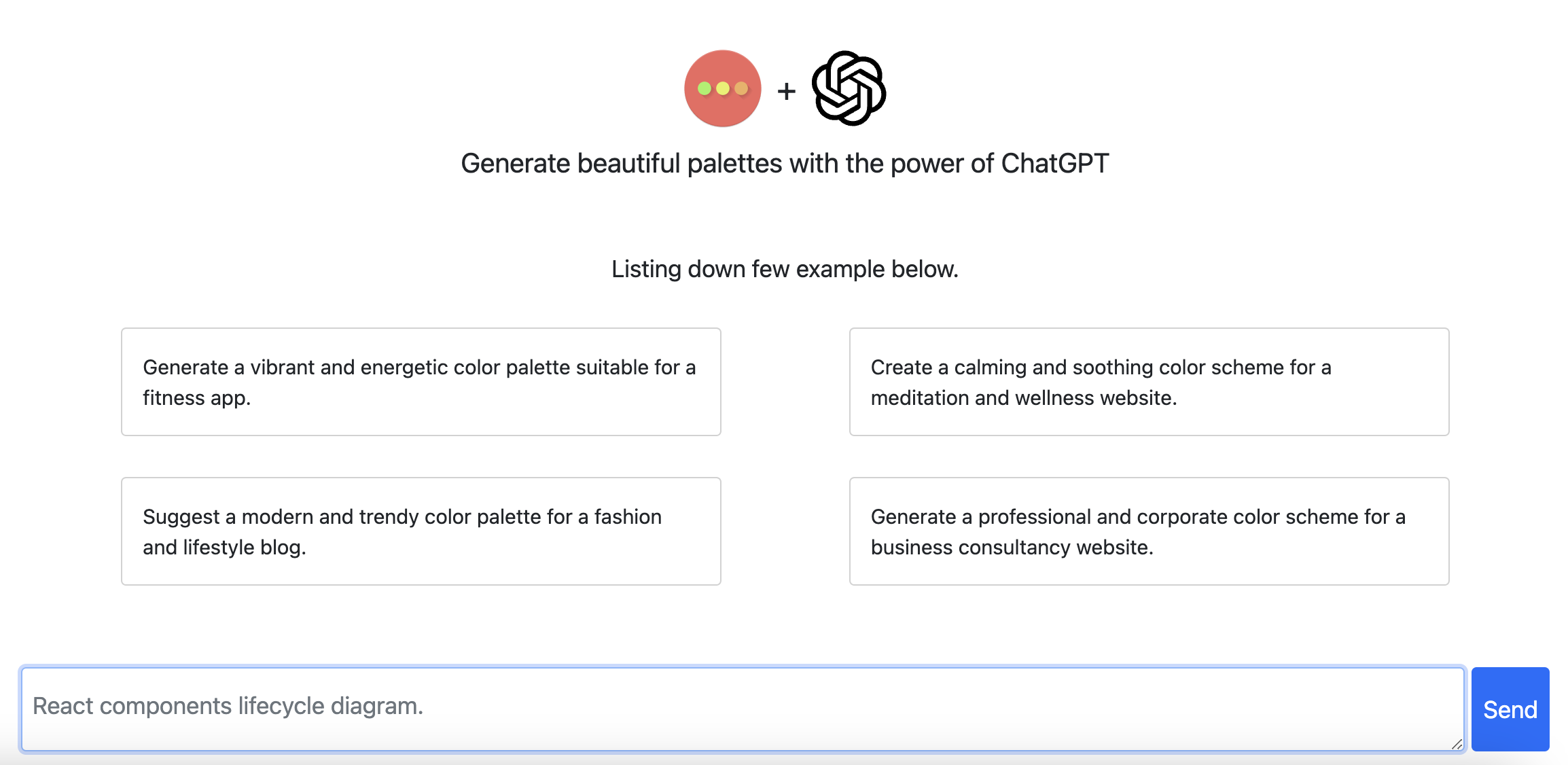
HueHive generates color palettes and gradients from text prompts or photos, previews them on UI mockups, checks WCAG contrast, and exports to CSS, Tailwind, JSON, PNG, and ASE. A free plan sits alongside a low one-time Pro upgrade.
HueHive is a browser-based color tool that turns natural language prompts into usable palettes. A designer can type a mood or brand direction, such as "cozy coffee shop" or "cyberpunk neon", and the AI returns a set of matching colors. A separate gradient mode produces gradients from the same kind of prompt, and a quick generator option skips prompting entirely for one-click output when the goal is simply fast inspiration. The homepage reports more than 25,000 palettes created so far. Beyond generation, the product bundles the utility work that usually follows palette selection. An image extraction feature accepts an uploaded, pasted, or dragged photo and pulls its dominant colors into a new palette. Each palette can be previewed inside seven UI mockups covering dashboards, landing pages, mobile apps, and social layouts, so a scheme is judged on a realistic surface rather than a swatch strip. A contrast checker tests combinations against WCAG AA and AAA thresholds and simulates color blindness, which matters for anyone producing accessible interfaces. Color theory panels add shades, tints, gradients, and a color wheel view with harmony analysis. Output is meant to travel. Palettes export as CSS, Tailwind config, JSON, PNG, and ASE, and the listing of supported tools includes Figma, so the handoff to design and front-end work is short. Standalone tools round out the set: a converter between HEX, RGB, HSL, and CMYK, plus a gradient builder for linear, radial, and conic CSS with copy-ready code. Users can save work into collections and mark a collection public, and there are public galleries of popular palettes and the latest collections for browsing other people's work. HueHive sits between a pure inspiration engine and a lightweight design utility suite. Compared with dedicated palette libraries it leans on prompt-driven generation and photo extraction; compared with full design applications it stays narrow, focused on color decisions and the code or assets that carry them forward. It suits web designers, brand and marketing teams, front-end developers, and students learning color theory. A free plan is advertised as available forever, with a lifetime upgrade offered at a single low price.
The homepage advertises a free forever plan and a Go Pro Lifetime upgrade priced at $4. No recurring subscription tiers are listed, and the free plan's limits are not specified on the homepage.
Learn moreExports are aimed at CSS, Tailwind, JSON, PNG, and ASE, with Figma named among the destination tools. No API, plugin, or account-level integration is documented on the homepage.
AI palette and gradient generation from text prompts, image color extraction via upload, paste, or drag, live previews on seven UI mockups, WCAG AA and AAA contrast checking with color blindness simulation, color theory views including shades, tints, gradients, and a harmony color wheel, export to CSS, Tailwind, JSON, PNG, and ASE, saved and public collections, plus standalone color converter and CSS gradient tools.
Learn more AI Angels400+ customizable AI girlfriends for NSFW chat, voice calls, and roleplay
 Candy AIExperience the future of companionship with AI friends who chat, role-play, and connect with you on a human level.
 ourdream.aiA vast AI roleplay platform with millions of characters for chat, images, video and voiceAI Angels400+ customizable AI girlfriends for NSFW chat, voice calls, and roleplayCandy AIExperience the future of companionship with AI friends who chat, role-play, and connect with you on a human level.ourdream.aiA vast AI roleplay platform with millions of characters for chat, images, video and voice


