Free trial
A free signup link appears in the header, but no trial length, credit amount or feature limits are described on the homepage.
Learn moreOne license, dozens of top image and video models in a single workspace

RunDiffusion is an AI image upscaler tool. RunDiffusion puts dozens of leading image and video models (Flux, Nano Banana, Seedream, Veo, Kling, Sora and more) plus upscalers, editing tools and open source apps under a single license, with team workspaces, shared assets and chained workflows for professional studios.
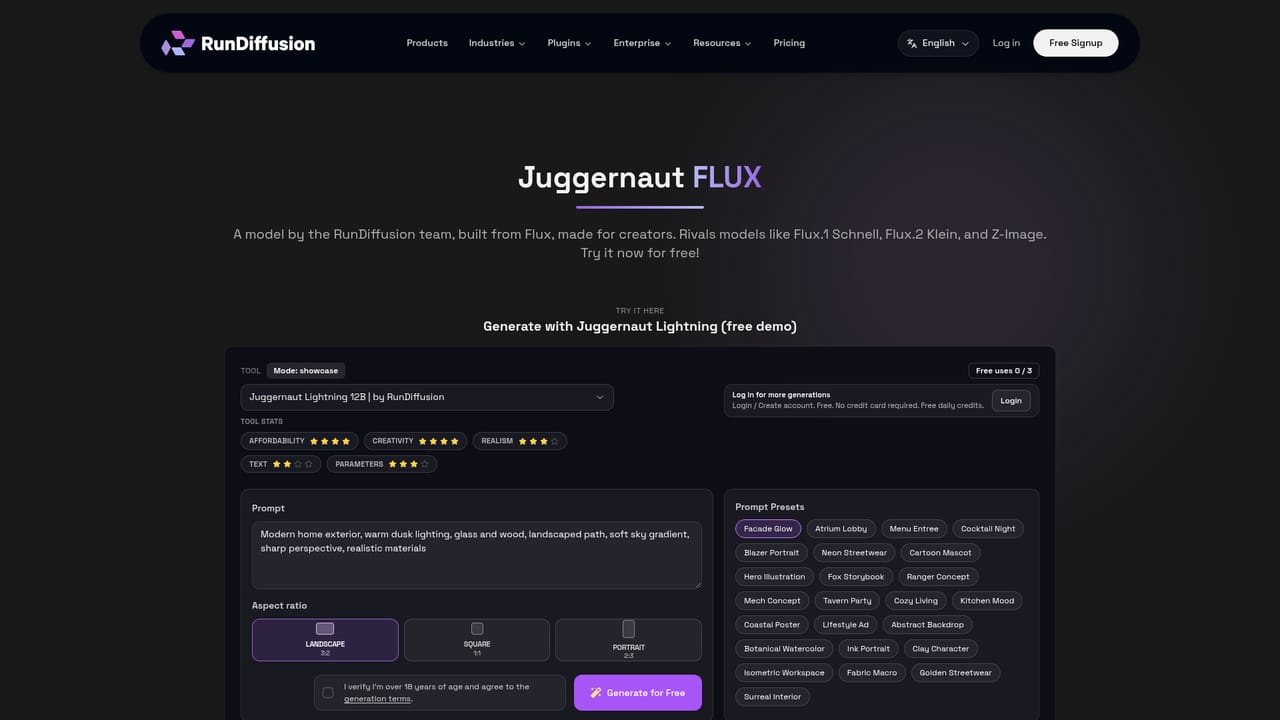
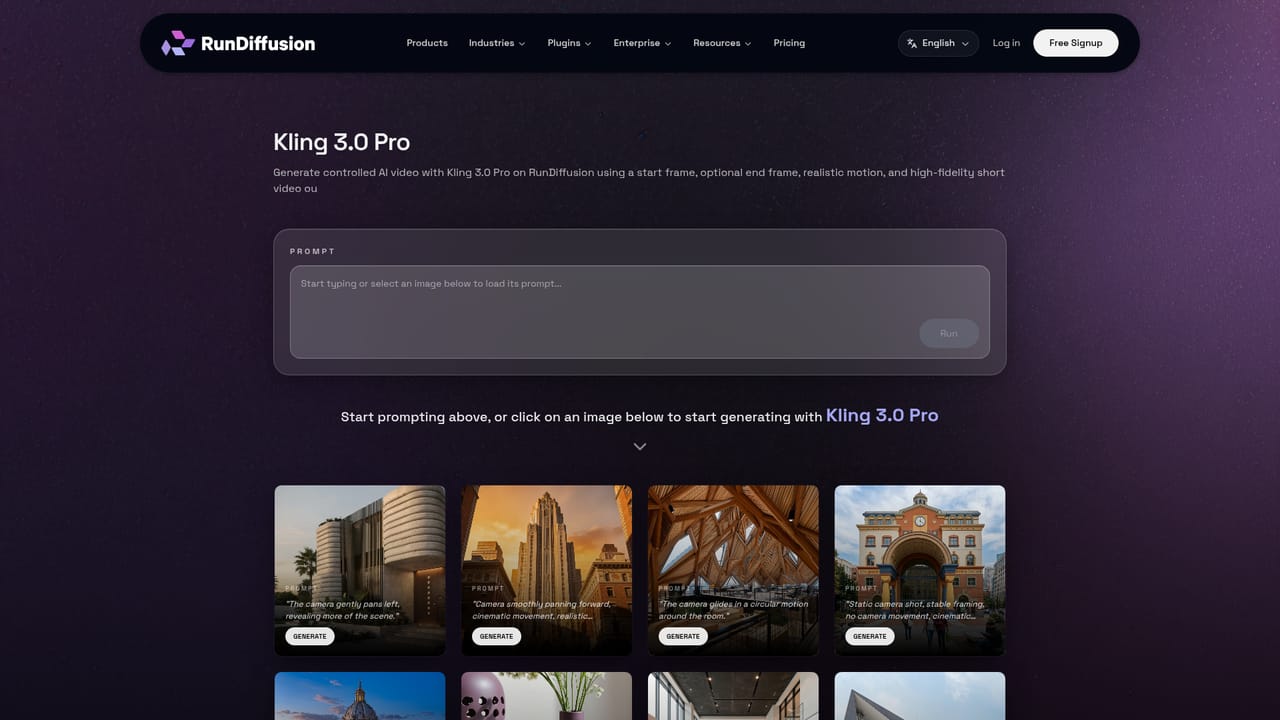
RunDiffusion is a web workspace that bundles a large roster of third party generative models behind one account and one license. Instead of subscribing to Flux, Google Gemini, OpenAI, Kling, Bytedance, Qwen, Black Forest Labs, Recraft, Hailuo and Lightricks products separately, a team signs in once and picks the model it wants from a shared library. The image side alone spans more than a dozen checkpoints, from Z-Image and Nano Banana Pro through Flux 2 Pro and Flux Dev to the Juggernaut line, Qwen Image 2512, Seedream v4.5 and RunDiffusion's own Photo Flux. Upscalers (Magnific, Topaz Generative) and edit models round out the roster. The platform is pitched at creative professionals and studios rather than casual hobbyists. Architecture, interior design, advertising, gaming, fashion and general design teams get purpose built entry points: a building sketch to render tool, texture generation, a person and object remover, background removal, headshot and thumbnail generators, and a character stat sheet. Video generation is covered by the same license, with LTX-2, Sora 2, Veo 3 and 3.1, and Kling variants available alongside the image models, so a storyboard can move into motion without leaving the account. In practice the workflow layer is the differentiator. Users chain models together on boards, keep assets and live model sessions in one place, fine tune custom models with the Flux Trainer, and hand a workflow to colleagues instead of rebuilding it. For teams that need open source control, ComfyUI, Auto1111, Kohya and Foooocus can be launched as sessions inside the same platform. Enterprise features cover shared models and media libraries, permission controls and governance as headcount grows. The trade off is depth versus breadth. RunDiffusion is a strong fit for studios that want many models under one contract and centralized asset management, and a weaker fit for someone who needs only one model and would rather pay that vendor directly. Pricing is not published on the homepage, so budget must be confirmed with sales before committing.
A free signup link appears in the header, but no trial length, credit amount or feature limits are described on the homepage.
Learn moreThe homepage does not publish prices, tiers or credit allowances. It positions the product as one platform and one license replacing multiple subscriptions, and directs visitors to a free signup plus a sales conversation for team licensing. Confirm seat cost and usage terms directly.
Learn moreNo help centre, documentation or support channel is described on the homepage; enterprise governance and permissions are mentioned, so onboarding questions likely go through account or sales contact.
Open source apps ComfyUI, Auto1111, Kohya and Foooocus can be launched as sessions inside the platform; model providers include Google, OpenAI, Black Forest Labs, Bytedance, Kling, Qwen and Lightricks.
Access to a long list of image models (Flux 2 Pro, Flux Dev, Juggernaut variants, Nano Banana Pro and Edit, Seedream v4.5, Qwen Image 2512, Z-Image, ChatGPT image models), video models (Veo 3 and 3.1, Kling, Sora 2, LTX-2 and 2.3, Seedance), upscalers, editing tools, RunDiffusion exclusives like the Flux Trainer and Person and Object Remover, chained workflow boards, shared assets and enterprise permission controls.
Learn more AI Angels400+ customizable AI girlfriends for NSFW chat, voice calls, and roleplay
 Candy AIExperience the future of companionship with AI friends who chat, role-play, and connect with you on a human level.
 ourdream.aiA vast AI roleplay platform with millions of characters for chat, images, video and voiceAI Angels400+ customizable AI girlfriends for NSFW chat, voice calls, and roleplayCandy AIExperience the future of companionship with AI friends who chat, role-play, and connect with you on a human level.ourdream.aiA vast AI roleplay platform with millions of characters for chat, images, video and voice


